What is a mug print?
A mug print is the artwork applied around a ceramic mug, usually a repeating pattern or a single motif positioned to face the drinker. Gift shops, cafés, merch stores, and small brands use it as a low-cost product that carries a look without any assembly. Because the design wraps a curved surface, it needs to work as a long horizontal panel and stay clear where the handle interrupts it.
With Morphic you design that artwork from a text prompt in your browser. Describe the motif, the palette, and how densely it should repeat, compare a few options, then download in HD. You get a print-ready pattern without opening pattern-design software.
Choose a motif and a palette
Pick the subject of the pattern and two or three colours that suit the product line. A tight palette keeps the print looking deliberate and reproduces more predictably on ceramic.
Describe the wrap artwork
Open Morphic and describe the motif as a wide panel that reads well when wrapped around a mug. Ask for a couple of options so you can compare a dense pattern against a sparser one.
Plan around the handle
Ask for a design that stays balanced when part of it is hidden behind the handle, with no single element that must survive intact. Keep the important motifs away from the far left and right edges of the panel.
Check scale and resolution
View the artwork at the size it will actually print and confirm fine details are still readable. Regenerate at high resolution if any element looks soft or overly busy.
Export and order a sample
Download the artwork in HD and send it to your printer at the panel size they specify. Order a single sample mug to confirm the colours and the wrap position before a full run.
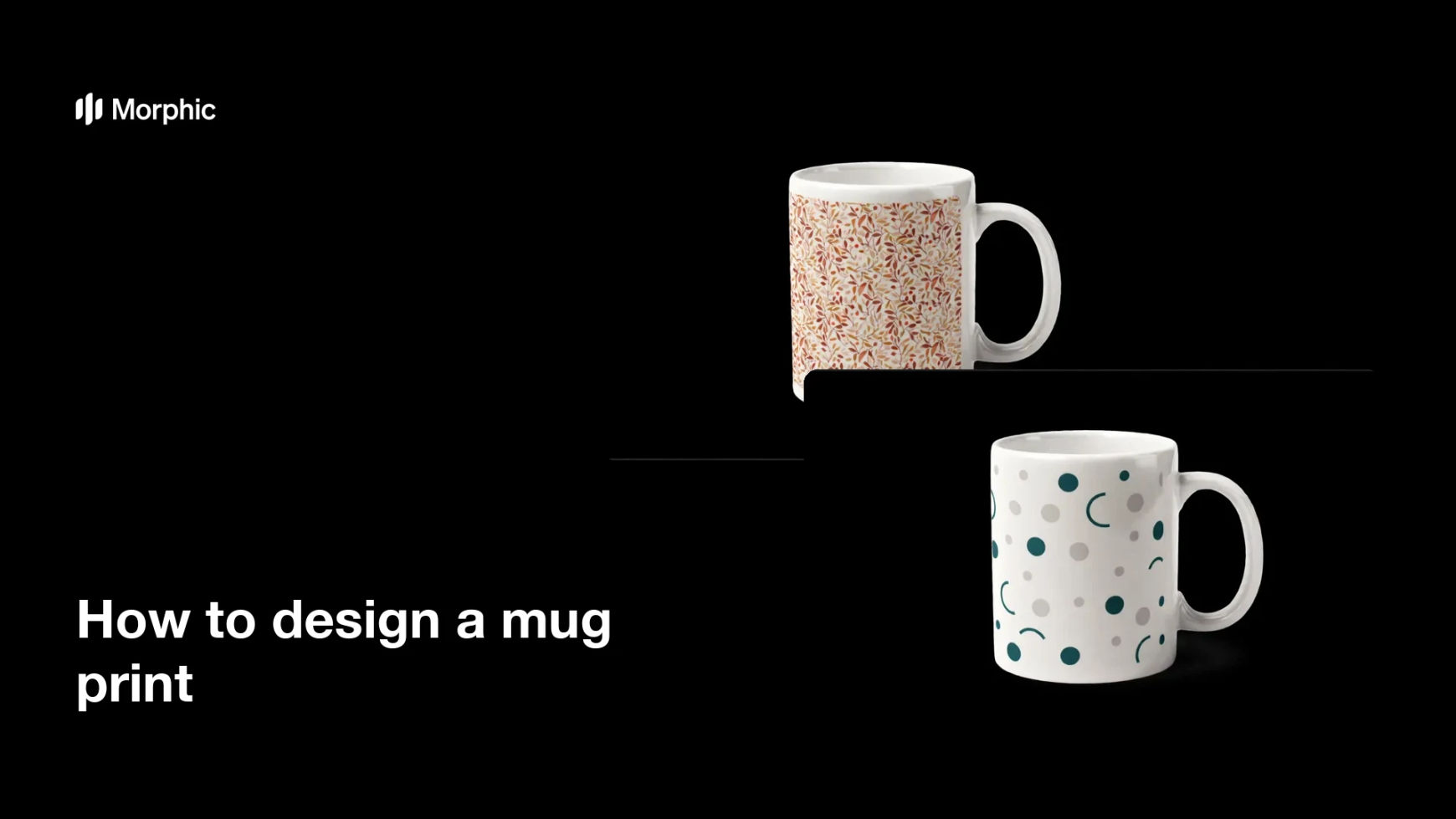
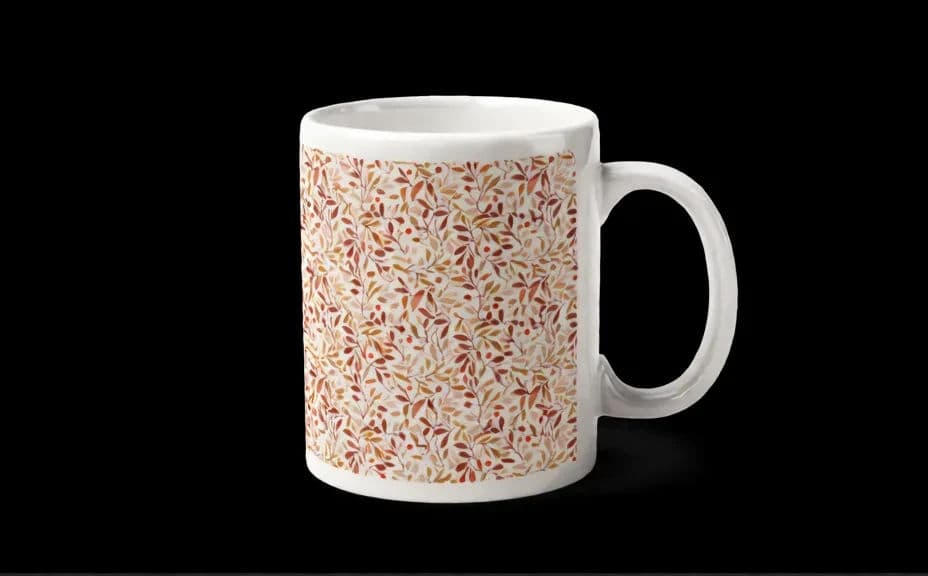
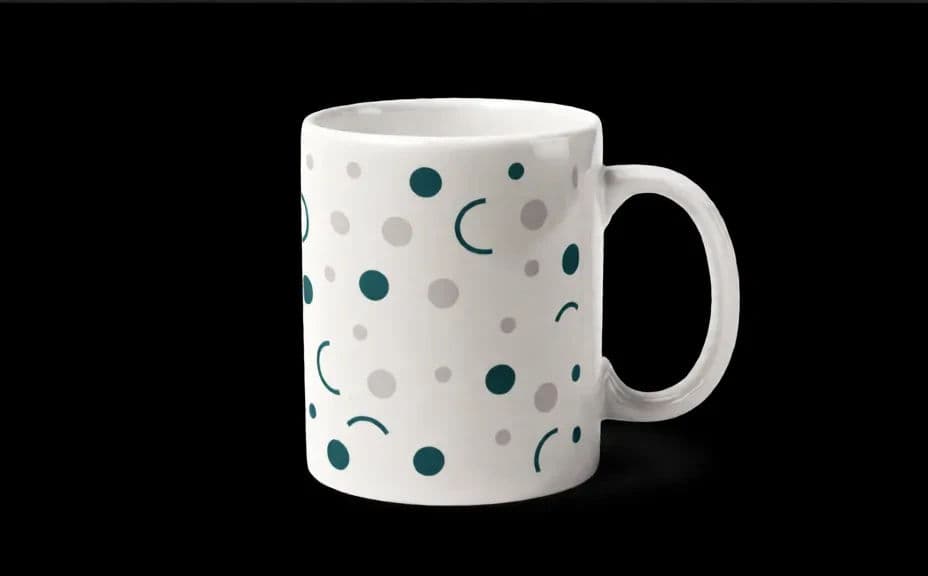
Two pattern options for the same mug design, both built to wrap the same way.
What makes a good mug print
| Quality | What it means | Why it matters |
|---|---|---|
| Reads when wrapped | The design works as a curved panel | A mug is never seen flat |
| Handle-safe layout | Nothing critical sits behind the handle | The design survives the real product |
| Limited palette | Two or three controlled colours | Colours reproduce predictably on ceramic |
| Print resolution | Sharp at the supplier's panel size | Fine detail does not blur on the glaze |
Morphic vs the traditional way
| Morphic | Pattern design software | |
|---|---|---|
| Cost | Available on Morphic | Software subscription or design fee |
| Time | A finished pattern in minutes | Hours of tiling and adjustment |
| Skill needed | Describe it in plain language | Pattern and vector skills |
| Consistency | Regenerate a whole matching range | Manual rework for each variant |
FAQs
Use the wrap panel size your printer specifies, then generate at high resolution so the file holds up at that width.
Ask for a seamless repeat in your prompt and check the left and right edges line up before you send it to print.
Keep important motifs away from the edges of the panel and use an even pattern, so a hidden section does not break the design.
Yes. Describe the palette and motif style you already use, and generate mug artwork that sits alongside your other products.
Yes. Provide the exact wording in your prompt, then check the rendered text and regenerate if the spelling or spacing looks off.
Yes. Designs you generate with Morphic are cleared for commercial use, including print-on-demand products.