What is a notebook cover design?
A notebook cover design is the printed front of a journal, planner or sketchbook, usually carrying a title, a small brand mark and an image or pattern. Stationery sellers, print-on-demand shops and teams making branded gifts use it to give a plain notebook an identity. It matters because the cover is the entire product photo, and a cramped or off-centre title is obvious on a shelf.
With Morphic you design this cover from a text prompt in your browser. Describe the title text, the artwork, the palette and the trim size, then adjust and download in HD. You get a print-ready cover without laying it out by hand in design software.
Fix the size and title
Decide the trim size, such as A5 or 6 by 9 inches, and add bleed on every edge so nothing important sits near the cut line. Write the exact cover title and any subtitle before you generate.
Describe the cover
Open Morphic and describe the layout: the title placement, the artwork or pattern behind it, and whether you want a spine-safe margin on the left. Give the aspect ratio that matches your trim size.
Choose the artwork and palette
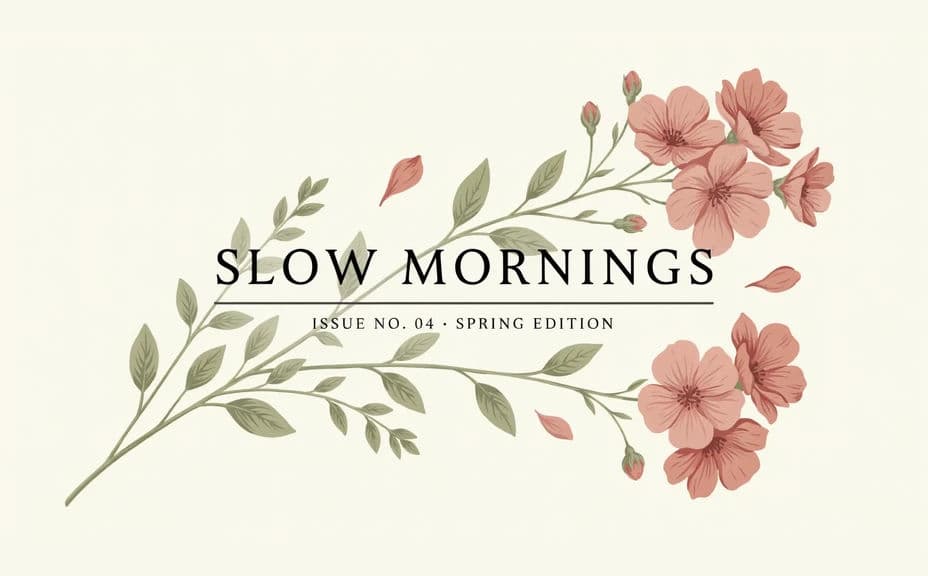
Ask for a specific look, such as a pressed-botanical illustration, a fine grid texture, or a two-colour abstract shape. Keep the palette tight so the title stays the strongest element on the cover.
Generate layout options
Produce two covers with different title placement and artwork weight so you can judge which one reads better as a thumbnail and on a shelf. Different compositions often change how premium the notebook feels.
Check margins and export
Preview at print size and confirm the title is clear, spelled correctly and well clear of the trim and spine. Download in HD, then drop it into your printer's template.
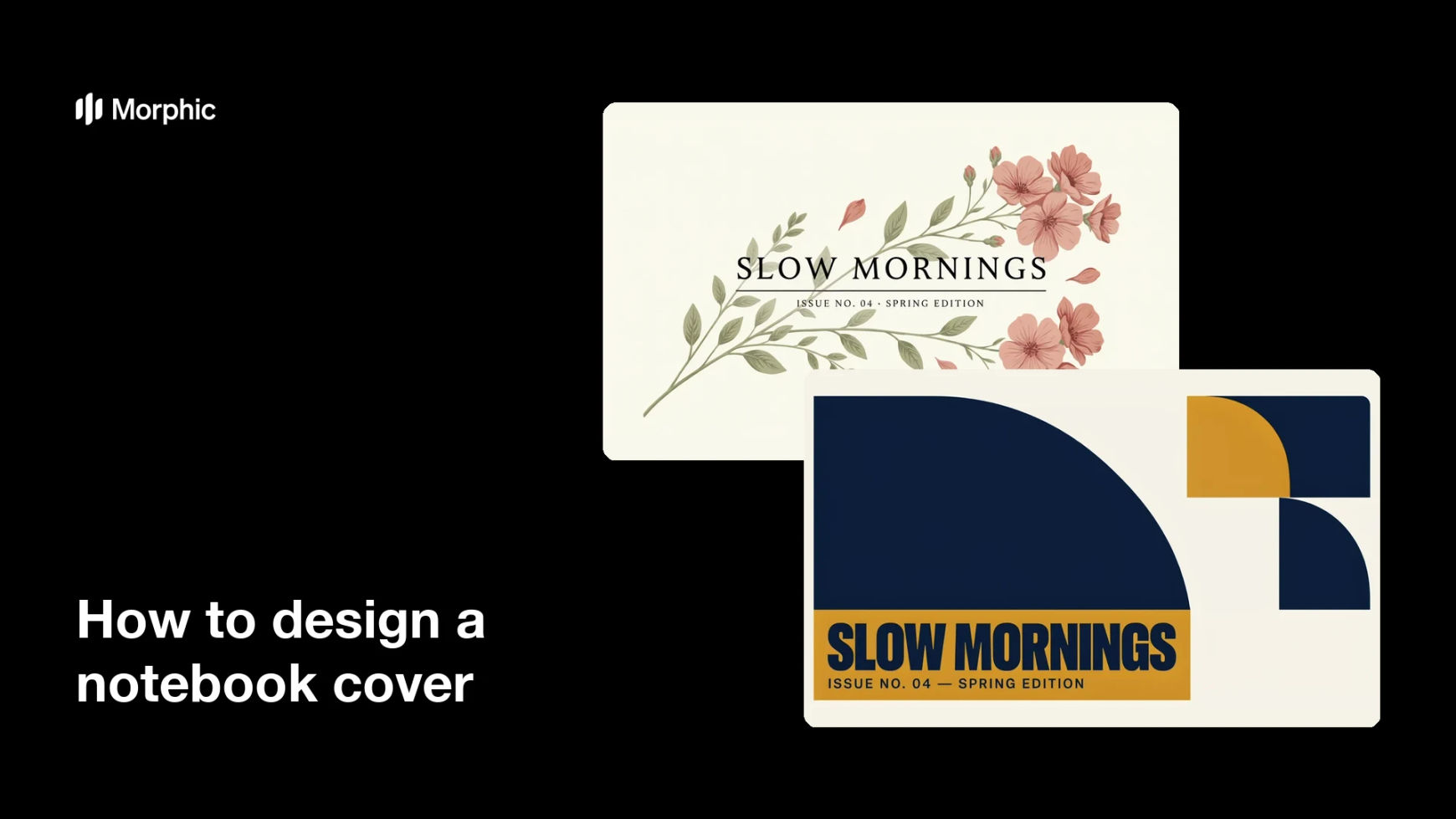
Two layout options for the same notebook cover, each treating the title and artwork differently.

What makes a good notebook cover
| Quality | What it means | Why it matters |
|---|---|---|
| Clear title | The title reads instantly at thumbnail size | Shoppers understand the product at a glance |
| Safe margins | Text sits well inside the trim and spine | Nothing important is cut off in binding |
| Cohesive palette | A tight set of colours across the cover | The notebook looks designed, not assembled |
| Print resolution | Enough detail for a crisp printed cover | Type and texture stay sharp on paper |
Morphic vs the traditional way
| Morphic | Design software or a designer | |
|---|---|---|
| Cost | Available on Morphic | Software subscription or design fee |
| Time | A finished cover in minutes | Hours of layout and revision |
| Skill needed | Describe it in plain language | Typography and layout skills |
| Consistency | Regenerate a whole series on brand | Manual rework for every title |
FAQs
Yes. Give the exact title and any subtitle in your prompt, and the cover renders around that wording. Regenerate with new text whenever the title changes.
Any size you need. Specify the aspect ratio that matches your trim, such as A5 or 6 by 9 inches, and generate slightly larger so you have bleed on every edge.
Yes. Keep the same artwork style and palette, change only the title, and you get a set of covers that clearly belong together.
Ask for a wider margin on the binding edge, then check at print size that the title and any mark sit well inside that safe area.
Yes. Download in HD and confirm the file meets your printer's minimum resolution for the trim size before you submit it.
Yes. Covers you generate with Morphic are original and cleared for commercial use, so you can print and sell the notebooks.