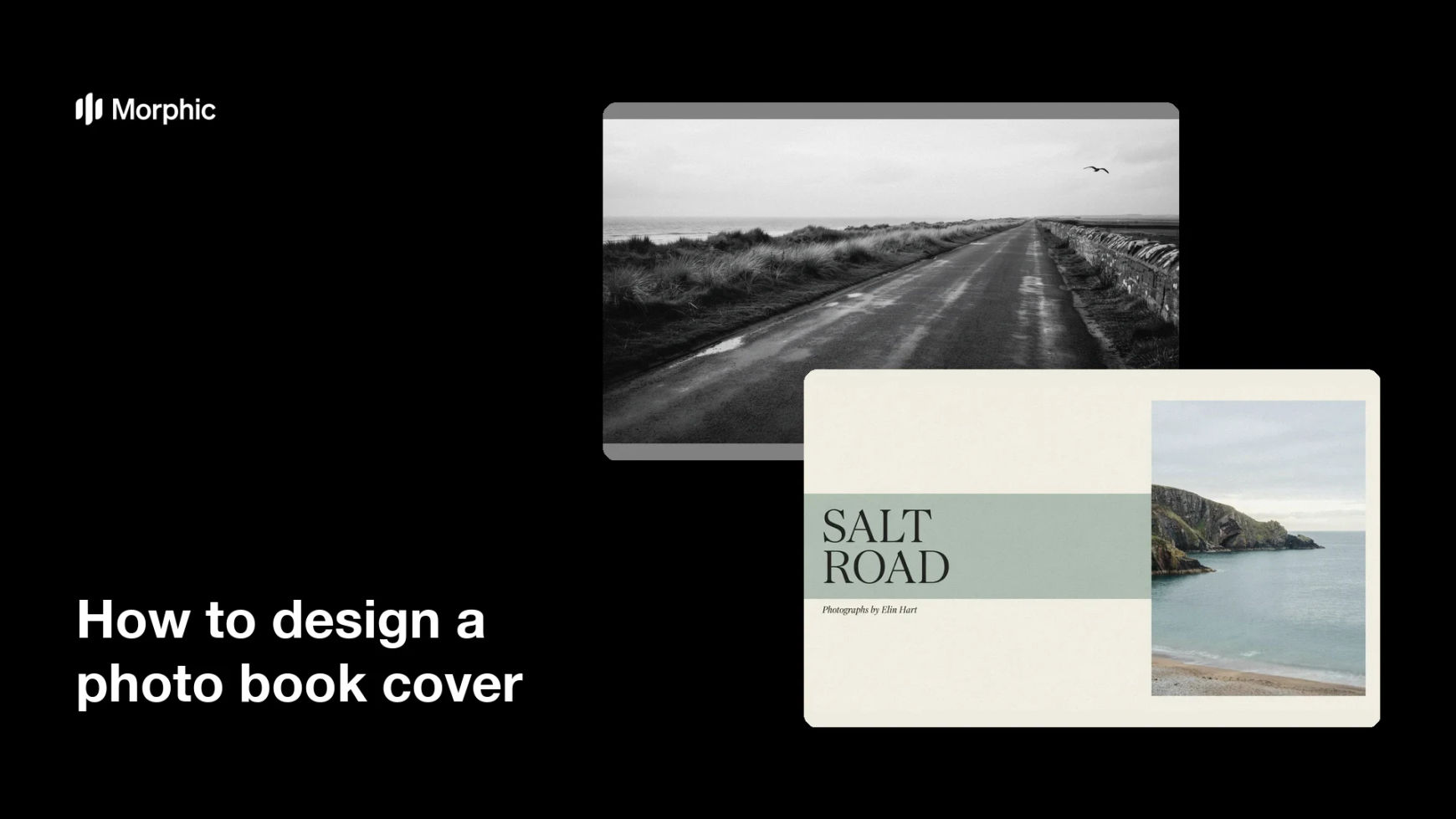
What is a photo book cover?
A photo book cover is the front of a printed collection, carrying the title, the photographer's name, and the single image chosen to represent the whole body of work. Photographers, publishers, and studios treat it as the hardest edit in the book, because one frame has to stand for everything inside. It is also the thumbnail that sells the book in a shop listing.
With Morphic you design that cover from a text prompt in your browser. Describe the hero image, the title treatment, and the finish you want, compare a few options, then download in HD. You get a print-ready cover without laying out type in design software.
Lock the title and credit
Write the book title, any subtitle, and the photographer credit exactly as they should print. Settling the wording first keeps the cover text accurate.
Describe the cover
Open Morphic and describe the cover: the hero image, where the title sits, and how the credit line is placed. Ask for a couple of options so you can compare how the type interacts with the photograph.
Choose the type treatment
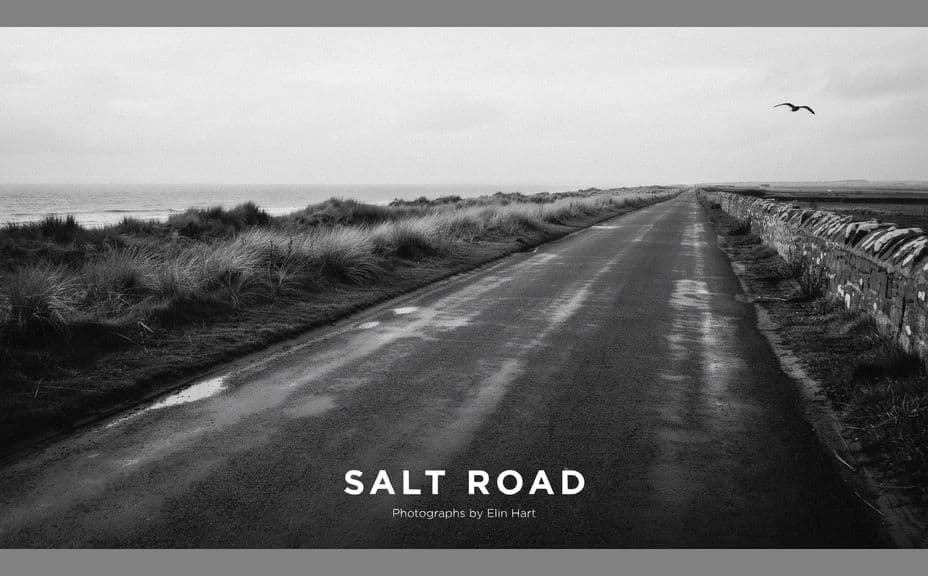
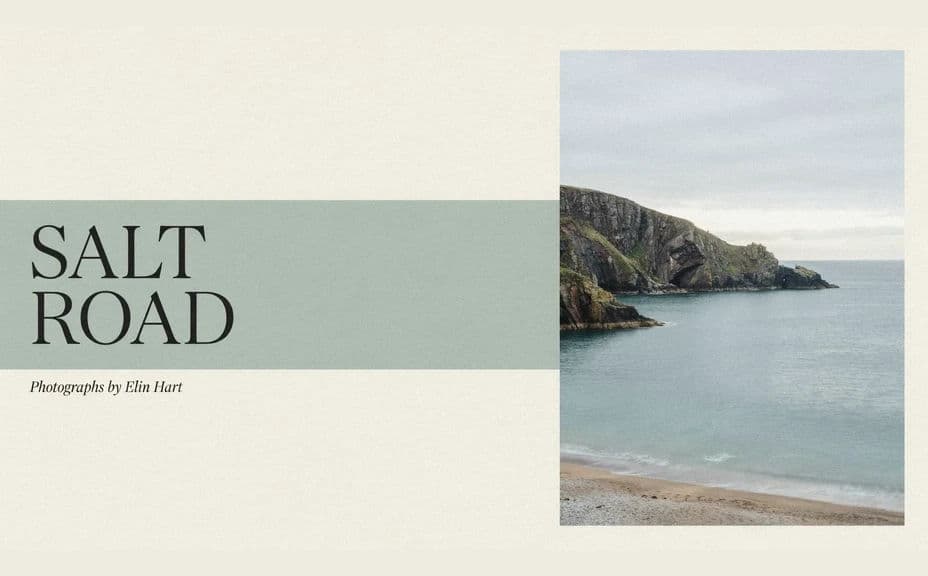
Decide whether the title overlays the image or sits on a clean band, and name the weight and case you want. The treatment sets whether the book reads as documentary, fine art, or commercial.
Check the text and margins
Read the title and credit on each option and confirm spelling and spacing are right. Regenerate any cover where the type runs close to the trim edge.
Export for print and listing
Preview the cover at full size and as a small thumbnail to confirm the title holds at both. Download in HD, then send it to your printer and use the same file on your listing.
Two cover designs for the same photo book, both carrying the title and credit.
What makes a good photo book cover
| Quality | What it means | Why it matters |
|---|---|---|
| One strong image | A single frame carries the book | The cover promises what is inside |
| Legible title | Type reads over the photograph | Buyers identify the book instantly |
| Generous margins | Type sits clear of the trim | The printed cover survives cutting |
| Works as a thumbnail | The design holds up small | Most people see it as a listing image first |
Morphic vs the traditional way
| Morphic | Design software or a designer | |
|---|---|---|
| Cost | Available on Morphic | Software subscription or design fee |
| Time | A finished cover in minutes | Days of layout and proofing |
| Skill needed | Describe it in plain language | Typography and prepress knowledge |
| Consistency | Regenerate matching versions | Manual rework for every variant |
FAQs
Yes. Provide the wording in your prompt, then check the rendered text and regenerate if a line looks off before you print.
Yes. Ask for several designs of the same book and compare them side by side, then keep the one that reads best small and large.
Yes. Describe the tone, palette, and subject of the series, and generate covers that carry that look.
Yes, if you prioritize contrast. Ask for the title placed in a calm area of the image and regenerate any option where it fights the detail.
Describe the change, whether that is a new title position or a different hero image, and regenerate. Nothing has to be relaid by hand.
Yes. Covers you generate with Morphic are cleared for commercial use on printed and digital editions.