What is a photography pricing sheet?
A photography pricing sheet is a one-page document that lists a photographer's packages, what each one includes, and what it costs. Clients read it when they are deciding between options, so it has to make the differences obvious without a phone call. Wedding, portrait, and commercial photographers send it as a PDF, share it on a booking page, or hand it over as a printed leave-behind.
With Morphic you design this sheet from a text prompt in your browser. Describe the packages, the tiers, and the brand look you want, compare a few layouts, then download in HD. You get a clean, on-brand sheet without building a template in design software.
Write out your packages
List each package name, what it includes, and its price before you generate anything. Having the final wording ready keeps the numbers on the sheet accurate and avoids repeated fixes.
Describe the layout
Open Morphic and describe the structure you want, such as three columns of tiers or a stacked list with a highlighted package. Ask for a couple of layouts so you can see which one makes the comparison easiest.
Apply your brand look
Describe your colours, type feel, and any studio name or mark that belongs on the page. Keep the background quiet so the package names and prices stay the loudest elements.
Proof the numbers and text
Read every price, package name, and inclusion line on the generated sheet and confirm each is correct. Regenerate any version where a figure is unclear or the columns feel cramped.
Export and send it
Preview the sheet at full size and on a phone screen to check the smallest text still reads. Download in HD, then attach it to enquiries or add it to your booking page.
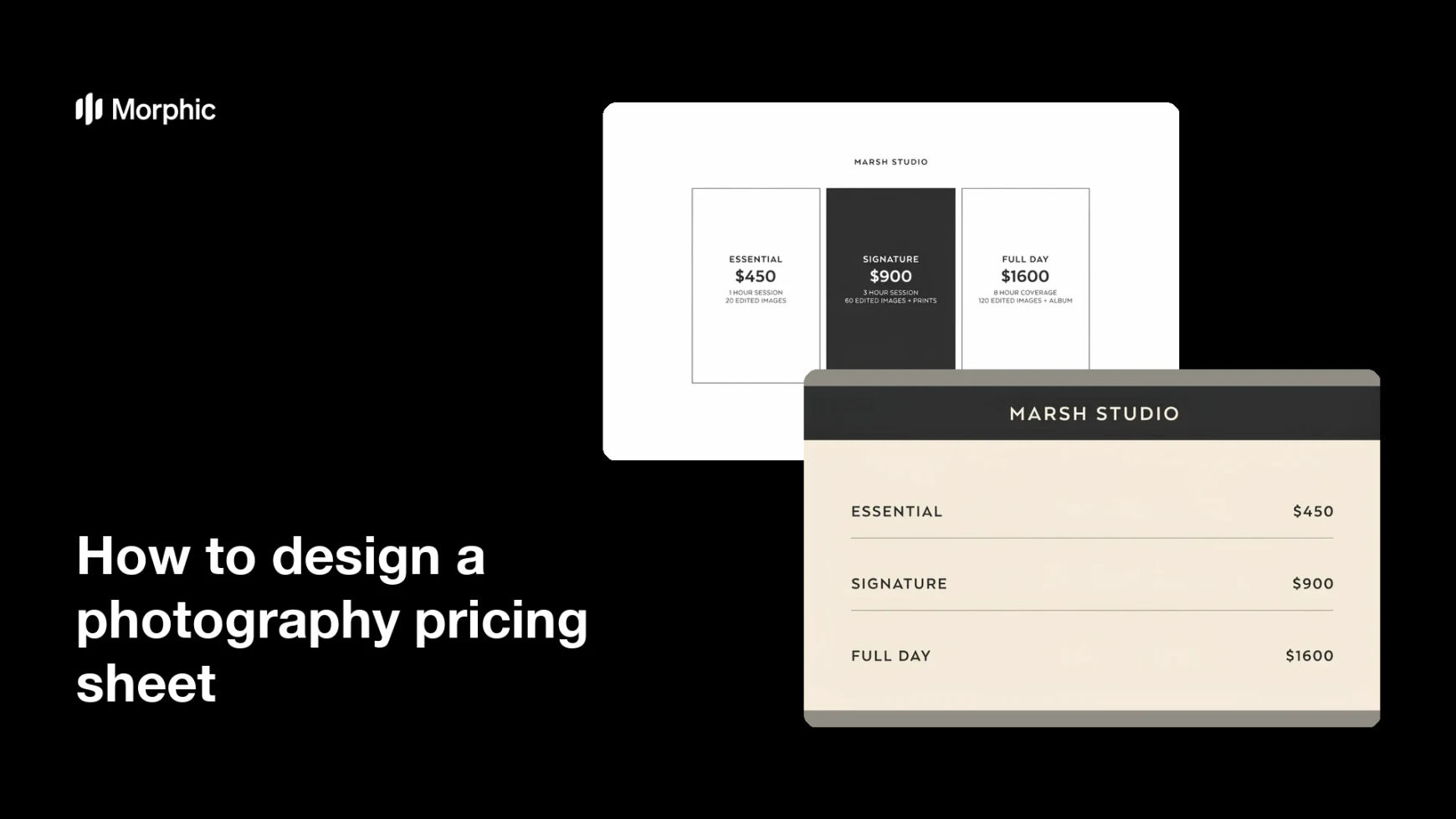
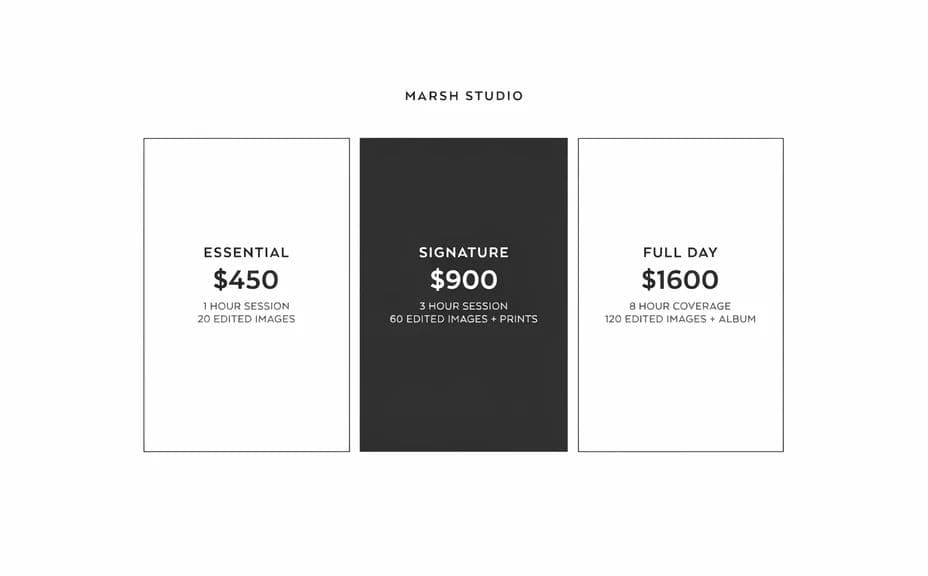
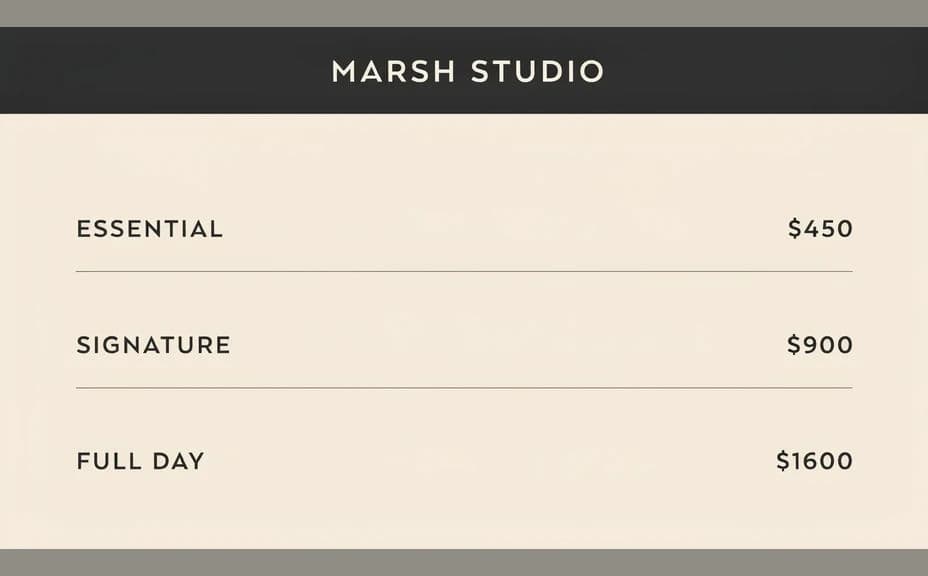
Two pricing sheet designs for the same photography studio, listing the same packages.
What makes a good photography pricing sheet
| Quality | What it means | Why it matters |
|---|---|---|
| Easy comparison | Tiers sit side by side | Clients choose without asking questions |
| Legible figures | Prices are large and clear | The key number is never in doubt |
| Short inclusions | Each line is one clear benefit | Dense text stops people reading |
| On-brand styling | Colours and type match your studio | The sheet feels like part of your service |
Morphic vs the traditional way
| Morphic | Design software or a designer | |
|---|---|---|
| Cost | Available on Morphic | Software subscription or design fee |
| Time | A finished sheet in minutes | Hours of layout and revision |
| Skill needed | Describe it in plain language | Layout and typography skills |
| Consistency | Regenerate matching versions | Manual rework whenever prices change |
FAQs
Yes. Provide the exact package names and figures in your prompt, then proof the rendered text and regenerate if anything reads incorrectly.
Three tiers is the common choice because it makes comparison quick. You can describe more, but keep each inclusion line short so the page stays readable.
Yes. Describe your colours, type style, and studio name, and generate the sheet to match the rest of your client materials.
Yes. Ask for several versions of the same sheet and pick the one where the tiers are easiest to scan.
Describe the new figures and regenerate the sheet. Updating takes a prompt rather than a rebuild of the file.
Yes. Sheets you generate with Morphic are cleared for commercial use in client proposals, booking pages, and print.