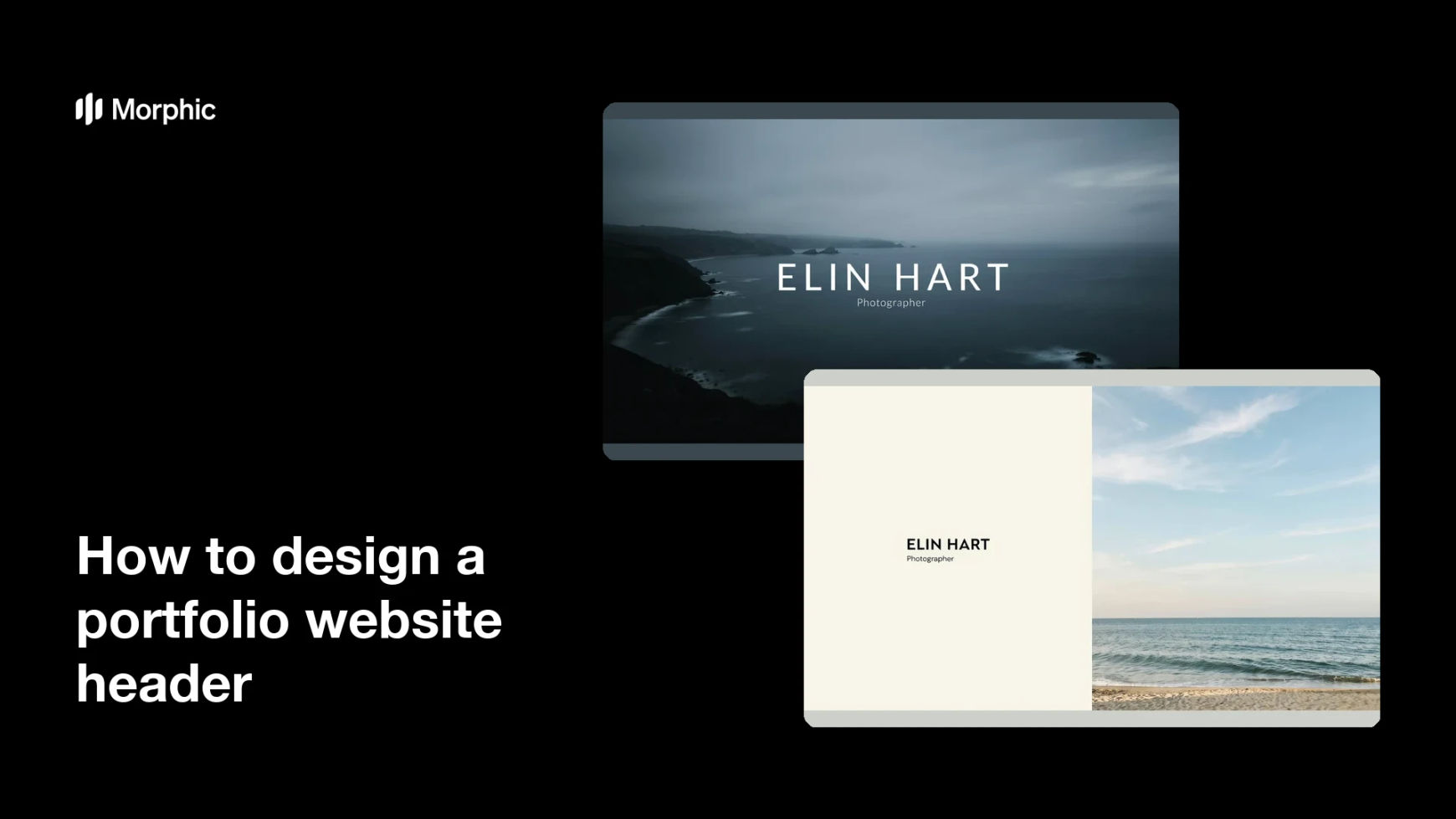
What is a portfolio website header?
A portfolio website header is the wide hero band at the top of your site, usually carrying your name, what you do, and one image that sets the tone. Photographers, designers, and freelancers rely on it because a visitor decides within seconds whether to scroll further. It is the one element every page view starts with.
With Morphic you design that header from a text prompt in your browser. Describe the hero image, where your name sits, and the mood you want, compare a few layouts, then download in HD at a wide crop. You get a polished banner without commissioning a web designer.
Decide what the header must say
Settle on your name and a short line describing what you do. Two clear pieces of information beat a paragraph nobody reads.
Describe the header
Open Morphic and describe a wide banner: the hero image, the placement of your name, and the space left for navigation. Ask for a couple of layouts so you can compare where the eye lands first.
Keep room for the interface
Ask for calm areas where menu links and a logo can sit without covering the subject. A header that ignores the navigation always looks crowded once the site is built.
Check it at every width
Preview the banner wide and then cropped narrow, as a phone would show it. Regenerate any version where your name falls outside the safe middle area.
Export and install it
Confirm the type is sharp and the image holds detail at full width. Download in HD and set it as the hero image on your site.
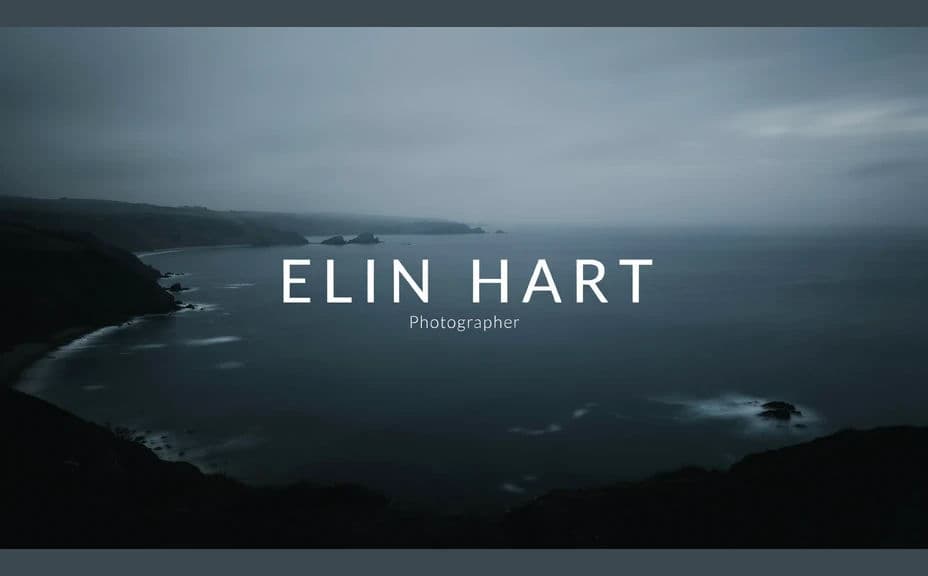
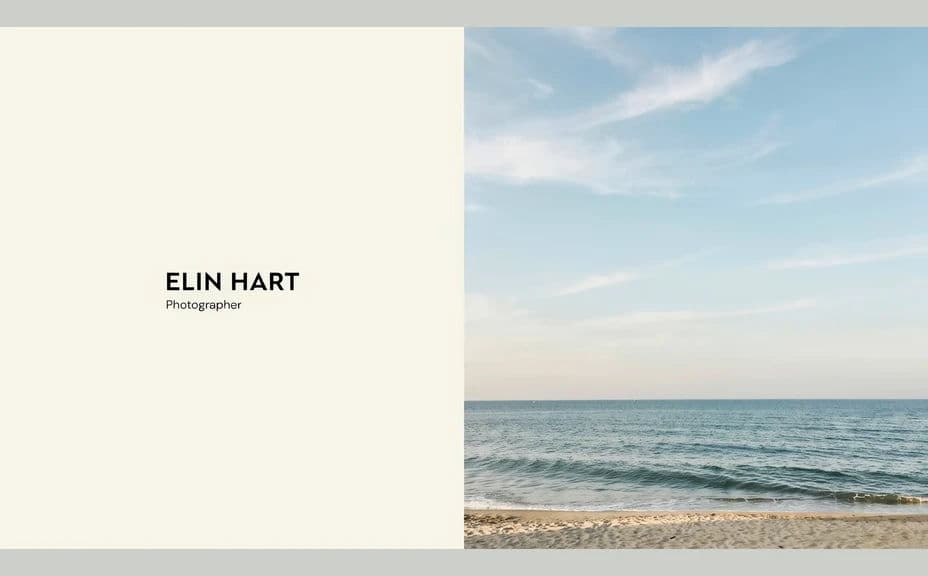
Two header layouts for the same portfolio, both carrying the name and role line.
What makes a good portfolio header
| Quality | What it means | Why it matters |
|---|---|---|
| Immediate clarity | Name and role read at once | Visitors know whose site they are on |
| Room for navigation | Calm areas for menu and logo | The built page stays uncluttered |
| Safe centre area | Key content survives narrow crops | The header still works on a phone |
| A tone that matches the work | The image reflects your style | The site feels like one body of work |
Morphic vs the traditional way
| Morphic | Hiring a web designer | |
|---|---|---|
| Cost | Available on Morphic | Design fees per revision round |
| Time | A finished header in minutes | Weeks of briefs and feedback |
| Skill needed | Describe it in plain language | Layout and web design skills |
| Consistency | Regenerate matching variants | New work ordered for every change |
FAQs
Yes. Provide the exact wording in your prompt, then check the rendered text and regenerate if the spelling or spacing looks off.
Yes. Keep the name and key detail near the centre, then preview a narrow crop and regenerate anything that gets cut.
Yes. Describe your palette and type style, and generate the header to sit alongside the rest of your site.
Yes. Ask for variants that share the same styling so the about, work, and contact pages feel like one site.
Describe the new image or wording and regenerate. Updating the hero takes minutes rather than a redesign.
Yes. Images you generate with Morphic are cleared for commercial use on your own site and client work.