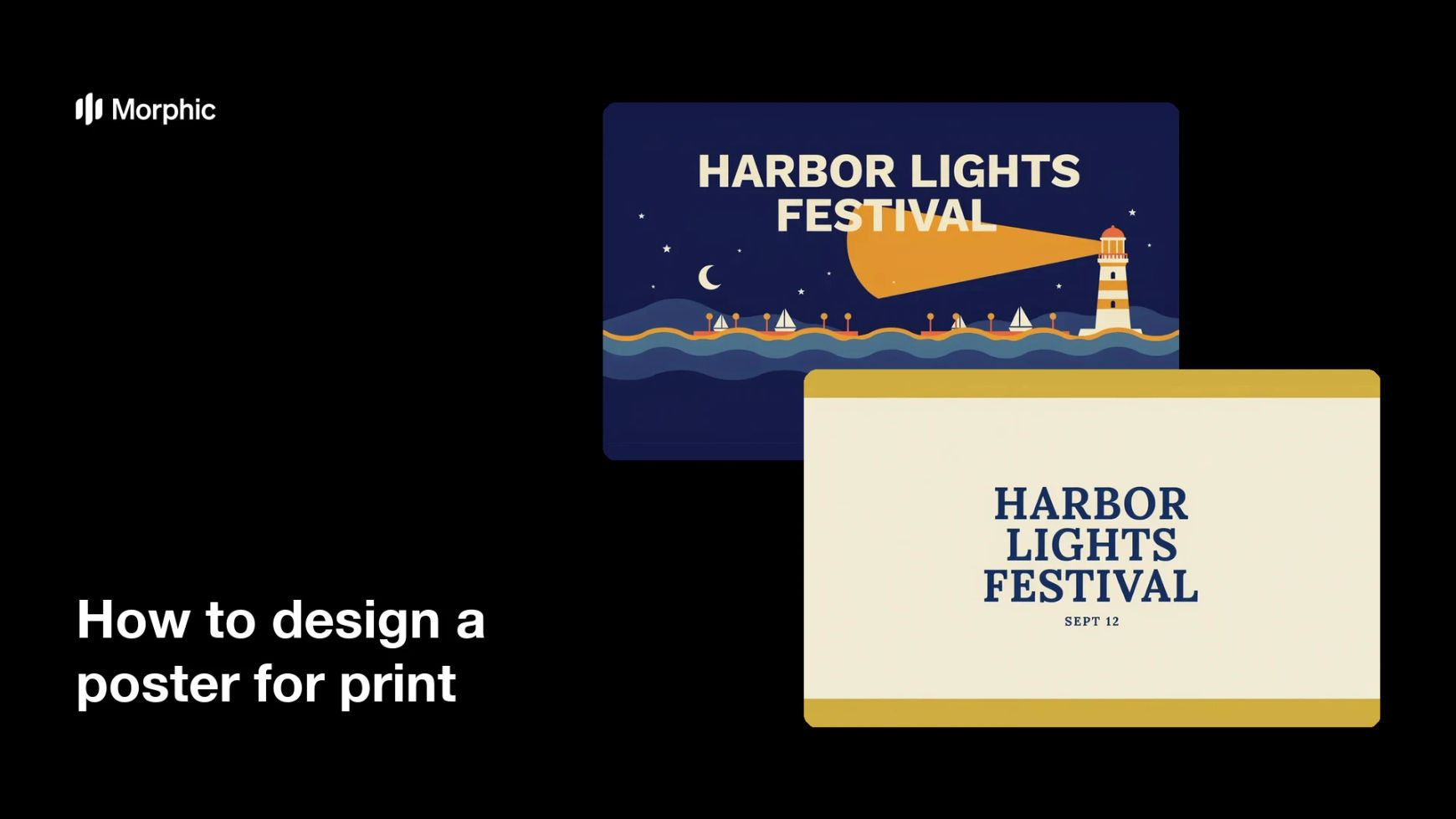
What is a poster for print?
A poster for print is a large-format design made to be physically produced and displayed, carrying a headline, supporting details, and usually a date or location. Venues, festivals, shops, and studios rely on it to communicate one message to someone walking past in a couple of seconds. Unlike a screen graphic, it has to be built at print resolution with bleed around the edges, because the sheet is trimmed after it comes off the press.
With Morphic you design that poster from a text prompt in your browser. Describe the layout, the headline, and the visual mood, compare a few options, then download in HD. You get a print-ready poster without laying it out in design software.
Confirm the size and the copy
Settle the finished poster size with your printer and write the headline and details exactly as they should appear. Locking both first keeps the layout accurate and avoids a late redesign.
Describe the poster in Morphic
Open Morphic and describe the layout, the headline, and the mood or imagery you want behind it. Ask for a couple of options so you can compare a type-led poster against an image-led one.
Build in bleed and safe margins
Ask for the background to run past the trim edge and keep all text well inside a safe margin. This means nothing important is lost when the printed sheet is cut down to size.
Check legibility from a distance
Read the headline at a glance and confirm the details are still clear at a smaller scale. Regenerate any option where contrast is weak or the type is crowded.
Export and send it to print
Confirm the spelling of every line, then download in HD at the resolution your printer requires. Ask for a proof so you can check colour and trim before the full run.
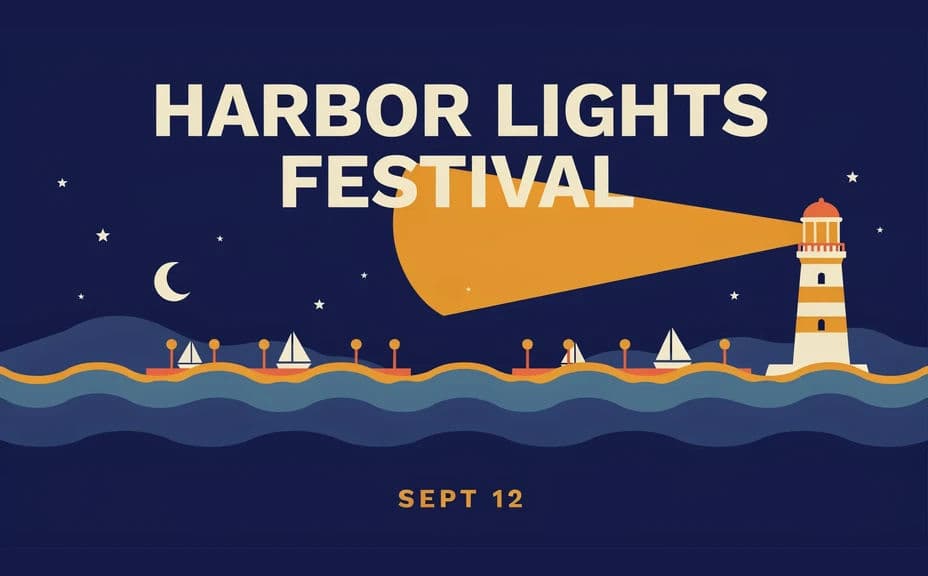
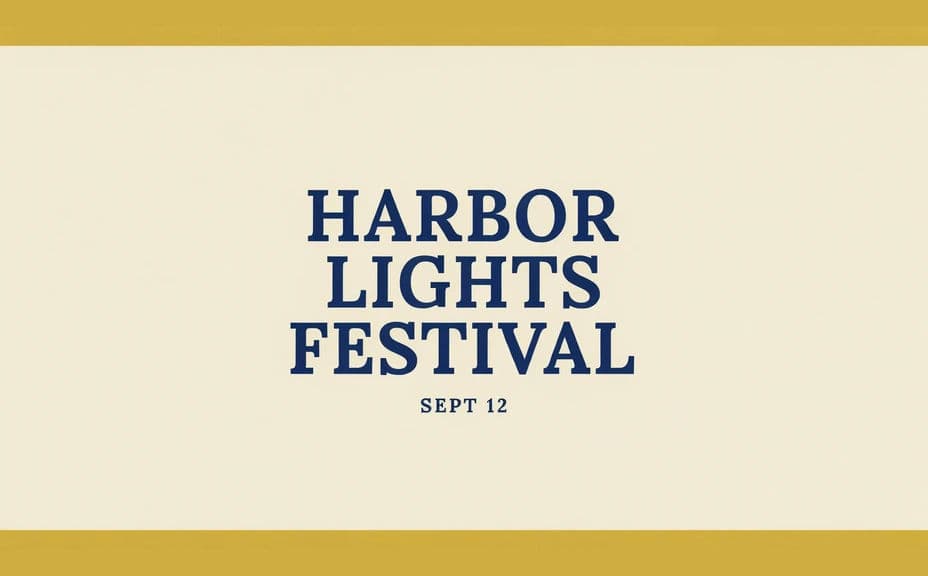
Two layout options for the same printed poster, each carrying the same headline.
What makes a good printed poster
| Quality | What it means | Why it matters |
|---|---|---|
| Readable headline | One message reads from a distance | A poster is seen in passing, not studied |
| Clear hierarchy | Details sit below the headline | The eye knows where to go next |
| Bleed and safe margins | Background runs past the trim line | Nothing important is cut off |
| Print resolution | Sharp at the finished poster size | Large formats expose soft artwork |
Morphic vs the traditional way
| Morphic | Design software or a designer | |
|---|---|---|
| Cost | Available on Morphic | Software subscription or design fee |
| Time | A finished poster in minutes | Hours of layout and revision |
| Skill needed | Describe it in plain language | Layout and typography skills |
| Consistency | Regenerate matching posters for a series | Manual rework for each version |
FAQs
Use the size and resolution your printer specifies, then generate at high resolution and download in HD so the poster stays sharp at full scale.
Most printers do. Ask for the background to extend past the trim edge and keep text inside a safe margin so nothing is lost in cutting.
Yes. Provide the wording in your prompt, then read the rendered text carefully and regenerate if anything is misspelled.
Yes. Ask for several layouts of the same poster and compare them side by side, then pick the one that reads best from a distance.
Yes. Describe the same style and palette across prompts so a run of posters looks like one campaign.
Yes. Designs you generate with Morphic are cleared for commercial use across print and marketing.