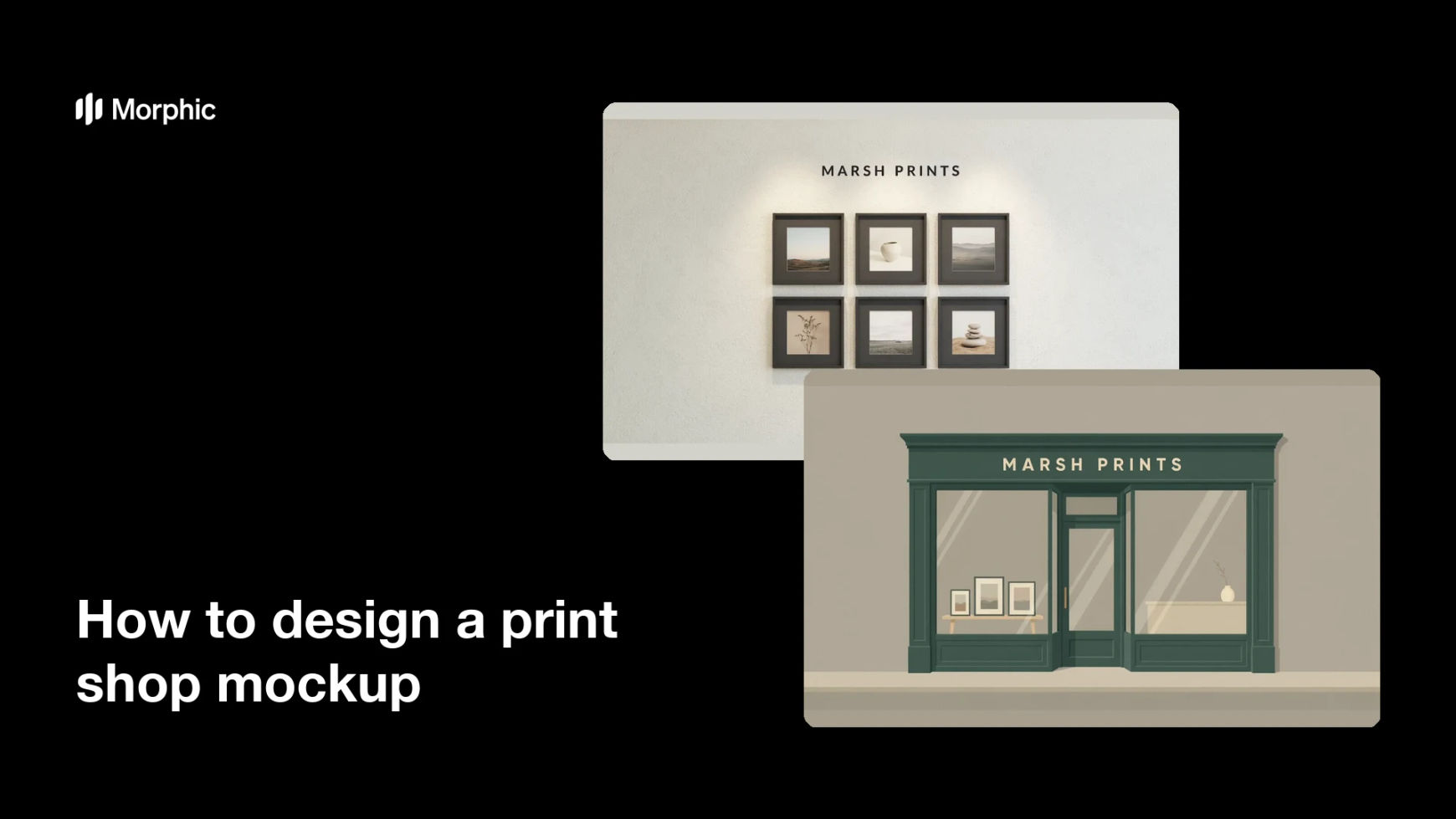
What is a print shop mockup?
A print shop mockup is a realistic scene that shows prints, frames, and signage as they would appear in a real shop or gallery. It puts work in context, so a client sees a framed piece on a wall rather than a flat file on a screen. Photographers selling prints, print studios, and small brands use it for shop pages, pitch decks, and social posts.
With Morphic you build this mockup from a text prompt in your browser. Describe the space, the prints on the wall, the signage, and the light, compare a couple of scenes, then download in HD. You get a convincing shop scene without a photo shoot or a 3D render.
Decide what the mockup has to show
Choose whether the focus is framed prints on a wall, a signed storefront, or a counter display. A mockup that answers one question convinces far better than a scene crowded with everything at once.
Describe the space
Open Morphic and describe the shop interior or storefront, including materials, wall colour, and the camera angle you want. Mention the shop name so the signage carries real text rather than a placeholder shape.
Place the prints and signage
Describe how many frames appear, their sizes, and where the signage sits in the frame. Keeping the arrangement simple leaves the prints as the clear subject of the scene.
Set the light and mood
Describe the lighting, such as daylight through a shopfront window or warm gallery spots on the wall. Light is what makes a mockup read as a photograph instead of a flat composite.
Export and use it
Check the signage text and the perspective on the frames, and regenerate anything that looks distorted. Download in HD, then use the scene on your shop page, in a deck, or in a launch post.
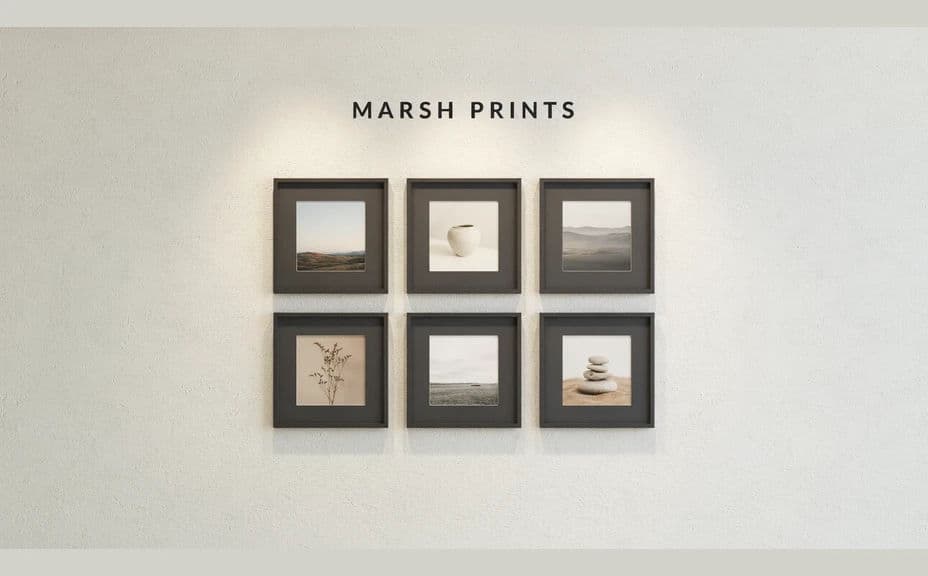
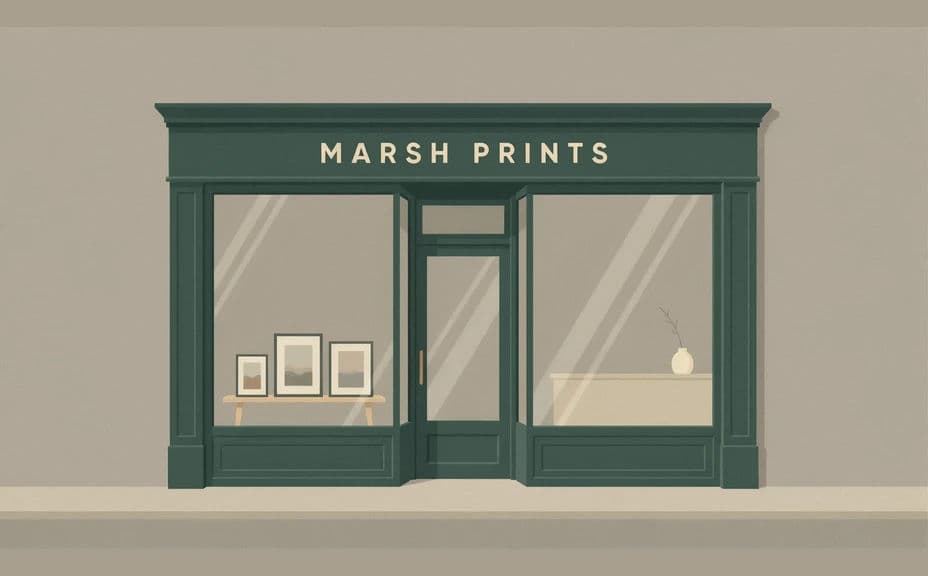
Two mockup scenes for the same print shop, with different layouts and framing.
What makes a good print shop mockup
| Quality | What it means | Why it matters |
|---|---|---|
| Believable perspective | Frames and walls line up correctly | One skewed frame breaks the whole illusion |
| Readable signage | The shop name is crisp | The scene reads as a real, named business |
| Natural light | Shadows and reflections behave | Light is what sells the scene as a photograph |
| Clear focus | The prints lead the composition | The mockup exists to show the work |
Morphic vs the traditional way
| Morphic | Photo shoot or 3D render | |
|---|---|---|
| Cost | Available on Morphic | Location, props, or render studio fees |
| Time | A finished scene in minutes | Days of scheduling, shooting, or modelling |
| Skill needed | Describe it in plain language | Photography or 3D software experience |
| Consistency | Regenerate matching scenes | Reshoot or rebuild for every variation |
FAQs
Yes. Include the name in your prompt, then read the rendered signage and regenerate if the lettering is unclear.
Yes. Describe the subject, palette, and orientation of the artwork you want on the wall so the frames carry something close to your actual prints.
Yes. Describe the exterior, the window display, and the street context, and generate the scene from outside the shop.
Yes. Ask for several versions of the same shop and compare framing, light, and layout before choosing one.
Say the perspective should be straight and the frames square to the wall, then regenerate. Simpler arrangements distort less often.
Yes. Mockups you generate with Morphic are cleared for commercial use on shop pages, decks, and social posts.