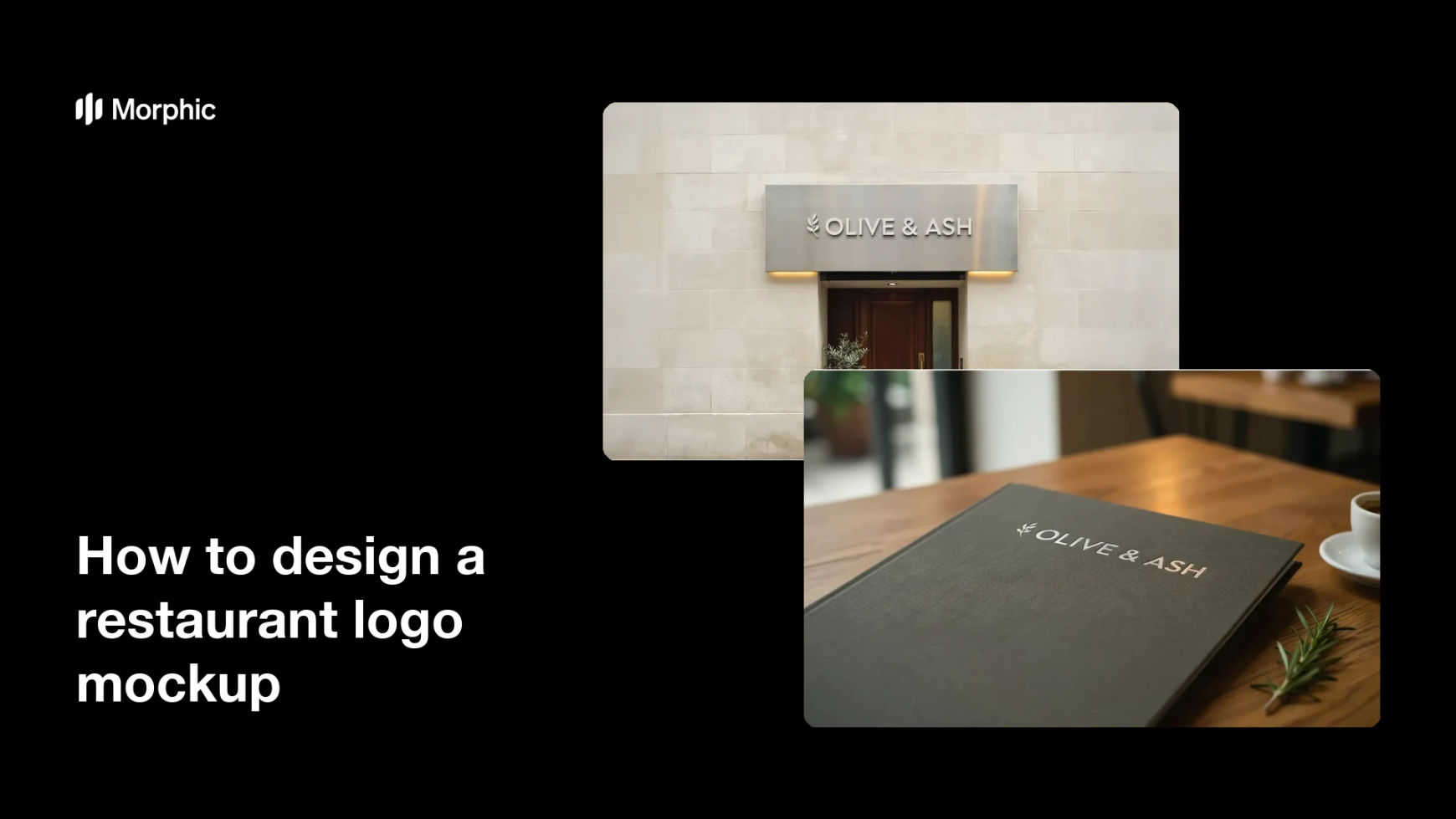
What is a restaurant logo mockup?
A restaurant logo mockup shows a brand's logo applied to real-world surfaces like a storefront sign, a menu cover, or signage. It helps owners and designers see how the mark reads at scale before anything goes to print or fabrication. Restaurant teams rely on mockups because seeing the logo in context reveals what a flat file cannot.
With Morphic you create these mockups from a text prompt in your browser. Describe the logo and the surfaces you want to see it on, then adjust and download in HD. You get realistic mockups without a photo shoot or complex design software.
Prepare your logo and details
Decide the logo you want to place and the surfaces you want to preview, such as a storefront sign and a menu cover. Note the restaurant name and any tagline so the mockup reads true.
Describe the first mockup
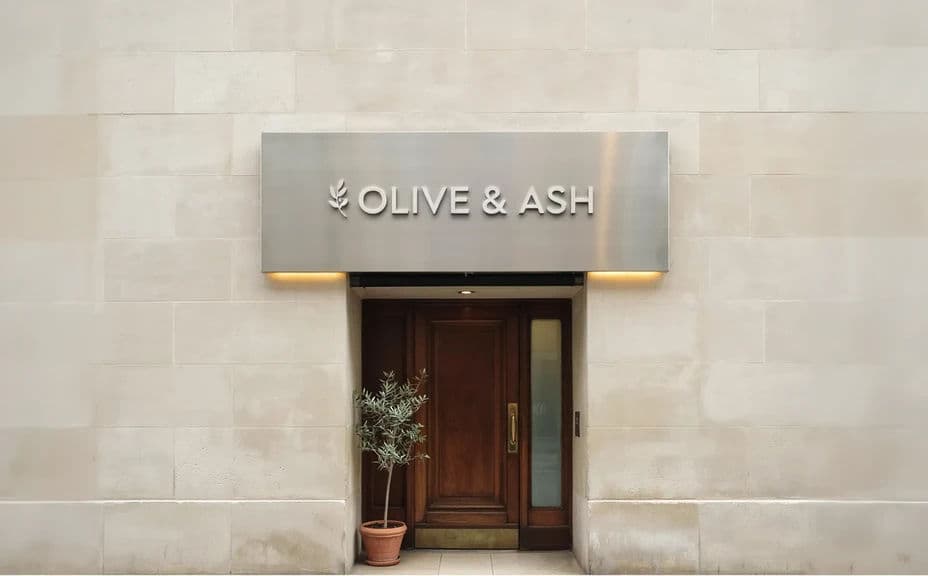
Open Morphic and describe your logo on a storefront sign: the material, the lighting, and the setting outside the restaurant. Keep the logo the same across every mockup so the brand stays consistent.
Describe the second mockup
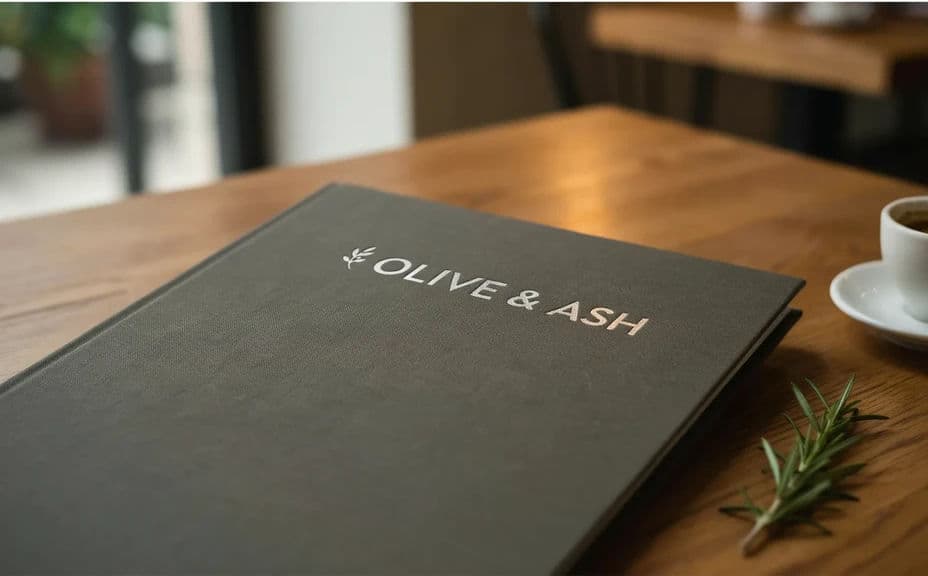
Ask for the same logo on a menu cover, with the paper stock, color, and layout you have in mind. Using the identical mark on both surfaces lets you judge the brand as a whole.
Match materials and lighting
Specify realistic materials and light for each surface, such as brushed metal outdoors and matte card for the menu. Consistent, believable finishes make the mockups useful for real decisions.
Check and export
Preview both mockups at full size and confirm the logo stays sharp and legible on each surface. Download in HD, then share them with your team or your printer.
The same restaurant logo shown on two mockups, a storefront sign and a menu cover.
What makes a good restaurant logo mockup
| Quality | What it means | Why it matters |
|---|---|---|
| Consistent logo | The same mark on every surface | You judge one brand, not two designs |
| Realistic material | Believable surfaces and finishes | The preview reflects the real result |
| Natural lighting | Light that suits each setting | The logo reads as it will in life |
| Legible at scale | The mark stays sharp large and small | It works on a sign and a menu alike |
Morphic vs the traditional way
| Morphic | Design software or a mockup shoot | |
|---|---|---|
| Cost | Available on Morphic | Software subscription or shoot fee |
| Time | Finished mockups in minutes | Hours of setup and editing |
| Skill needed | Describe it in plain language | Photo editing and compositing skills |
| Consistency | Reuse the same logo on any surface | Manual rework for every mockup |
FAQs
Yes. Describe each surface, such as a storefront sign or a menu cover, and the same logo renders on each. You can add more surfaces any time.
Yes. Keep the same logo description for each surface so the mark reads consistently. That lets you judge the brand as a whole, not two separate designs.
Yes. Specify materials like brushed metal, wood, or matte card, and the mockup renders to match. Realistic finishes make the preview useful for real decisions.
Any placement you need. Specify the aspect ratio for each mockup, and the layout adapts to fit a sign, a menu, or a feed.
Yes. Generate the logo across several surfaces and settings so you can see the full brand before you commit to print or fabrication.
Yes. Mockups you generate with Morphic are cleared for commercial use across your restaurant's branding and marketing.