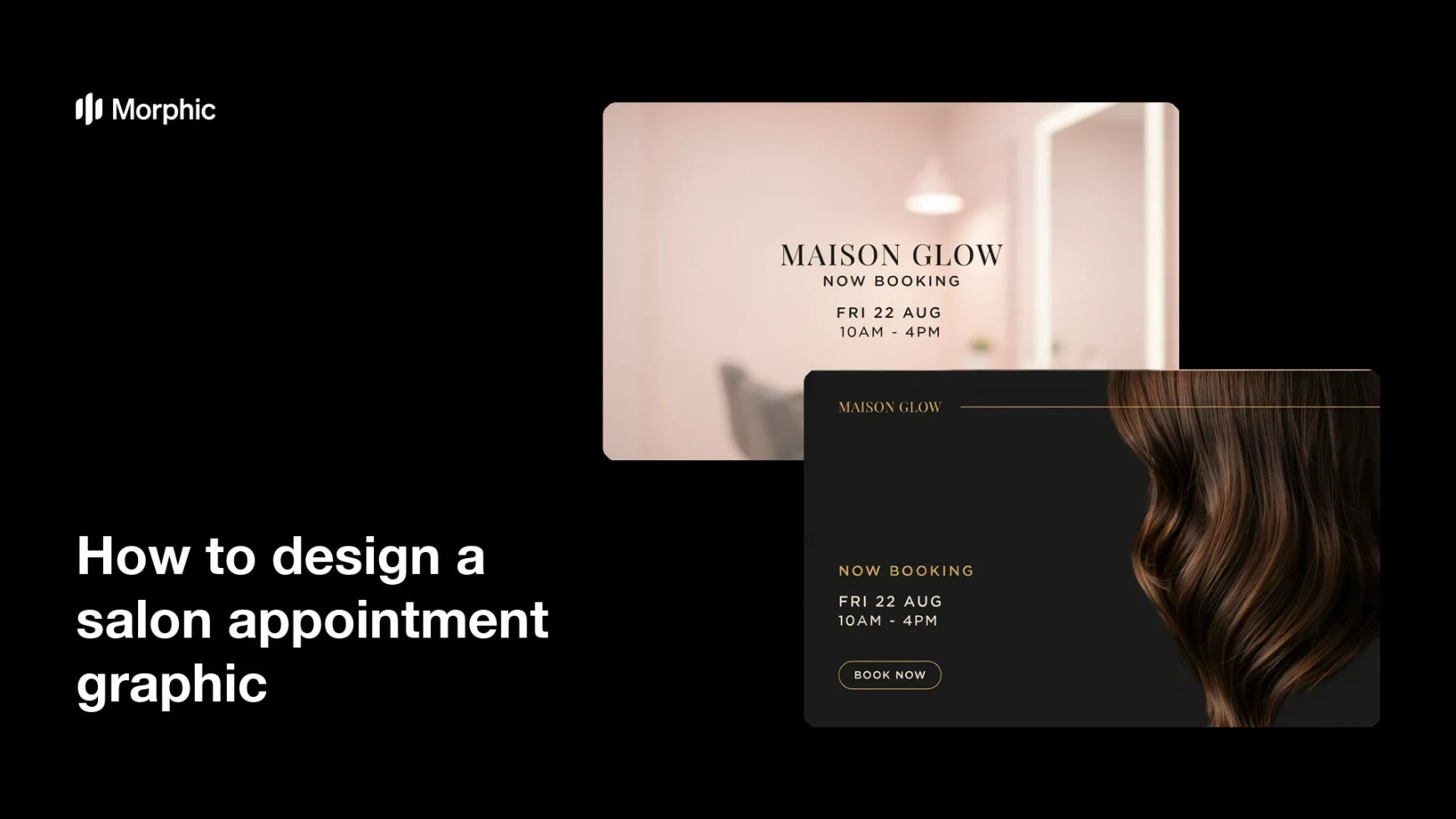
What is a salon appointment graphic?
A salon appointment graphic is the post a salon uses to announce open slots, promote a service, or remind clients to rebook. It typically carries the salon name, the available day or time, and a clear instruction such as book now or DM to reserve. Hair, nail, and beauty studios lean on it because a good-looking booking post fills a quiet week far more reliably than a plain text update.
With Morphic you design this graphic from a text prompt in your browser. Describe the message, the details you want printed, and your salon's look, then refine the result and download in HD. You get a polished booking post without design software or a monthly template subscription.
Decide the offer and the details
Pick what you are promoting, such as midweek openings or a new treatment, and write the date, time, and booking instruction. Locking the copy first keeps the graphic focused on one clear ask.
Describe the design
Open Morphic and describe the post you want, including the salon name, the booking details, and space for a service image or texture. Specify the aspect ratio so it fits a feed post, a story, or a window card.
Set the mood and palette
Ask for the atmosphere your salon sells, whether that is warm and minimal, soft and pastel, or dark and luxe. Name your accent colour so the booking line stands out from the background.
Generate a few options
Produce more than one design with different layouts and emphasis so you can compare them. Seeing options side by side makes it obvious which one pulls the eye to the booking details.
Proof the details and export
Check the date, time, and contact line character by character before you commit. Download in HD, then post it to your feed, story, or printed window display.
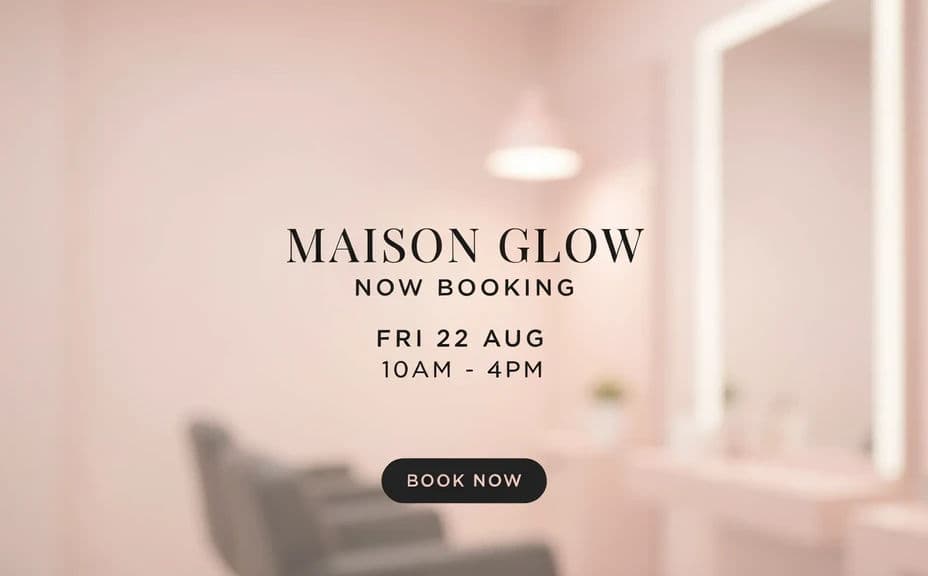
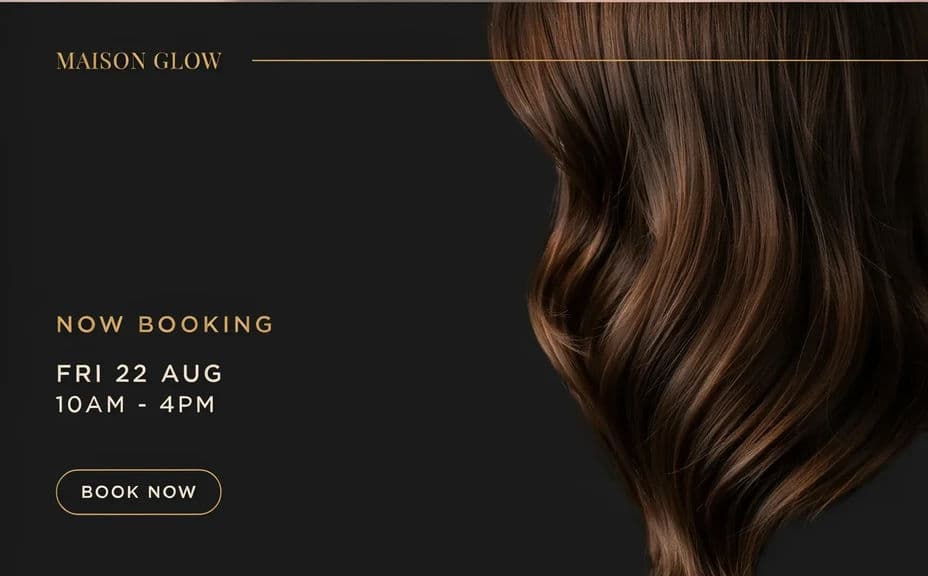
Two design options for the same salon booking post, each carrying the date and time.
What makes a good salon appointment graphic
| Quality | What it means | Why it matters |
|---|---|---|
| One clear offer | A single service or slot per post | Clients know exactly what to book |
| Correct details | Date, time, and contact are accurate | You avoid confusion and no-shows |
| Obvious call to action | Book now or DM stands out | It tells clients how to respond |
| Salon-appropriate mood | Colours and styling match your space | The post attracts the clients you want |
Morphic vs the traditional way
| Morphic | Template tools or a freelance designer | |
|---|---|---|
| Cost | Available on Morphic | Monthly template fees or per-post rates |
| Time | A finished post in minutes | Hours of editing or a wait on a designer |
| Skill needed | Describe it in plain language | Layout and typography skills |
| Consistency | Regenerate posts in one salon style | Templates drift as staff swap them out |
FAQs
Yes. Give the exact date, time, and booking line in your prompt and they render on the design. Regenerate whenever your availability changes.
Yes. Specify the name and handle as text in the prompt, and keep them short so they stay crisp at feed size.
Yes. Describe your palette and the mood of your space, then refine with follow-up prompts until the design matches your interior and signage.
Any placement you need. Specify a square for the feed, a vertical frame for stories, or a print ratio for a window card.
Yes. Keep the same style description and change only the service or slot, so the posts read as one campaign.
Yes. Images you generate with Morphic are cleared for commercial use in your salon marketing, online and in print.