What is a save the date card?
A save the date card is the short announcement couples send months ahead so guests can hold the day before the formal invitation arrives. It carries very little copy: usually both names, the date, the city, and a line saying an invitation will follow, which makes the design and the typography do most of the work. Couples and planners send it early so travel and time off can be arranged without pressure.
With Morphic you design this card from a text prompt in your browser. Describe the names, the date, and the look you want, then refine the layout and download in HD. You get a polished announcement without opening design software or waiting on a proof.
Fix the wording
Decide the few lines the card needs: both names, the date, the city, and a note that an invitation follows. Short copy is the point here, so cut anything a guest does not need yet.
Describe the card
Open Morphic and describe a save the date with the names large, the date clear, and generous space around the type. Specify the aspect ratio you want, such as a landscape postcard or a square for messaging.
Set the style
Ask for the colors and typography that hint at your wedding style, from soft neutrals and script to bold type on a deep background. Keep the date high in contrast so it registers instantly.
Generate options
Produce two designs with different compositions so you can judge which reads best at postcard size. Seeing them together makes the stronger layout obvious.
Proof and download
Check the names and the date carefully at full size before you commit. Download in HD, then send it to print or share the file with guests directly.
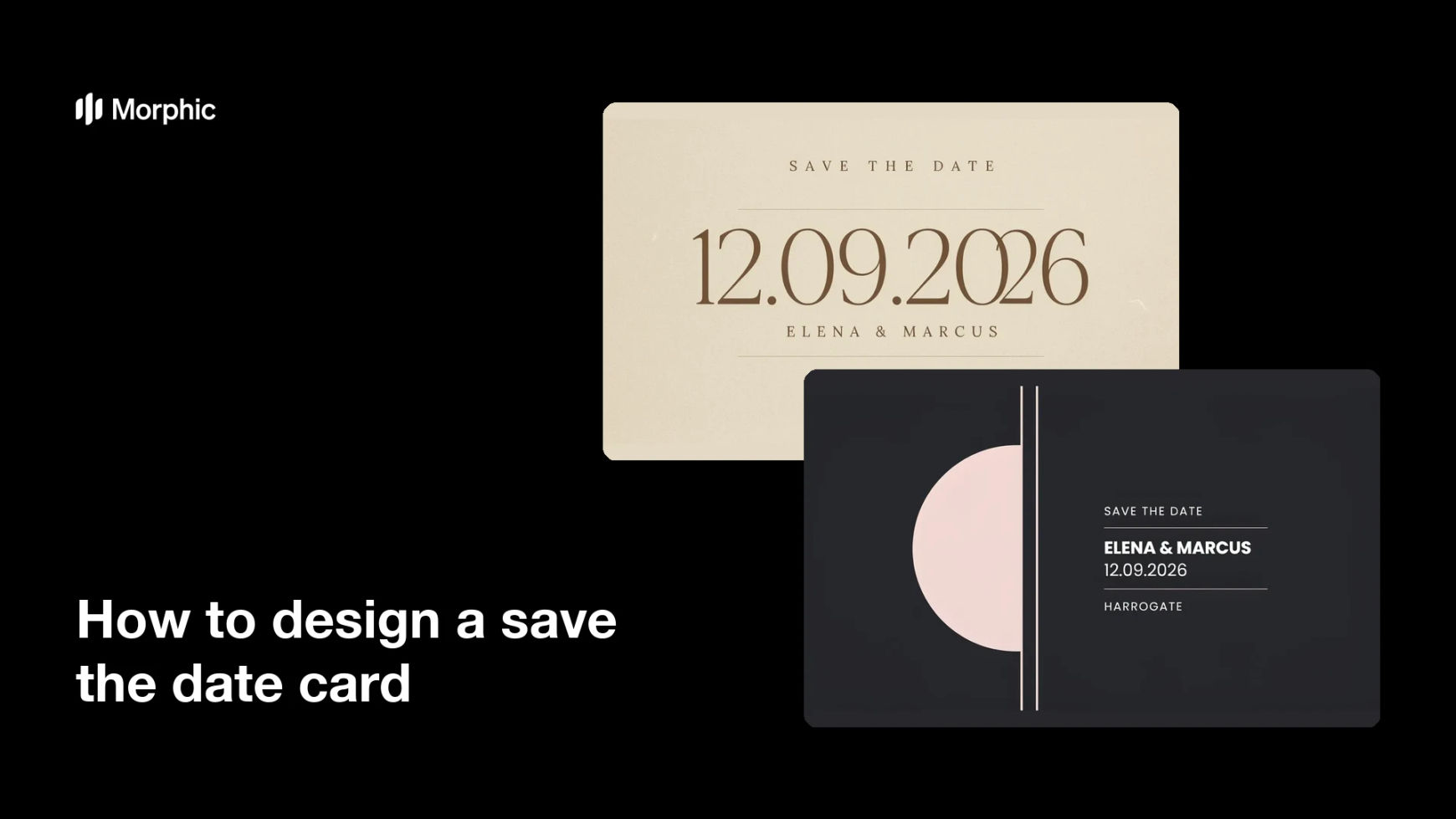
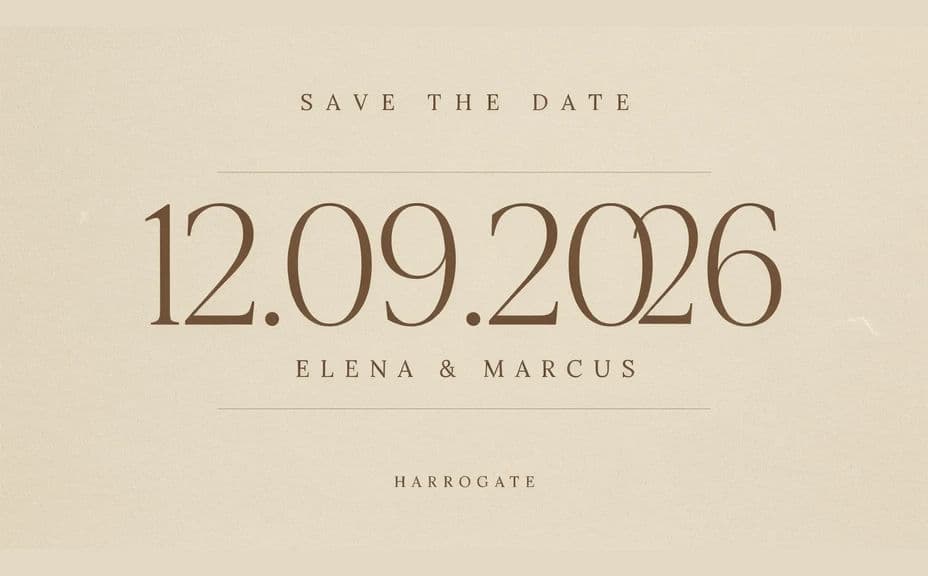
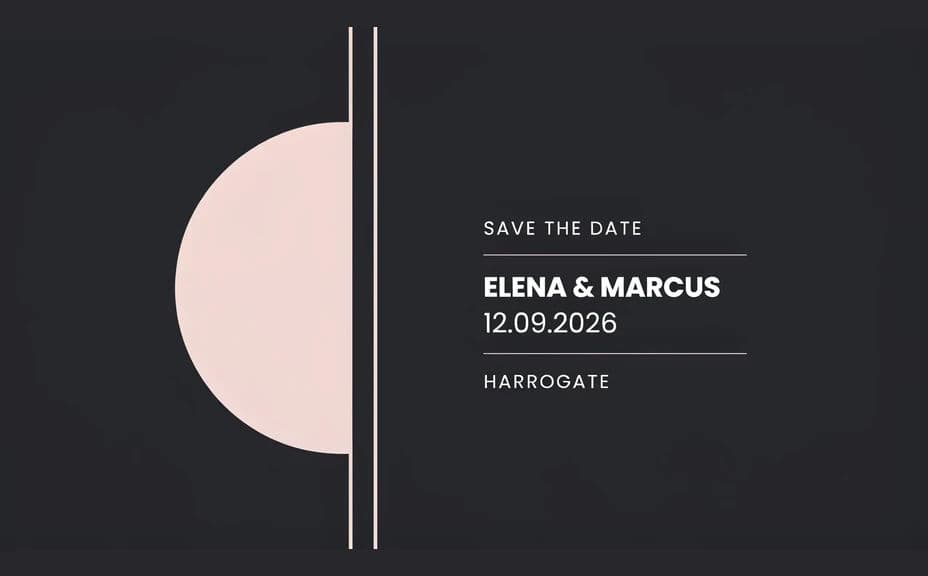
Two designs of the same save the date, each carrying the same names and wedding date.
What makes a good save the date card
| Quality | What it means | Why it matters |
|---|---|---|
| Prominent date | The date is the first thing read | Guests can block the day immediately |
| Short copy | Only the essentials appear | Nothing distracts from the announcement |
| Style preview | The look hints at the wedding tone | Guests get a first sense of the day |
| Print-ready quality | Type stays sharp at postcard size | The card feels finished in hand |
Morphic vs the traditional way
| Morphic | A stationer or design software | |
|---|---|---|
| Cost | Available on Morphic | Design fees or a software subscription |
| Time | A finished card in minutes | Days of proofs and revisions |
| Skill needed | Describe it in plain language | Layout and typography skills |
| Consistency | Regenerate the suite on one style | Manual rework for each matching piece |
FAQs
Yes. Include the exact wording in your prompt and the card renders around it. You can regenerate with a corrected date whenever plans firm up.
Yes. Describe the same palette, typography, and motif and the save the date will sit alongside the invitation as one suite.
Any format you need. Specify the aspect ratio, such as a landscape postcard for mail or a square for messaging, and the layout adapts.
Yes. Describe a photo-led layout with space reserved for the image, and keep the names and date on a clear area so they stay readable.
Yes, if you proof it first. Preview at postcard size, confirm the date and names are correct, and regenerate if any line looks tight before exporting in HD.
Yes. Designs you generate with Morphic are cleared for commercial use, including work you produce for clients.