What is a school event poster?
A school event poster announces something happening on campus, a sports day, a science fair, a school play, or a parents evening. It carries the event name, the date and time, the venue, and often a line about who can attend. Teachers, student councils, and PTA volunteers put it on corridor walls, in newsletters, and on the school's social channels.
With Morphic you design that poster from a text prompt in your browser. Describe the event, the mood, the colours, and the exact wording, then adjust the layout and download in HD. You get a polished poster in minutes without design training or a print budget for a studio.
Pin down the event facts
Write out the event name, the date and start time, the venue, and any ticket or sign-up line exactly as they should appear. Locking this copy first keeps the poster accurate and prevents a reprint later.
Describe the poster
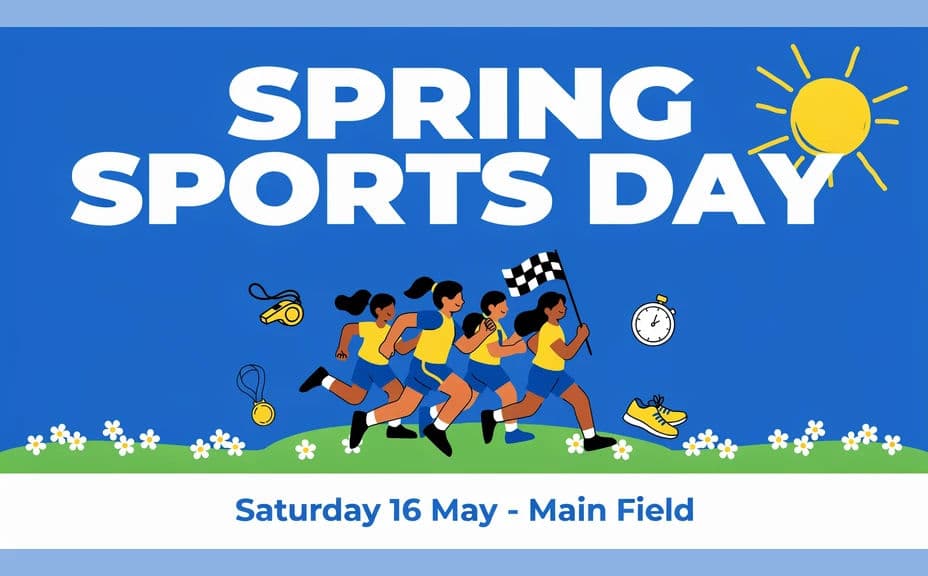
Open Morphic and describe what you want: a large event title, a supporting illustration or photo, and a clean band at the bottom holding the date and venue. Ask for two layout options so you can compare which hierarchy reads faster.
Set the mood and colours
Match the styling to the occasion, energetic and bright for sports day, softer and more theatrical for a school play. Use your school colours where it helps and keep the title well clear of any busy background.
Check the text carefully
Read the title, the date, and the venue line word by word against your notes. Regenerate any version where a character looks wrong or the type runs too close to the edge.
Export and put it up
Preview the poster at the sizes you will use, A3 for corridors and a square crop for social. Download in HD, then print it or share it with parents.
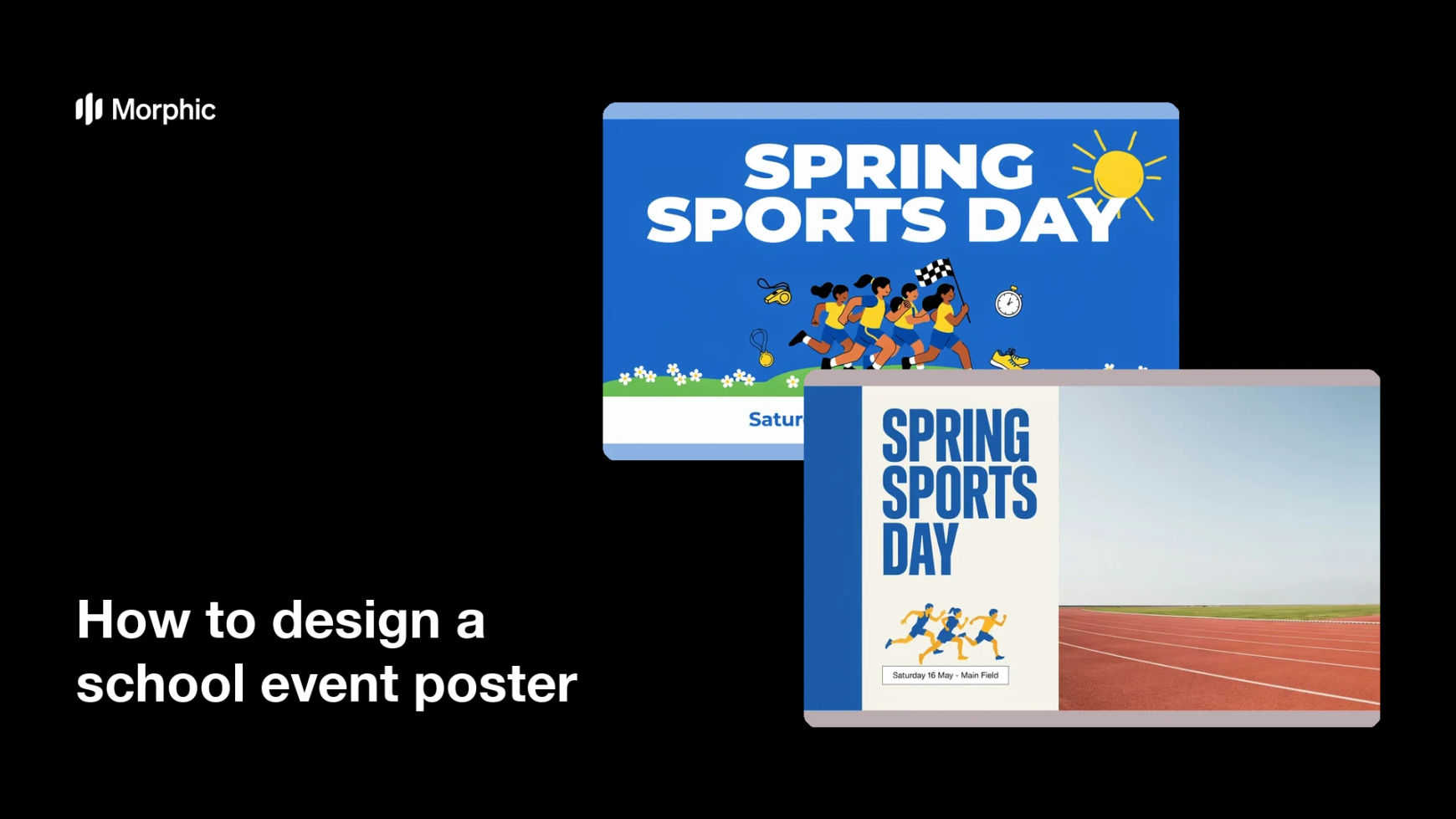
Two design options for the same school event, each carrying the event name, date, and venue.

What makes a good school event poster
| Quality | What it means | Why it matters |
|---|---|---|
| Big, clear title | The event name reads across a corridor | Students take it in while walking past |
| Unmissable date | Date, time, and venue sit together | Fewer confused parents and no-shows |
| Fitting mood | Styling matches the occasion | The poster sets the right expectation |
| Clean hierarchy | One focal point, no clutter | The message lands in a couple of seconds |
Morphic vs the traditional way
| Morphic | Design software or a print shop | |
|---|---|---|
| Cost | Available on Morphic | Software subscription or studio fee |
| Time | A finished poster in minutes | Days of drafts and approvals |
| Skill needed | Describe it in plain language | Layout and typography skills |
| Consistency | Regenerate variations that match | Manual rework for each version |
FAQs
Yes. Provide the wording in your prompt, then check the rendered text and regenerate if anything looks off before printing.
Yes. Describe the colours and the type feel you want, and generate the poster to match. Keep contrast high so the title stays readable.
Yes. Describe each placement, A3 print, newsletter banner, or square social post, and generate a version framed for it.
Yes, if you download in HD and preview at final size. Check the smallest text before sending it to print.
Describe the new details and regenerate. Updating the poster takes moments rather than a fresh design round.
Yes. Images you generate with Morphic are cleared for commercial use, including school communications and social posts.