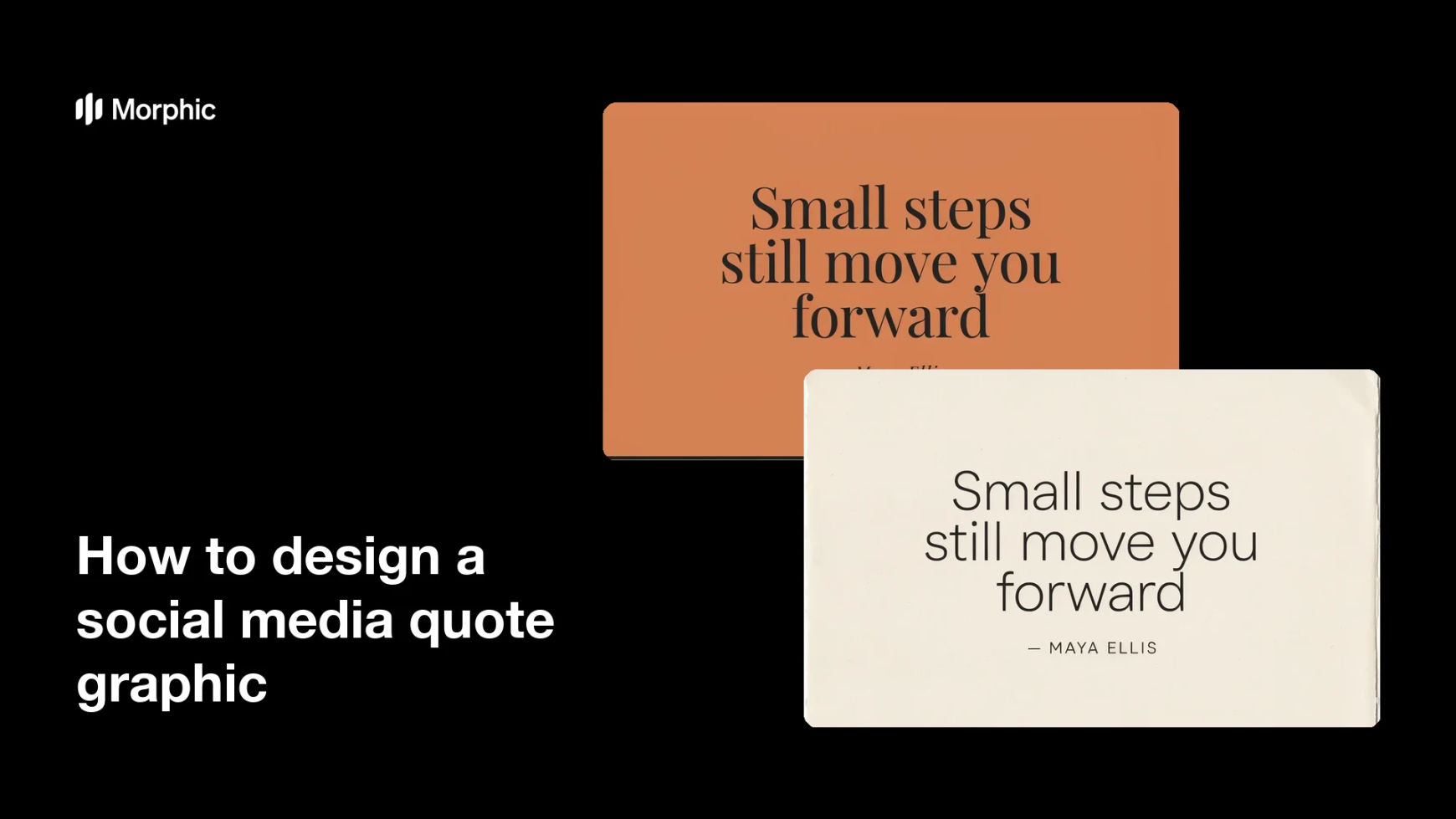
What is a social media quote graphic?
A social media quote graphic is a post that presents a short quote as a designed image with the attribution below it. It pairs readable typography with a simple background so the words carry the post and get shared. Brands, coaches, and creators rely on quote graphics because they are quick to make, easy to save, and reinforce a message in a single glance.
With Morphic you create a quote graphic from a text prompt in your browser. Type the quote, the attribution, and your brand look, then adjust and download in HD. You get a polished, correctly sized post without opening design software or waiting on a designer.
Choose the quote and attribution
Decide the exact quote and who it is credited to. Keep the quote short so it stays readable, and write the attribution line before you generate.
Describe the layout
Open Morphic and describe a quote graphic with the quote centered and the attribution below it on a clean background. Ask for the aspect ratio you need, such as a square for feeds or a portrait for stories.
Apply your brand look
Ask for your brand colors, a font style with clear hierarchy between the quote and the attribution, and enough margin around the text. Keep contrast high so the words are easy to read on any device.
Generate versions to choose from
Produce two designs of the same quote with different backgrounds or type treatments so you can pick the one that reads best. A quick comparison often reveals which design gives the words the most impact.
Check legibility and export
Preview each design at feed size and confirm the quote and attribution stay sharp and balanced. Download in HD, then post it to your channels.
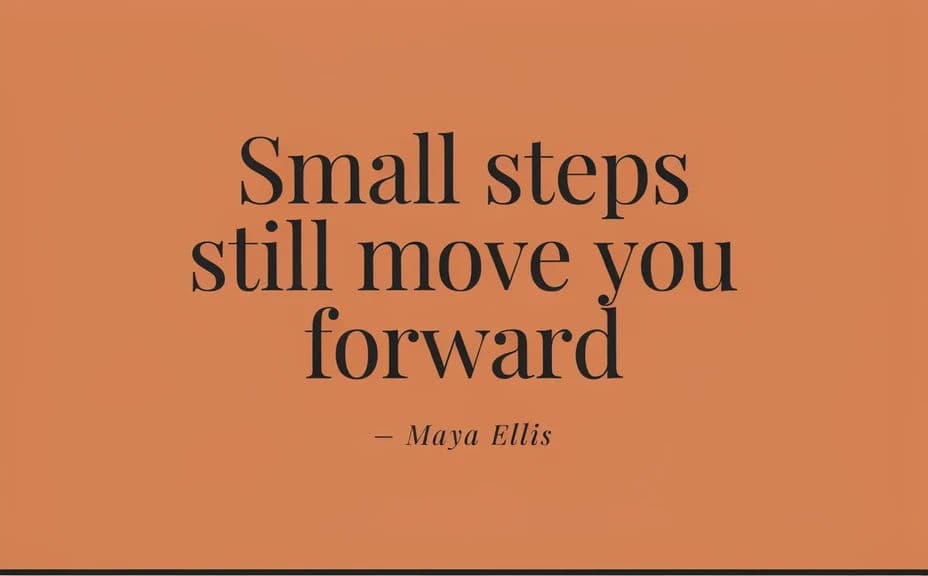
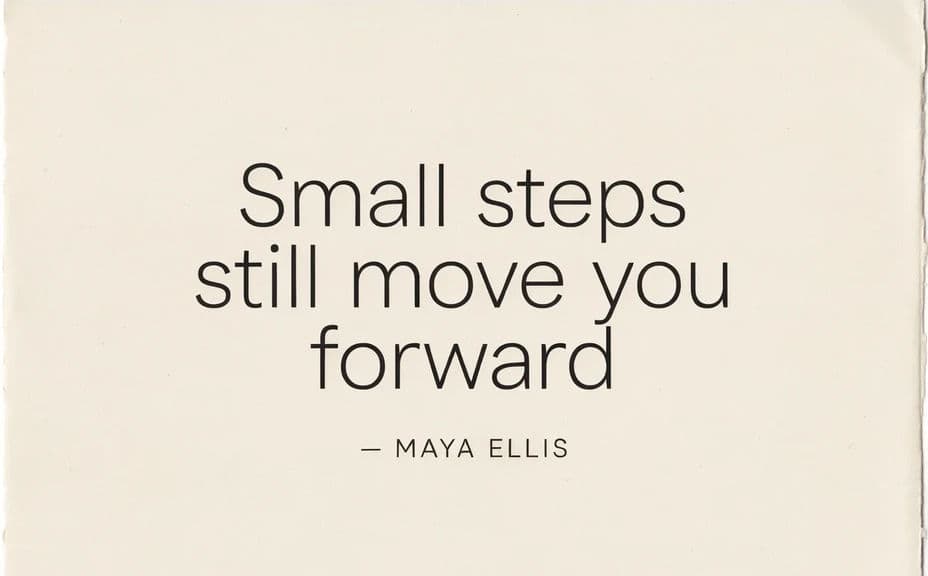
Two designs of the same quote, each with the quote and attribution text.
What makes a good quote graphic
| Quality | What it means | Why it matters |
|---|---|---|
| Readable quote | The words read at a glance | The message lands before the viewer scrolls |
| Clear attribution | The credit sits below the quote | The source is obvious and correct |
| Type hierarchy | The quote leads, credit supports | The eye follows the right order |
| On-brand styling | Colors and type match your identity | The post builds recognition and trust |
Morphic vs the traditional way
| Morphic | Design software or a designer | |
|---|---|---|
| Cost | Available on Morphic | Software subscription or design fee |
| Time | A finished graphic in minutes | Hours of layout and revision |
| Skill needed | Describe it in plain language | Layout and typography skills |
| Consistency | Regenerate versions on brand | Manual rework for every quote |
FAQs
Yes. Type the exact quote and credit in your prompt, and the graphic renders around them. You can regenerate with new wording any time.
Any placement you need. Specify the aspect ratio, such as a square for feeds or a portrait for stories, and the layout adapts to fit.
Yes. Describe your brand colors and font style, and the graphic renders to match. Keep contrast high so the quote stays readable.
Yes. Generate two designs of the same quote with different backgrounds so you can pick the one that gives the words the most impact.
Keep it short so it stays readable at feed size. If a quote runs long, trim it or increase the margin and regenerate until it reads cleanly.
Yes. Graphics you generate with Morphic are cleared for commercial use across your social channels, as long as you have the right to the quote.