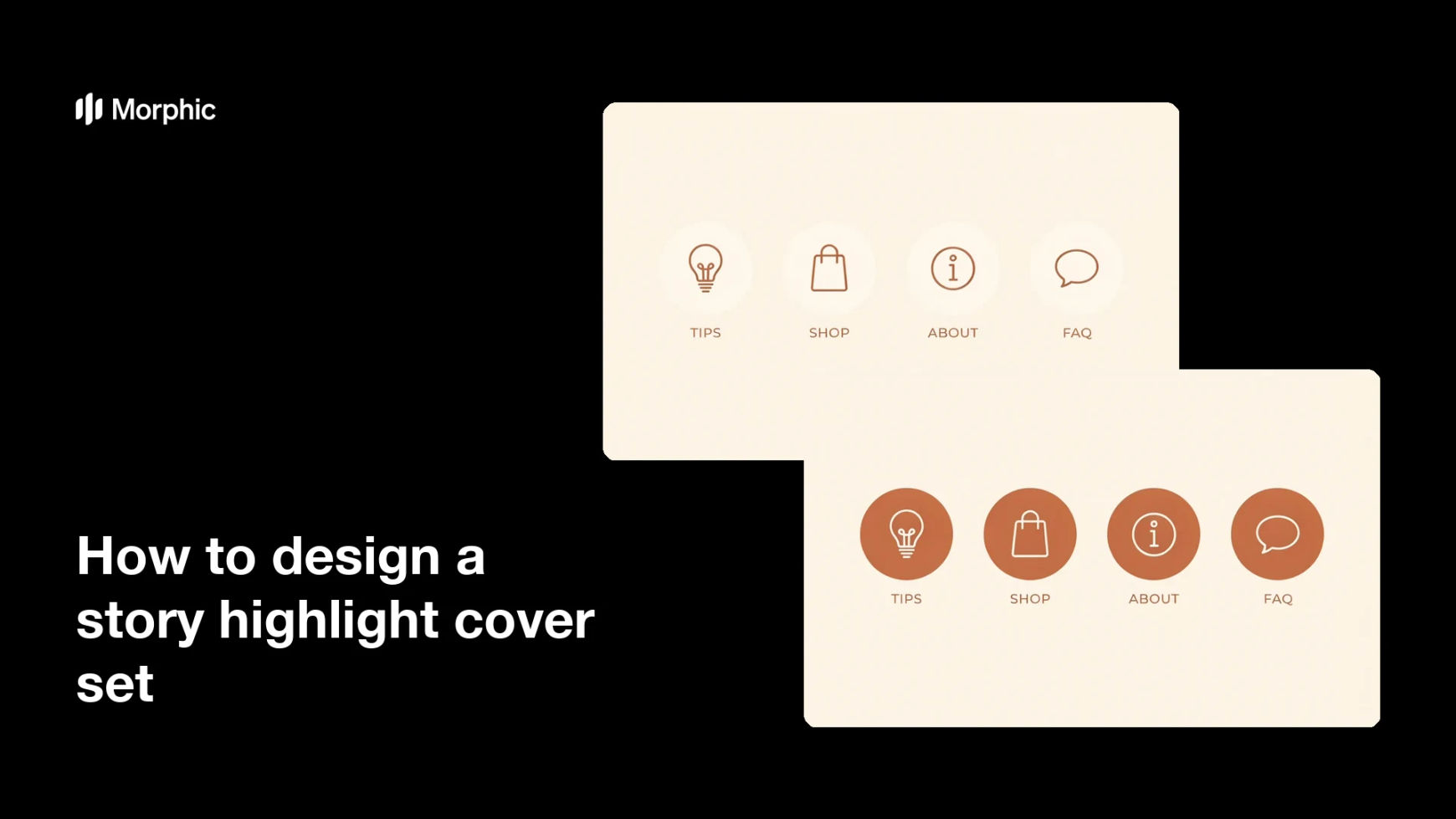
What is a story highlight cover set?
A story highlight cover set is the group of small circular icons that sit under a bio on Instagram and label saved stories. Each cover pairs a simple icon or graphic with a short word like Tips or Shop, and the set shares one consistent style. Brands and creators use them because a coordinated set makes a profile look organized and intentional the moment someone lands on it.
With Morphic you create a highlight cover set from a text prompt in your browser. Describe the labels, the icon style, and your brand colors, then adjust and download in HD. You get a matching set without opening design software or piecing together stock icons.
List the highlights you need
Write out the short labels you want, such as Tips, Shop, About, and FAQ. Keep each label to one or two words so it stays readable inside a small circle.
Describe the icon style
Open Morphic and describe the look you want, such as line icons, filled shapes, or a soft illustrated style. Specify a square or centered composition so each cover crops cleanly into a circle.
Set your brand palette
Ask for your brand background color and an accent for the icons so every cover feels like part of one family. Keep the icons simple and high contrast so they read at thumbnail size.
Generate coordinated styles
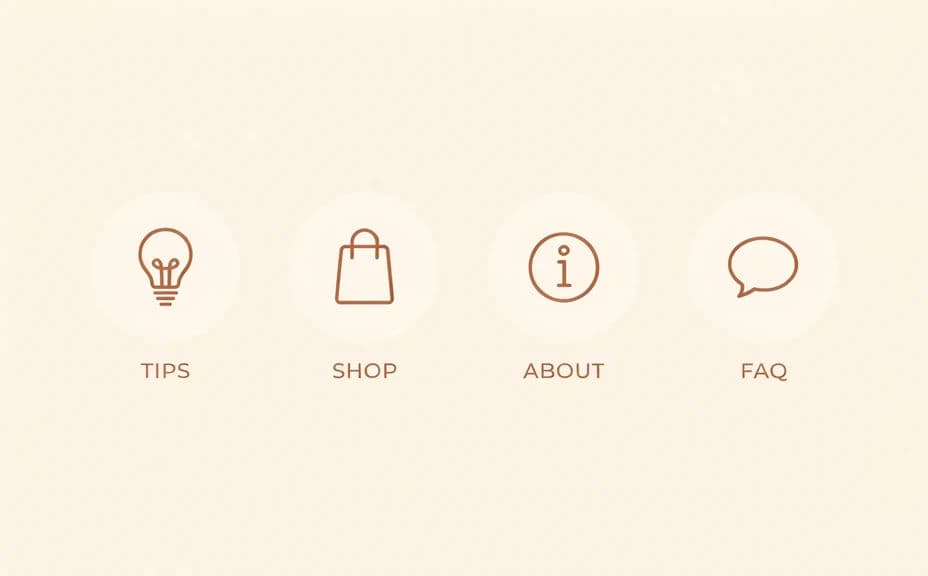
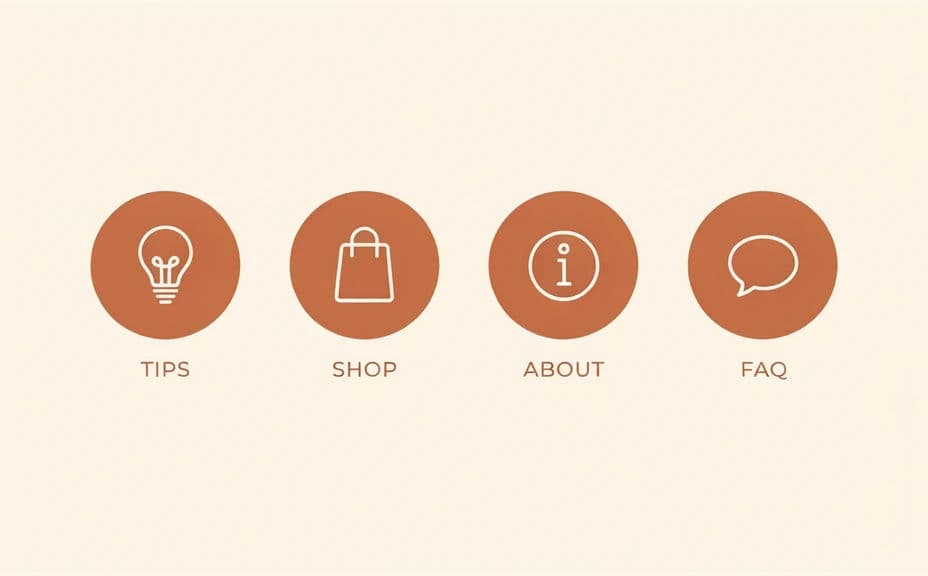
Produce two style options for the set so you can compare how each reads on your profile. A quick look reveals which treatment stays clear once the covers shrink to icon size.
Check the set and export
Preview the covers together and confirm the labels and icons stay legible in a small circle. Download the set in HD, then assign each cover to its highlight on your profile.
Two coordinated icon-cover styles for the same brand's highlights, each with short labels like Tips and Shop.
What makes a good highlight cover set
| Quality | What it means | Why it matters |
|---|---|---|
| Consistent style | Every cover shares one look | The profile feels organized and intentional |
| Readable labels | Short words stay clear when small | Visitors know what each highlight holds |
| Simple icons | Clean shapes over busy detail | The covers work at thumbnail size |
| On-brand palette | Colors match your identity | The set reinforces your brand at a glance |
Morphic vs the traditional way
| Morphic | Design software or a designer | |
|---|---|---|
| Cost | Available on Morphic | Software subscription or design fee |
| Time | A finished set in minutes | Hours of icon work and edits |
| Skill needed | Describe it in plain language | Icon and layout design skills |
| Consistency | One prompt keeps the set aligned | Manual matching across covers |
FAQs
Yes. List the exact labels in your prompt, and each cover renders with its word. You can regenerate with new labels any time.
Yes. Describe one style and palette, and every cover renders in that look so the set stays consistent across your highlights.
Use a square or centered composition so each cover crops cleanly into Instagram's circle. Specify it in your prompt and the layout adapts.
Yes. Generate two style options for the set and compare how each reads on your profile before you commit to one.
Yes, if you keep them simple. Ask for clean shapes and high contrast, then preview at thumbnail size and regenerate anything that looks busy.
Yes. Covers you generate with Morphic are cleared for commercial use across your brand and creator profiles.