What is a t-shirt mockup?
A t-shirt mockup is a realistic image of a shirt with your design on it, used to show how the finished garment will look before anything is printed. It has to sell the fit, the fabric, and the placement of the print all at once, whether it is laid flat, hung, or worn. Print-on-demand sellers, merch designers, and small labels use it because listings live or die on how believable that first image is.
With Morphic you design this mockup from a text prompt in your browser. Describe the shirt colour, the fabric, the print placement, and how it is presented, compare a few options, then download in HD. You get a listing-ready mockup without a template file or a sample print.
Choose the shirt and colour
Decide the garment style, the fabric weight, and the exact shirt colour you want shown. Getting these right first means the mockup matches the product a buyer will actually receive.
Describe the print and its placement
Open Morphic and describe the graphic, its size, and where it sits on the chest or back. Naming the print method, such as screen print or embroidery, changes how the design meets the fabric.
Pick how it is presented
Ask for a flat lay, a hanger shot, or a shirt worn by a person, and describe the background that suits your store. The presentation sets whether the mockup reads as a catalogue item or a lifestyle product.
Compare a few mockup options
Request several versions that change the layout, the background, and the crop. Comparing them side by side is the quickest way to find the one that shows the design best.
Export and list it
Check the print edges, the fabric folds, and the shirt colour at full size. Download in HD and use the mockup on your product page and in your ads.
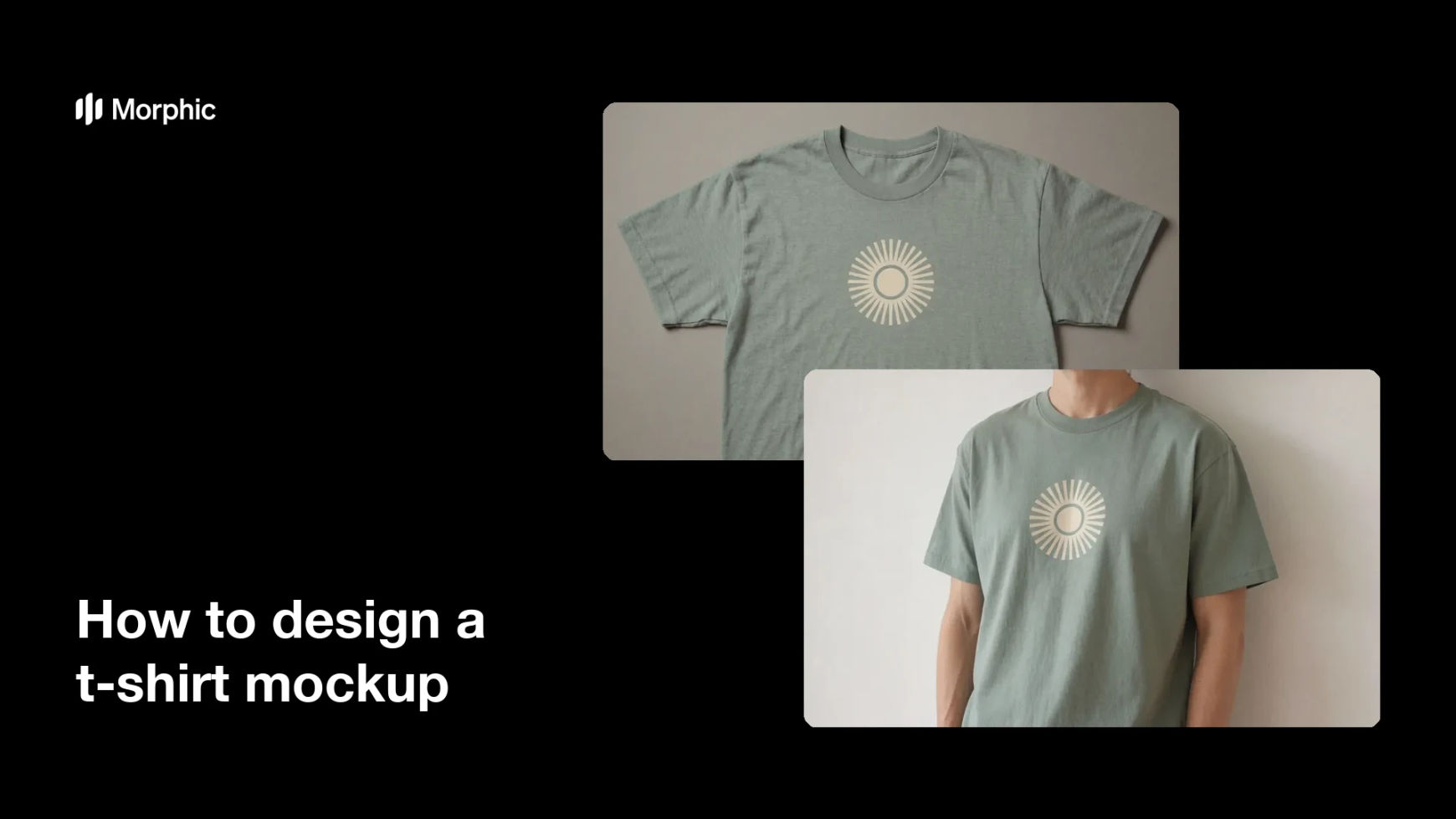
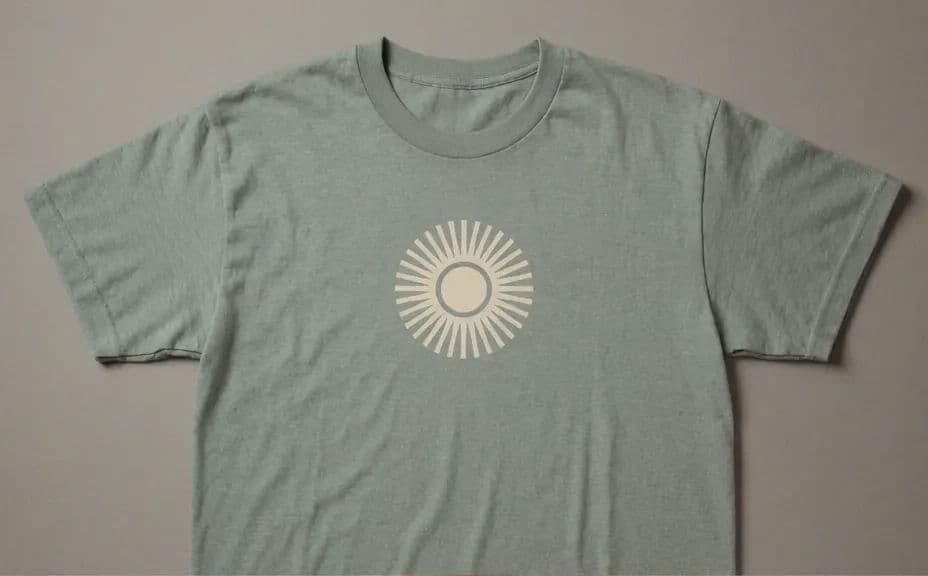
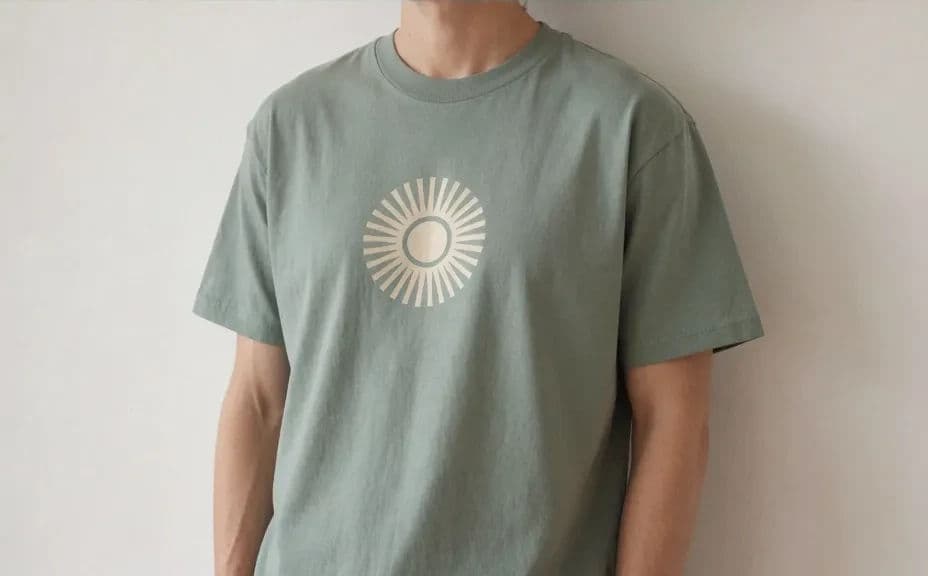
Two mockup presentations of the same t-shirt design.
What makes a good t-shirt mockup
| Quality | What it means | Why it matters |
|---|---|---|
| Believable fabric | Folds and texture behave like cotton | The mockup reads as a real garment |
| Print sits on the cloth | The graphic follows the shirt's surface | The design looks printed, not pasted |
| True shirt colour | The tone matches the product | Buyers get the colour they ordered |
| Clean presentation | Background and crop stay simple | The design is the focus of the listing |
Morphic vs the traditional way
| Morphic | Mockup templates or a sample shoot | |
|---|---|---|
| Cost | Available on Morphic | Template packs or sample printing costs |
| Time | A finished mockup in minutes | Hours of template editing or a sample wait |
| Skill needed | Describe it in plain language | Photo editing and smart-object skills |
| Consistency | Regenerate mockups that match | Manual rework for every colourway |
FAQs
Yes. Describe each colourway with the same print and presentation so the set stays consistent across your listing.
Yes. Name the presentation you want, whether that is flat lay, hanger, folded, or worn by a model.
Describe the print method and ask for the graphic to follow the fabric folds, then regenerate if it looks pasted on.
Yes. Describe the new position and size, such as a small left-chest print, and generate the updated mockup.
Yes. The mockup is generated from your description, so you can validate a design before committing to a print run.
Yes. Images you generate with Morphic are cleared for commercial use across your store and marketing.