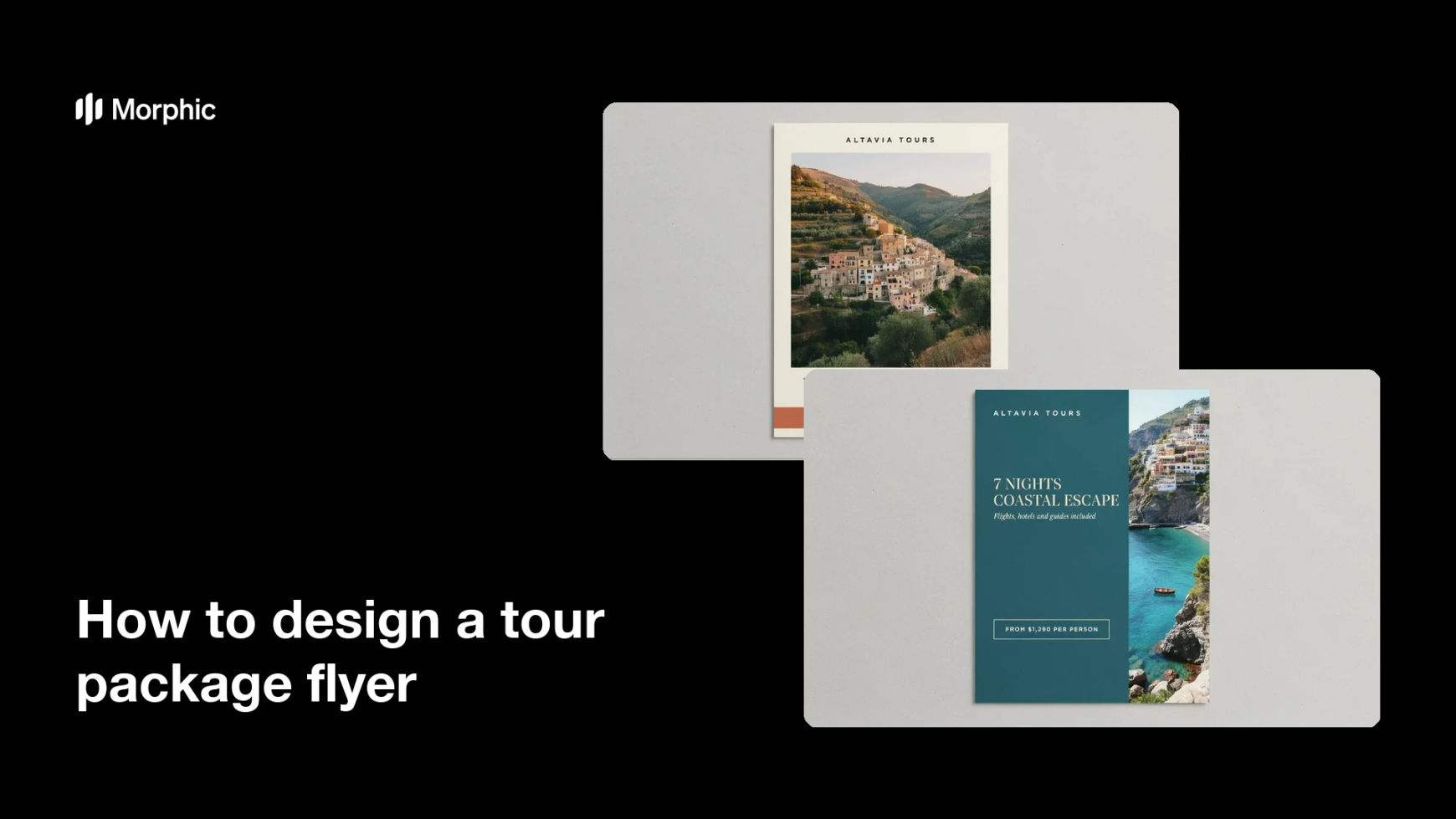
What is a tour package flyer?
A tour package flyer is the one-page sheet that sells a trip, the destination, what is included, how many nights, and what it costs. Travel agencies, tour operators, and hotel concierges hand it out at counters, slip it into brochure racks, and post it to social feeds. It has to make a place look worth visiting and answer the practical questions in the same glance.
With Morphic you design that flyer from a text prompt in your browser. Describe the destination, the itinerary lines, the price, and the mood you want, then adjust the wording and download in HD. The result is a print-ready sheet without opening design software or briefing a designer.
Lock the trip details
Write out the package name, the destinations, the number of nights, what is included, and the price before you generate. Fixing these first keeps the text on the flyer accurate and saves you a round of rewrites.
Describe the flyer you want
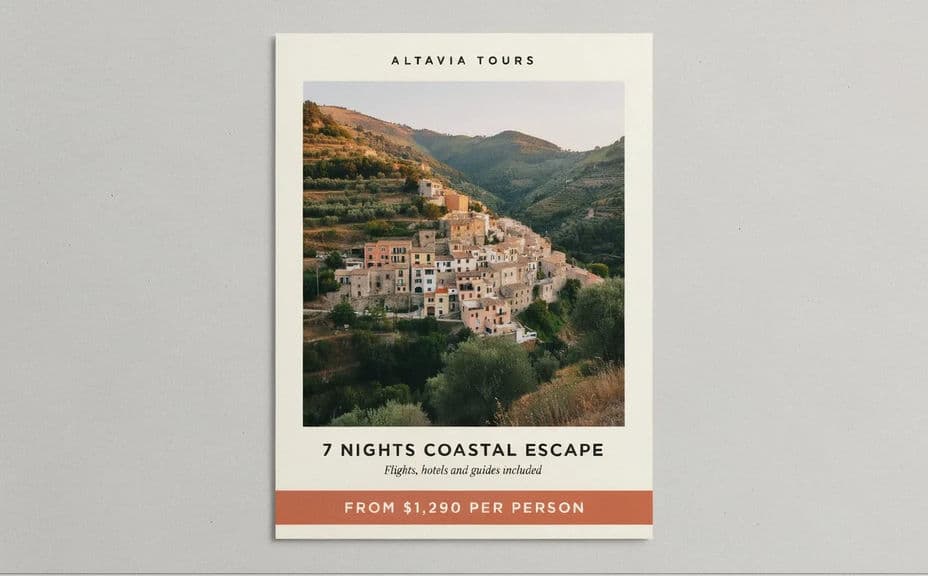
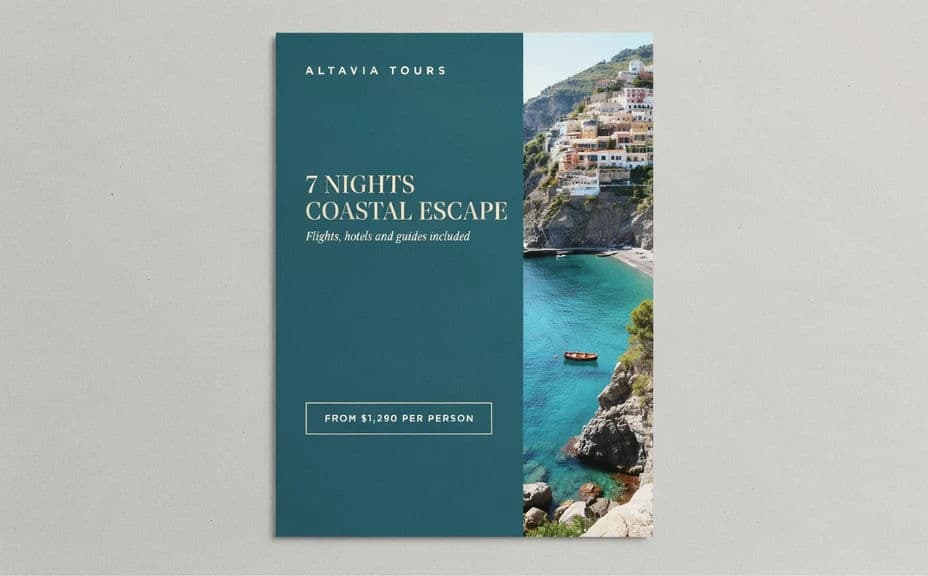
Open Morphic and describe a travel flyer: a hero destination image at the top, a short itinerary block, and a price panel near the bottom. Ask for a couple of layout options so you can compare how each one leads the eye.
Set the destination mood
Tell Morphic what the place should feel like, sunlit coastline, alpine morning, or old-town streets, and name the colour palette that suits it. A flyer that matches the trip's atmosphere sells the package better than a generic template.
Check every word and number
Read the package name, the nights, the inclusions, and the price straight off the flyer and confirm each one. Regenerate any layout where the type feels cramped or a figure looks wrong.
Export for print and social
Preview the flyer at the sizes you will use, an A4 handout and a square social crop. Download in HD, then send it to the printer or schedule the post.
Two layout options for the same tour package, each carrying the itinerary and price text.
What makes a good tour package flyer
| Quality | What it means | Why it matters |
|---|---|---|
| Strong destination image | One photo that sells the place | It is what stops someone in a brochure rack |
| Readable itinerary | Nights and inclusions in short lines | Travellers can judge value in seconds |
| Clear price | The cost sits in its own panel | No one has to hunt for the number |
| Print-safe layout | Generous margins and high contrast | The flyer survives folding, racks, and copying |
Morphic vs the traditional way
| Morphic | Design software or a designer | |
|---|---|---|
| Cost | Available on Morphic | Software subscription or design fee |
| Time | A finished flyer in minutes | Hours of layout, stock hunting, and revision |
| Skill needed | Describe it in plain language | Layout and typography skills |
| Consistency | Regenerate matching flyers per package | Manual rework for every destination |
FAQs
Yes. Give the package name, the nights, the inclusions, and the price in your prompt, then read the rendered text and regenerate if any line looks off.
Yes. Describe your colours, accent, and type style, and generate the flyer to match. Keep contrast high so the price and itinerary stay readable.
Yes. Describe each destination and its package details, and generate a version for it. The layout stays consistent while the imagery and text change.
Yes, if you plan for it. Download in HD, keep margins generous, and avoid placing text near the trim edge so nothing is lost when the sheet is cut.
Describe the new figure and regenerate. There is no manual redraw, so keeping seasonal pricing current takes moments.
Yes. Images you generate with Morphic are cleared for commercial use across your print runs and marketing.