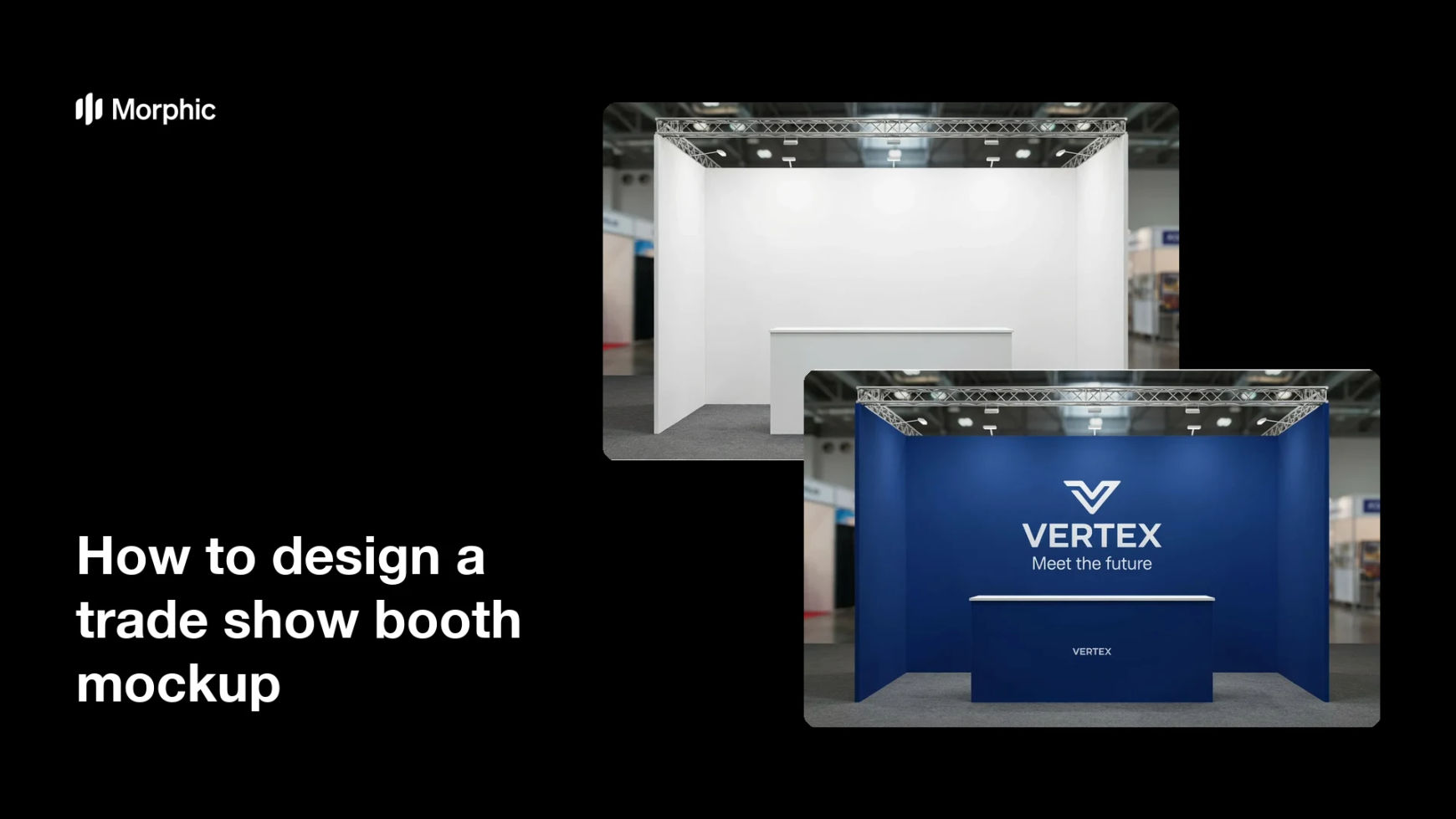
What is a trade show booth mockup?
A trade show booth mockup is a visual preview of how a stand will look once it is branded, before any panels are printed or built. Event marketers, exhibitors, and agencies use it to test layouts, place logos and graphics, and get sign-off from stakeholders without committing to a physical build.
With Morphic you start from an empty booth shell and describe the branding you want applied. You can place the logo, add graphics and headlines, adjust colors in plain language, and download the finished mockup in HD.
Start with the booth shell
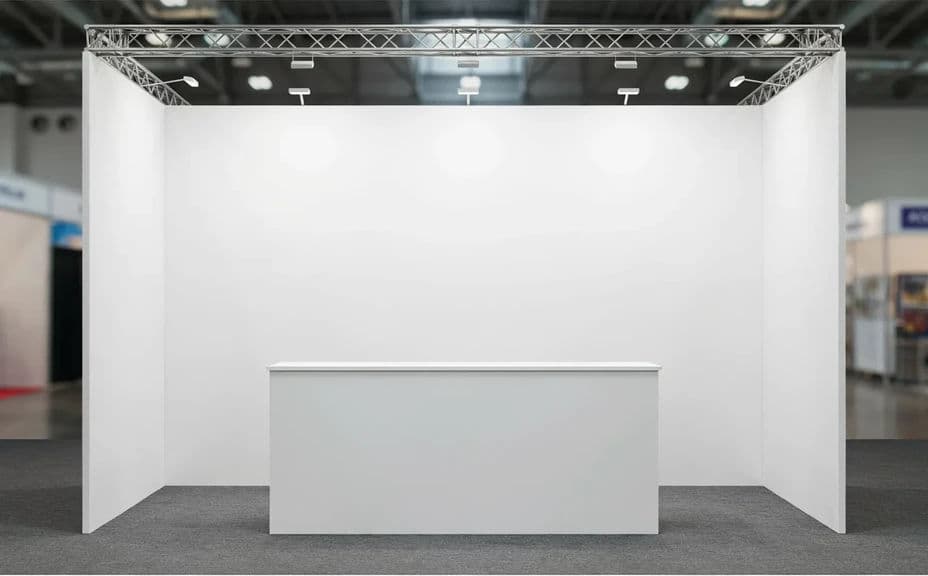
Begin with a clear view of the empty booth structure so the mockup is grounded in the real space you have. A straight, well-lit angle of the shell gives the branding a clean surface to sit on.
Describe your branding
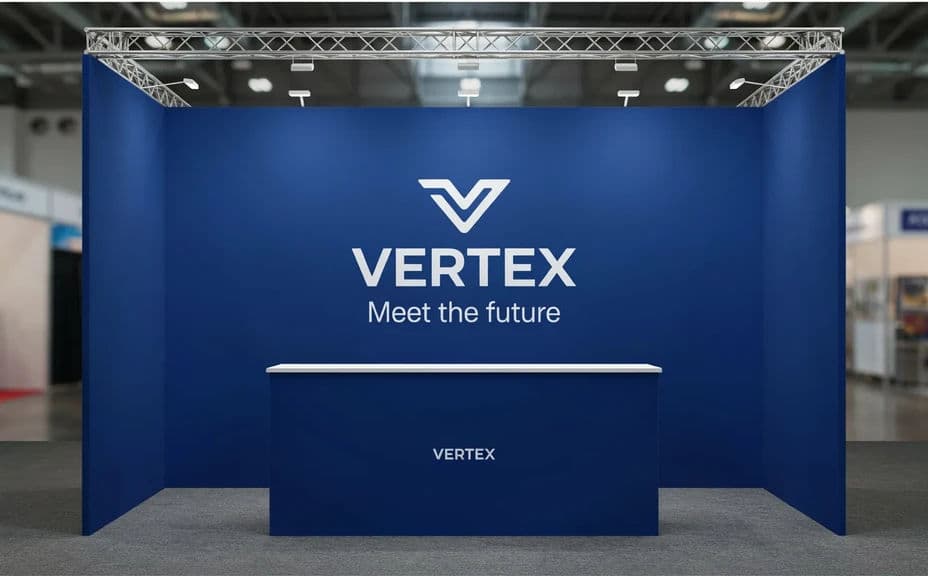
Open Morphic and describe the graphics you want applied, including your logo, headline text, and brand colors. Name where each element sits, such as the back wall or the counter front, so the layout matches your plan.
Place graphics and text
Ask for your headline and logo to be placed clearly and sized to read from a distance. Legible text and a well-positioned logo are what make the booth work on a busy show floor.
Preview the branded booth
Generate the branded mockup and compare it against the empty shell to see the transformation. Reviewing before and after helps you confirm the graphics land where you intended.
Download in HD
Export the final mockup in HD, ready to share with stakeholders or a print vendor. The graphics stay crisp and the result is cleared for commercial use.
The same booth shell, before branding and after graphics and a logo are applied.
What makes a good booth mockup
| Quality | What it means | Why it matters |
|---|---|---|
| True to space | Branding fits the real booth structure | Stakeholders see an accurate preview, not a guess |
| Readable graphics | Logo and headline read from a distance | The booth attracts visitors across a busy floor |
| On-brand colors | Palette matches your identity | The stand looks like a natural extension of the brand |
| Correct placement | Elements sit where planned | The mockup translates cleanly to the printed build |
Morphic vs the traditional way
| Morphic | A design agency or 3D render | |
|---|---|---|
| Cost | Available on Morphic | Agency fees or render software costs |
| Time | A branded mockup in minutes | Briefing rounds and multi-day render turnarounds |
| Skill needed | Describe it in plain language | 3D modeling and design tool experience |
| Consistency | Same treatment across layouts | Varies by designer and revision |
FAQs
Yes. Provide your logo, headline, and brand colors, and describe where each sits. They render clearly on the booth so the mockup matches your planned layout.
No. Start from a clear view of the empty booth shell and describe the branding you want applied, without any 3D modeling or render software.
It is grounded in the shell you start from, so the branding fits the real structure. Use a straight, well-lit angle for the most accurate preview.
Yes. Generate several versions from the same shell to compare graphic placements and color directions, then pick the layout that works best on the floor.
Keep the logo and headline large and legible so they read from a distance, and use your brand colors consistently. Clear, well-placed graphics draw visitors in.
Yes. The result downloads in HD and is cleared for commercial use, so it is ready for stakeholder sign-off and print production.