What is an art print mockup?
An art print mockup shows a piece of work framed and hanging in a real setting, so a buyer can picture it on their own wall. Photographers, illustrators, and print shops use mockups on product pages and in portfolios because a flat scan gives no sense of scale or finish. The room around the frame does most of the selling.
With Morphic you create that mockup from a text prompt in your browser. Describe the frame, the wall, and the room styling, compare a few settings, then download in HD. You get a shop-ready presentation shot without booking a location or building a set.
Decide the setting
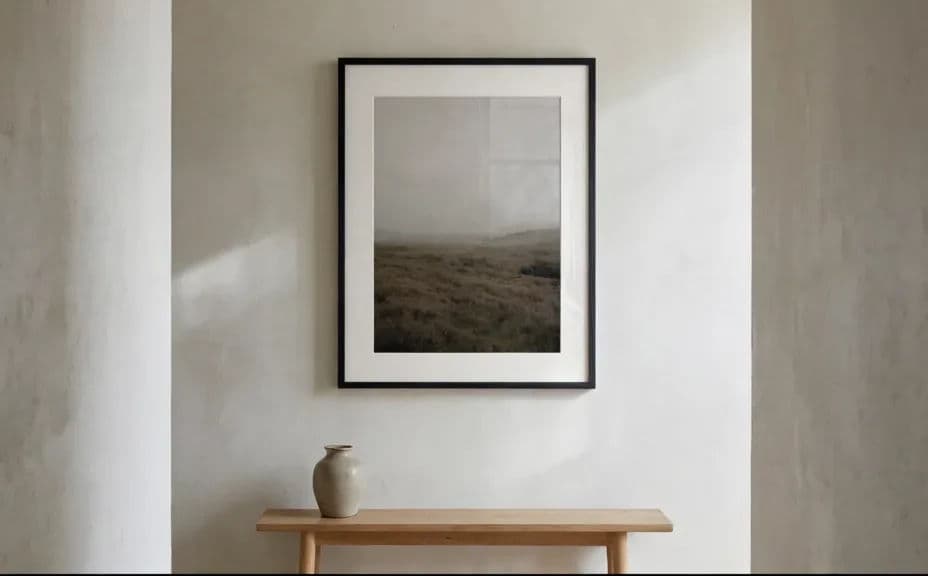
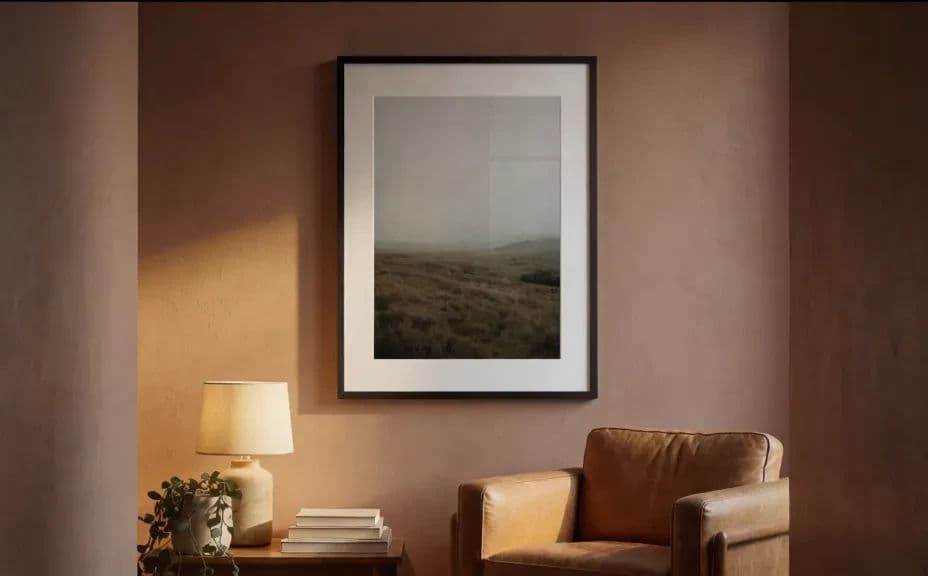
Choose the room and mood that suit the work, such as a bright minimal hallway or a warm lived-in living room. The setting should match the buyer you are speaking to.
Describe the mockup
Open Morphic and describe the framed print on the wall: the frame style, the mount, the wall colour, and the furniture nearby. Ask for a couple of settings so you can compare the mood each one creates.
Set the frame and scale
Name the frame material and width, and describe nearby objects that hint at size. Scale cues are what stop a buyer guessing how large the print really is.
Fix the light
Ask for soft directional daylight and a subtle shadow under the frame so the print sits in the room rather than floating on it. Regenerate any version where the glass looks blown out or the shadow reads as fake.
Export and publish
Preview the mockup at full size and check the frame edges are clean and straight. Download in HD and use it on your product page, portfolio, or social posts.
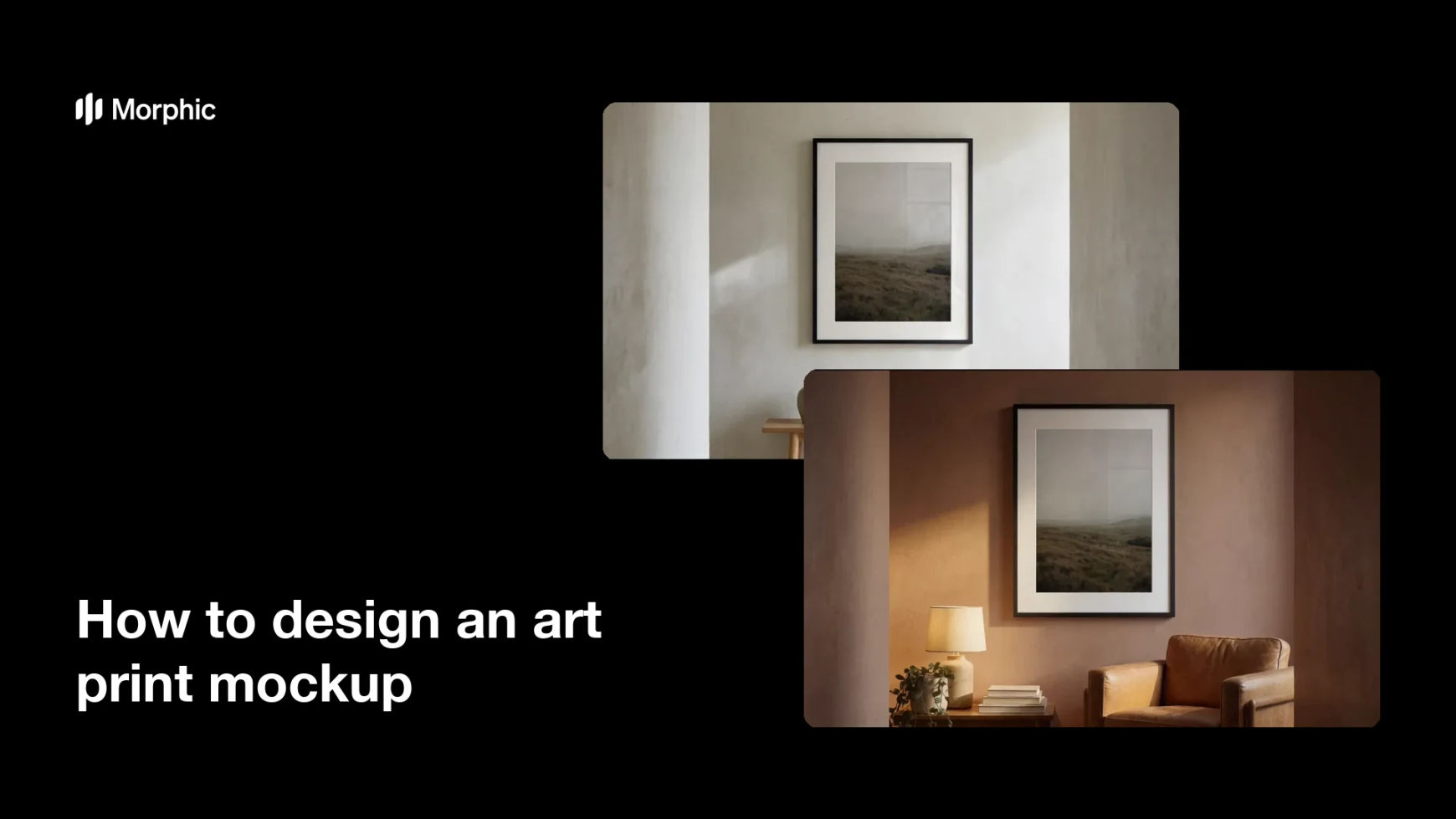
Two different room settings for the same framed print.
What makes a good art print mockup
| Quality | What it means | Why it matters |
|---|---|---|
| Believable scale | Nearby objects show real size | Buyers know what they are ordering |
| Clean frame edges | Straight lines and even corners | The print looks professionally finished |
| Natural light | Soft daylight with a real shadow | The frame sits in the room, not on top of it |
| Fitting styling | The room suits the artwork | The setting sells the piece as much as the print |
Morphic vs the traditional way
| Morphic | Photographing a real mockup | |
|---|---|---|
| Cost | Available on Morphic | Printing, framing, and location costs |
| Time | A finished mockup in minutes | A day of printing, hanging, and shooting |
| Skill needed | Describe it in plain language | Interior styling and lighting skills |
| Consistency | Regenerate settings that match | Reshoots to keep a series consistent |
FAQs
Yes. Name the material, width, and mount in your prompt, whether that is thin black metal or a wide oak frame with a white mount.
Yes. Ask for the same framed piece in different settings and compare them, then use the versions that match your audience.
Yes. Describe furniture or objects beside the frame to give scale, and state the impression of size you want the shot to give.
Yes. Generate several angles and settings for the same piece so the listing shows the work in context from more than one view.
Describe the new wall colour, furniture, or light and regenerate. Nothing has to be rebuilt or reshot.
Yes. Mockups you generate with Morphic are cleared for commercial use on product pages and in marketing.