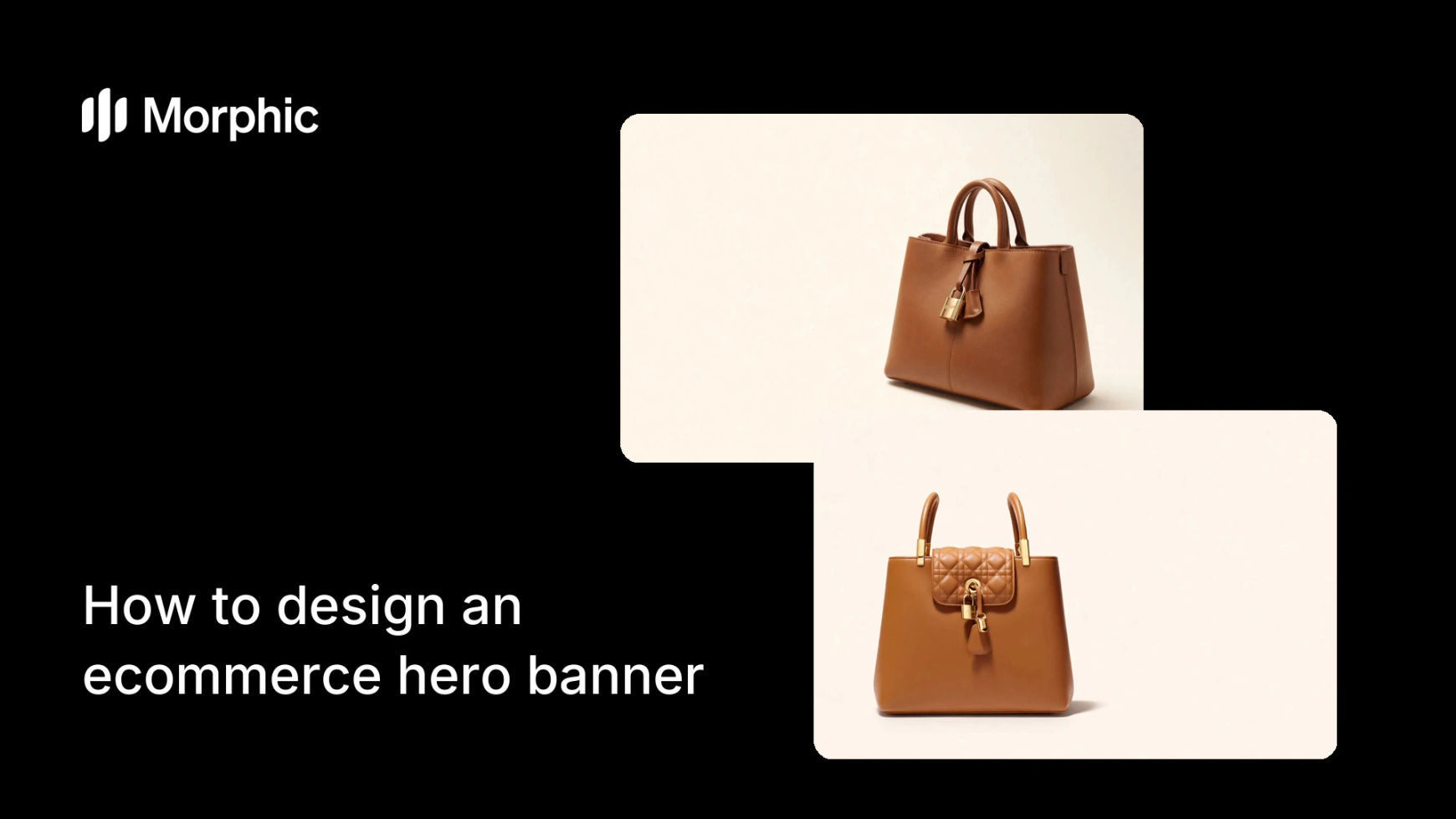
What is an ecommerce hero banner?
An ecommerce hero banner is the large image at the top of a storefront, the first thing a visitor sees and the frame that sets the tone for the whole shop. It has to introduce the brand, spotlight a product or message, and leave room for a headline and a button, all while looking polished enough to earn trust in the first second.
With Morphic you design this banner from a text prompt in your browser. Describe the product, the mood, and your brand look, then adjust and download in HD. You get a crisp, conversion-minded hero without a photo shoot or a designer.
Decide the message and focal point
Choose what the hero is selling, a flagship product, a new collection, a brand promise, and the one line that carries it. A clear focus keeps the banner from feeling busy.
Describe the hero composition
Open Morphic and describe the scene: the product or model placed with intentional negative space for a headline and button, in lighting that matches your brand mood. Generate a few compositions and pick the most balanced.
Leave room for text and a button
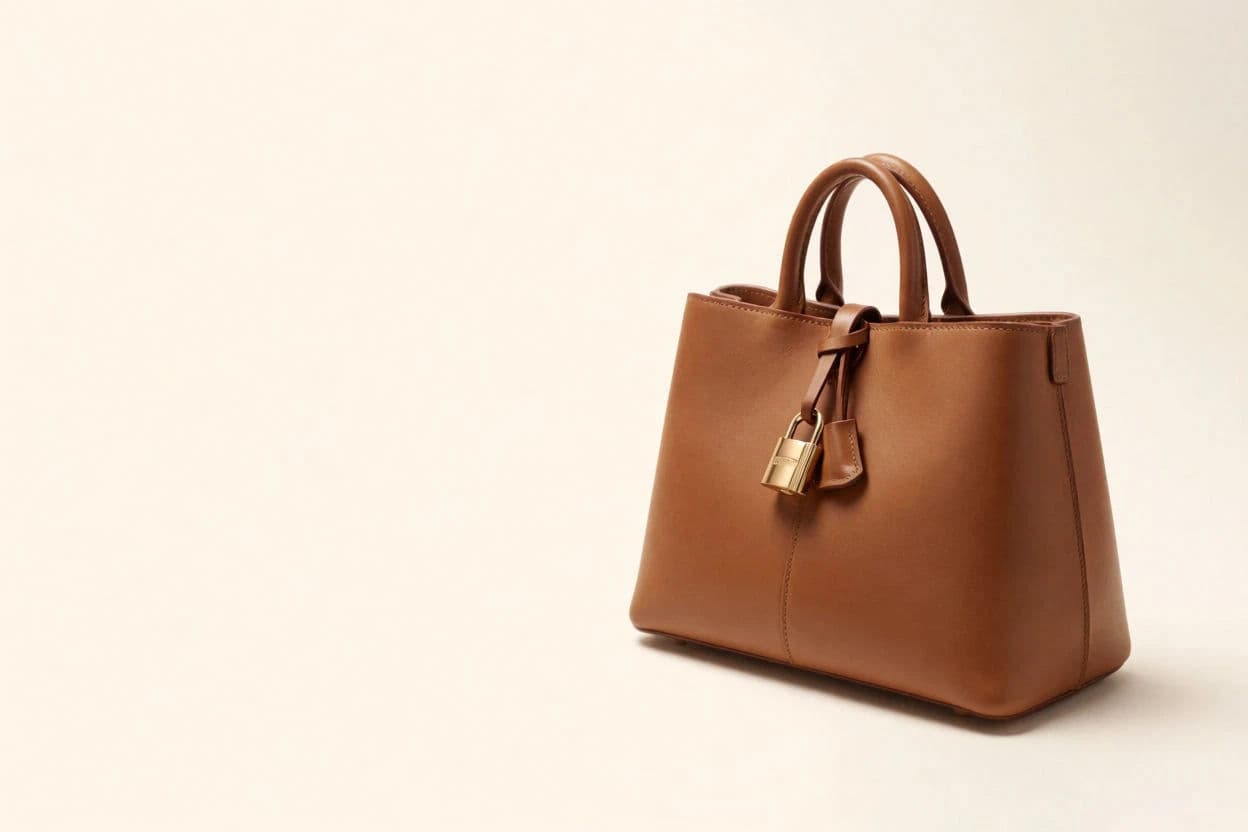
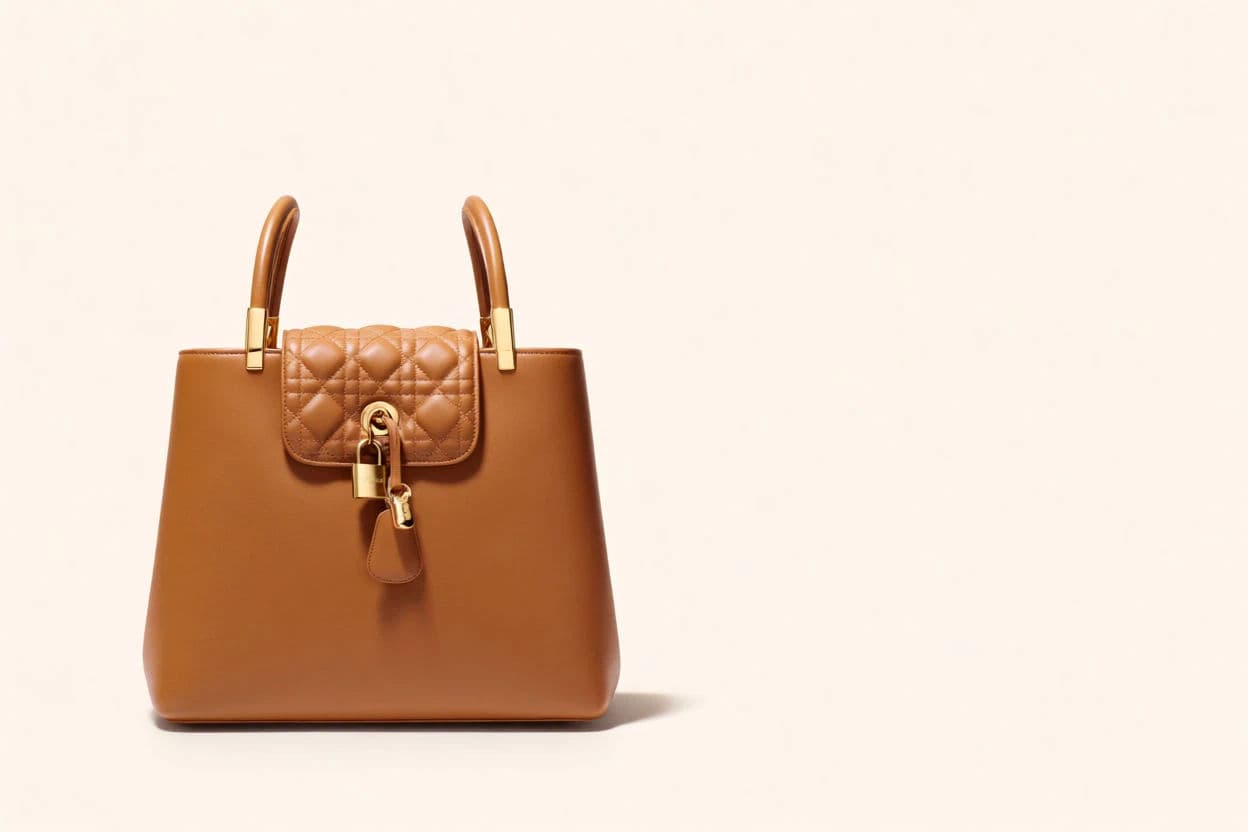
Prompt for a clear area, often to one side, where your headline and call to action will sit without covering the subject. This keeps the copy legible when it goes live.
Apply brand styling
Ask for your brand palette and a mood that matches the rest of the site, clean and minimal, warm and editorial, bold and vibrant. Consistency with your store makes the hero feel native.
Export responsive sizes
Generate a wide desktop version and a taller mobile crop so the hero works on every screen, then download each in HD and drop them into your homepage.
Two hero compositions with text-safe space on opposite sides for the same product.
What makes a great hero banner
| Quality | What it means | Why it matters |
|---|---|---|
| Clear focal point | One product or message leads | Visitors grasp the store in a second |
| Text-safe space | Room for headline and button | Copy stays legible over the image |
| On-brand mood | Lighting and palette match the store | The hero builds instant trust |
| Responsive framing | Works on desktop and mobile | The banner looks intentional on every screen |
Morphic vs the traditional route
| Morphic | Photo shoot plus design | |
|---|---|---|
| Cost | Available on Morphic | Shoot and design fees |
| Time | A hero in minutes | Days from brief to final files |
| Skill needed | Describe the scene in words | Photography and layout skills |
| Iterations | Regenerate for each idea | Reshoot or rebuild each option |
FAQs
Prompt for intentional negative space, often to one side, where your headline and button will sit without covering the subject. That keeps the copy legible when the banner is live.
Yes. Describe your palette and the mood of your store, and generate the hero to match so it feels native to the homepage.
Yes. Generate a wide desktop composition and a taller mobile crop so the hero works across screens, then download each in HD.
No. Describe the product or model and the scene, and generate the composition, no shoot required. A reference image is optional.
As many as you like. Regenerate different compositions and moods quickly, then pick the strongest before you publish.
Yes. Hero banners you generate with Morphic are cleared for commercial use on your storefront and campaigns.