What is an esports jersey mockup?
An esports jersey mockup is a presentation image of a team kit shown flat or on a body, before anything is manufactured. It shows the colourway, the panel design, the team name or tag across the chest, a player number, and where sponsor marks sit. Teams, org managers, and apparel suppliers use mockups to agree on a design and to pre-sell kits to fans before a production run.
With Morphic you design this mockup from a text prompt in your browser. Describe the colourway, the team name, and the sponsor placement, compare a few directions, then download in HD with no watermark. You get a presentable kit concept without 3D software or a sample garment.
Fix the team details
Settle the team name or tag, the player number, and any sponsor wordmarks that must appear on the kit. Locking the strings first keeps the rendered lettering accurate.
Describe the kit
Open Morphic and describe the jersey: the base colour, accent panels, sleeve treatment, collar type, and whether you want it flat-laid or worn. Ask for a couple of directions so you can compare silhouettes and colour splits.
Place the branding
Say where the team name, number, and sponsor marks belong (chest, sleeve, upper back) and how large each should read. Clear separation between marks keeps the kit from looking crowded.
Check the lettering and symmetry
Zoom in and confirm the team name and number are correctly spelled and that panels line up across the front. Regenerate any version where type is warped or a seam looks wrong.
Export and share it
Download in HD, then share the mockup with your org, your supplier, or your community for feedback. Keep the chosen direction as the reference for the production spec.
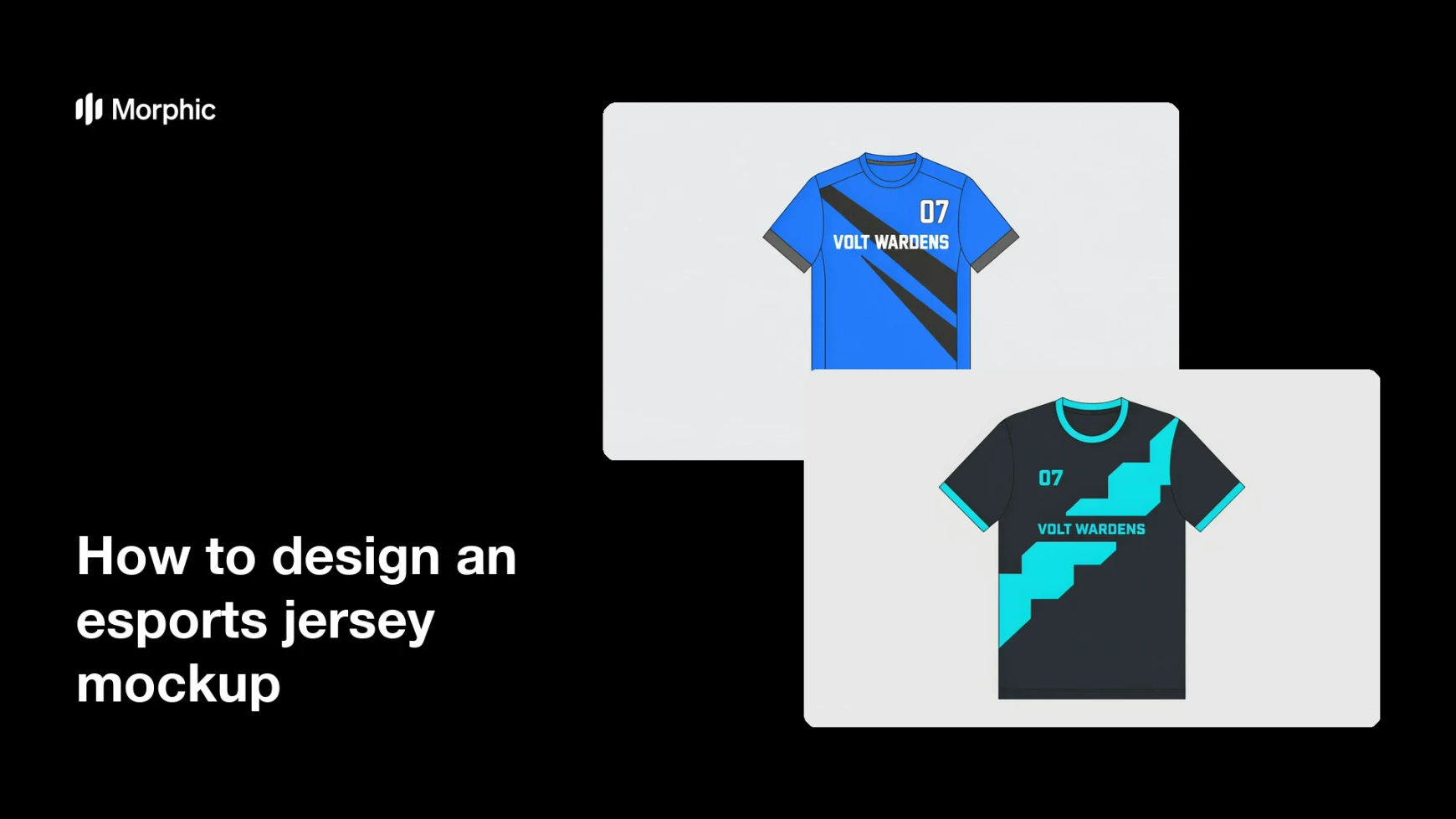
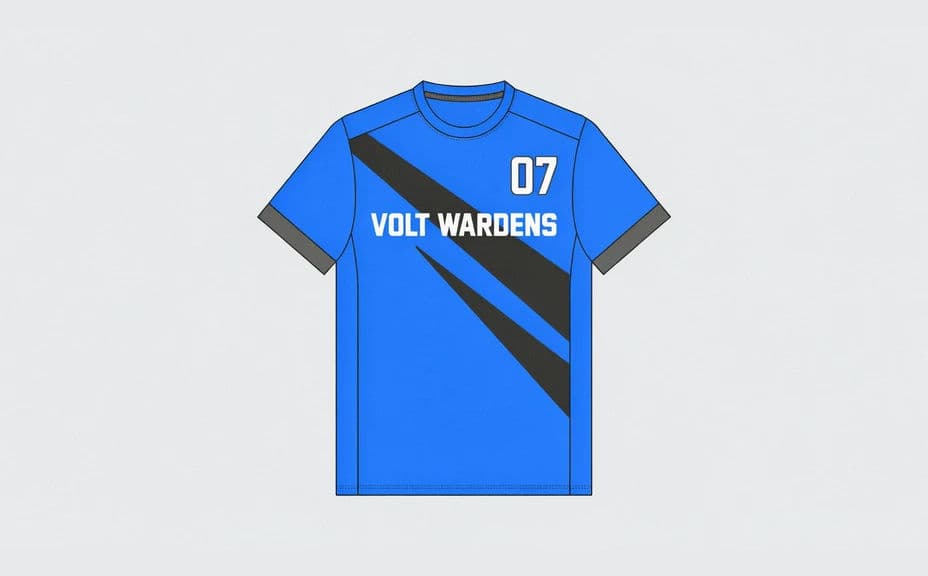
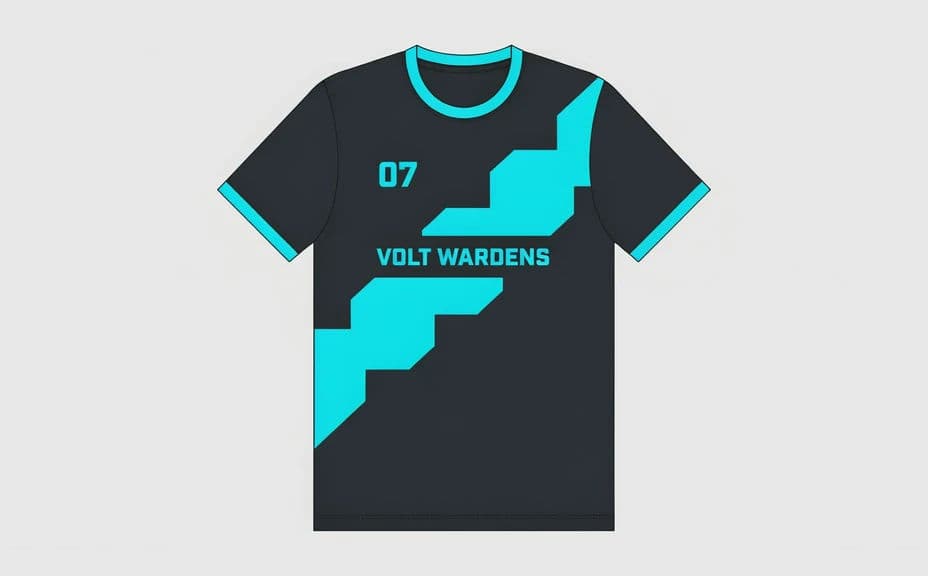
Two kit design options for the same team, each carrying the team name and number.
What makes a good esports jersey mockup
| Quality | What it means | Why it matters |
|---|---|---|
| Legible team name | The name and number read cleanly | The kit is recognised on stream and in photos |
| Balanced sponsor placement | Marks sit without crowding | Partners get visibility and the kit still looks designed |
| Convincing fabric look | Seams, texture, and drape read as real | Stakeholders judge the design, not the render |
| Consistent colourway | Accents follow one palette | The kit matches the rest of the team's branding |
Morphic vs the traditional way
| Morphic | 3D mockup software or a sample run | |
|---|---|---|
| Cost | Available on Morphic | Software licence or sample manufacturing costs |
| Time | A finished mockup in minutes | Days between a brief and a usable sample |
| Skill needed | Describe it in plain language | 3D or apparel design skills |
| Consistency | Regenerate matching variants | A new sample for every design change |
FAQs
Yes. Give the exact team name, tag, and number in your prompt, then check the rendered lettering and regenerate if anything looks off.
Yes. Ask for several kit directions for the same team and compare them side by side before you commit to one.
Yes. Describe which marks go on the chest, sleeve, or back and how prominent each should be, then review the balance on the render.
Yes. Ask for a worn shot with the framing you want, or a flat lay, and generate both if you need each for different posts.
A mockup is a design reference, not a production file. Use it to agree on the look, then hand the chosen direction to your supplier for a spec.
Yes. Mockups you generate with Morphic are cleared for commercial use in announcements, store listings, and pitch decks.