What is an event ticket?
An event ticket is the printed or digital pass that proves entry and carries the practical details of the event. It usually shows the event name, the date and time, the venue, a seat or admission type, a price, and a tear-off stub or scannable area for the door. Promoters, venues, and organisers care about it because it works as both an entry document and a keepsake people photograph and share.
With Morphic you design this ticket from a text prompt in your browser. Describe the event name, the details you need printed, and the look you want, then refine the layout and download in HD. You get a finished ticket design without opening design software or ordering a custom template.
List what the ticket must show
Write out the event name, the date and time, the venue, the admission or seat detail, and the price. Deciding this first stops important information from being squeezed in later.
Describe the ticket
Open Morphic and describe a ticket with a strong header, a details block, and a stub area separated by a perforation line. Specify a wide landscape format so the layout matches how a ticket is actually held.
Set the look
Ask for the palette, typography, and any pattern or foil effect that suits the event, from a rock show to a formal gala. Keep the date and seat detail in high contrast so door staff can read them quickly.
Generate designs to compare
Produce two ticket designs with different structures and colour treatments so you can judge which scans fastest at the door. Comparing them together is quicker than reworking one design repeatedly.
Proof and export
Check the event name, date, seat, and price at full size and confirm every element sits inside the trim area. Download in HD, then send it to print or issue it digitally.
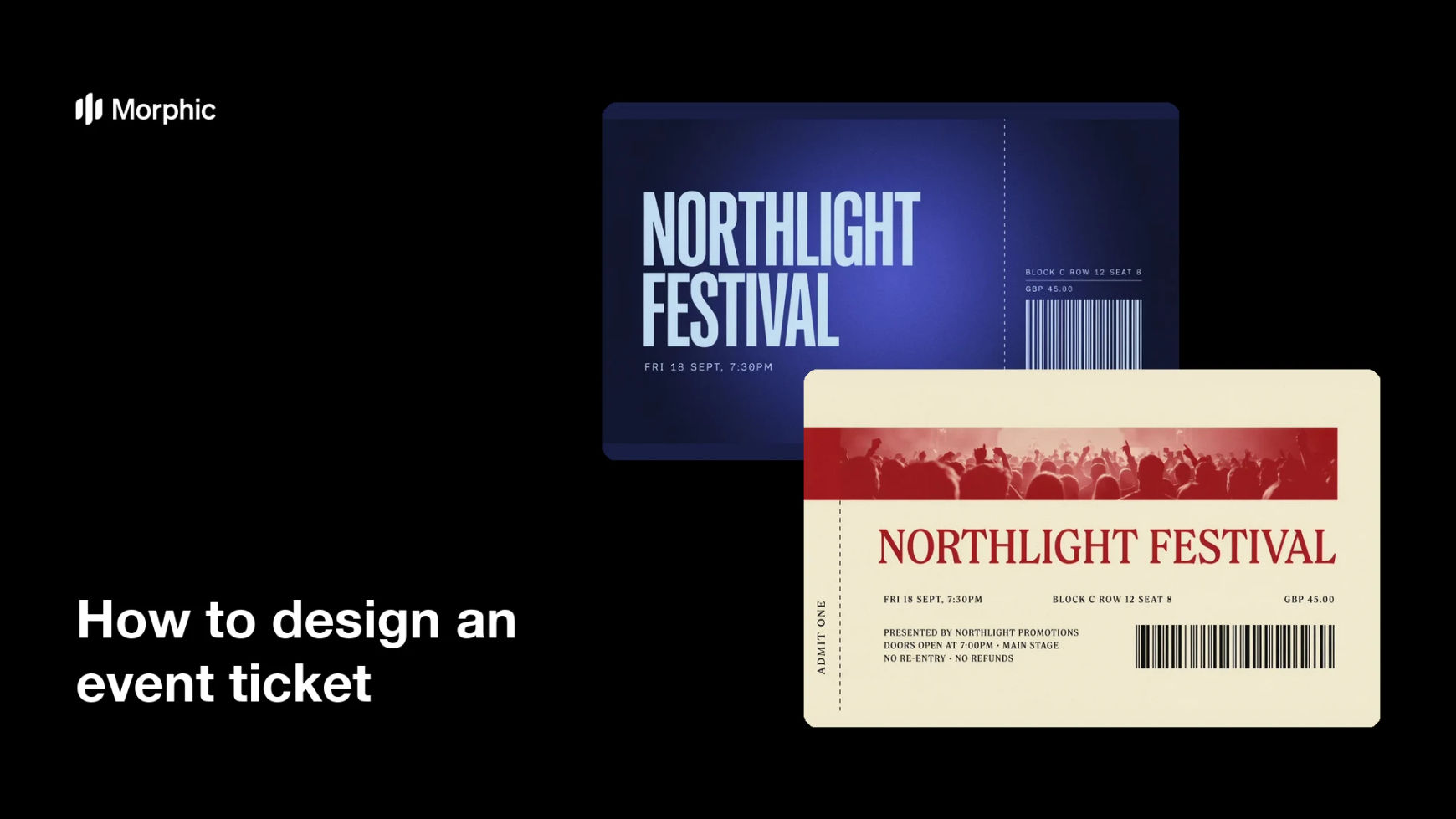
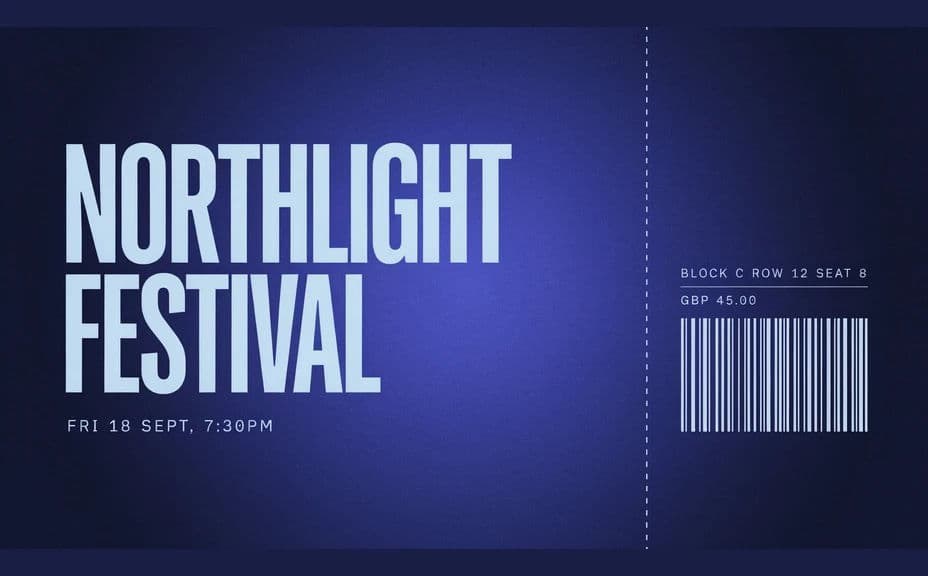
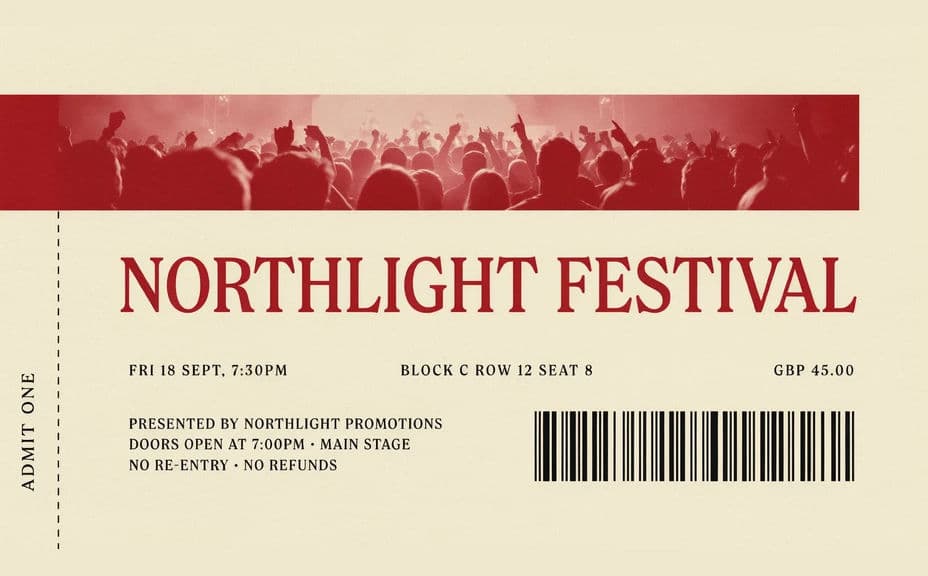
Two designs of the same event ticket, each carrying the same event name, date, seat, and price.
What makes a good event ticket
| Quality | What it means | Why it matters |
|---|---|---|
| Prominent event name | The headline dominates the ticket | Holders identify it instantly in a wallet |
| Complete entry details | Date, time, venue, seat, and price | Door staff can admit guests without questions |
| Clear stub area | A separated tear-off or scan zone | Entry control stays fast at the door |
| Print-ready quality | Small text holds at ticket size | Nothing critical blurs when printed |
Morphic vs the traditional way
| Morphic | A printer's template or design software | |
|---|---|---|
| Cost | Available on Morphic | Design fees or a software subscription |
| Time | A finished ticket in minutes | Days of proofs and printer back-and-forth |
| Skill needed | Describe it in plain language | Layout and prepress knowledge |
| Consistency | Regenerate tiers on one design | Manual rework for every ticket type |
FAQs
Yes. Give the exact details in your prompt and the ticket renders around them. You can regenerate whenever a date, seat, or price changes.
Yes. Describe a tear-off stub separated by a perforation line and say which details should repeat on the stub for the door team.
Yes. Keep the same design description and change the admission type, seat, and colour accent so general, VIP, and press tickets stay a matched set.
Any format you need. Specify the aspect ratio, such as a wide landscape ticket for print or a portrait pass for phones, and the layout adapts.
Leave a clear reserved area in the layout for the code, then add the real scannable code from your ticketing system before you issue the tickets.
Yes. Designs you generate with Morphic are cleared for commercial use, including ticketed events you sell to the public.