What is an Instagram carousel post?
An Instagram carousel post is a swipeable set of slides that tells a small story or shares a list of tips in one post. Each slide usually carries a headline and a short piece of tip text in a consistent style, so followers keep swiping to the end. Creators and brands use carousels to teach, to build saves, and to keep people engaged longer than a single image.
With Morphic you design these slides from a text prompt in your browser. Describe the layout, the headline, the tip text, and your brand colors, then refine the wording and download in HD. You get consistent, on-brand slides without opening design software.
Outline the slides
Write the headline and the tip for each slide before you generate anything. Planning the sequence keeps the message clear and the slides consistent.
Describe the slide layout
Open Morphic and describe a square slide: a headline at the top, tip text below, and space for a simple graphic. Ask for a couple of slide designs so you can compare where the text sits. For the graphic itself, you can create AI images with any of the top image models.
Apply your brand colors
Ask for your brand palette, a matching accent, and a font style that stays crisp on mobile. Keep strong contrast so the headline and tip read clearly on every slide.
Keep the set consistent
Reuse the same layout and colors for each slide so the carousel feels like one piece. Regenerate any slide where the type looks cramped or the style drifts from the others.
Export and post the set
Preview the slides in order at the square size Instagram uses so nothing is cut. Download in HD, then upload them as a single carousel post.
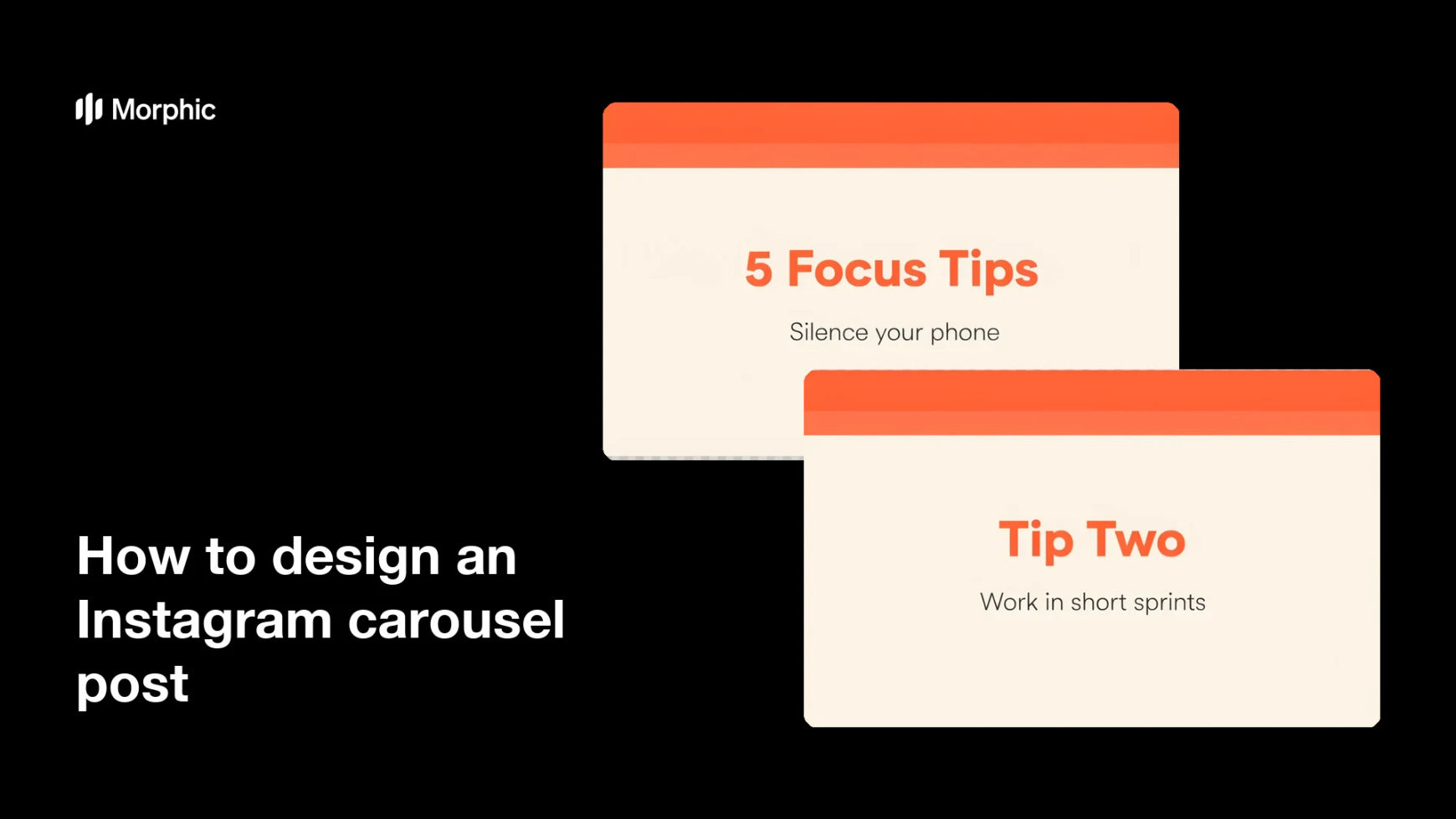
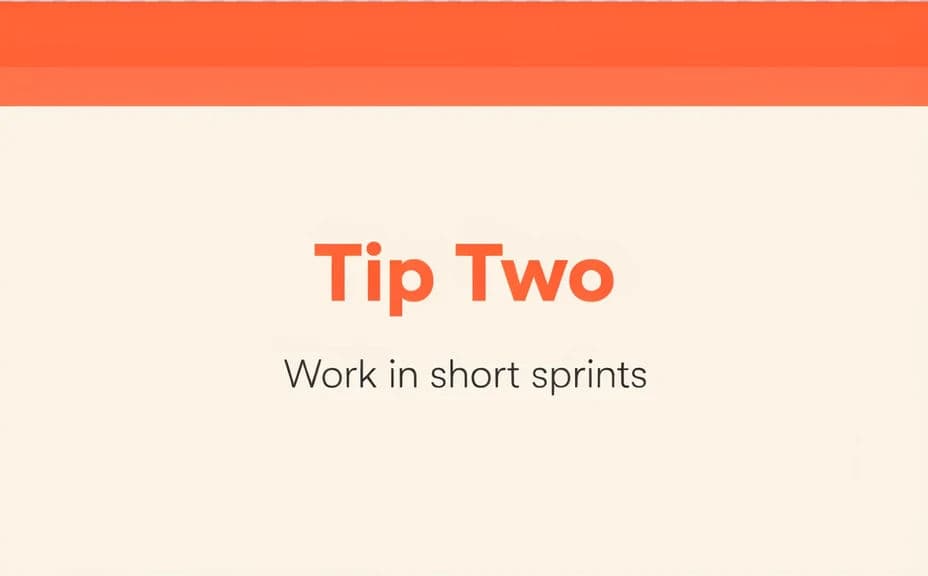
Two slide designs from the same carousel, each carrying the headline and tip text.

What makes a great carousel post
| Quality | What it means | Why it matters |
|---|---|---|
| Clear headline | Each slide leads with a bold line | Followers grasp the point as they swipe |
| Readable tip text | The supporting text is easy to scan | People absorb the value quickly |
| Consistent design | Slides share one layout and palette | The set feels cohesive and professional |
| Mobile legibility | Text holds up on small screens | The carousel reads well in the feed |
Morphic vs the traditional way
| Morphic | Design software or a designer | |
|---|---|---|
| Cost | Available on Morphic | Software subscription or design fee |
| Time | A finished set in minutes | Hours of layout and revision |
| Skill needed | Describe it in plain language | Layout and typography skills |
| Consistency | Regenerate a matching set | Manual rework for every slide |
FAQs
Yes. Provide the headline and tip for each slide in your prompt, then check the rendered text and regenerate if any wording looks off.
Yes. Describe the same layout and branding for each slide, and regenerate with new headlines and tips so the set matches.
Yes. Describe your colors, accent, and font style, and generate the slides to match. Keep contrast high so the text stays legible.
Yes, if you prioritize legibility. Preview at posting size, keep high contrast, and regenerate any slide where the type feels cramped.
Describe the new headline and tip in the same style and regenerate. There is no manual redraw, so extending the set takes moments.
Yes. Graphics you generate with Morphic are cleared for commercial use across your content and marketing.