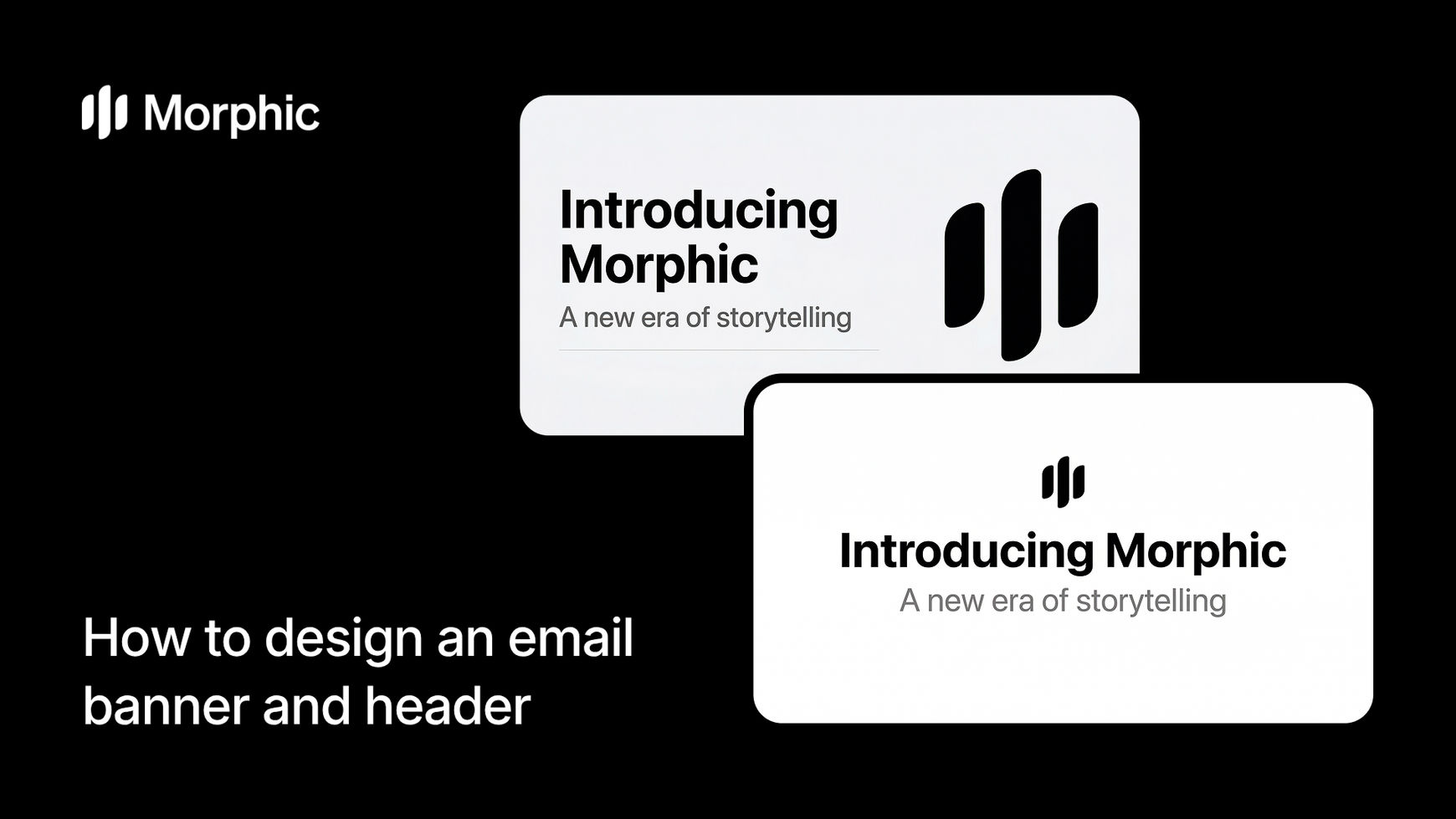
What is an email banner?
An email banner is the hero image displayed at the top of a marketing email or newsletter. It sets the visual tone, reinforces brand identity, and guides readers into the body content. A strong banner combines a clear headline, concise supporting text, and a design style that matches the campaign's purpose.
Provide your headline, subtitle, and design preferences, then run the workflow. Morphic composes the layout, applies your chosen style, and exports a banner optimized for major email clients. The result is a production-ready image that maintains visual hierarchy from desktop to mobile.
Enter your headline text
Open the "Email banner" workflow. In the "Headline text" step, type the main headline for your banner. The example shows "Introducing Morphic." Keep it concise and action-oriented: this is the first text readers see.

Add your subtitle text
In the "Subtitle text" step, enter an optional subtitle, tagline, or description line. The example shows "A new era of storytelling." This provides context or a secondary call to action.

Upload a brand image
In the "Brand image" step, browse the gallery or upload an image that represents your brand: a logo, product photo, or visual identity reference. This image guides the visual styling of the generated banner.

Select your header type and generate
In the "Header type" step, select the format for your email banner. Options include Newsletter banner, Welcome header, Personal brand banner, and Content section header. Click "Run workflow" to generate.

Morphic generates your email banner with your headline, subtitle, and chosen design treatment applied. The output is sized and optimized for email client compatibility.


What makes a strong email banner
| Quality | What it means | Why it matters |
|---|---|---|
| Visual hierarchy | Headline, subtitle, and imagery are layered with clear reading order | Readers grasp the message within seconds of opening the email |
| Brand consistency | Colors, fonts, and tone match your existing brand identity | The email feels like a natural extension of your website and social presence |
| Mobile responsiveness | Layout adapts cleanly from desktop to phone screens | Over half of all emails are opened on mobile devices |
| Email client compatibility | Image renders correctly across Gmail, Outlook, Apple Mail, and others | Broken banners erode trust and reduce click-through rates |
The AI handles layout composition, typography sizing, and responsive optimization automatically, so you only need to provide your copy and choose a style.
Email banner workflow vs. hiring a designer
| Morphic's email banner workflow | Hiring a designer | |
|---|---|---|
| Cost | Available on Morphic | Varies per banner |
| Time to deliver | Minutes | 1 to 3 business days |
| Revisions | Regenerate with adjusted inputs | 1 to 2 rounds included, extras billed hourly |
| Email client testing | Optimized output for major clients | Requires manual QA across clients |
| Style variations | Switch styles and regenerate in seconds | Each variation is a separate design request |
| Campaign volume | Generate dozens of banners per session | Each banner is a separate project |
| Brand consistency | Same workflow enforces consistent styling | Depends on designer maintaining a style guide |
FAQs
The workflow generates banners at standard email-friendly dimensions optimized for major clients like Gmail, Outlook, and Apple Mail. Outputs are sized to display cleanly on both desktop and mobile screens.
Yes. Specify your brand colors, font preferences, or upload brand assets when configuring the workflow. Morphic applies your visual identity to the generated banner so it matches your existing materials.
Absolutely. The output is a standard image file that works with any email marketing platform. Upload it directly into your template builder in Mailchimp, HubSpot, Klaviyo, or any other service.
Yes. Run the workflow multiple times with different headlines, styles, or layouts to produce distinct variations. Use them in your email platform's A/B testing feature to determine which version drives higher engagement.
Freelance designers charge varying rates per banner with multi-day turnaround. Morphic's email banner workflow is available on Morphic and delivers results significantly faster.