Flux 3 features and capabilities
Flux 3 is Black Forest Labs' multimodal foundation model. Rather than a separate model per output, it learns image, video, and audio together, so a single prompt returns a moving, sounding shot that behaves the way the real world does.
Black Forest Labs announced Flux 3 on July 23, 2026 and made video generation generally available on August 4, 2026. Clips run 5 to 20 seconds at HD 720p or Full HD 1080p on Morphic, in any of seven aspect ratios from 21:9 down to 9:16, with audio generated alongside the frames by default. Black Forest Labs' own API has also rendered 2K and 4K since September 10, 2026. Everything below follows Black Forest Labs' published prompting guide.
| Feature | What it does | Best for |
|---|---|---|
| Native-audio video | Generates the clip and its synchronized sound in one pass | Sound-on scenes, dialogue, effects |
| Real-world physics | Motion obeys mass and momentum; sound matches impact | Product film, action, explainers |
| Keyframes | Interpolates one shot through up to 10 pinned stills | Controlled transitions, storyboards |
| Video continuation | Extends a clip of up to 15 seconds from its final frames | Longer scenes, salvaging a good take |
| Multilingual dialogue | Speaks 13+ languages on camera with lip-sync | Localized video, presenters, ads |
| Multi-shot generation | Blocks several angles inside a single generation | Short films, ads, reveals |
| Draft mode | Fast preview, then a full render that matches it | Exploring directions before committing |
Native-audio video
The headline is that picture and sound arrive together. Flux 3 generates each clip with synchronized native audio in the same pass, so an impact, footstep, or spoken line is already tied to the action instead of layered on after. Name the sound you want in the prompt, and set a language when the scene has dialogue.
Real-world physics
Flux 3 learns motion, mass, and sound as one system, so weight, momentum, and collisions follow real rules and materials keep their look as the camera moves. Describe how the motion evolves across the shot, and the physics reads as filmed rather than drifting.
Keyframes and continuation
Two ways to take control of the motion. Pin stills as keyframes and Flux 3 interpolates one continuous shot through them: a single image sets the opening frame, two fix a start and an end, and up to ten pinned to timestamps turn the clip into a storyboard the model has to hit in order. Or hand it footage you already have, up to 15 seconds, and continuation picks up from the final frames, carrying momentum, camera behavior, and the audio bed across the seam without a cut. To change something inside a clip rather than add to it, use Flux Video Edit, Black Forest Labs' separate in-place editor.
Multilingual dialogue and typography
Quote the line, name the language, and describe the delivery, and Flux 3 speaks it on camera with matching accent and lip-sync. Supported languages include English and its dialects, Chinese, Spanish, French, German, Japanese, Portuguese, Russian, Italian, Indonesian, Turkish, Hindi, and Punjabi. Typography renders as part of the scene and holds up while the camera moves, so titles and signage survive the motion.
Flux 3 use cases
Native-audio scenes
A clip returns with its sound already synced, so an effect or a spoken line lands with the action instead of a silent take you fix later.
Product and brand film
Reflections, weight, and materials stay honest as the camera moves, so a pour, a rotation, or a drop reads as filmed rather than simulated.
Multi-shot sequences
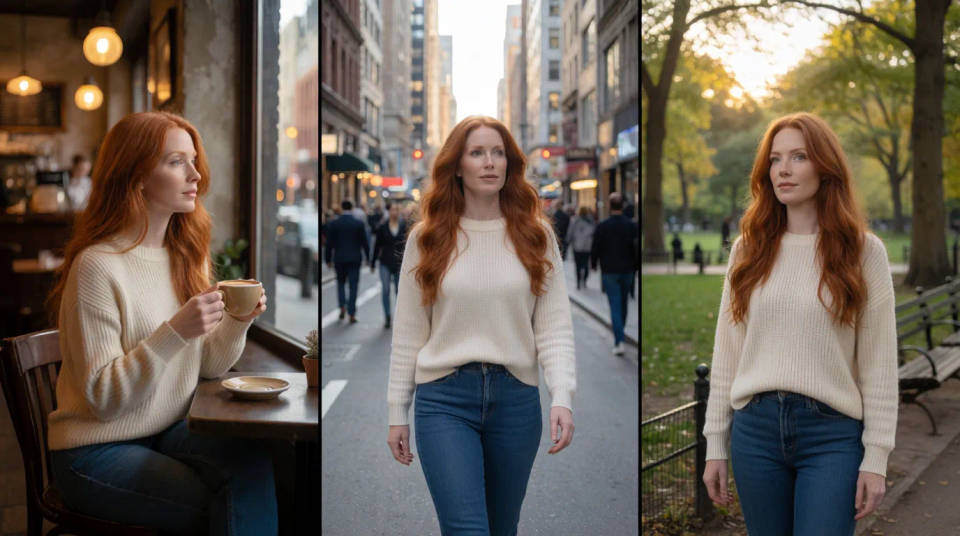
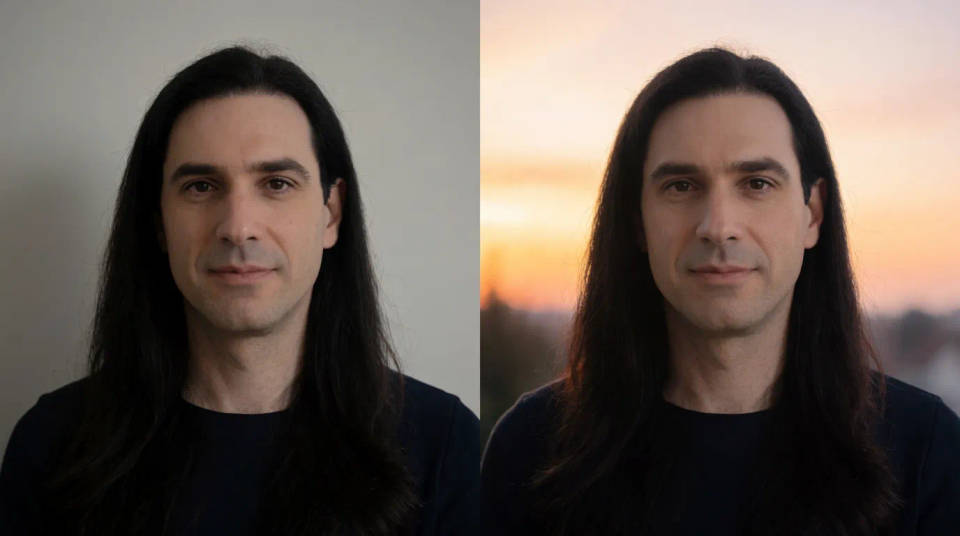
Block several angles inside one generation, or extend a clip with continuation, holding one character across every cut.
Localized video
Multilingual dialogue and accurate on-screen text let one scene ship in several languages, no separate title or voice pass needed.

Draft, then commit
Preview a direction fast and cheap, judge it, then render the one you approved at full quality with the same subjects, composition, and motion.
Explainers with real physics
Gravity, collisions, and motion follow real rules, so how-it-works footage stays accurate while it stays clean.
How to prompt Flux 3
Direct a scene, do not describe a pile of objects. Black Forest Labs' guidance is to name what happens, how subjects move, how the camera behaves, and what the shot sounds like, using concrete nouns and verbs a camera could actually see. Vague adjectives leave the result to chance.
Pick a prompt format
Flux 3 accepts four, and length is not the goal. Start short to explore, then lengthen only where you need control.
| Format | Use it when | Example |
|---|---|---|
| Short phrase | Exploring fast, one clear subject, happy accidents | A red fox leaping through fresh snow, telephoto |
| Natural-language one-liner | The everyday default for a single shot | A low tracking shot of a fox sprinting through wet pine undergrowth at dawn |
| Labeled fields | Tuning one lever at a time without touching the rest | Camera shot: wide, low angle. Subject: a rider crosses a river |
| Timestep | The action has to land on a mark | 0.0–1.5s locked wide of a harbor. 1.5–3.0s a slow push-in begins |
The one-liner has a reliable shape worth memorizing: [camera] shot of [subject] [action] in [environment], then the supporting visual and motion detail. Keep timestep beats achievable, two or three for a five-second clip, and mark a hard cut wherever the angle changes.
Build a CASTLE for multi-shot work
When a look and a story have to hold across several shots, Black Forest Labs documents a six-part schema. The six parts spell CASTLE, which is our shorthand for their schema rather than an official name, and it is the fastest way to remember what a long prompt is missing.
| Element | What goes in it | |
|---|---|---|
| C | Core summary | One line covering the whole sequence: who, where, and the arc |
| A | Audio | Per shot: the soundscape, rendered in sync with the frames |
| S | Subject | Held word-for-word identical across shots, so identity stays put |
| T | Timeline | Per shot, timecoded: the camera move and the subject's action |
| L | Look | The global finish: realism level, palette anchors, and grain |
| E | Environment | Per shot: setting, light quality, and depth of field |
Fill them in whichever order you think, then assemble the prompt in Black Forest Labs' documented sequence: core summary, environment, subject, timeline, audio, look. Keeping the subject description byte-identical between shots is what stops a character drifting across a cut. It is the cheapest continuity trick in the guide.
Name the sound you want
Audio is generated with the picture, so a scene that implies sound gives the model more to work with than an abstract one. Footsteps, impacts, rain, engines, and crowds all read clearly. There are four layers, and you rarely need all four.
| Layer | What to describe | Example |
|---|---|---|
| Speech | Who speaks, the exact words in quotes, and how | The mechanic says, "Try it now." Quiet, matter-of-fact |
| Ambience | The sound of the place | Rain against the windows, low diner chatter |
| Effects | Sounds tied to visible actions | A ceramic mug clicks against the saucer |
| Music | Style, pace, and where it sits in the mix | A sparse piano cue under the scene, low in the mix |
Two habits do most of the work. Name a sound source rather than asking for silence, because "quiet room tone" can collapse into dead air while "rain against the window" gives the model something to render. And for a spoken line, say whether the speaker is on camera or it is a voiceover, otherwise a quoted line can be treated as text to put in the frame.
Direct the voice, not the vibe
"Professional, warm, and engaging" produces the same polished announcer read every time. Concrete anchors work better: age and accent when they matter, register, how it was recorded, the delivery, and a guardrail such as "no announcer delivery." Then read the line aloud before you generate it. Voice direction cannot rescue stiff copy.
Common mistakes
- Describing a still. A video model needs motion over time, not a photograph in words.
- Forgetting the sound. Audio generates by default, so name the effect, ambience, or line you want.
- Stacking camera terms. "Low tracking shot" is clear; "low aerial handheld orbit push-in" is not.
- Writing negatives. Flux models do not support negative prompts, so state what you do want.
- Overfilling a short clip. Several speakers, a long script, and multiple beats in five seconds will clip the last word. Shorten the line or raise the duration.
For the full capability list and specifications, see the Flux 3 model page.