Gemini Omni Flash 1.2 features and capabilities
Google DeepMind's multimodal video model, updated on 5 November 2026. It makes 3 to 15 second clips with native audio, then keeps working on them: a follow-up prompt edits the same take across its whole length, and extensions grow it to 30 seconds.
| Feature | What it does | Best for |
|---|---|---|
| Fifteen-second clips | One generation runs 3 to 15 whole seconds, 10 by default | A beat with a beginning and an end |
| Whole-clip editing | A follow-up changes the take; anything unmentioned stays put | Fixing a shot without re-rolling |
| Aspect-ratio switching | Asks an approved take for the other ratio | A vertical cut of a landscape master |
| Character references | Three images each for up to two people, six images in all | Two-handers, recurring presenters |
| First and last frame | Interpolates between two stills you provide | Transitions, loops, storyboard pairs |
| Native audio | Lip-synced speech, effects, ambience, and music with the picture | Dialogue scenes, sound-led shots |
| Resolution ladder | 360p and 720p native, 1080p and 4K upscaled | Cheap drafts, full-size delivery |
Gemini Omni Flash 1.2 use cases
A whole beat in one take
Fifteen seconds holds an approach, a turn, and an arrival. Write the structure into the prompt instead of generating a fragment and extending it.
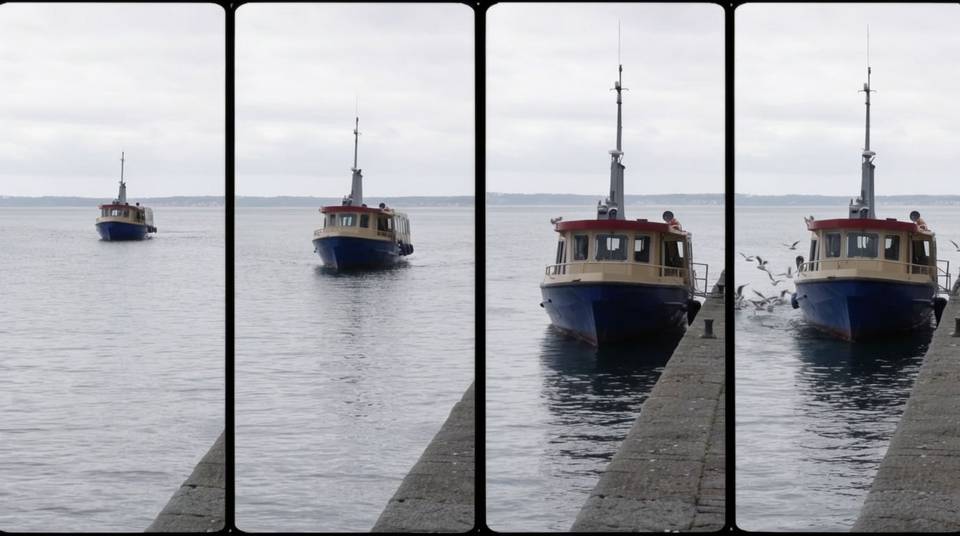
Edit chains on one take
Relight the bench, swap the pot, rewrite the label. Each instruction lands on the same shot, across all fifteen seconds, while the rest of the frame holds.
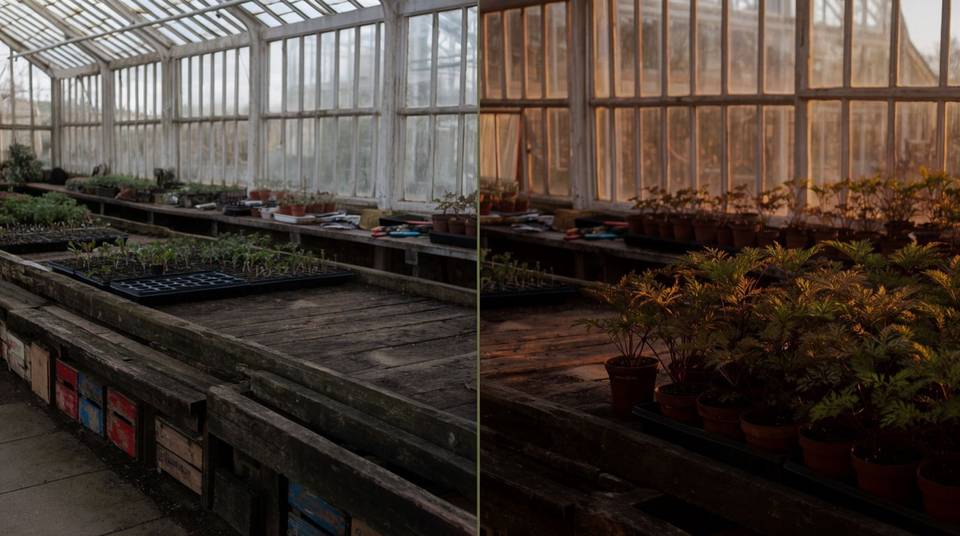
The vertical cut, on request
Approve the landscape master, then ask for 9:16 as a follow-up. The reframe is an edit on the take you already like, not a fresh roll of the dice.
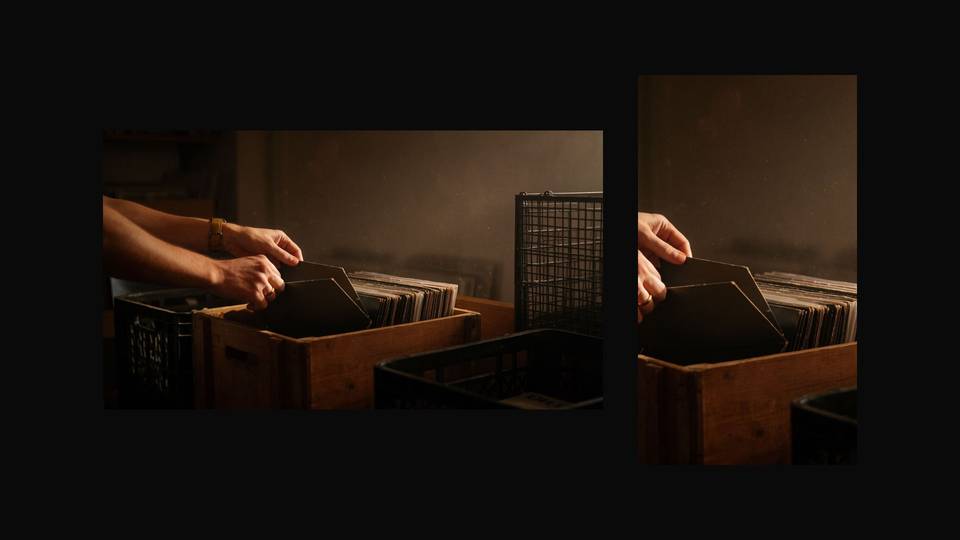
Two people, both held
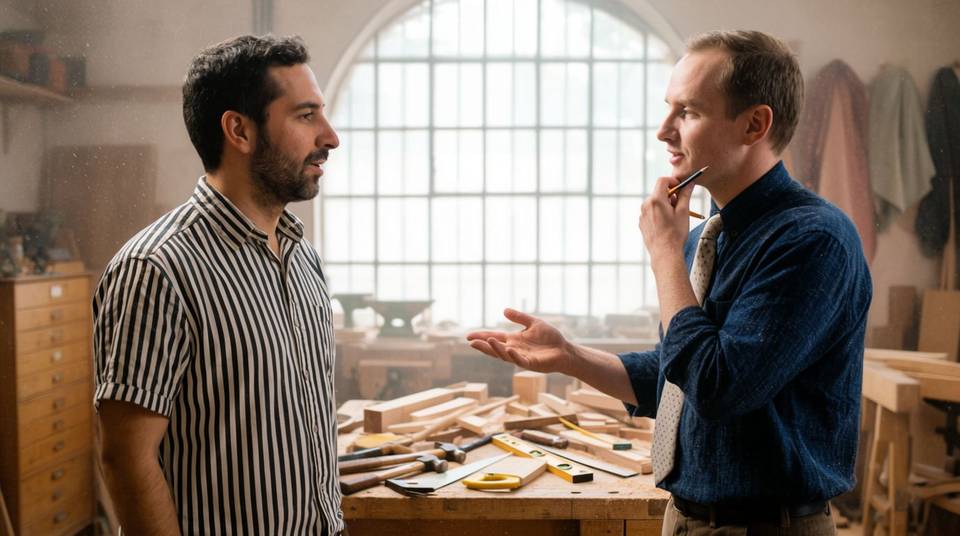
Three photos of each person pin both faces and wardrobes for one scene, and the lines you write come back in the right mouths.
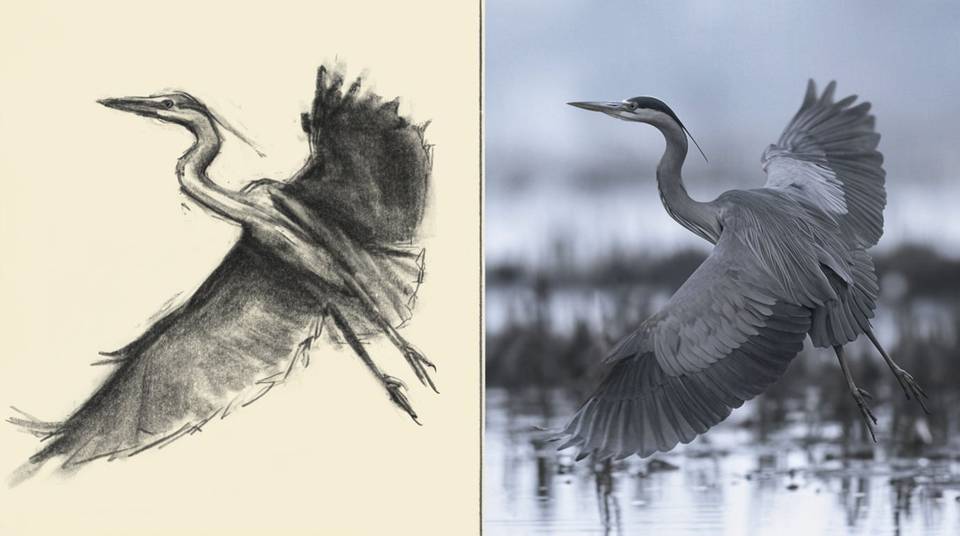
Sketch to footage
Say in the prompt that the drawing is a guide only. The model borrows the silhouette and the path, then rebuilds texture, light, and depth.
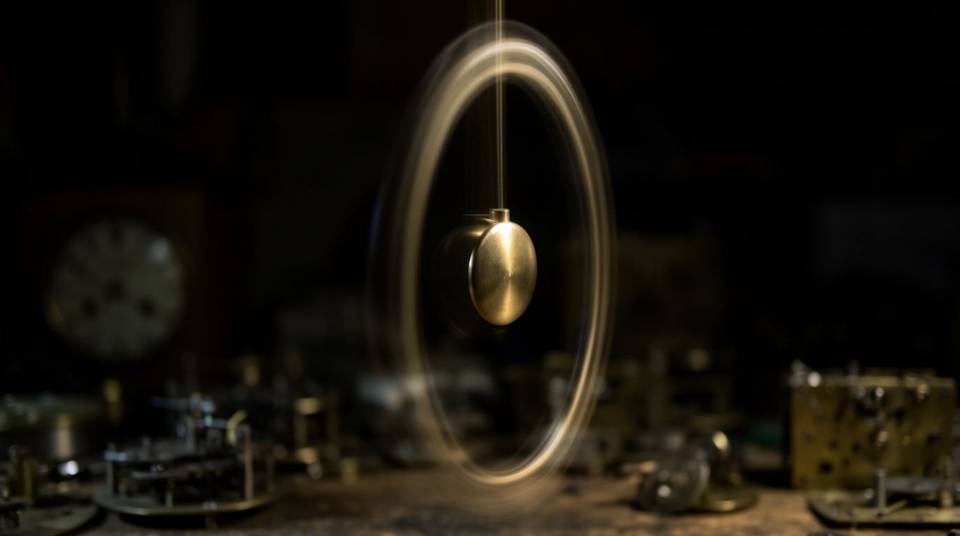
Perfect loops
Pass the same still as the opening and closing frame, and say so in words. The clip returns to where it began, ready to run on a product page.
Step 1: pick the task
Everything the model does maps to one of five tasks. The model infers which one you want from your prompt and the media you attach, so naming it in plain language is usually enough.
| Task | What it does | Reach for it when |
|---|---|---|
| Text to video | Generates a clip from a written brief | Starting from nothing |
| Image to video | Animates a still, or interpolates two frames | You have the frame, you want the motion |
| Reference to video | Builds a shot from images and clips you describe | A character or product must carry over |
| Edit | Changes an existing clip of 15 seconds or less | The take is right, one element is wrong |
| Extend | Appends a continuation of 3 to 10 seconds | The take is right and too short |
Step 2: write the prompt
A prompt is a short shot brief, in this order. Aspect ratio, resolution, and duration are settings rather than prompt text, though a finished take can be asked for the other ratio later.
| Element | What it covers | Required |
|---|---|---|
| Subject and action | Who is in frame, and what they do | Yes |
| Scene | Location, time of day, weather, background | Optional |
| Camera and light | Shot size, movement, lens, light source | Optional |
| Audio | Dialogue, ambience, effects, music, or silence | Strongly recommended |
| Structure | One continuous shot, or cuts and when they land | Optional |
Fifteen seconds, one unbroken handheld shot. A lamplighter walks the towpath of a
canal at dusk, pausing at each lamp as it catches. The camera follows at his
shoulder, then drifts ahead to watch the row of lights come up behind him.
Sound design: boots on gravel, water lapping, a distant train. No dialogue.
The five prompt levers
| Lever | Write this | Why it matters |
|---|---|---|
| Structure | Single continuous shot, no scene cuts. Or: at eight seconds, cut to the dock | Left alone, the model tells a small story across several shots |
| Audio | No music, just room tone. Or a line: she says, that one is yours | Silence must be asked for, or you get invented music |
| Timing | After three seconds a cyclist passes. Or a timecode block | Ranges are budgets, not frame-accurate edit points |
| On-screen text | A hand-painted sign that reads COLD BREW | Undefined text gets invented. English renders reliably, other scripts do not |
| Triggers | When she sets the cup down, the camera pulls back | Event-driven instructions land more precisely than abstract timing |
[0-5s] A person walks into a greenhouse and sets down a crate
[5-10s] They turn and start misting the seedling trays
[10-15s] The camera pulls back through the doorway into the rain
Negatives go in the prompt itself, such as no dialogue or do not add captions. There is no negative-prompt field, and no temperature or system-instruction controls either.
Step 3: attach references and describe them in words
Six reference images per request, and for people three images each for up to two characters. The change to carry over from older prompts is that roles are now described rather than tagged.
| Instead of a tag | Write this |
|---|---|
| The old first and last frame tags | Use the first image as the opening frame and the second as the closing frame |
| A numbered image reference token | Match the jacket and hair in the second photograph |
| A numbered video reference token | The person in the attached clip walks into this scene |
| A style reference token | Keep the palette and grain of the third image, nothing else |
Google's documentation marks the angle-bracket tags as deprecated and unsupported in future models, and asks for the role of each file in natural language instead. A fallback task setting exists for cases the prompt cannot resolve, but it applies strict constraints, so try words first.
- Attach everything up front. A reference added mid-conversation destabilises a scene that was holding together.
- Give each reference one job. Faces from the two portraits, palette from the third image, beats leaving it to guess.
- Keep video references short. Three seconds each, new generations only, and their audio is ignored.
- Say when a still is a guide, not a frame. Otherwise a sketch can be read as the opening frame.
Step 4: edit and extend the result
A generated take stays live in the conversation, and uploaded footage of fifteen seconds or less can join it. Everything you describe is something the model may re-render, so describe only the change.
| Avoid | Write instead |
|---|---|
| In the clip of the woman in the greenhouse, add a tabby cat that walks in from the left, jumps onto the potting bench, and she reaches over to stroke it | Add a cat that jumps onto the bench, she begins to pet it. Keep everything else the same. |
| Make the whole scene feel warmer and more cinematic with moodier colour and deeper shadows | Change the light to low golden hour. Keep everything else the same. |
| Rule | Detail |
|---|---|
| One change per turn | Compound instructions break consistency far more often than single ones |
| Edits reach the whole clip | All fifteen seconds, including a switch to the other aspect ratio |
| Extension appends only | 3 to 10 seconds a turn, to 30 seconds total; it cannot prepend or stretch the middle |
| Extension clock restarts | In an extension prompt, zero seconds means the start of the new footage |
| Uploads are limited | Editing or extending footage you uploaded is unavailable in the EEA, Switzerland, and the UK |
Extend this video. The scene continues: she closes the greenhouse door behind her
and walks into the rain. The music fades out and leaves only the downpour.
Gemini Omni Flash 1.2 limits
| Limit | What happens | Work around it |
|---|---|---|
| Fast action and physics | Sport and complex physical interactions are named as still in development | Keep motion readable, avoid crowded collisions |
| Non-English text | English is fully supported; other scripts come back unevenly | Keep on-screen text in English, or check every frame |
| No audio input | Audio uploads and voice editing are unsupported in the current API | Direct the voice in text; consistency carries it across turns |
| Quick script changes | A prompt that changes direction mid-way is named as a weak spot | Give one through-line per generation, then extend |