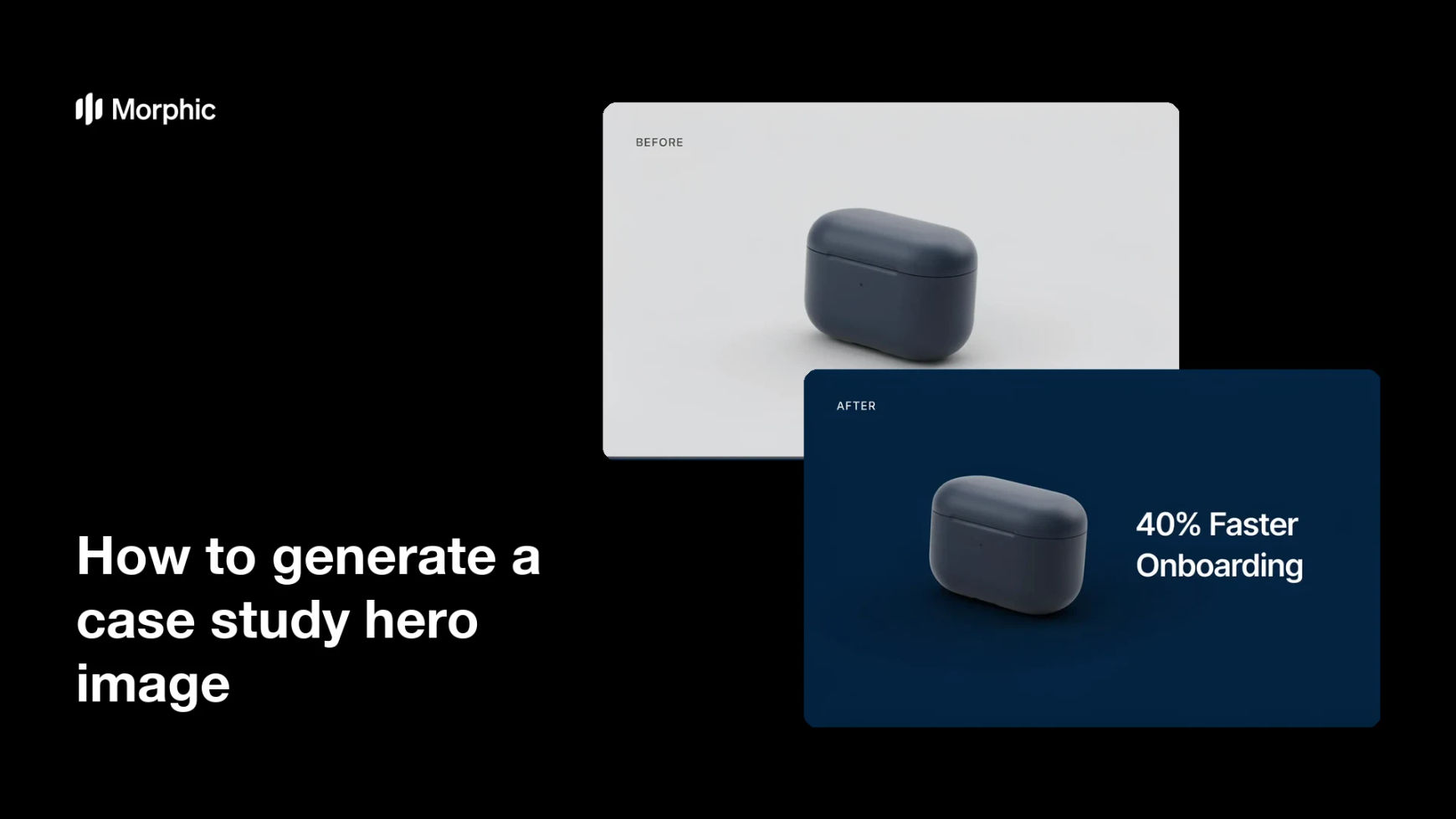
What is a case study hero image?
A case study hero image is the lead visual at the top of a customer story or results page. It frames the subject, a product in use or a customer scene, and carries a short headline that signals the outcome, so readers grasp the story before they scroll. Marketing teams use it to make a case study feel credible and worth reading.
With Morphic you build this hero from a plain photo in your browser. Describe the branded treatment you want, add the headline, and refine the framing, then download in HD. You go from an ordinary shot to a polished, on-brand hero without opening design software.
Start from a clear base photo
Pick a product or customer photo that shows the subject clearly and has room around it for a headline. A clean, well-lit base gives the branded treatment something solid to build on.
Describe the branded treatment
Open Morphic and describe the hero you want: a background or color field in your brand palette, balanced framing, and space set aside for text. Ask for a version that keeps the original subject recognizable.
Add the headline
Provide a short outcome-focused headline and ask for it to sit in the reserved space with strong contrast. Keep it brief so it reads instantly at the top of the page.
Refine framing and legibility
Check that the subject is still clear, the headline is easy to read, and nothing important is cropped. Regenerate if the text overlaps a busy area or the composition feels off balance.
Export and place it
Preview the hero at the width it will appear at the top of your case study. Download in HD, then set it as the lead image on the page.
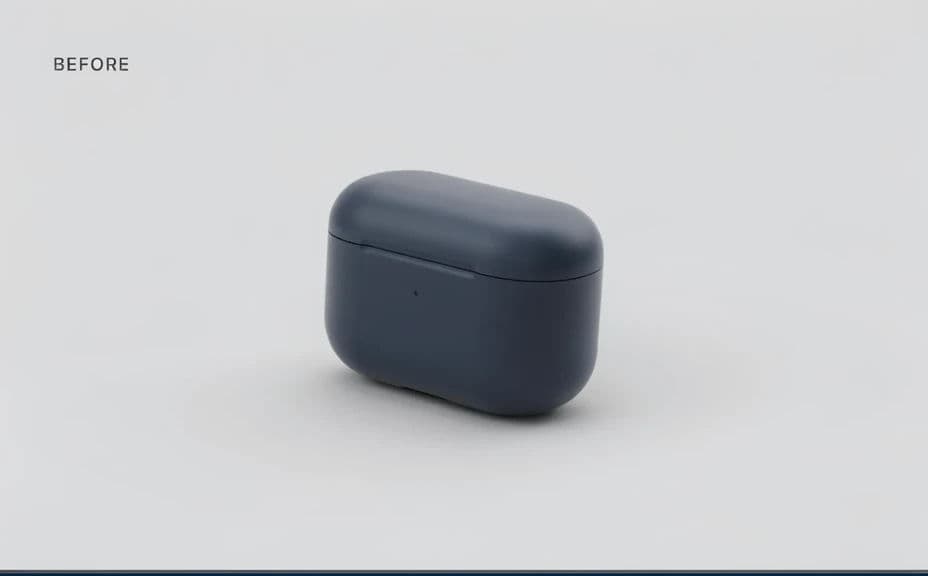
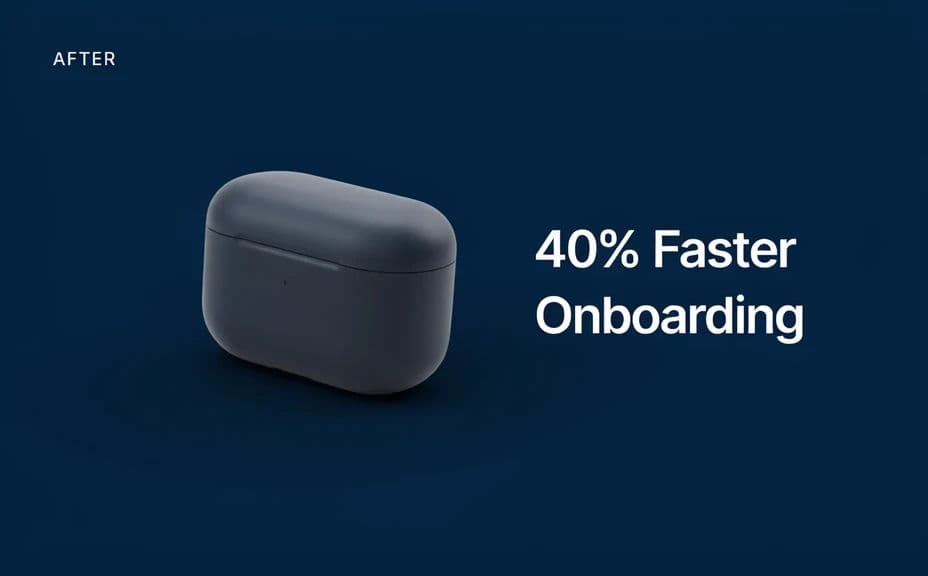
The same photo before and after the branded hero treatment, with a short headline added.
What makes a great case study hero
| Quality | What it means | Why it matters |
|---|---|---|
| Recognizable subject | The product or customer stays clear | The hero still represents the real story |
| Readable headline | A short line signals the outcome | Readers grasp the value before scrolling |
| On-brand treatment | Colors and style match your brand | The page looks polished and credible |
| Balanced composition | Subject and text share the frame | Nothing looks crowded or cut off |
Morphic vs the traditional way
| Morphic | Design software or a designer | |
|---|---|---|
| Cost | Available on Morphic | Software subscription or design fee |
| Time | A finished hero in minutes | Hours of retouching and layout |
| Skill needed | Describe it in plain language | Photo editing and layout skills |
| Consistency | Regenerate heroes that match | Manual rework for each case study |
FAQs
Yes. Begin with a clear product or customer photo and describe the branded treatment you want, then refine until the hero fits your page.
Yes. Provide a short headline in your prompt and place it in reserved space with high contrast. Check the rendered text and regenerate if the wording looks off.
Yes, if you ask for it. Describe the treatment as an enhancement that keeps the subject clear, and regenerate if the result drifts too far from the base photo.
Yes. Describe your brand colors, style, and font, and generate the hero to match. Keep contrast high so the headline stays legible.
Yes. Describe the same treatment for each story and regenerate with new photos and headlines so the set stays consistent.
Yes. Images you generate with Morphic are cleared for commercial use across your case studies and marketing.