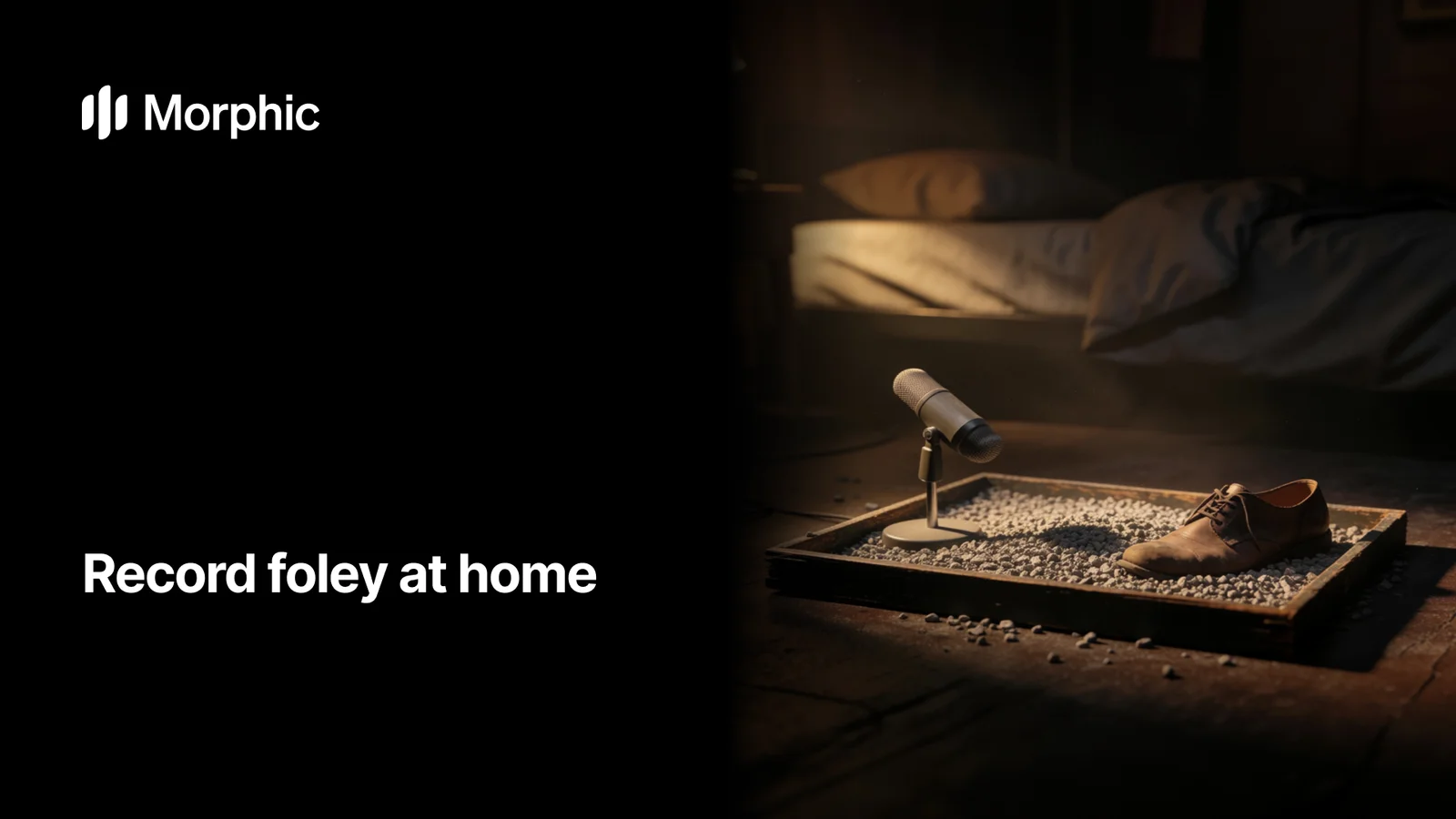
To record foley at home, work in a small soft-furnished room with every fan and fridge switched off, put the microphone close to the prop, perform the action while watching the picture, and record several takes of each cue. The room matters more than the microphone, and proximity matters more than either.
A surprising amount of professional foley comes from ordinary household objects. What it does not come from is a noisy room.
Household props and the sounds they make
| The sound you need | What to use | What to watch for |
|---|---|---|
| Footsteps | Shoes on a tray of gravel, sand, or a board | Your own breathing between steps |
| Cloth movement | A shirt or jacket worked near the mic | Handling noise from your grip |
| Punch or impact | A fist into a cushion; vegetables for crunch | Clipping; these peak fast |
| Rain | Rice or dry beans poured onto paper | It reads as static if poured too evenly |
| Creaks | A leather bag, an old chair, a slow hinge | Moving too fast; creaks need patience |
| Fire crackle | Cellophane crumpled slowly | Overdoing it; a little goes a long way |
What foley is
Foley is named after Jack Foley, who developed the technique of recording custom sound effects performed to match on-screen action. Unlike ambient recording, foley is deliberate and performed, one person watching the picture and creating each sound by hand. At home you are doing the same thing on a smaller scale, matching a prop and a movement to the moment you want to score.
Setting up a quiet space
Your room matters more than your gear. Hard, empty rooms add slap and echo, and open windows let in traffic and wind. To tame a space at home:
- Record in a small room with soft furnishings, a bed, a closet full of clothes, or a couch nearby.
- Turn off fridges, fans, air conditioning, and anything with a hum before you roll.
- Record late or during quiet hours to avoid street and neighbor noise.
- Get the mic close to the prop so the sound you want is loud relative to the room.
Props and common effects
Most foley staples come from ordinary objects. A few reliable pairings:
- Footsteps: shoes on a tray of gravel, sand, or a wooden board.
- Cloth movement: a shirt or jacket rubbed and shifted near the mic.
- Punches and impacts: a fist into a cushion, or vegetables broken for the crunchy version.
- Rain: uncooked rice or dry beans poured onto paper or a pan.
- Creaks: a leather bag, an old chair, or a door hinge worked slowly.
Perform the action while watching the scene so your timing matches. Record several takes, since the best one is rarely the first.
When generating on Morphic is faster
Home foley is rewarding, but it is not always the efficient path. Recording clean, isolated sounds takes a treated space, patience, and editing to remove noise and hits you did not want. When you need a specific cue quickly, or a sound you cannot safely make at home like glass shattering, fire, or a large crowd, generating it is simpler.
On Morphic you describe the effect in words, the subject, texture, space, and length, and get an original, isolated cue with no room noise to clean up. You can compare takes from models such as ElevenLabs and Seed Audio, then download the one that fits. The same workspace also covers music and voiceover, so a full soundtrack can come from one place. For inspiration and prompt ideas, browse the Morphic sound library. Once you have your cue, layering sound effects can turn a single recording into a fuller, more convincing hit.
The cues that are hard to stage at home
Everything in the prop table above is worth recording. These three are the ones where a description beats a living room.Rain on a window
0:05Rice on paper reads as static. Real rain needs a window and the weather to cooperate.
A busy street
0:05Impossible to record without picking up a specific street, and a specific car.
Large crowd applause
0:04Needs a crowd. This is the classic case for generating rather than staging.
If you would rather start from a finished cue and change one word, the rain on a window, street ambience and crowds pages each open in Studio with a working prompt already in the box.
FAQs
Any reasonably clean mic works to start, including a USB condenser or a phone in a quiet room. Placement and a quiet space matter far more than an expensive microphone.
That is room reflection. Record in a smaller, softer space, move the mic closer to the prop, and add blankets or clothing around the recording area to absorb the bounce.
Both have a place. Record when you want a specific personal texture and have a quiet space, and generate on Morphic when you need a clean, isolated cue quickly or a sound that is hard to make safely at home.
Prevent it at the source by killing hums and recording during quiet hours, since removing noise afterward often thins the sound. A generated cue arrives already isolated with no room noise.
Yes. Many creators blend a home-recorded texture with a generated layer to get both a personal feel and a clean, full result.
Record five or six. Foley takes vary far more than they feel like they do at the time, and the difference between a footstep that sells the shot and one that does not is usually a small change in weight or timing that you cannot hear until you audition them in place.