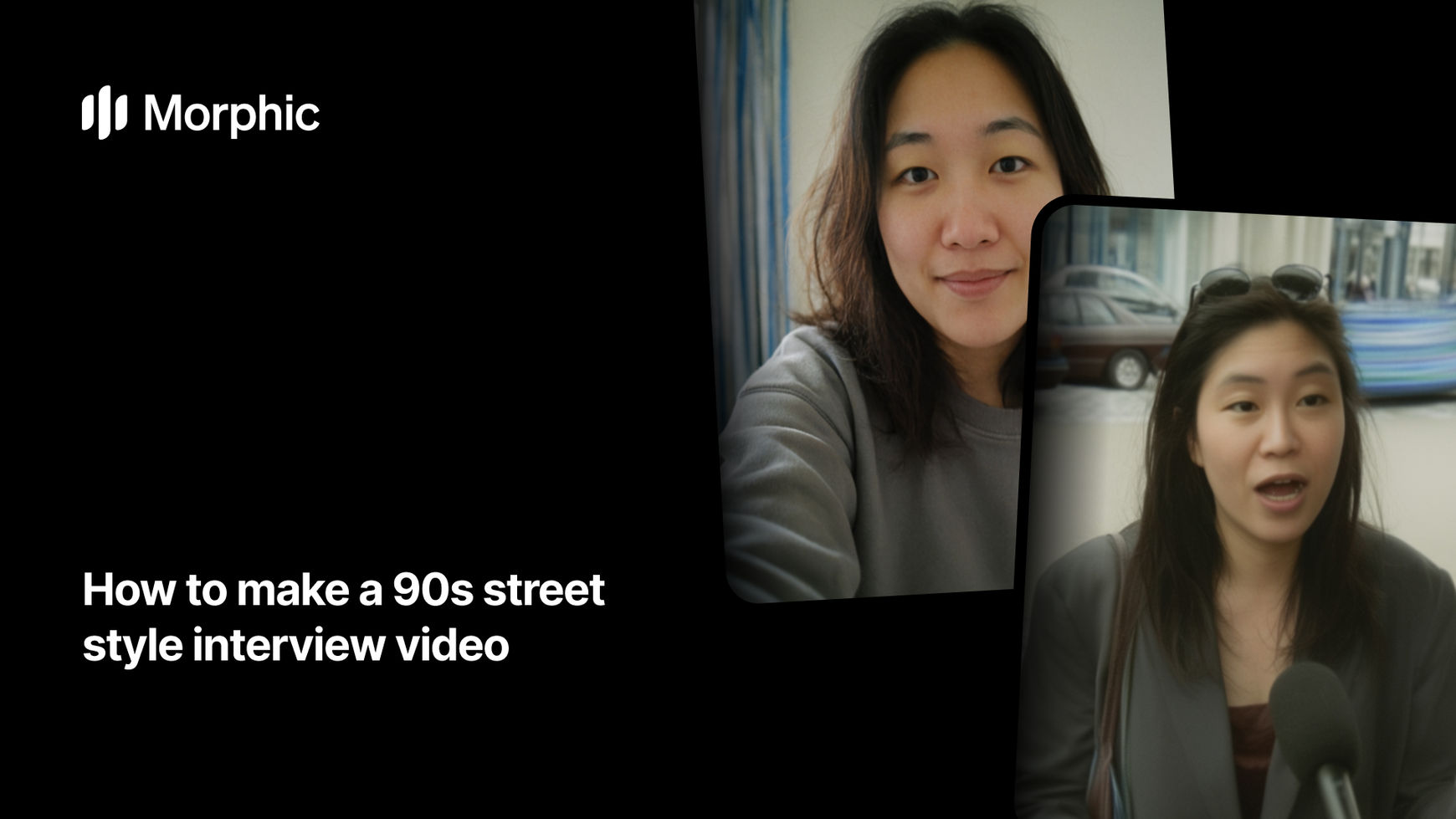
What is a 90s street style interview video?
A 90s street style interview video is the short clip format that fashion magazines and late-night culture shows used to shoot on the pavement: someone is stopped mid-walk, asked about what they are wearing, and answers straight to a handheld camera. The look comes from the era as much as the question. Soft camcorder grain, slightly blown highlights, a real street behind the subject, traffic and voices in the background, and framing that moves with the person instead of holding still.
The format is back on Reels and TikTok because it reads as found footage rather than an ad. Morphic's 90s streetstyle interview workflow builds one from a single selfie: it locks your face, places you on a period-correct street, and returns a 15-second interview clip with the retro grade, camera behaviour, and speech already in place.
Two selfies, two interviews
Two runs of the same workflow. The face is the only thing carried over from the photo: the street, the wardrobe, the era and the language the subject answers in are all built by the workflow, steered by the ethnicity and language steps rather than by where the selfie was taken.
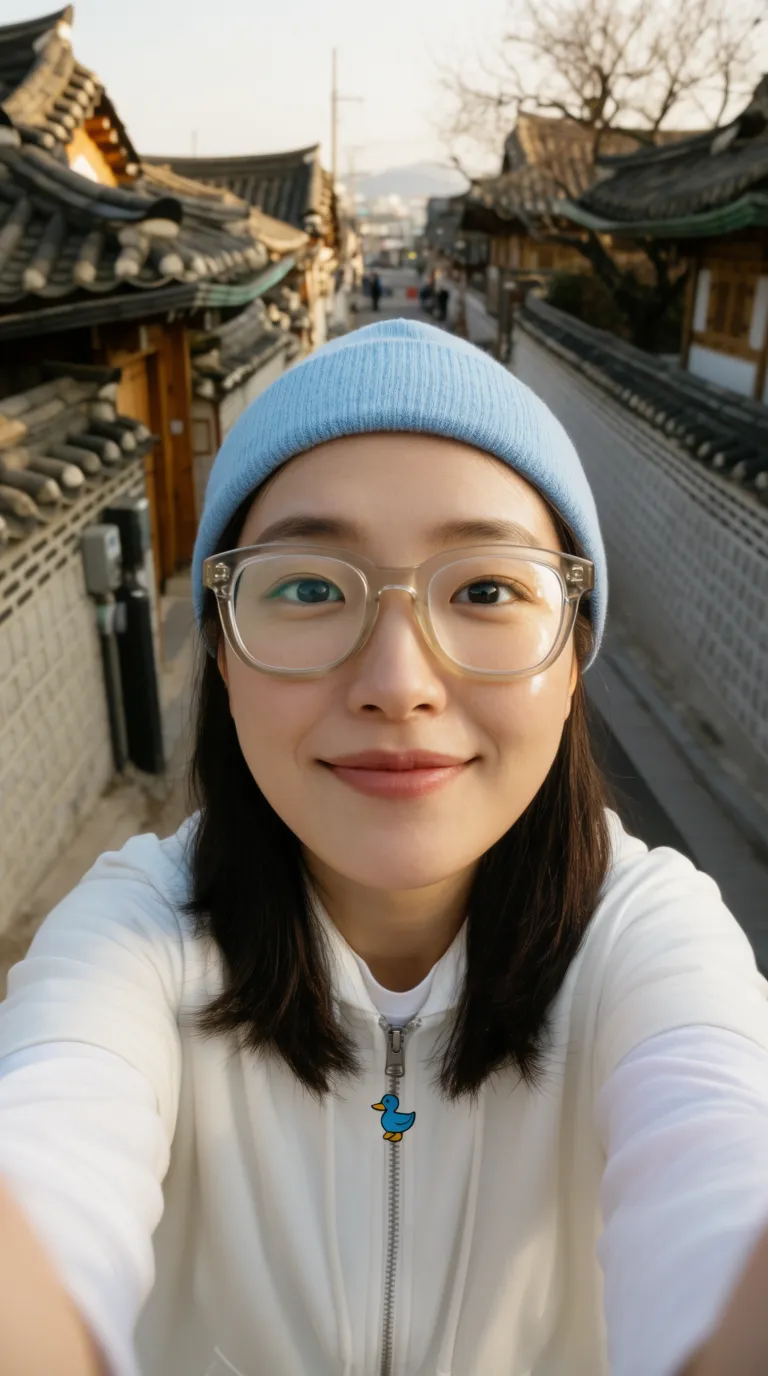
Output: the same woman interviewed on a 1990s Korean shopping street, microphone in frame
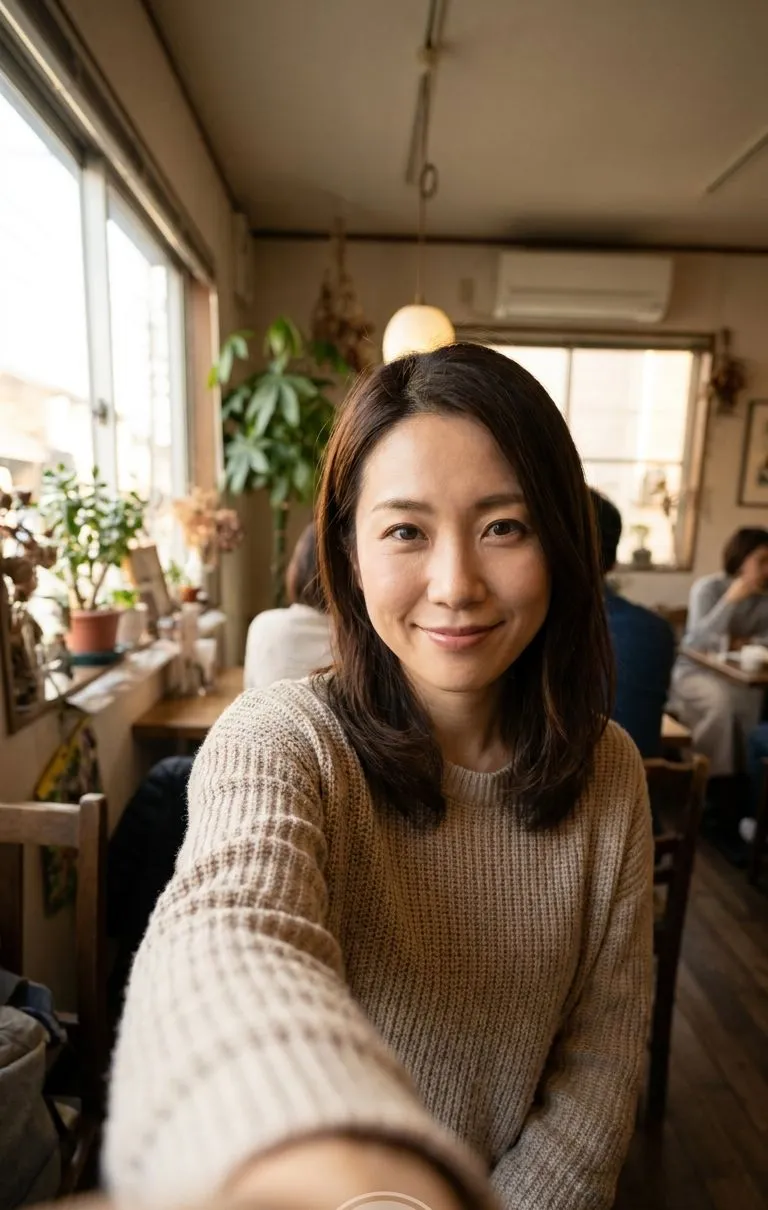
Output: the same woman interviewed on a 1990s Japanese high street, microphone in frame
Same face, different decade, and a street that matches the market you set.
Upload the selfie you want locked in
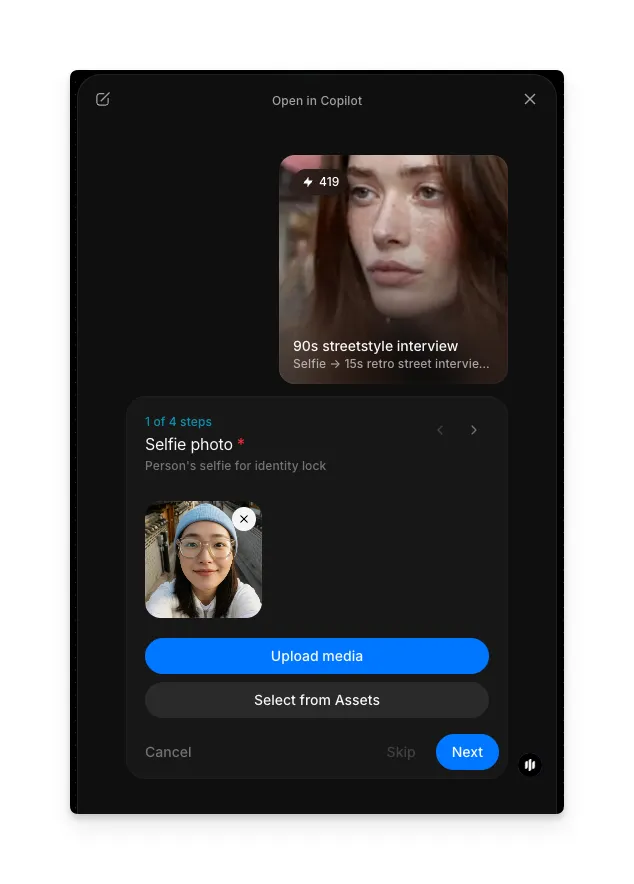
Open the "90s streetstyle interview" workflow. The first step asks for the selfie the clip is built from. Upload one from your device, or pick an existing image with "Select from Assets".
This is the identity lock, so it decides how much the person in the clip looks like you. Use a front-facing photo where the face is sharp, evenly lit, and takes up a good share of the frame. Sunglasses, heavy filters, deep shadow across one side of the face, and group shots all weaken the lock.
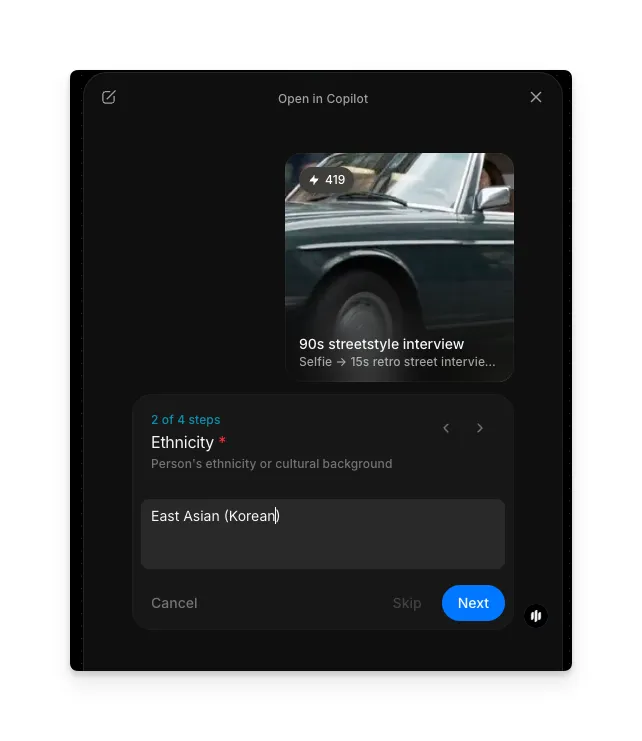
Describe the ethnicity to match
Type the ethnicity or cultural background of the person in the selfie, for example "East Asian (Korean)" or "West African". This step is required.
It is a fidelity control, not a styling one. Faces are rebuilt for a new scene, new light, and a new lens, and this field keeps features, skin tone, and hair rendering true through that rebuild instead of drifting towards a generic average. It also steers the street the person is placed on, so the crowd and signage read as a plausible place for the interview to happen.
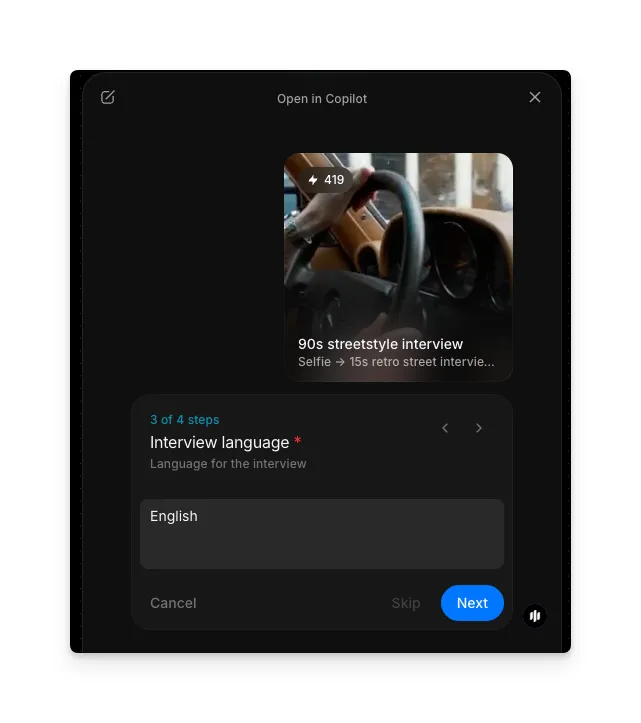
Set the interview language
Type the language the person speaks on camera, for example "English", "Korean", or "Brazilian Portuguese". This step is required.
The clip is a spoken interview, so this sets both what is said and how the mouth moves. Pick the language your audience scrolls in. A Korean-language answer on a Seoul street reads as a real segment to a Korean feed; the same clip in English reads as a subtitled repost. If you are posting to more than one market, run the workflow again with a different language and keep the same selfie, so the person stays the same across both cuts.
Choose the aspect ratio and submit
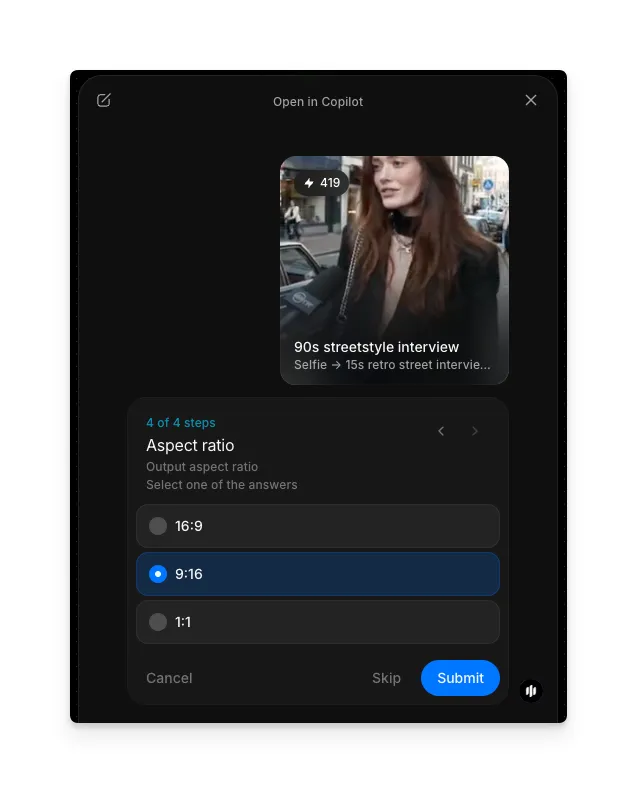
Pick how the clip is framed, then hit Submit. 9:16 is selected by default because that is where the format lives.
| Aspect ratio | What it gives you | Best for |
|---|---|---|
| 9:16 | Full-height vertical, face and outfit both in frame | Reels, TikTok, Shorts, and Stories |
| 16:9 | Landscape framing with the street wide behind the subject | YouTube, a broadcast-segment feel, and website embeds |
| 1:1 | Square crop that holds the subject centred | Feed posts and grid placements that crop vertical video |
To post across formats, run the workflow once per ratio rather than cropping afterwards. Cropping a vertical clip to 16:9 cuts the outfit out of a video whose whole subject is the outfit.
FAQs
A front-facing photo with even light and a sharp, unobstructed face. A normal phone selfie is enough. Avoid sunglasses, heavy filters, strong backlight, and group shots, because the face is the anchor the whole clip is rebuilt around.
It keeps the person recognisable. The clip re-renders the face under new lighting and a new lens, and without that cue features and skin tone drift towards a generic average. Naming it holds the likeness and also makes the street the interview happens on read as a plausible place.
Yes. Type any language in the interview language step and the spoken answer and mouth movement follow it. Running the same selfie through the workflow in two languages gives you two cuts of the same person for two markets.
About 15 seconds, which is long enough for a question and a full answer and short enough to hold a scroll. That length also fits Reels, TikTok, and Shorts without trimming.
9:16 for Reels, TikTok, Shorts, and Stories, which is where the street interview format performs. 16:9 for YouTube or a broadcast-segment look, and 1:1 for feed posts. Run the workflow once per ratio instead of cropping the output.