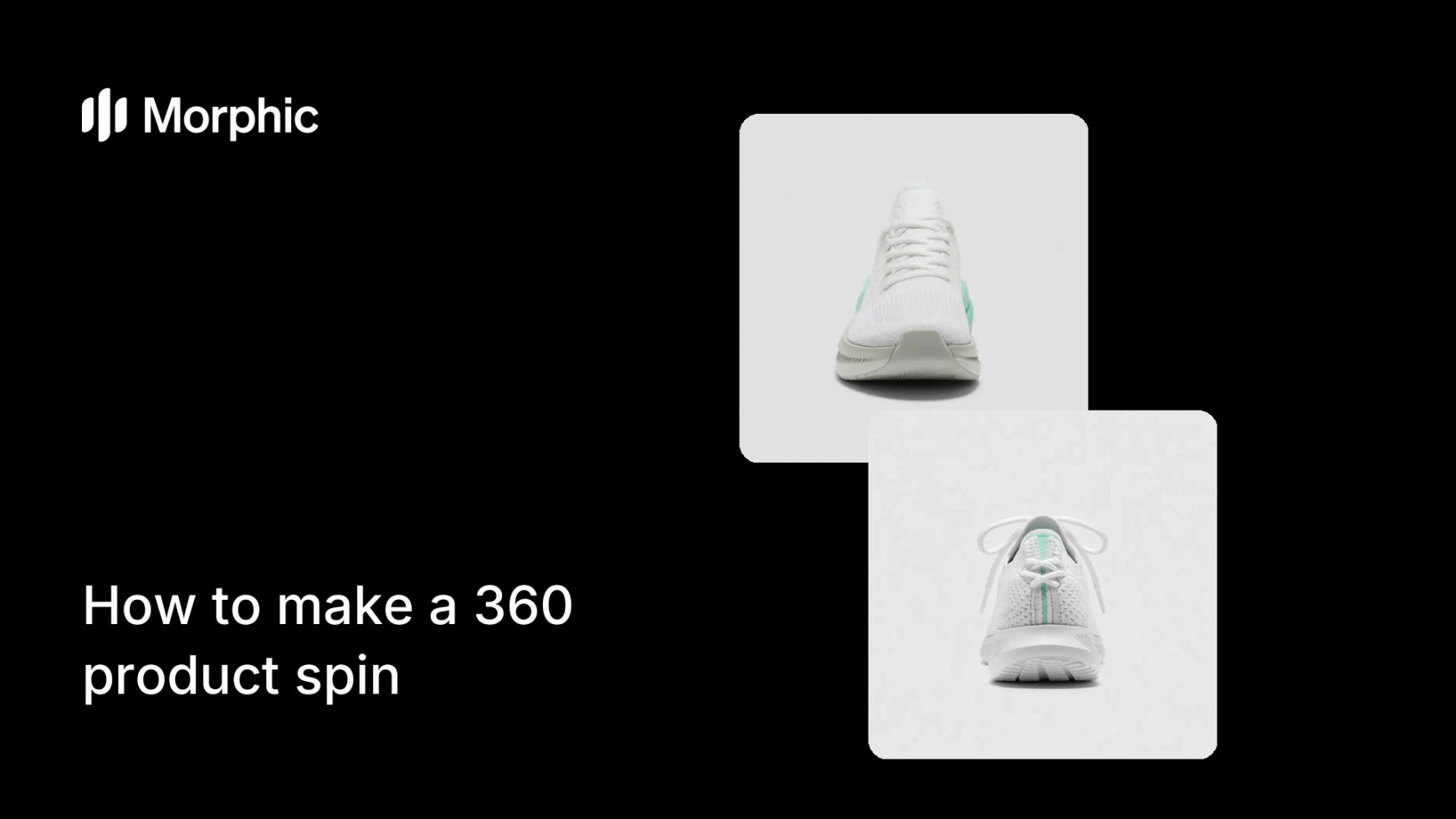
What is a 360 product spin?
A 360 product spin is a rotating view of a product that lets shoppers see it from every angle, front, sides, back, as if they were turning it in their hands. It answers the questions a single photo cannot and is one of the most persuasive assets on a product page, especially for items where shape, detail, or finish sells the purchase.
With Morphic you create this spin from a text prompt in your browser. Describe the product and the rotation, then adjust and download in HD. You get a smooth, shelf-ready spin without a turntable rig, a camera, or stitching software.
Prepare a clean product look
Start by settling the product's appearance, its color, finish, and any branding, on a clean background. A consistent, well-lit subject is what makes a rotation read clearly all the way around.
Describe the rotation
Open Morphic and describe a smooth 360 spin of the product, steady speed, even lighting, the item centered so it stays in frame through the full turn. Generate and review the motion.
Keep lighting even through the turn
Prompt for consistent lighting so the product does not darken or blow out as it rotates. Even light across every angle is what makes a spin look professional rather than jittery.
Check every angle reads
Watch the spin and confirm the front, sides, and back all look right and on brand. Regenerate if any angle distorts the shape or loses a key detail.
Export for your product page
Download the spin in HD so it stays crisp when embedded on a listing or shared in an ad, then add it to your product gallery.
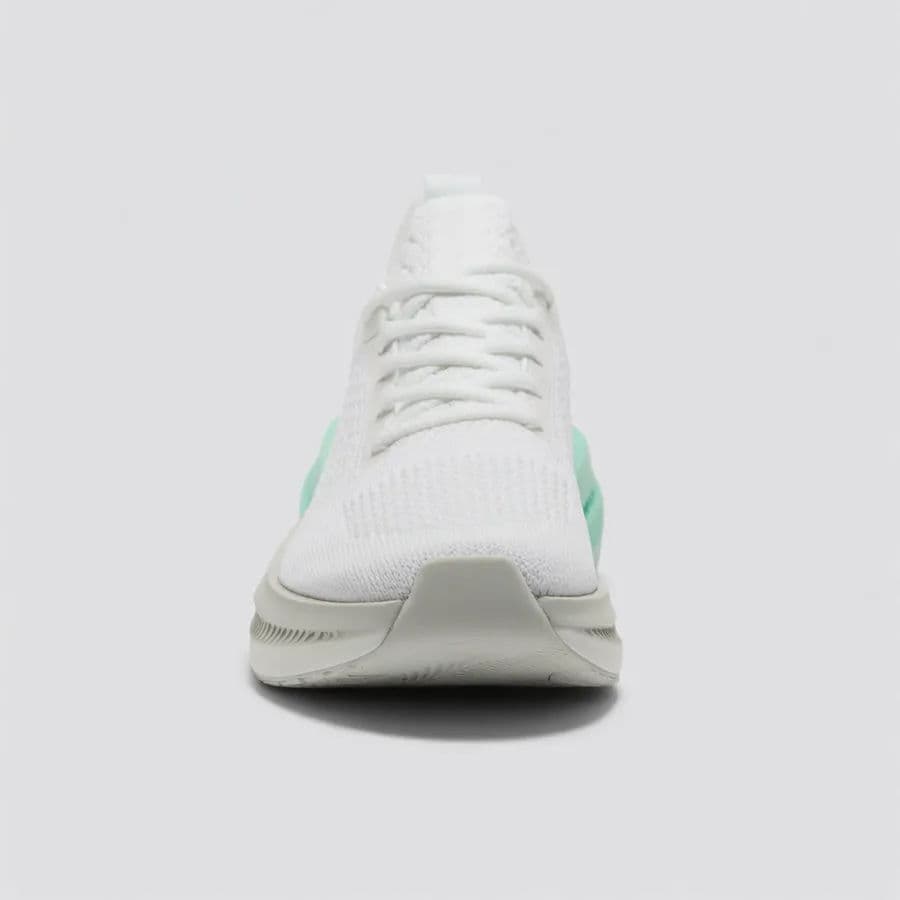
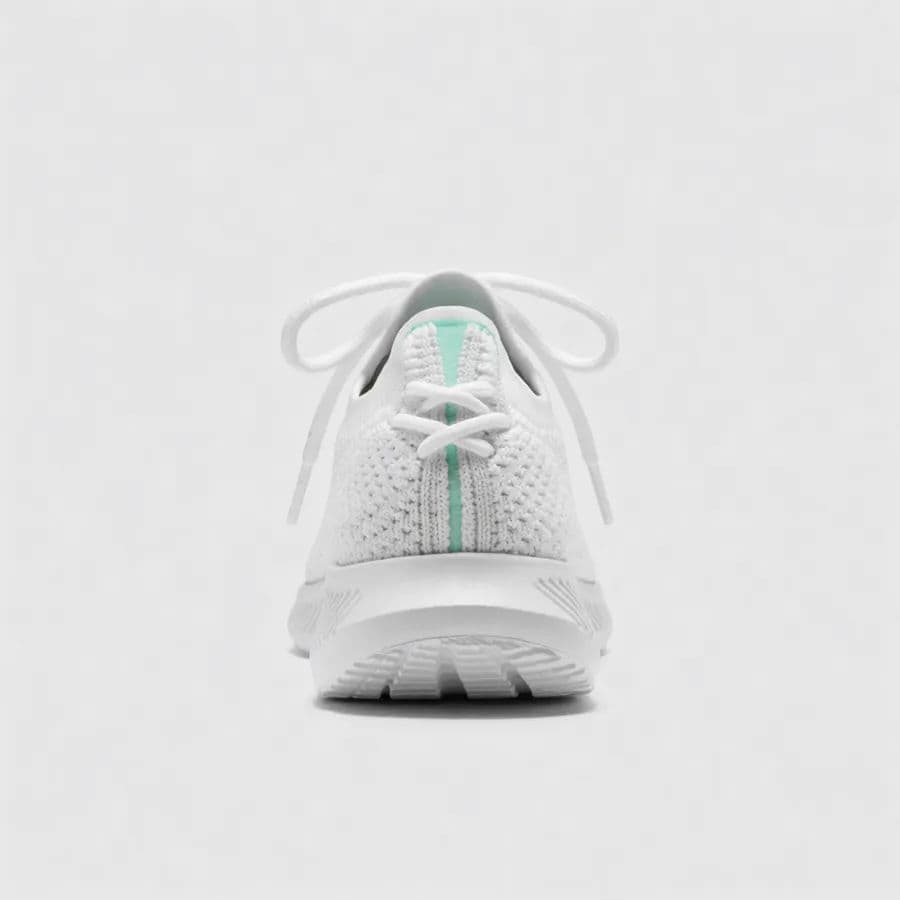
The same sneaker from two angles of the spin to show consistent lighting all the way round.
What makes a great 360 spin
| Quality | What it means | Why it matters |
|---|---|---|
| Smooth rotation | Steady, even motion through the turn | The spin feels premium, not jerky |
| Consistent lighting | The product stays evenly lit at every angle | No dark or blown-out frames break the effect |
| Every angle reads | Front, sides, and back all look right | Shoppers get the full picture of the item |
| Shape accuracy | The product holds its true form | Buyers trust what they are seeing |
Morphic vs the traditional route
| Morphic | Turntable shoot or 3D rig | |
|---|---|---|
| Cost | Available on Morphic | Turntable, camera, or 3D software |
| Time | A spin in minutes | A rig setup and stitching session |
| Skill needed | Describe the spin in words | Photography and post-production |
| Iterations | Regenerate to adjust | Reshoot or remodel each change |
FAQs
Describe a steady rotation at an even speed with the product centered so it stays in frame through the full turn. Review the motion and regenerate if it looks jerky.
Usually uneven lighting or shape distortion on a particular angle. Prompt for consistent lighting and regenerate if the front, sides, or back lose detail.
No. Describe the product and the rotation, and generate the spin in the browser, no turntable, camera, or stitching software required.
Yes. Download it in HD and add it to your listing or gallery so it stays crisp wherever it is embedded.
Anything where shape, detail, or finish helps sell it, footwear, gadgets, bags, homeware. The spin shows what a single photo cannot.
Yes. Spins you generate with Morphic are cleared for commercial use on your listings and ads.