What is a business plan cover?
A business plan cover is the first page of the document you hand to a lender, a partner, or an internal board. It carries the company name, the plan title, and often the year or a short subtitle, and it is the first signal of how serious the work behind it is. Founders, consultants, and finance teams treat it as packaging: it sets the tone before a single page of the plan is read.
With Morphic you design this cover from a text prompt in your browser. Describe the title, the layout, and the brand look, compare a few options, then download in HD. You get a professional first page without opening design software or briefing a designer.
Lock the title block
Write the company name, the plan title, and any subtitle or year exactly as they should appear. Fixing the wording first keeps the rendered text accurate and avoids a round of corrections.
Describe the cover layout
Open Morphic and describe a clean cover: a bold title, room for the company name, and a background that suits your sector. Ask for a couple of options so you can compare hierarchy and mood.
Choose a tone that fits the reader
Match the visual to whoever receives the plan: restrained and formal for a lender, warmer and more visual for a partner pitch. The cover should look like the document behind it, not like a marketing poster.
Apply your brand look
Ask for your brand colours, logo placement, and a type style that stays readable when the cover is shown as a small thumbnail. Keep contrast strong so the title holds up in print and on screen.
Check the title and export
Read the company name, title, and subtitle on each option and confirm the spelling and formatting are right. Download in HD, then set it as the first page of the plan and its share image.
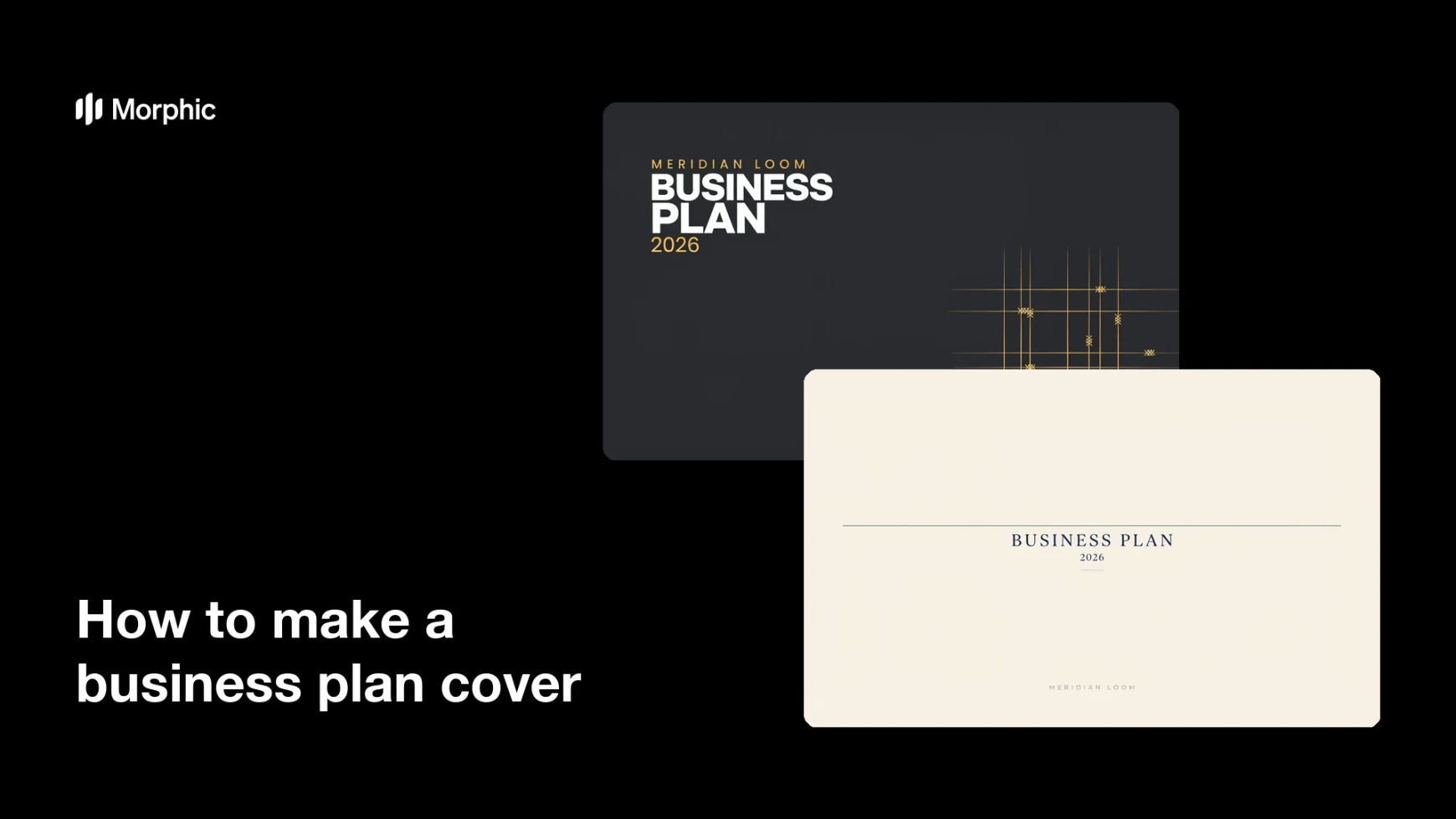
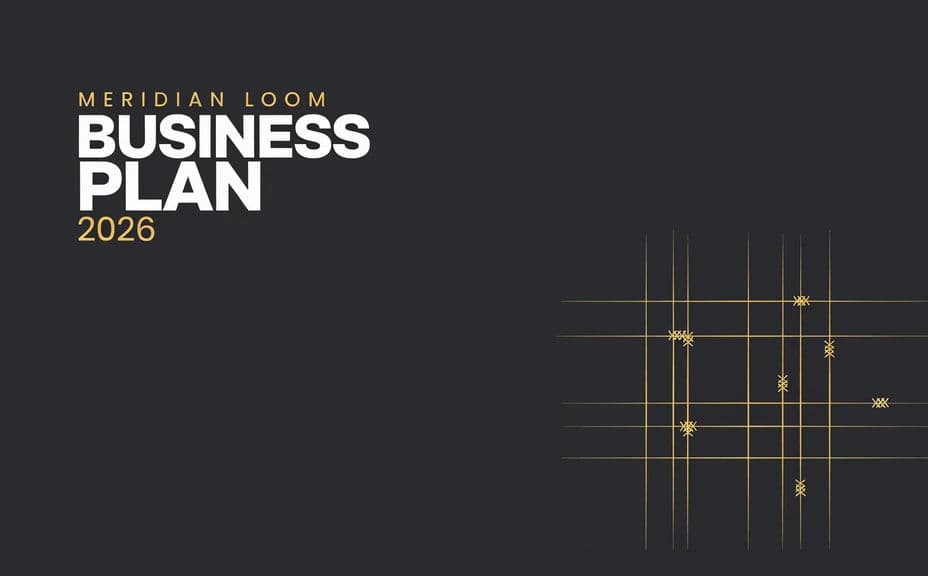
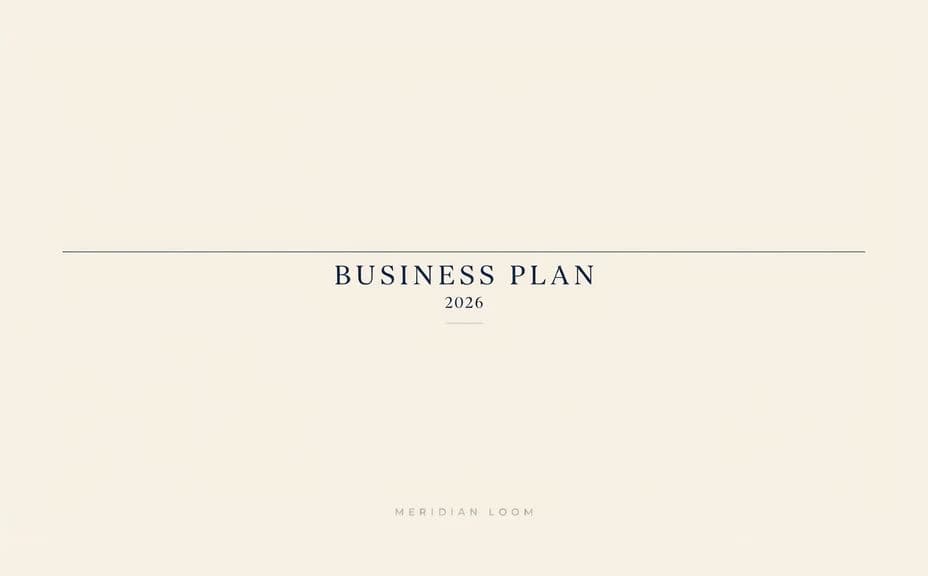
Two cover options for the same fictional business plan, each carrying the title text.
What makes a good business plan cover
| Quality | What it means | Why it matters |
|---|---|---|
| Clear title block | Company and plan name read instantly | The reader knows what they are holding |
| Restrained design | Nothing competes with the title | A plan should look considered, not loud |
| Works as a thumbnail | The cover holds up small | It represents the file wherever it is shared |
| On-brand styling | Colours, logo, and type match | The document looks credible and official |
Morphic vs the traditional way
| Morphic | Design software or a designer | |
|---|---|---|
| Cost | Available on Morphic | Software subscription or design fee |
| Time | A finished cover in minutes | Hours of layout and revision |
| Skill needed | Describe it in plain language | Layout and typography skills |
| Consistency | Regenerate options that match | Manual rework for each version |
FAQs
Yes. Provide the wording in your prompt, then read the rendered text and regenerate if any character or spacing looks off.
Yes. Ask for several layouts of the same plan and compare them side by side, then pick the one with the clearest hierarchy.
For lenders and boards, keep it simple and let the title lead. Save bolder treatments for partner or investor pitches where a stronger visual fits.
Yes. Describe your brand colours, logo placement, and type style, and generate the cover to match the rest of the document.
Describe the new wording and regenerate. There is no manual redraw, so keeping the cover current takes a moment.
Yes. Designs you generate with Morphic are cleared for commercial use across your documents and pitches.