What is a campaign moodboard?
A campaign moodboard is a collection of visuals that fixes the look and feel before the real work begins: the palette, the textures, the mood, the kind of imagery the campaign will live in. It aligns everyone, from the client to the crew, on a direction so no one is surprised later.
Morphic lets you build a moodboard from images made for your campaign rather than a patchwork of borrowed references. Describe the mood you are chasing, generate a spread of visuals in your browser, curate the ones that capture it, and download the set. The board reflects your specific idea instead of the closest thing you could find online.
Name the feeling before the pictures
Put the campaign's mood into words: warm and nostalgic, sleek and futuristic, raw and energetic. A clear emotional target keeps the board focused instead of a pile of images you happen to like. Everything you generate should serve that feeling.
Generate a spread across the campaign's world
Describe different facets of the mood to Morphic: the color, the setting, the texture, the type of subject. Generate a range so the board captures a world, not a single note. Variety within one mood is what makes a board feel alive.
Curate ruthlessly
A moodboard persuades by cohesion, so keep only the visuals that reinforce the feeling and cut anything that competes with it. A tight board of images that agree beats a crowded one that argues with itself. Trust the ones that make the mood obvious.
Balance and arrange the board
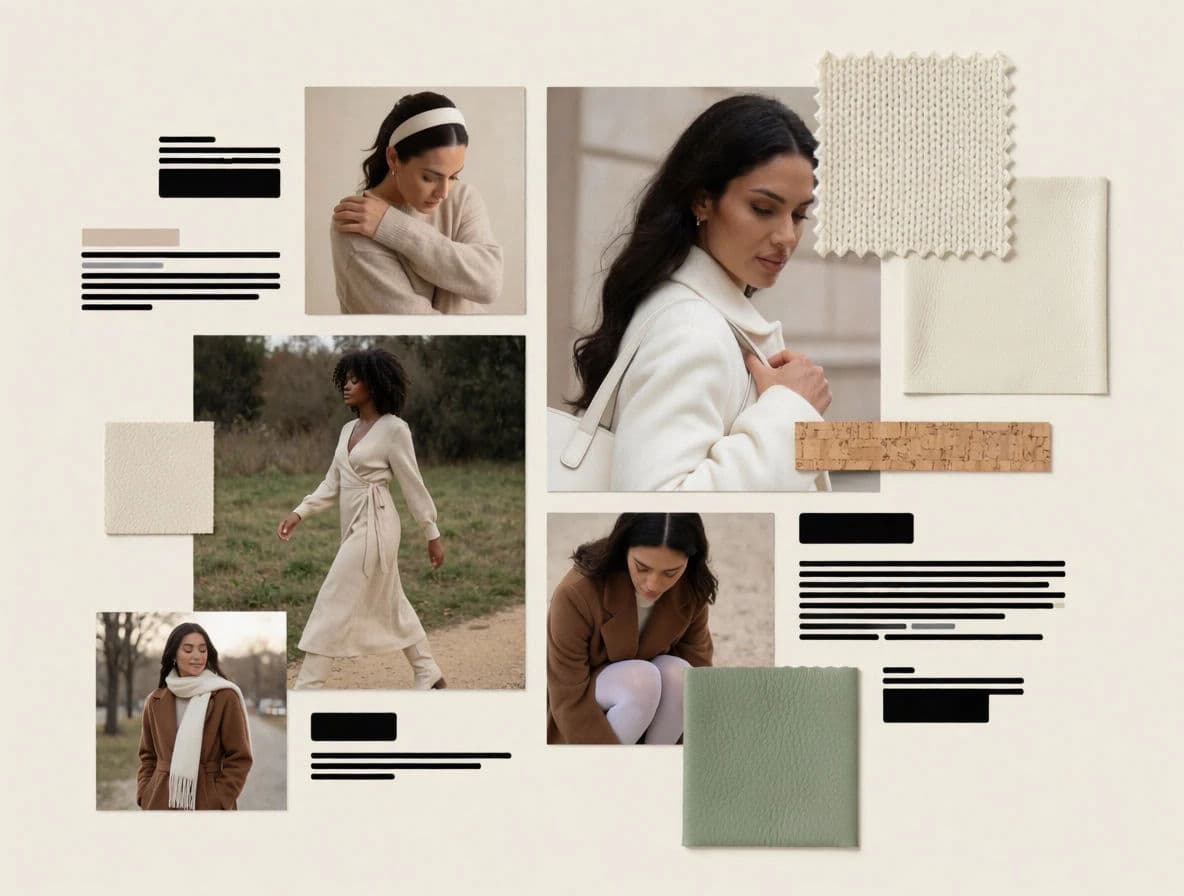
Lay the chosen visuals out so the palette and mood read across the whole board, not just image by image. Refine or regenerate any tile that pulls the eye the wrong way. Adapt tiles to consistent shapes and export in HD so the board presents cleanly.
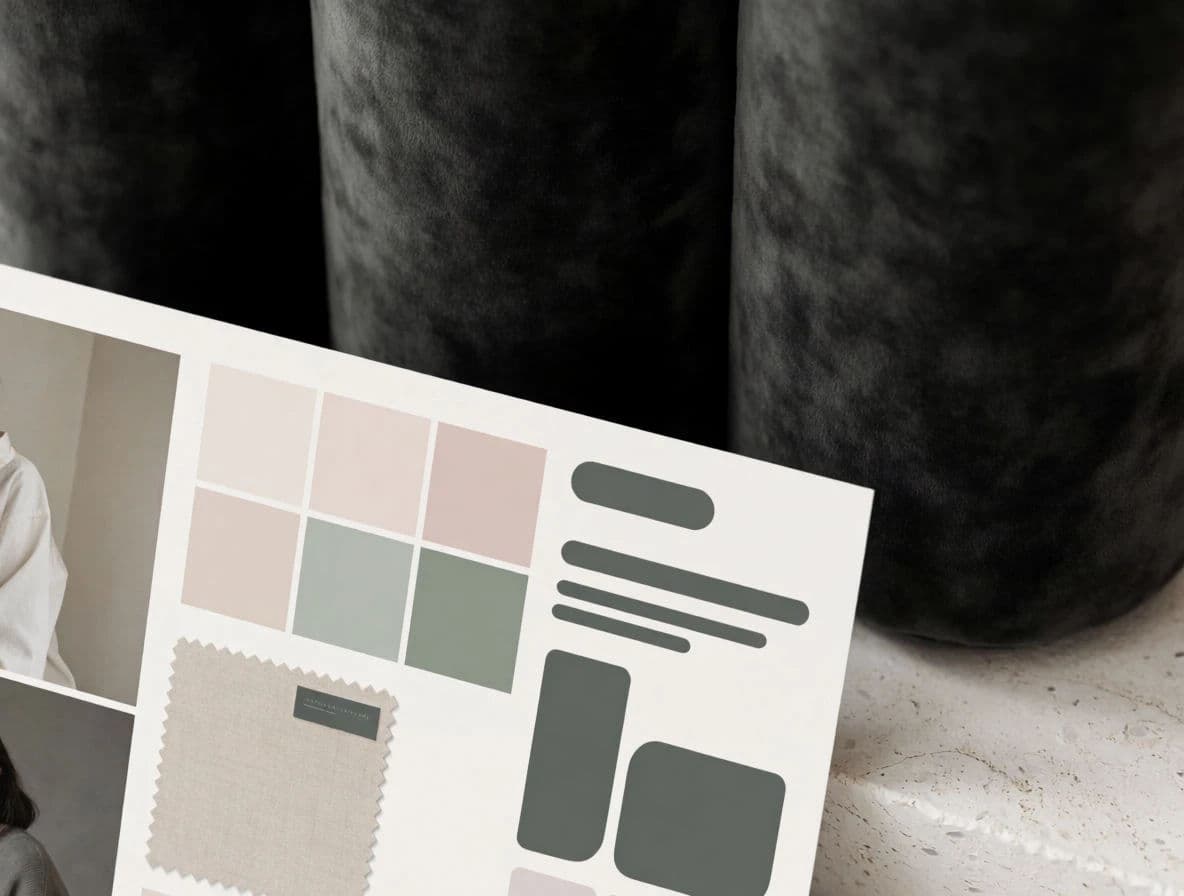
The full moodboard and a detail from the same campaign.
What makes a great moodboard
| Quality | What it means | Why it matters |
|---|---|---|
| One clear feeling | Every tile serves the same mood | The direction is obvious to anyone who sees it |
| Range within the mood | Color, texture, and subject all shown | The board captures a world, not one note |
| Tight curation | Only reinforcing visuals remain | Cohesion is what makes a board persuasive |
| Balanced layout | The mood reads across the whole board | No single tile hijacks the direction |
Morphic vs collecting references online
| Morphic | Scrapbooked stock and web images | |
|---|---|---|
| Cost | One browser tool | Stock licenses or usage risk |
| Time | A full board in a session | Hours of hunting and saving |
| Skill needed | Write a clear prompt | Search skill and curation |
| Fit to campaign | Generate exactly your mood | Settle for the closest references found |
FAQs
Enough to establish the world and no more. A tight board of visuals that agree reads more persuasively than a crowded one, so curate down to the tiles that make the mood obvious.
No. Aim for range within one feeling, showing color, texture, setting, and subject. Variety inside a single mood is what makes the board feel like a living world rather than one repeated note.
Collected references only ever half fit and can carry usage risk. Generating your own means every tile matches your specific mood, and the board is yours to share freely.
Curate ruthlessly and arrange the tiles so the palette and mood read across the whole board. Refine or regenerate any tile that pulls the eye the wrong way.
Yes. Adapt the tiles to consistent shapes and export in HD so the board presents cleanly on screen or in a deck.
Yes. Visuals you create with Morphic are yours, so a moodboard tile can carry into the finished campaign if it fits.