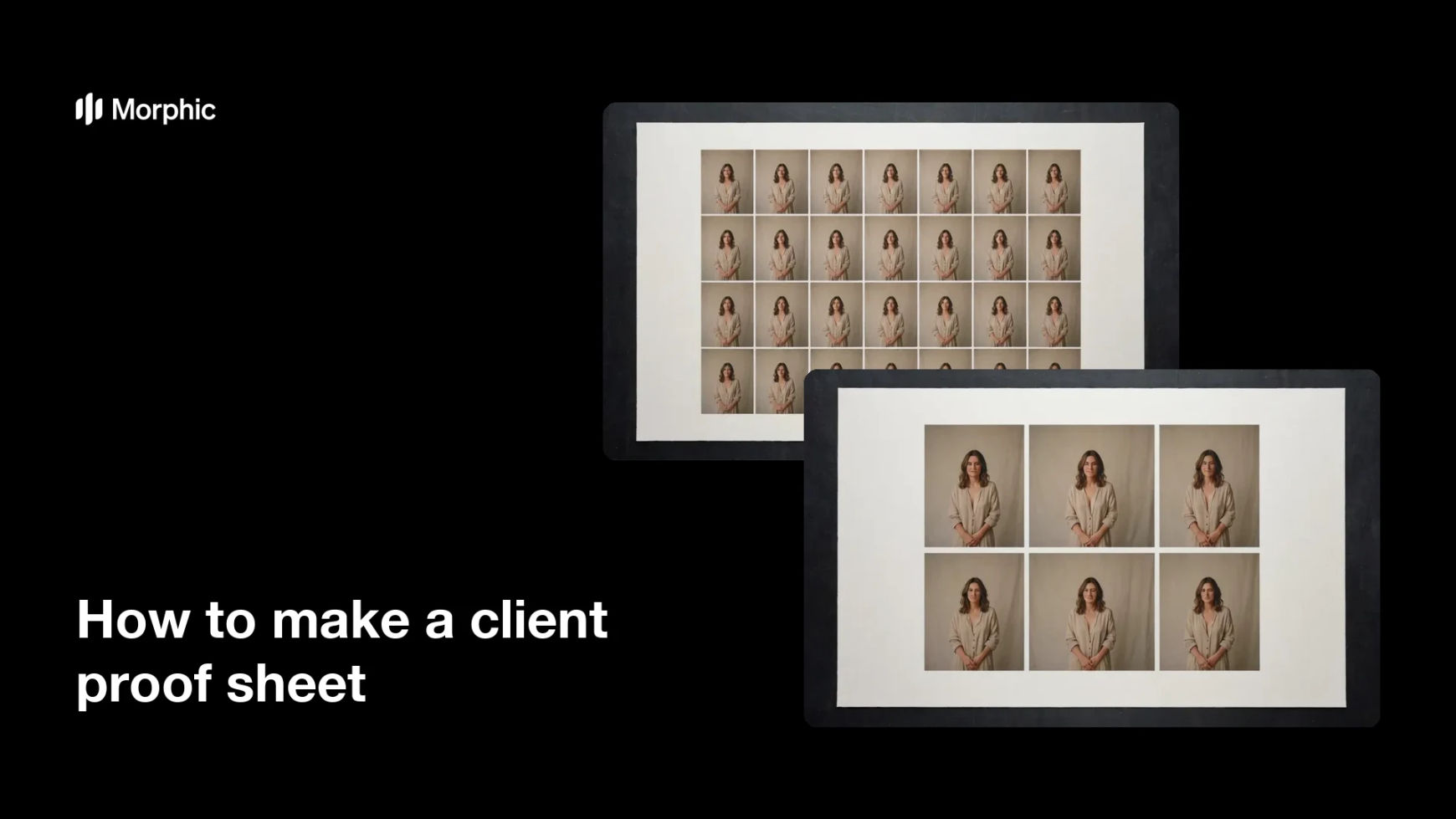
What is a client proof sheet?
A client proof sheet is a single page that lays out the frames from a shoot as a grid, so the client can review the take and mark their selects. Photographers and studios send one after every session because scrolling a gallery hides the shape of the edit, while a sheet shows it all at once. It is the fastest way to get a decision instead of a maybe.
With Morphic you produce that sheet from a text prompt in your browser. Describe the grid, the frame size, and the presentation you want, compare a couple of layouts, then download in HD. You get a tidy, on-brand proof sheet without building a contact sheet by hand.
Decide what the sheet must show
Choose how many frames belong on one page and whether they should read as one sequence or grouped sets. A sheet that shows the whole take is easier to decide from than three partial pages.
Describe the layout
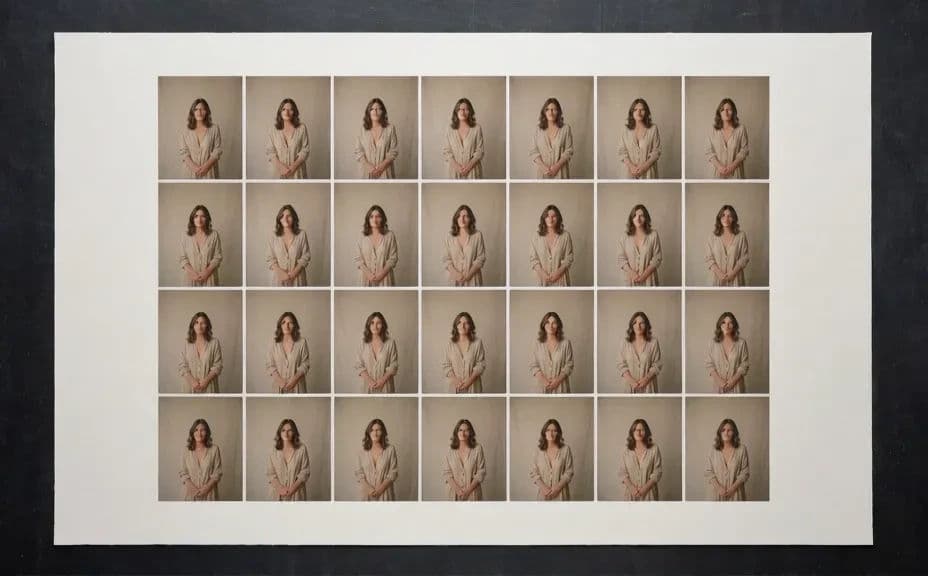
Open Morphic and describe the sheet: the number of columns, the gap between frames, and the border around the page. Ask for a couple of grid options so you can compare density.
Set the presentation
Name the background tone and whether frames sit flush or separated, so the sheet feels like your studio's work. Consistent presentation makes every delivery look considered.
Check the frames read clearly
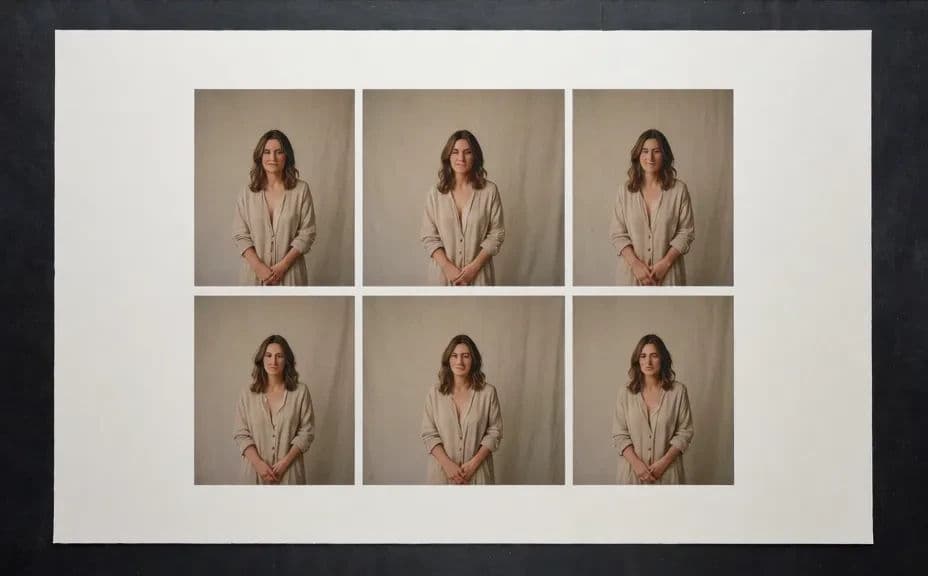
Look at the smallest tiles and confirm the subject is still recognisable. Regenerate any layout where the frames are packed so tight that the client cannot judge them.
Export and send
Preview the sheet at full size to check spacing and edges. Download in HD and send it to the client for their selects.
Two grid layouts for the same proof sheet, one denser and one more open.
What makes a good proof sheet
| Quality | What it means | Why it matters |
|---|---|---|
| Whole take on one page | The full sequence is visible | Clients compare rather than guess |
| Frames large enough to judge | Each tile stays readable | Selects are made with confidence |
| Even spacing | Consistent gaps and margins | The sheet is easy to scan |
| Consistent presentation | Every delivery looks the same | The studio reads as organised |
Morphic vs the traditional way
| Morphic | Building a contact sheet by hand | |
|---|---|---|
| Cost | Available on Morphic | Software subscription or studio time |
| Time | A finished sheet in minutes | An hour of placing and aligning frames |
| Skill needed | Describe it in plain language | Layout and export know-how |
| Consistency | Regenerate the same layout | Manual setup for every shoot |
FAQs
Yes. State the number of columns and rows you want, and adjust until the tiles are large enough to judge.
Yes. Ask for both versions of the same sheet and compare them, then send the one your client will read fastest.
Yes. Describe the background tone, spacing, and border style, and generate the sheet to match your other deliverables.
Yes. Generate separate sheets that share the same grid and presentation so the set reads as one delivery.
Describe the change, such as fewer frames or wider gaps, and regenerate. Nothing has to be rebuilt by hand.
Yes. Sheets you generate with Morphic are cleared for commercial use in client delivery and portfolios.