What is a corporate event recap video?
A corporate event recap video is a short highlight clip that captures the energy of a conference, summit, or company gathering after it wraps. Event teams, marketers, and organizers use it to thank attendees, promote next year's edition, and share the moment with those who could not be there.
With Morphic you describe the highlights you want and generate the clip in your browser. You can shape the scenes, mood, and pacing in plain language, try several looks, and download the result in HD.
Pick the moments to feature
Decide which highlights tell the story of the event, such as the keynote on stage and the buzz of the networking floor. A clear shortlist keeps the recap focused and true to how the day felt.
Describe the scenes
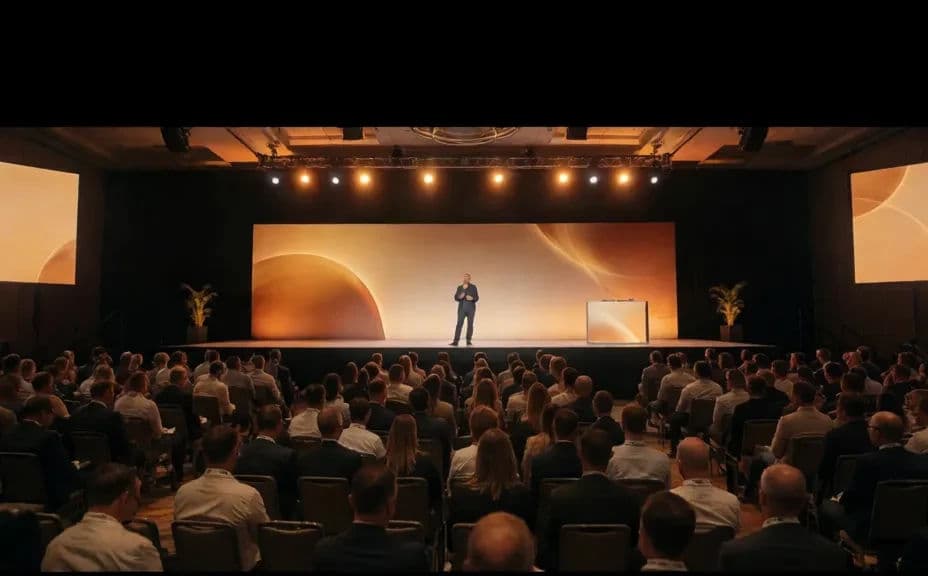
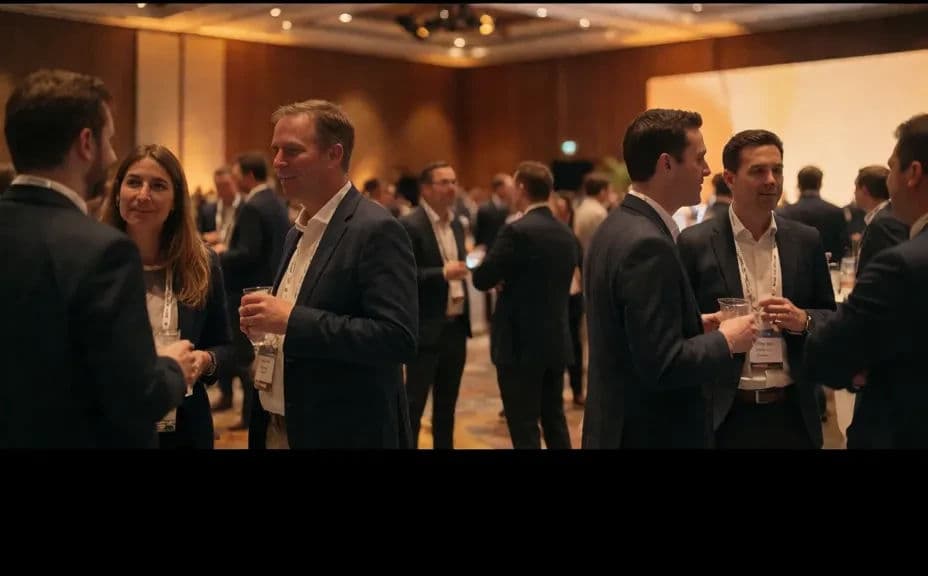
Open Morphic and describe each moment, like a speaker at a keynote or attendees connecting between sessions. Name the venue, the light, and the crowd size so each scene matches the event you are recapping.
Set the pace and tone
Ask for the energy you want, whether that is a polished, upbeat highlight reel or a calmer reflective tone. Consistent pacing and lighting across scenes are what make the recap feel like one cohesive video.
Generate a few variations
Produce several versions from the same brief so you can compare a keynote moment against a networking one. Reviewing options side by side helps you choose the frames that best capture the event.
Download in HD
Export the final video in HD, ready for a recap email, a social post, or next year's promotion. The clip keeps its detail and is cleared for commercial use.
Two frames from one event recap, showing the keynote and the networking floor.
What makes a good event recap video
| Quality | What it means | Why it matters |
|---|---|---|
| Key moments | The recap features the real highlights | Viewers relive the event as it actually felt |
| Consistent tone | Energy and light match across scenes | The clip reads as one story, not loose clips |
| Good pacing | Scenes move without dragging | Attention holds through to the closing frame |
| Clear energy | The mood of the room comes through | The recap sells next year's edition |
Morphic vs the traditional way
| Morphic | A videographer and edit suite | |
|---|---|---|
| Cost | Available on Morphic | Videographer fees and editing time |
| Time | A finished recap in minutes | Filming on the day plus days of editing |
| Skill needed | Describe it in plain language | Camera, lighting, and editing experience |
| Consistency | Same tone across every scene | Varies with footage and editor |
FAQs
Feature the moments that defined the day, such as the keynote and the networking floor. Together they capture both the substance and the energy of the event.
Short works best, often under a minute for email and social. A tight clip holds attention and is more likely to be watched and shared.
No. You describe the scenes and mood in plain language and generate the clip in your browser, without a videographer or edit suite.
Yes. Name the tone, colors, and setting you want, and keep the pacing and lighting consistent so the recap reflects your event across every scene.
Yes. Generate several variations from the same brief and compare them side by side, then choose the frames that best capture the event.
Yes. The result downloads in HD and is cleared for commercial use, so it is ready for recap emails, social posts, and next year's promotion.