What is a corporate explainer video?
A corporate explainer video is a short, clear video that walks an audience through what a company does or how a product works. Marketing teams, founders, and internal comms use them on landing pages, in sales decks, and in onboarding to explain an idea faster than a block of text can.
With Morphic you describe each scene, generate it in your browser, and shape a video that follows your script from open to close. You set the tone, pacing, and brand look in plain language, try variations, and download the result in HD.
Write a tight script
Start with a short script that makes one clear point, broken into a few simple beats. A focused message keeps the video easy to follow and easy to produce.
Describe each scene
In Morphic, describe the scene for each beat: the setting, the mood, and what should be on screen. Naming the look and pacing for each moment keeps the video aligned with your script.
Set a consistent brand look
Ask for the same palette, tone, and style across every scene so the video feels like one piece. A consistent look from the opening frame to the close reinforces your brand.
Match pacing to the message
Keep each scene long enough to land its point without dragging, so the video holds attention. Steady pacing helps the audience absorb the idea rather than rushing past it.
Download in HD
Export the finished explainer in HD, ready for a landing page, a deck, or onboarding. The result keeps its detail and can be reused across channels.
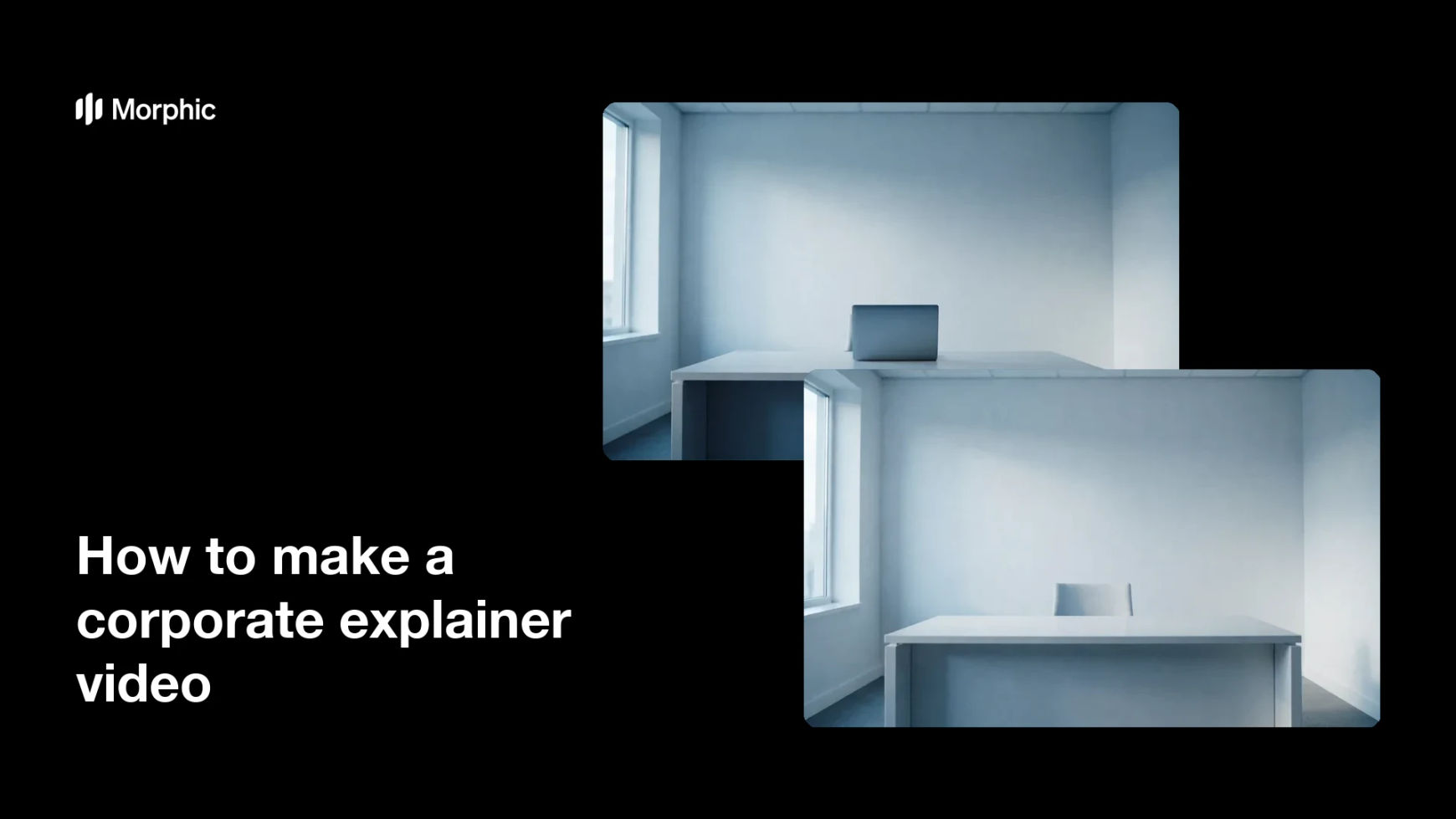
Two frames from one explainer video, opening and closing on the same brand look.


What makes a good explainer video
| Quality | What it means | Why it matters |
|---|---|---|
| One clear point | The video makes a single idea land | The audience leaves knowing what you do |
| Consistent look | Same brand style across every scene | The video feels polished and cohesive |
| Steady pacing | Scenes hold long enough to read | Viewers absorb the message, not rush it |
| Clean close | A clear ending or call to action | People know what to do after watching |
Morphic vs the traditional way
| Morphic | An agency or video editor | |
|---|---|---|
| Cost | Available on Morphic | Agency retainers or editor day rates |
| Time | Scenes in minutes, not weeks | Long production and revision cycles |
| Skill needed | Describe it in plain language | Motion, editing, and animation skills |
| Consistency | One brand look across every scene | Depends on the editor and the brief |
FAQs
A short script helps a lot. Start with one clear point broken into a few beats, then describe a scene for each beat so the video follows your message.
Ask for the same palette, tone, and style across each scene. A consistent look from the opening frame to the close makes the video feel like one piece.
Short enough to hold attention while making its point, often under a couple of minutes. Keep each scene long enough to read but tight enough to move the story along.
Yes. Describe variations of a scene or the pacing, generate a few, and compare them before you settle on the version that fits your message best.
Anywhere you explain your product or company, such as a landing page, a sales deck, or onboarding. The result downloads in HD and can be reused across channels.
Yes. Results download in HD without a watermark and are cleared for commercial use, so they are ready for campaigns, decks, and customer onboarding.