What is a customer testimonial video?
A customer testimonial video is a short clip where a real customer describes their experience with a product or service. It cuts between the person speaking and on-screen text that lifts out their strongest lines, so viewers hear and see the endorsement at once. Marketing and sales teams use these to build trust, because a customer's own words carry more weight than a brand claim.
With Morphic you produce this video in your browser from plain descriptions. Set the speaker framing, add the pull-quote overlays, and adjust the pacing, then export in HD. You get a clean, on-brand testimonial without a full edit suite or a video editor.
Plan the story and the quotes
Decide the through-line of the testimonial and pick the one or two lines worth pulling out as on-screen text. Knowing the quotes first lets you plan where the speaker frames and the overlay frames fall.
Set up the speaker frame
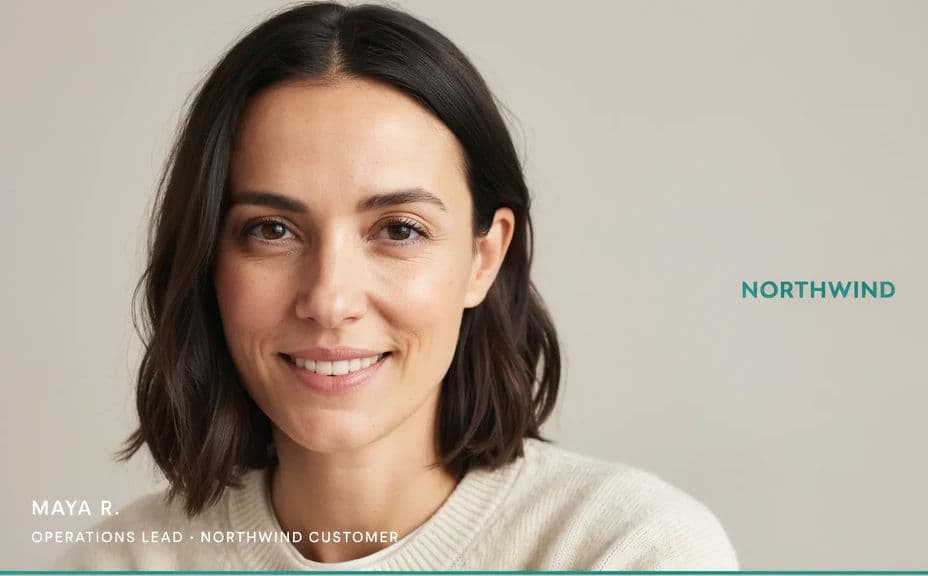
Open Morphic and describe the speaking shot: the customer framed cleanly against a simple background, with room at the lower third for captions. Keep the framing steady so the focus stays on the person.
Add the pull-quote overlay
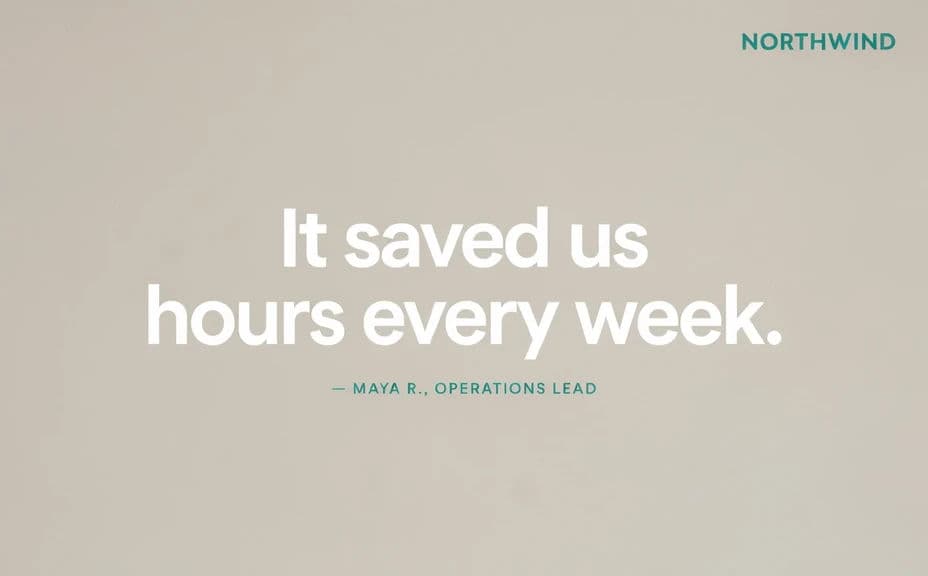
Describe an overlay frame where the customer's key line appears as large, readable text on a branded background. Match the type and colors to your brand and keep the quote short so it lands quickly.
Balance pacing and legibility
Set enough time on the quote frame for viewers to read it comfortably, and keep the speaker segments moving. Check that the overlay text has strong contrast and never covers the speaker's face.
Export and publish
Preview the video at the sizes you will post, social feed and landing page. Export in HD, then add it to your campaign or case study.
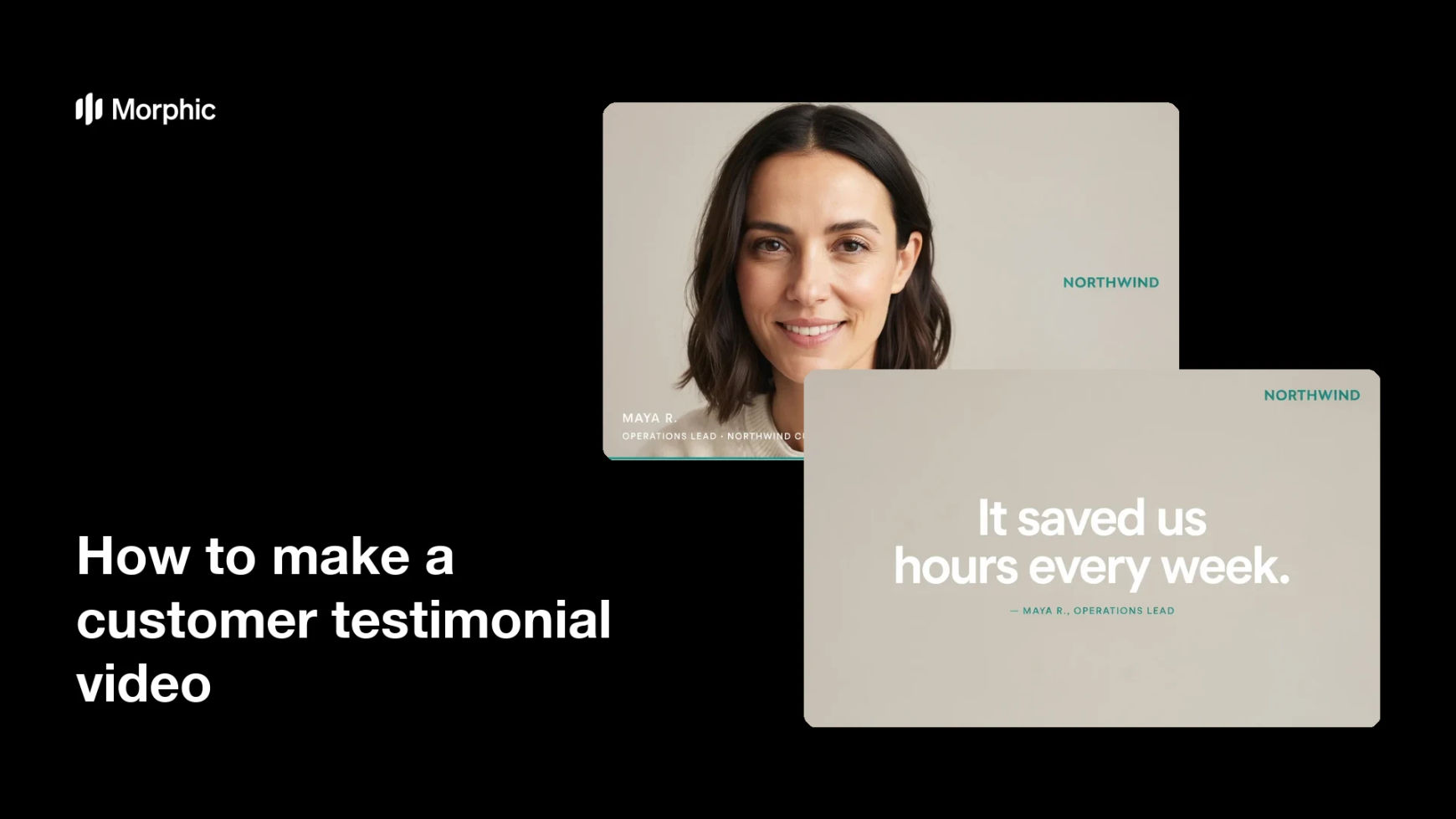
Two frames from the same testimonial video, the customer speaking and a pull-quote overlay.
What makes a great testimonial video
| Quality | What it means | Why it matters |
|---|---|---|
| Clear speaker | The customer is framed and easy to hear | The endorsement feels real and personal |
| Readable pull-quote | Key lines appear as on-screen text | Viewers catch the message even while scanning |
| Good pacing | Quotes stay on long enough to read | No one has to rewind to catch the point |
| On-brand styling | Overlays match your brand | The video looks like part of your marketing |
Morphic vs the traditional way
| Morphic | Editing software or an editor | |
|---|---|---|
| Cost | Available on Morphic | Software subscription or editing fee |
| Time | A finished cut in minutes | Hours of editing and captioning |
| Skill needed | Describe it in plain language | Video editing and motion skills |
| Consistency | Regenerate frames that match | Manual rework for every version |
FAQs
Yes. Provide the quote in your prompt and place it as a large, high-contrast overlay. Check the rendered text and regenerate if the wording looks off.
Yes. Describe the same styling for both, and the speaker frame and the overlay frame stay part of one cohesive video.
Yes. Describe your brand colors, type, and overlay style, and generate the video to match. Keep contrast high so the quote stays legible.
Yes, if you prioritize legibility. Preview at posting size, keep high contrast, and give each quote enough time on screen to read.
Yes. Describe the framing for each placement, feed or landing page, and export a version shaped for it.
Yes. Videos you generate with Morphic are cleared for commercial use across your campaigns and case studies.