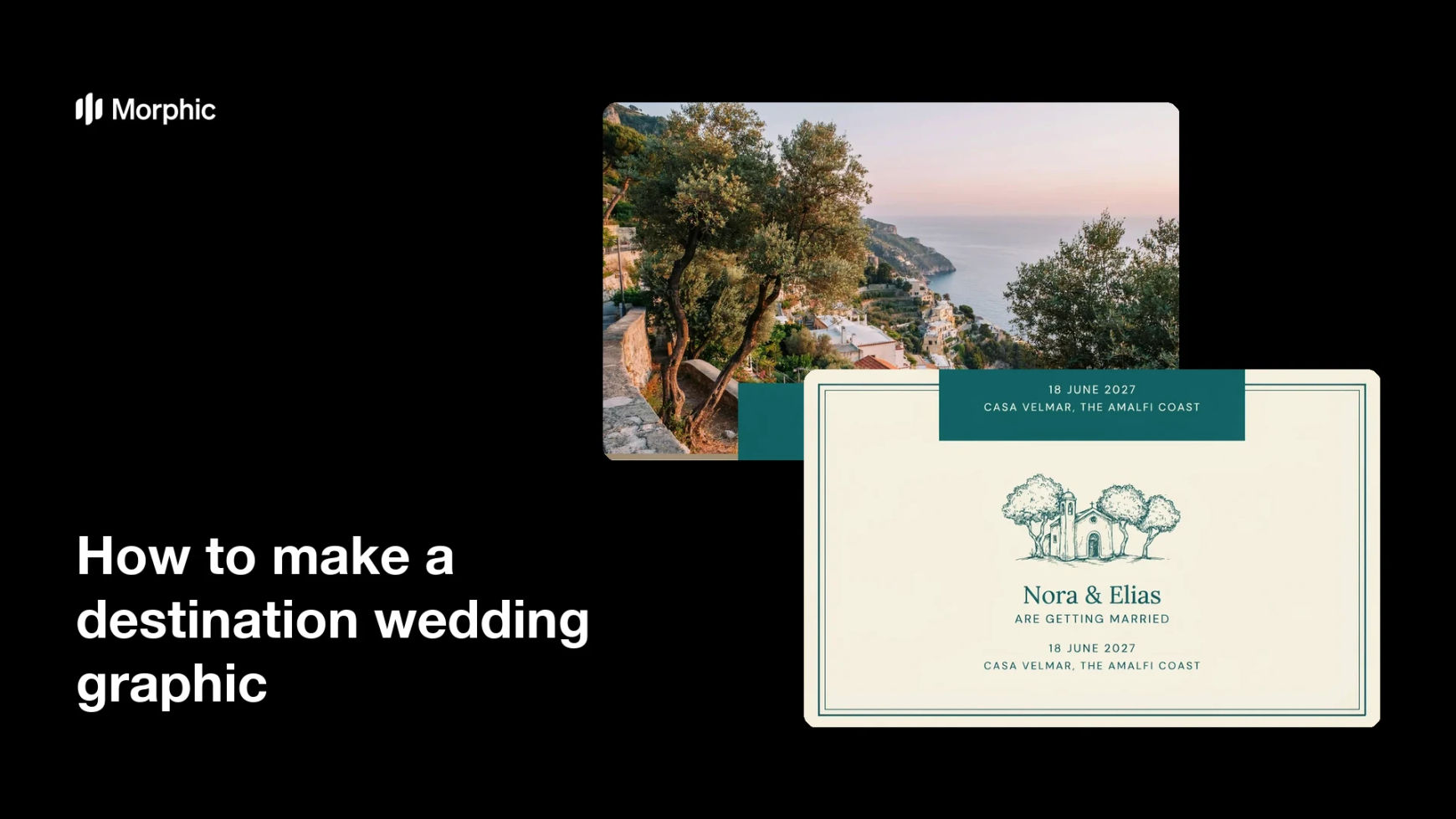
What is a destination wedding graphic?
A destination wedding graphic is the visual that announces a wedding held away from home, pairing the setting with the couple's names, the date, and the location. Couples, planners, and venues use it for save-the-dates, invitation suites, wedding websites, and social announcements, where the place is as much of the news as the date. Because guests are being asked to travel, the graphic has to sell the destination as well as inform.
With Morphic you make one from a text prompt in your browser. Describe the venue and landscape, the season and light, the palette, and the exact names and date you want rendered, then refine and download in HD. You get a polished, print-ready announcement without an illustrator or a stationery studio.
Choose the setting and season
Pick the venue type and landscape, such as a cliffside terrace, a vineyard, or a beach at sunset, along with the time of year. The setting drives the palette and the mood of everything that follows.
Write the names and date
Set the exact wording for the couple's names, the date, and the location line. Keeping the copy to three short lines leaves the artwork room to breathe.
Describe the style and palette
Open Morphic and describe the artistic treatment you want, from soft watercolour to fine line illustration or a photographic scene. Name the colours so the graphic matches the rest of the wedding stationery.
Generate two designs
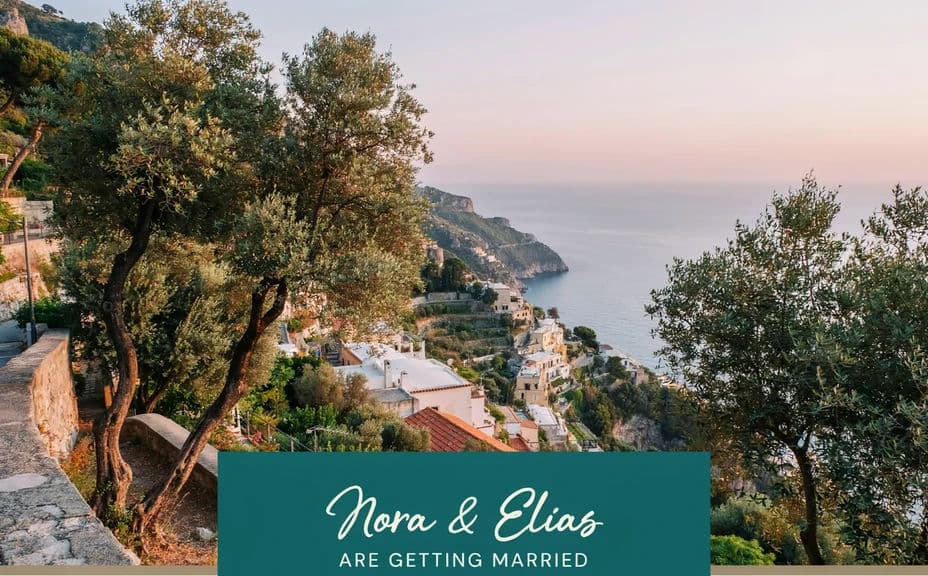
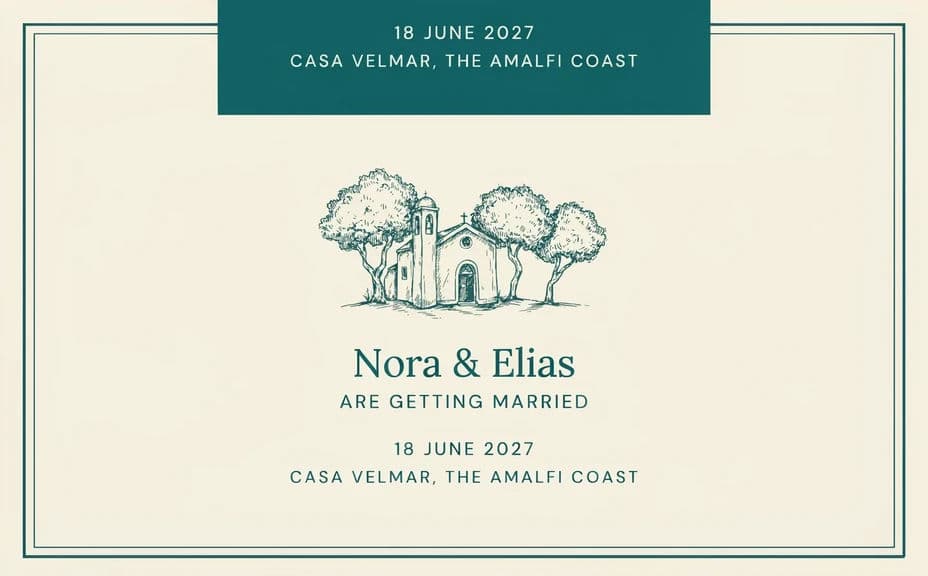
Produce two versions for the same wedding with different compositions, such as a full-bleed venue scene and a framed layout with a bordered text block. Comparing them shows which one presents the names most gracefully.
Check the wording and export
Preview at full size and confirm the names, date, and location are sharp and correctly spelled. Download in HD, then send it digitally or hand it to a printer for the physical suite.
Two design options for the same destination wedding, each carrying the names and date.
What makes a good destination wedding graphic
| Quality | What it means | Why it matters |
|---|---|---|
| Recognisable setting | The venue or landscape is unmistakable | Guests understand where they are travelling |
| Elegant type | Names set large with generous spacing | The announcement reads as a keepsake |
| Cohesive palette | Colours drawn from the location | The suite and the day feel like one story |
| Complete details | Names, date, and location together | Guests can plan travel without asking |
Morphic vs the traditional way
| Morphic | A stationery studio | |
|---|---|---|
| Cost | Available on Morphic | Custom illustration and studio design fees |
| Time | A finished design in minutes | Weeks of proofs and revision rounds |
| Skill needed | Describe it in plain language | Illustration and typesetting skills |
| Consistency | Match every piece in one style | Extra fees for each new suite item |
FAQs
Yes. Give the exact names, date, and location line in your prompt, and the design renders around them. Regenerate if any wording changes.
Yes. Describe the architecture, landscape, and light in detail, and the artwork reflects them. The closer your description, the closer the setting reads to the real place.
Yes. Download in HD and send the file to your printer. Ask for a portrait ratio and leave a margin around the text so nothing is lost when the piece is trimmed.
Yes. Keep the same style and palette description and change only the wording for save-the-dates, menus, and signage so the whole suite matches.
Illustration suits stationery and prints beautifully, while a photographic scene sells the destination on social. Generate both and see which fits your tone.
Yes. Wedding graphics you generate with Morphic are cleared for commercial use, including planner and venue marketing.