What is a donation appeal image?
A donation appeal image is the single visual that asks someone to give: the one that sits at the top of an email, beside a social post, or above a donate form. It pairs a short headline with a specific ask and a giving call to action, so the reader understands the need and the next step without scrolling. Fundraising teams treat it as the highest-leverage asset in an appeal, because it is what people see before they read a word of the letter.
With Morphic you make this image from a text prompt in your browser. Describe the headline, the ask, the tone, and your brand look, then refine and download in HD. You get an appeal-ready image without booking a shoot or briefing a studio.
Write the headline and the ask
Draft one short headline and one specific ask, such as a monthly gift or a single contribution towards a named need. Specific asks convert better than vague ones, so decide the exact wording before you generate.
Set an honest, dignified direction
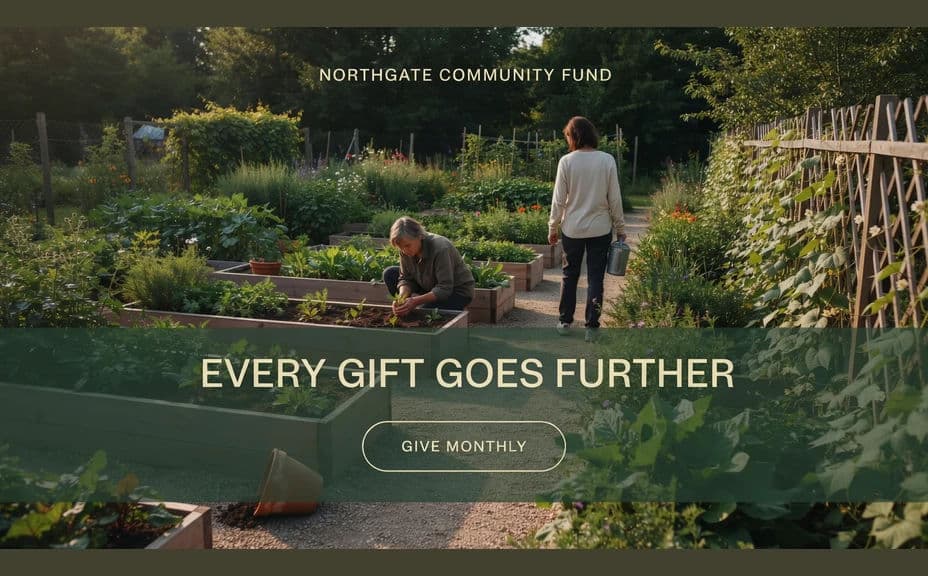
Choose imagery that shows the outcome of giving rather than manufactured suffering, and describe people with agency, warmth, and dignity. Feature real supporters or beneficiaries only with their informed consent, and never present a generated scene as a documentary record of a real person.
Generate the image in Morphic
Open Morphic and describe the scene, the headline placement, and the giving call to action, leaving clear space for your logo. Specify the aspect ratio you need, such as a wide email header or a square for social feeds.
Match your brand and keep text readable
Ask for your charity's colours, an accent for the giving button, and type that holds up on a phone screen. Keep the headline short and the contrast high so the ask survives a fast scroll.
Compare, check, and export
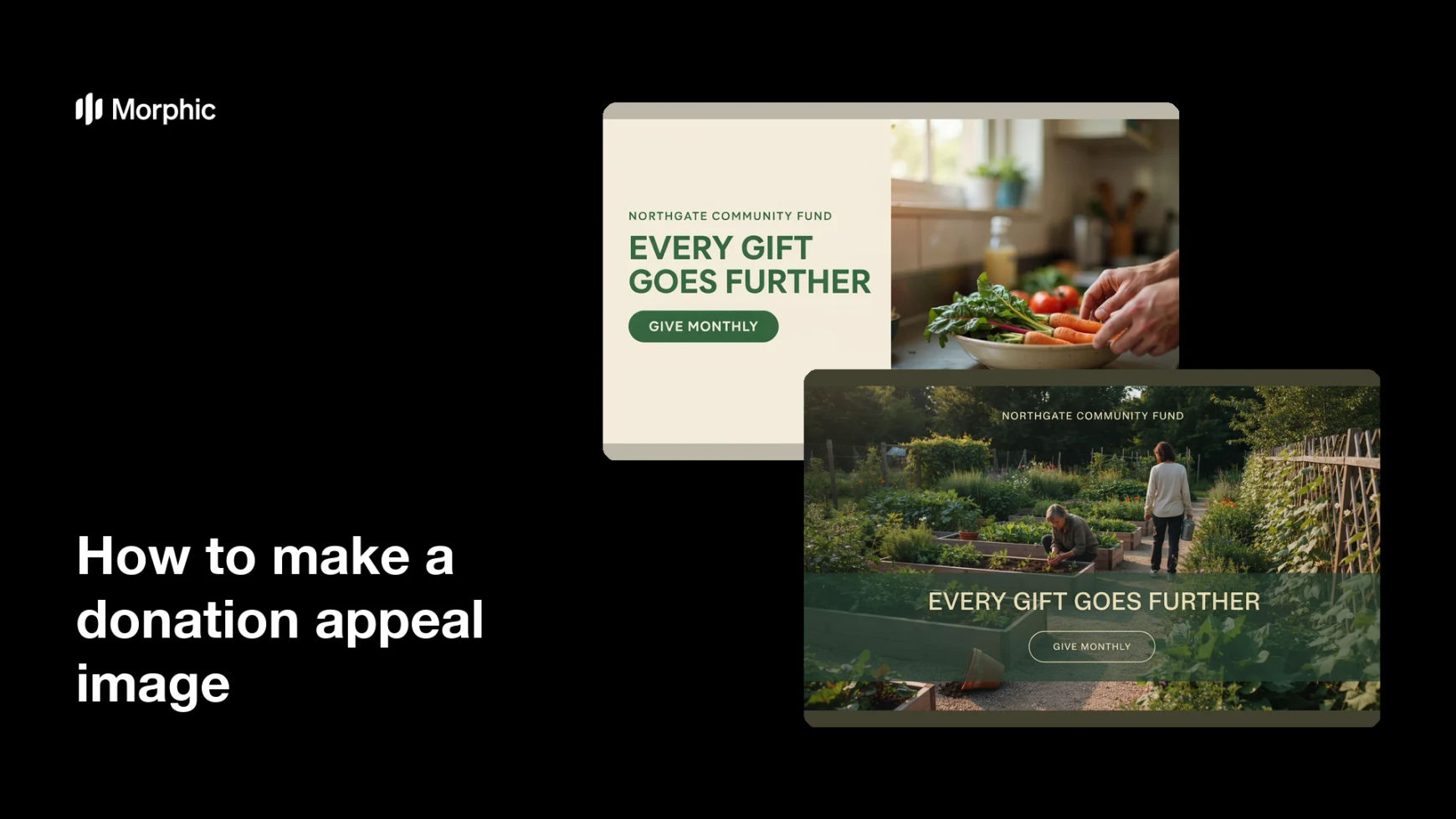
Produce two versions with different emphasis and view them at real size to see which leads more clearly to the ask. Confirm the wording is accurate and respectful, then download in HD and place it in your appeal.
Two versions of the same donation appeal, each pairing a short headline with a giving call to action.

What makes a good donation appeal image
| Quality | What it means | Why it matters |
|---|---|---|
| Specific ask | A named amount or a clear commitment | Concrete asks are easier to say yes to |
| Dignified portrayal | People shown with agency and consent | It respects the community and protects trust |
| Honest framing | No staged hardship posed as documentary | Supporters give again when they feel told the truth |
| Mobile legibility | Short headline, high contrast | Most appeals are first seen on a phone |
Morphic vs the traditional way
| Morphic | A photo shoot or stock plus a designer | |
|---|---|---|
| Cost | Available on Morphic | Shoot costs, licences, and design fees |
| Time | A finished image in minutes | Weeks of scheduling, shooting, and edits |
| Skill needed | Describe it in plain language | Photography, retouching, and layout skills |
| Consistency | Regenerate every placement on brand | Recropping and rework for each channel |
FAQs
Yes. Give the exact headline and button copy in your prompt and the image renders around them. Keep both short so they stay readable on a phone.
Describe people with dignity, agency, and context rather than distress, and only feature real individuals with their informed consent. A generated scene should never be presented as a documentary photograph of someone's real circumstances.
Outcome-led images usually perform better and treat people more fairly. Show what a gift makes possible, and let the copy carry the explanation of the need.
Yes. Describe your colours, your giving button accent, and your type style, and the image renders to match your existing appeal materials.
Any placement you need. Specify the aspect ratio for an email header, a social post, a story format, or the banner above your donate form.
Yes. Images you generate with Morphic are cleared for commercial use across your appeal emails, donate pages, and social channels.