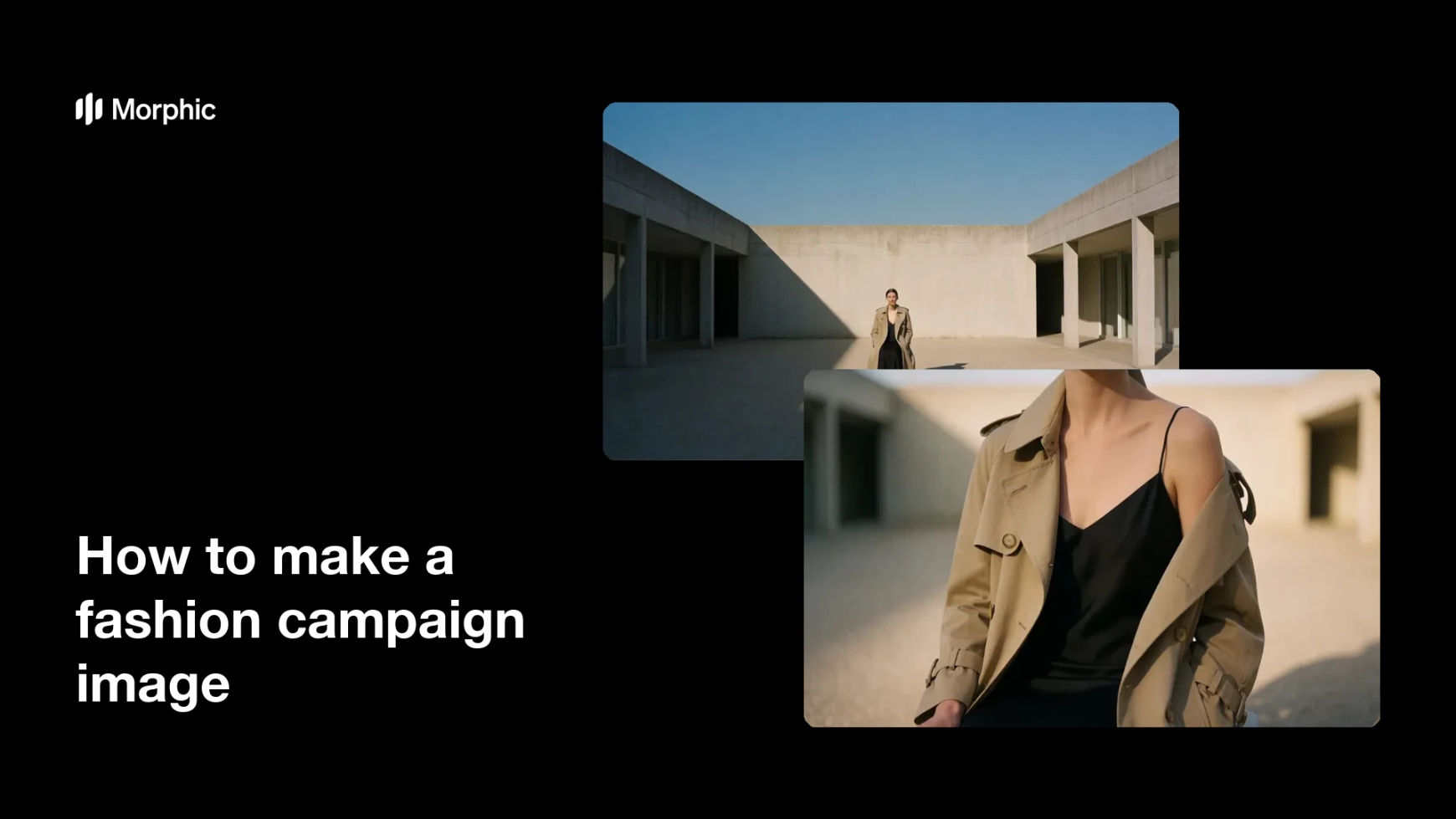
What is a fashion campaign image?
A fashion campaign image is the hero shot that carries a season's message across billboards, storefronts, email, and social. It is less about cataloguing the product and more about establishing a mood the brand wants attached to it. Fashion labels, agencies, and marketing teams build a whole season of assets around one or two of these frames.
With Morphic you develop that hero shot from a written concept in your browser. Describe the wardrobe, the setting, the lighting, and the emotional register, then explore variations until one frame carries the idea. The chosen image downloads in HD and is cleared for commercial use.
Write the campaign concept
Put the season's idea into two or three sentences covering the feeling, the setting, and who the campaign speaks to. A written concept is what stops the visuals from becoming generic.
Describe the wardrobe and styling
Open Morphic and detail the garments, layers, footwear, and accessories exactly as they should appear. Precise styling keeps the campaign anchored to the collection you are actually selling.
Set the light and location
Describe the environment and the quality of light, whether that is hard midday sun, overcast diffusion, or a lit studio sweep. Light does more than anything else to set the campaign's tone.
Explore composition variations
Ask for the same concept framed differently, from a wide environmental shot to a tighter portrait crop. Comparing options tells you which framing carries the message best.
Pick the hero and export
Choose the strongest frame and check that the wardrobe and mood hold at full size. Download in HD and adapt the crop for each placement.
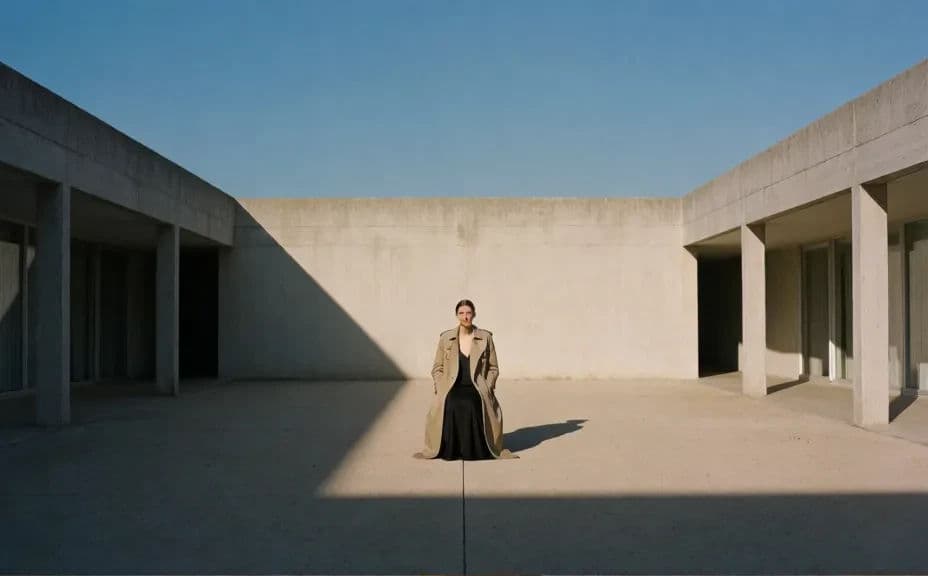
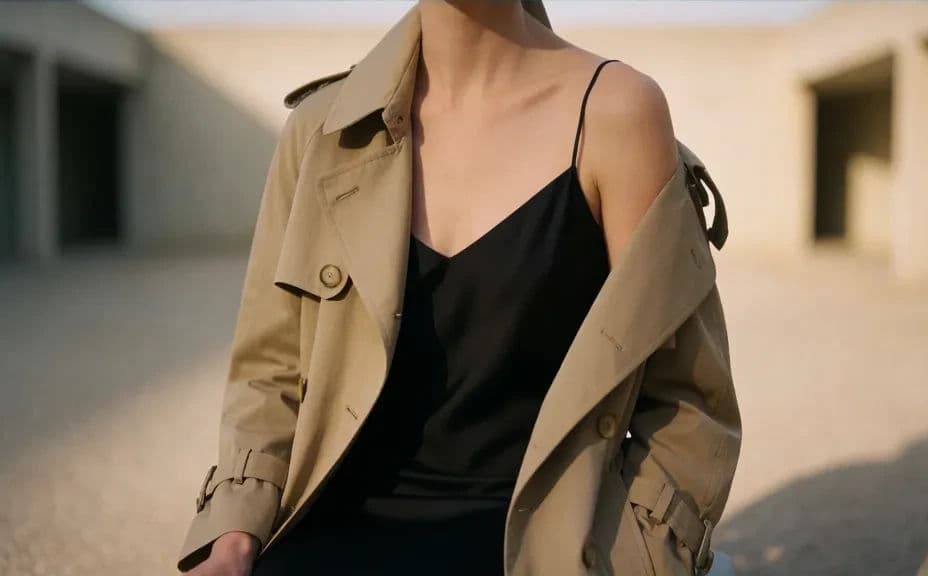
Two campaign variations built from the same concept and wardrobe, framed differently.
What makes a strong fashion campaign image
| Quality | What it means | Why it matters |
|---|---|---|
| A clear idea | One concept drives the frame | Campaigns without an idea look like stock |
| Deliberate light | The lighting is a choice, not a default | Light carries the mood before the clothes do |
| Product still visible | The wardrobe reads clearly | The campaign has to sell the collection |
| Crops that travel | The frame survives every placement | One shot has to work as a billboard and a story |
Morphic vs the traditional way
| Morphic | A produced campaign shoot | |
|---|---|---|
| Cost | Available on Morphic | Location, crew, casting, and post fees |
| Time | Concept to hero image in a day | Weeks of pre-production and scheduling |
| Skill needed | Describe it in plain language | Art direction and fashion photography |
| Consistency | Reuse the concept across every asset | Extra shoot days to extend the campaign |
FAQs
Specific enough to name the mood, the setting, and the styling. Broad prompts return generic fashion imagery that could belong to any brand.
Yes. Keep the concept and styling wording fixed and vary the framing and setting, so every asset shares one identity.
Yes. Generate at the ratios you need, or ask for a wide frame with room to crop for vertical and square formats.
Describe each garment in detail rather than referring to the collection generally. The wardrobe description is what ties the image to the product.
Yes. Export a clean frame with space for type and add your headline and logo in layout.
Yes. Images you generate with Morphic are cleared for commercial use across paid, owned, and retail placements.