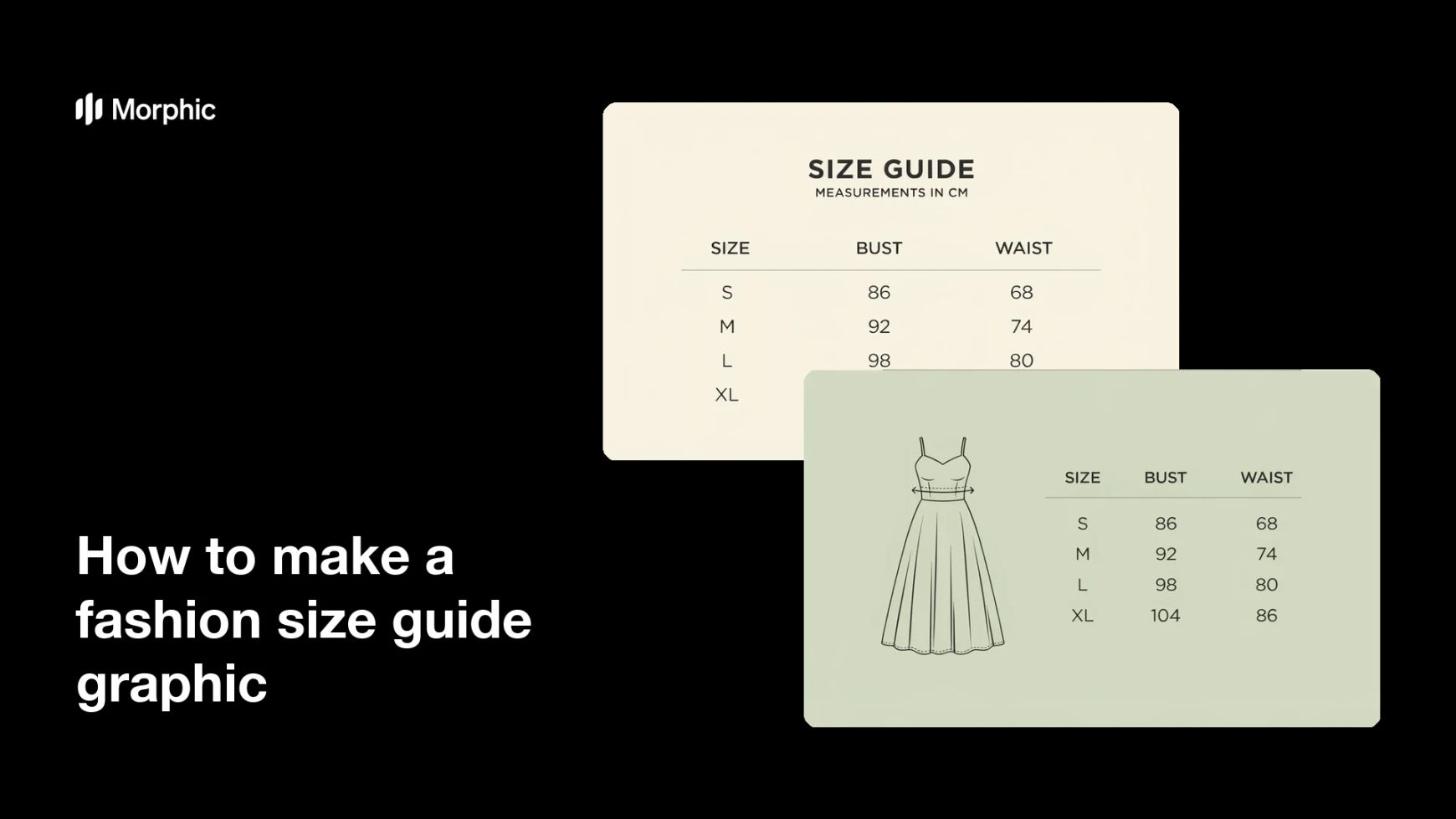
What is a fashion size guide graphic?
A fashion size guide graphic is a visual chart that shows the measurements behind each size you sell. It usually pairs a simple figure or garment diagram with a table of bust, waist, hip, and length values. Clothing brands and online boutiques use it because a clear size guide is the fastest way to cut returns and answer sizing questions before they arrive.
With Morphic you build the graphic from a text prompt in your browser. Describe your columns, your sizes, and the look you want, then adjust the layout until the numbers read cleanly at small sizes. Download in HD and drop it into your product pages, cleared for commercial use.
List your sizes and measurements
Open Morphic and set out the sizes you sell and the measurements you want to show. Keep the columns tight, such as bust, waist, hip, and length, so the chart stays readable.
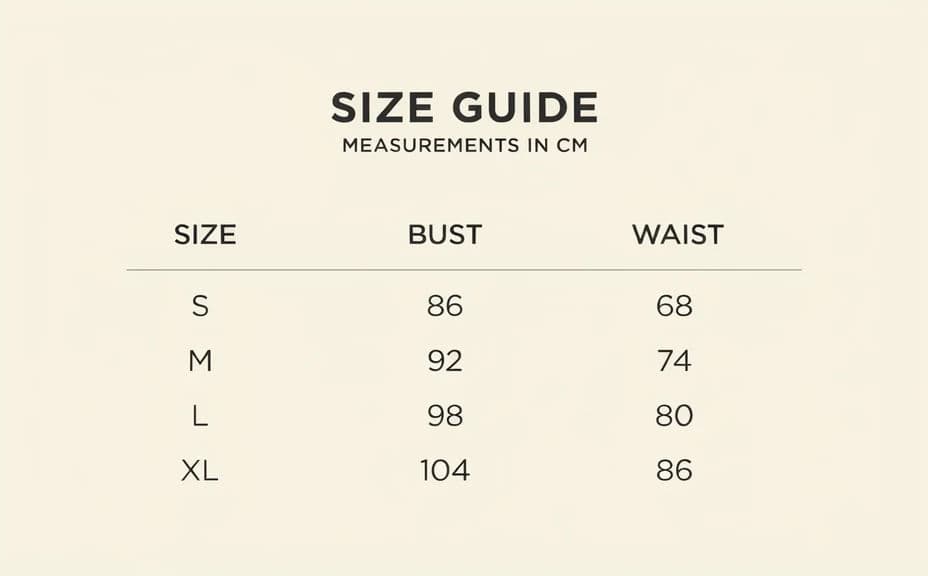
Choose the layout
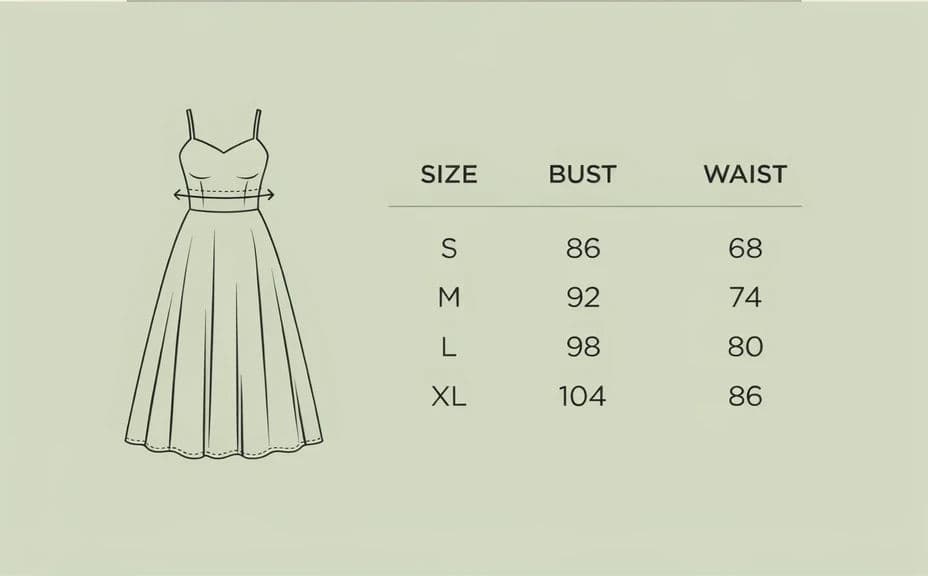
Ask for a table-led layout or one with a garment diagram beside the numbers. A diagram helps shoppers see exactly where each measurement is taken.
Set the brand look
Describe your palette, type style, and how much white space you want around the chart. Matching your store makes the guide feel like part of the product page rather than an attachment.
Check the numbers read clearly
Review the graphic at the size shoppers will actually see it, usually a narrow column on a phone. Ask for larger figures or fewer columns if anything feels cramped.
Export and publish
Confirm every size row is present and the units are labelled. Download in HD, then add it to your product pages and size guide modal.
Two layout options for the same size guide, so you can pick the one that fits your product page.
What makes a good fashion size guide graphic
| Quality | What it means | Why it matters |
|---|---|---|
| Readable at phone size | Figures stay legible in a narrow column | Most shoppers check sizing on mobile |
| Labelled units | Centimetres or inches stated clearly | Removes the most common sizing question |
| Measurement diagram | Shows where each value is taken | Shoppers measure themselves correctly |
| On-brand styling | Palette and type match your store | The guide feels part of the product page |
Morphic vs the traditional way
| Morphic | A designer or template tool | |
|---|---|---|
| Cost | Available on Morphic | Design fees or a subscription |
| Time | A finished size guide in minutes | Days of briefing and revisions |
| Skill needed | Describe it in plain language | Layout and typography skills |
| Consistency | Reuse the same layout for every range | Rebuild the file for each collection |
FAQs
Yes. Ask for paired columns or two stacked tables, and label each unit so shoppers can read whichever one they measure in.
Yes. Ask for a simple line drawing of the garment with measurement markers beside the table, which shows where each value is taken.
Ask for a narrow-column layout with fewer columns and larger figures. Reviewing it at phone size before you export is the quickest way to catch cramped rows.
Yes. Describe your palette and type style in the prompt, and reuse the same wording so every guide across your ranges looks the same.
Yes. Ask for the revised measurements and regenerate the graphic, keeping the same layout so only the numbers change.
Yes. Graphics you create with Morphic are cleared for commercial use across your store and marketing.