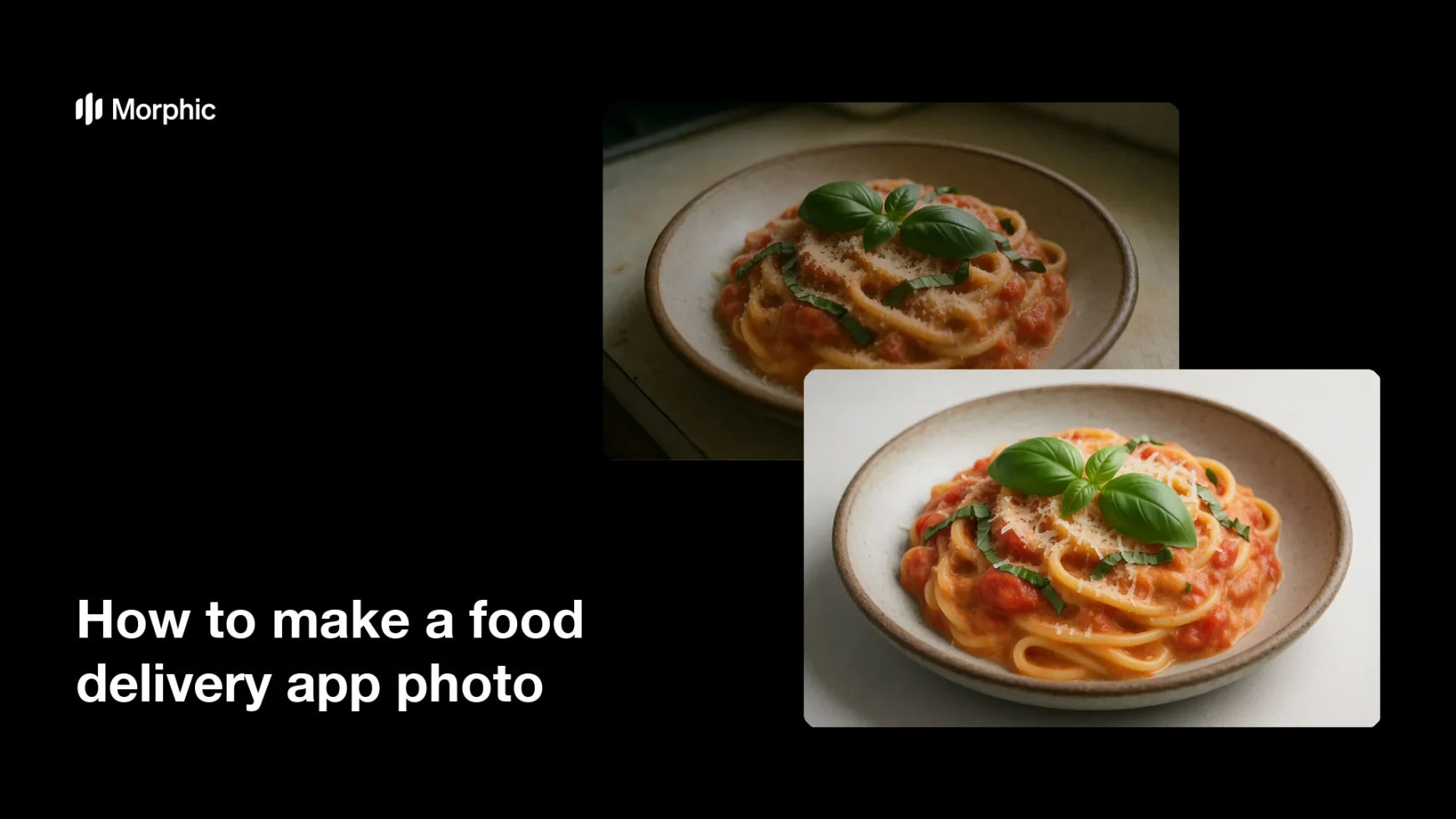
What is a food delivery app photo?
A food delivery app photo is the bright, appetising hero shot that represents a dish in a delivery listing. It shows the food clearly, lit and framed so it stands out in a grid of menu items. Restaurants and delivery brands rely on it because a strong photo drives more taps and orders than a plain phone snapshot.
With Morphic you make a delivery-ready photo from a text prompt in your browser. Upload the plain snapshot, describe the bright hero look you want, then adjust and download in HD. You get a listing-ready shot without a studio or hours of editing.
Upload the snapshot
Open Morphic and upload the plain phone snapshot of the dish you want to improve. Start from the sharpest frame you have so the hero shot keeps its detail.
Describe the hero look
Ask for a bright, appetising hero shot with clean light and rich color. Mention that the dish should stand out clearly against its background.
Frame it for the listing
Ask for a centered, well-framed composition that suits a delivery app grid. Clear framing helps the dish read at a small size on a phone.
Refine the result
Review the shot and ask for more or less brightness, warmth, or contrast. Small adjustments keep the food looking fresh and true to the dish.
Export and publish
Confirm the dish looks bright, sharp, and appetising across the frame. Download in HD, then upload it to your delivery listing.
The same dish as a plain snapshot, then as a bright, delivery-ready hero shot.
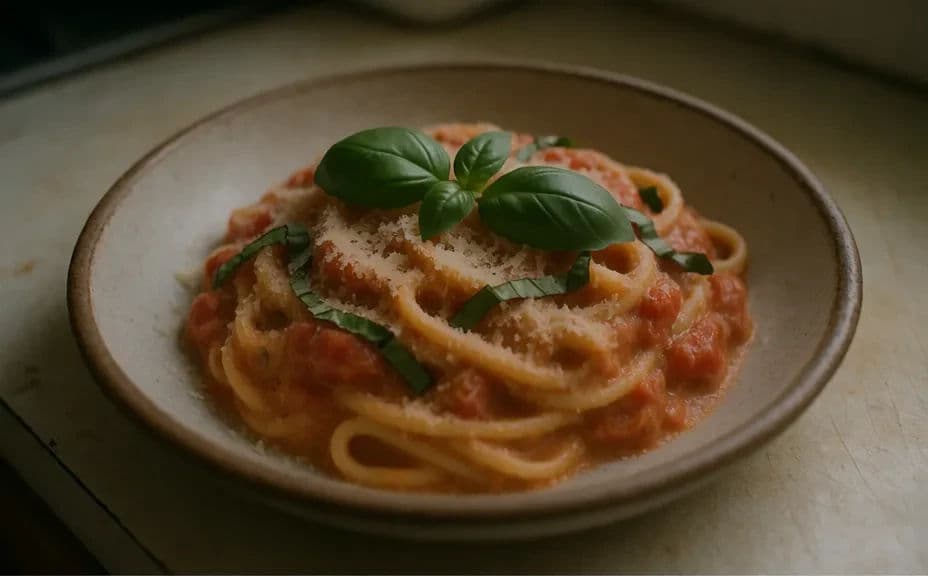
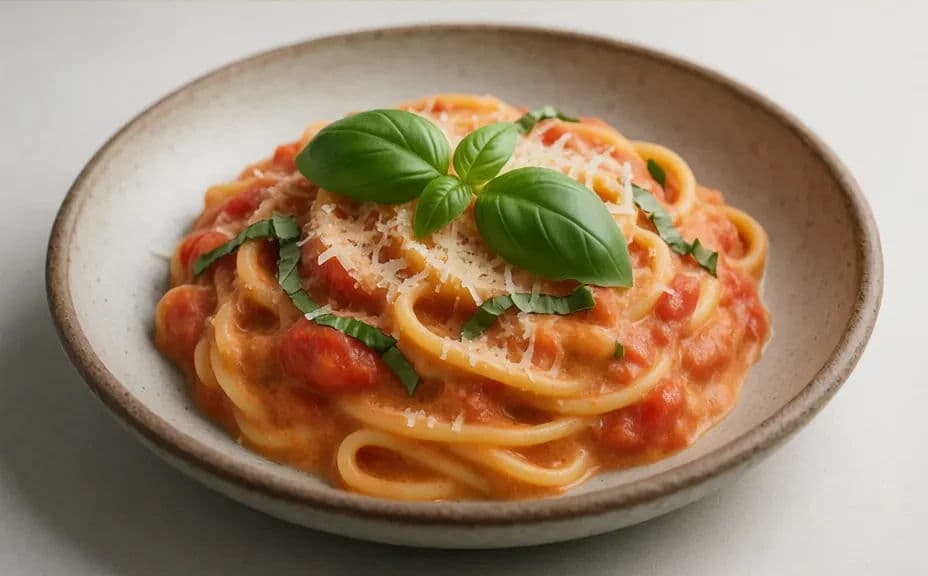
What makes a good delivery app photo
| Quality | What it means | Why it matters |
|---|---|---|
| Bright light | The dish is clearly and evenly lit | The food stands out in a busy grid |
| Clear framing | The dish is centered and well composed | It reads well at a small size on a phone |
| Rich color | Tones look fresh and appetising | The listing drives more taps and orders |
| Natural look | The food stays true to the dish | The photo stays honest to what you serve |
Morphic vs the traditional way
| Morphic | Photo editing or a reshoot | |
|---|---|---|
| Cost | Available on Morphic | Editing software or a photographer fee |
| Time | A listing-ready photo in minutes | Hours of editing or a new shoot |
| Skill needed | Describe it in plain language | Lighting and retouching skills |
| Consistency | Regenerate a bright, even look | Manual adjustment for every dish |
FAQs
Yes. Upload the plain snapshot and describe the bright hero look you want, and the dish is lit and framed for a delivery listing. Refine specific areas if any part still looks flat.
Yes, if you ask for realistic color and clean light. This keeps the dish appetising without an artificial finish.
Yes. Ask for a centered, well-framed composition, and the dish is set to read clearly at a small size on a phone.
No. Morphic works from the snapshot you already have, so you can make a hero shot without cooking or plating it again.
Yes, if you start from a clear frame. Preview at full size and refine before you download so the dish stays crisp.
Yes. Photos you edit with Morphic are cleared for commercial use across your delivery listings and marketing.