What is a gallery exhibition poster?
A gallery exhibition poster announces a show with its title, dates, and venue, and sets the tone before anyone walks in. Galleries, curators, and independent artists use it on walls, in windows, and as the image that circulates online. It has to work as a printed sheet and as a small social thumbnail at the same time.
With Morphic you design that poster from a text prompt in your browser. Describe the artwork, the typography, and the details that must appear, compare a few layouts, then download in HD. You get an exhibition-ready poster without laying out type by hand.
Lock the show details
Write the exhibition title, the artist name, the dates, and the venue exactly as they should appear. Fixing the wording first keeps the printed text accurate.
Describe the poster
Open Morphic and describe the poster: a dominant image or graphic, a large title, and a clear block for the dates and venue. Ask for a couple of layouts so you can compare how each one leads the eye.
Set the type hierarchy
Say which line should be largest and how the supporting lines should sit beneath it. A clear hierarchy is what makes a poster readable from across a room.
Check the text
Read every line on each option and confirm spelling, dates, and spacing are correct. Regenerate any poster where a character is malformed or the type crowds the edge.
Export for print and screen
Preview the poster at full size and as a small thumbnail to confirm the title holds at both. Download in HD, then send it to print and post the same file online.
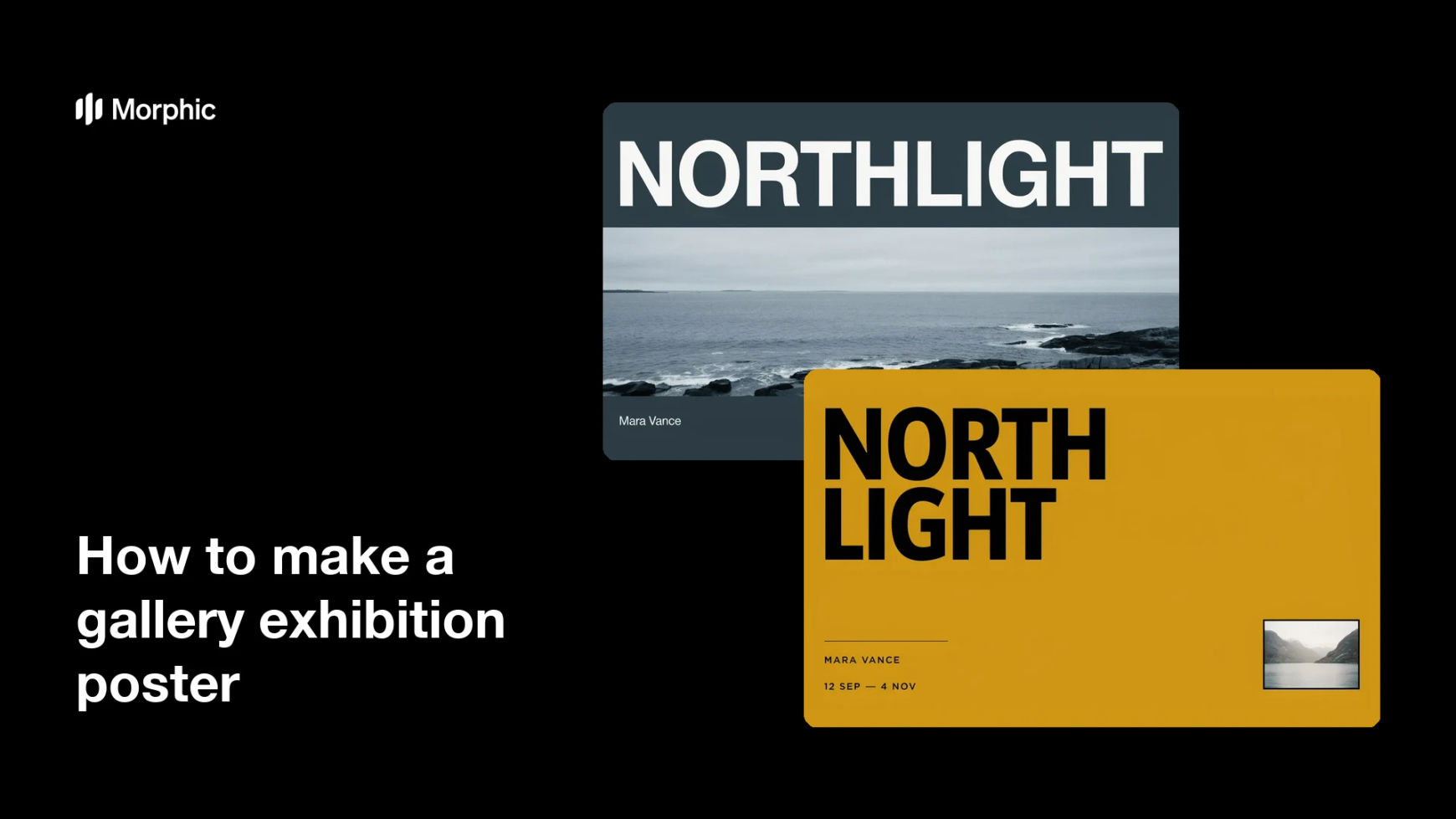
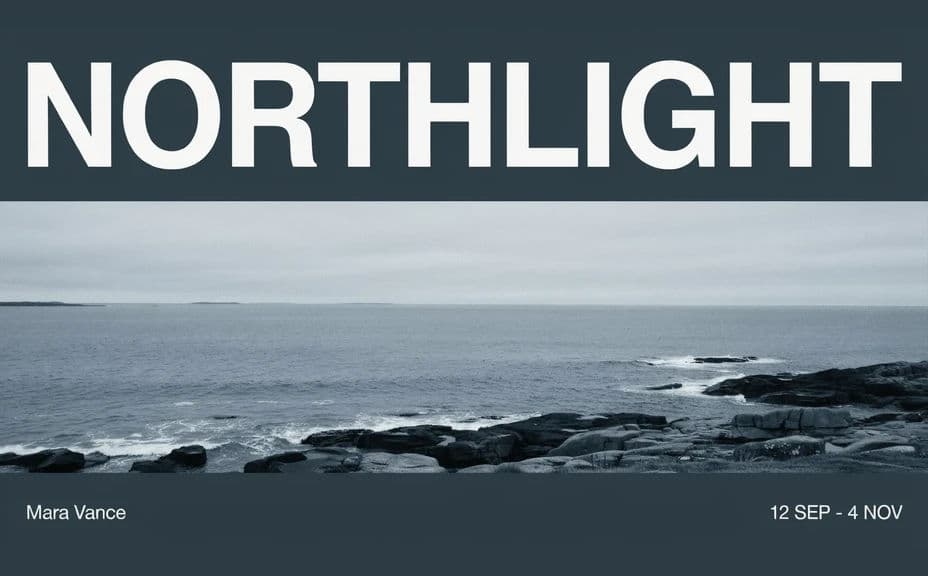
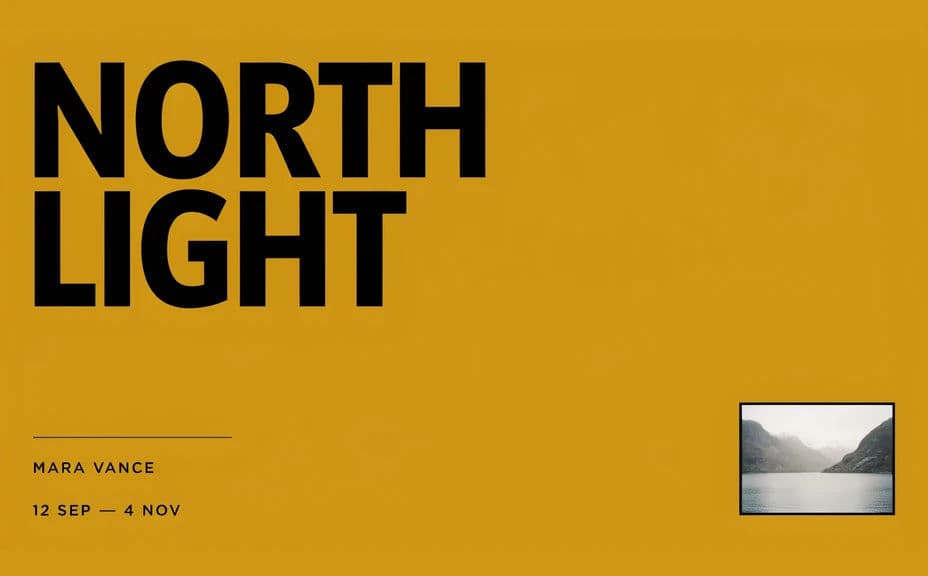
Two poster layouts for the same exhibition, both carrying the show title and dates.
What makes a good exhibition poster
| Quality | What it means | Why it matters |
|---|---|---|
| Readable from a distance | The title carries across a room | Passers-by take in the show in one glance |
| Correct show details | Dates and venue are exact | Visitors arrive at the right place and time |
| Clear hierarchy | One line leads, the rest support | The poster is scanned, not read |
| Tone that fits the work | The visual matches the exhibition | The poster sets the right expectation |
Morphic vs the traditional way
| Morphic | Design software or a designer | |
|---|---|---|
| Cost | Available on Morphic | Software subscription or design fee |
| Time | A finished poster in minutes | Days of layout and revision rounds |
| Skill needed | Describe it in plain language | Typography and layout skills |
| Consistency | Regenerate matching versions | Manual rework for each size and format |
FAQs
Yes. Provide the wording in your prompt, then read the rendered text and regenerate if any line looks off before you print.
Yes. Ask for several treatments of the same show and compare them side by side, then keep the one that reads strongest.
Yes. Describe the gallery colours, logo placement, and type style, and generate the poster to match.
Yes, if you check both. Preview the poster small, keep the title high-contrast, and regenerate anything that stops reading at thumbnail size.
Describe the new dates and regenerate. There is no manual re-typesetting, so a corrected poster takes minutes.
Yes. Posters you generate with Morphic are cleared for commercial use in print and online promotion.