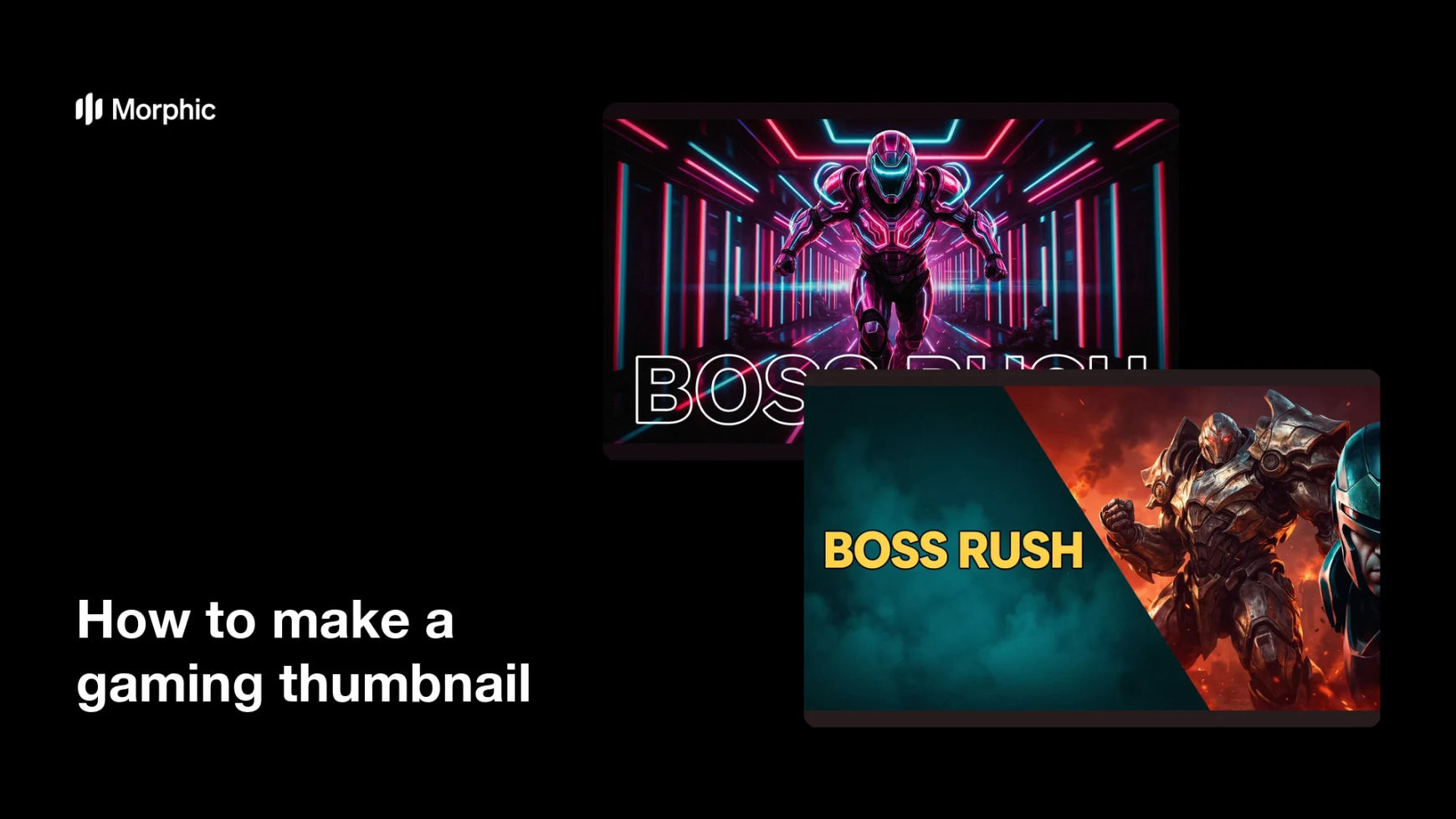
What is a gaming thumbnail?
A gaming thumbnail is the still image that fronts a video or stream, combining a game scene, a reaction, and a short headline. It is the whole pitch for the video compressed into a rectangle that most people see at the size of a postage stamp. Creators, editors, and channel managers rework it constantly because it decides whether a strong video is ever opened.
With Morphic you make a thumbnail from a text prompt in your browser. Describe the scene, the headline, and the colour treatment, compare a few layouts, then download in HD. You get a bold, legible thumbnail without editing software or a stack of stock assets.
Pick the hook
Decide the one idea the thumbnail sells, then write it as two or three words at most. A short hook is what keeps the type large enough to read at thumbnail size.
Describe the scene
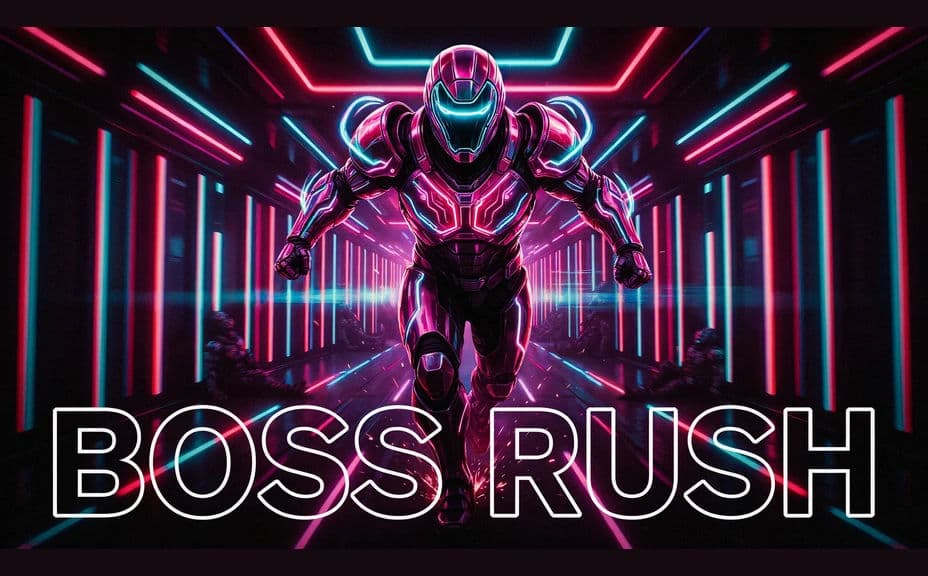
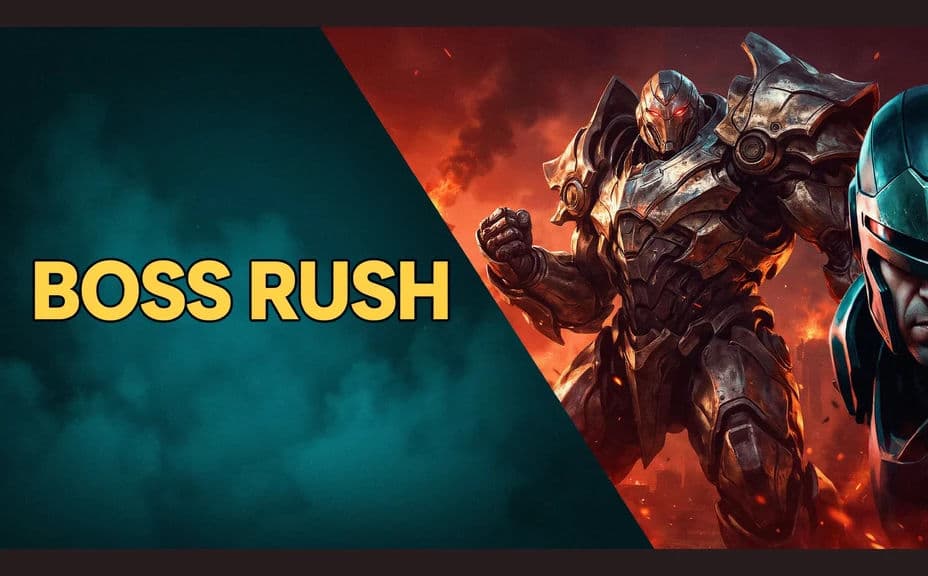
Open Morphic and describe the game moment behind the text, including the subject, the action, and the depth of the background. Ask for a couple of layouts so you can compare a full-bleed scene against a split composition.
Set the headline treatment
Give the exact headline words and describe heavy type with a strong outline or drop shadow. Keep the text in one corner or band so it never fights the focal point of the scene.
Test it small
View each option at the size it will actually appear in a feed and check that the subject and headline still separate. Regenerate any version where the text crowds the edges or the contrast collapses.
Export and reuse the recipe
Download the winning thumbnail in HD and upload it with your video. Keep the same description as a template so the next episode looks like part of the same series.
Two thumbnail layouts for the same invented game video, each carrying the headline.
What makes a good gaming thumbnail
| Quality | What it means | Why it matters |
|---|---|---|
| Short headline | Two or three words carry the hook | Long text is unreadable in a feed |
| High contrast | Subject and text separate clearly | The image survives a crowded page |
| One focal point | The eye lands in a single place | Viewers decide in under a second |
| Series consistency | Episodes share a look | Your channel becomes recognisable |
Morphic vs the traditional way
| Morphic | Editing software and stock assets | |
|---|---|---|
| Cost | Available on Morphic | Software subscription and asset licences |
| Time | A finished thumbnail in minutes | An hour of cutouts and layout per video |
| Skill needed | Describe it in plain language | Masking, compositing, and type skills |
| Consistency | Reuse the same description each episode | Rebuild the layout every time |
FAQs
Yes. Give the words in your prompt, then check the rendered text and regenerate if the spelling or spacing looks wrong.
Two or three words works best. Anything longer shrinks the type until it disappears at feed size.
Yes. Reuse the same description, palette, and text placement for each episode so the set reads as one channel.
Yes. Ask for several versions of the same idea and pick the one that stays clear when you view it small.
Download in HD so the thumbnail stays sharp on large screens as well as in a phone feed.
Yes. Images you generate with Morphic are cleared for commercial use on monetised channels and sponsored videos.