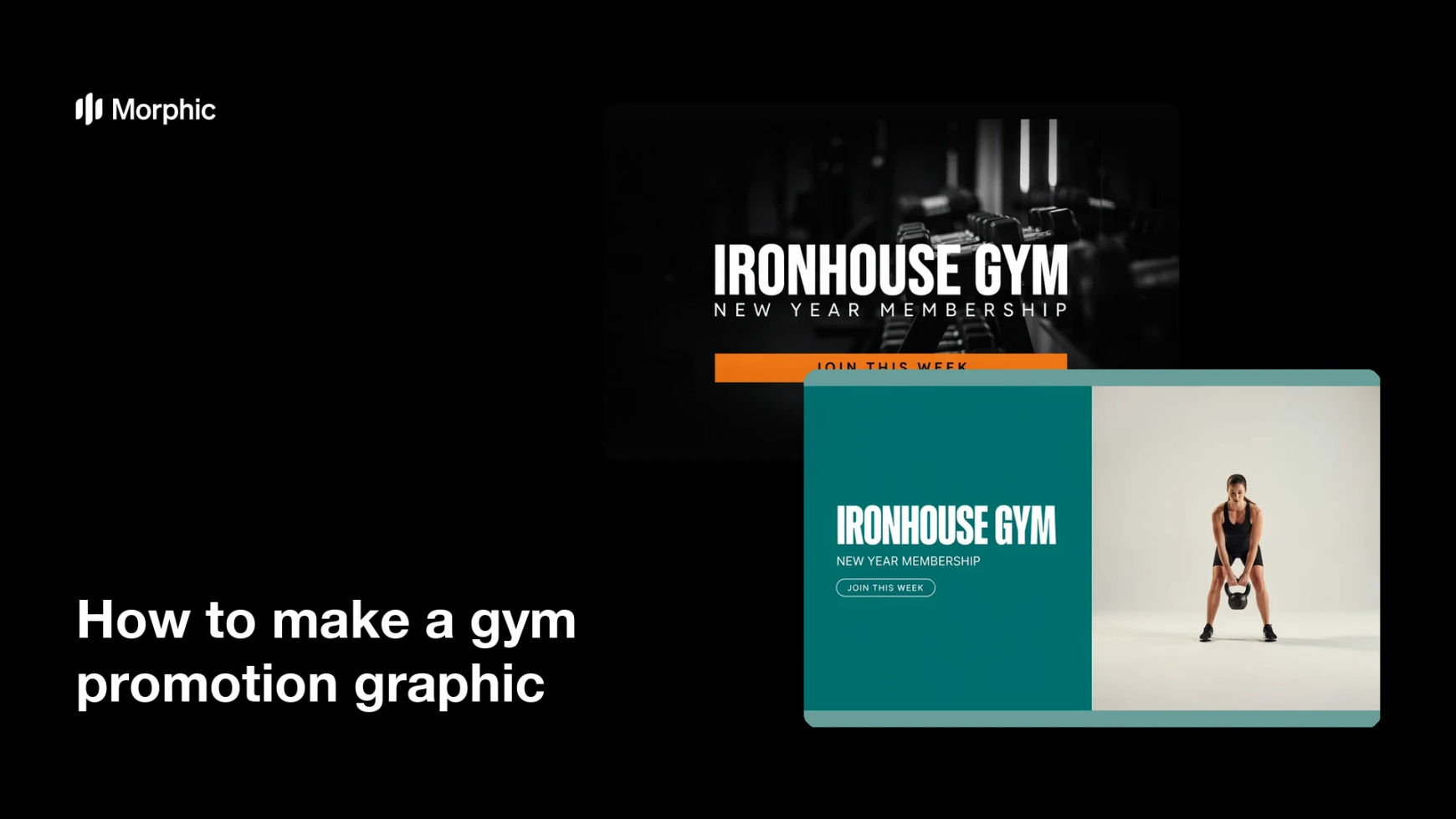
What is a gym promotion graphic?
A gym promotion graphic is the image a fitness business uses to announce an offer, a new class block, or a membership push. It carries the hook, the offer, and the gym's name in one glance, so someone scrolling past knows immediately what is on the table. Gym owners, studio managers, and marketing staff lean on it for local social campaigns, window posters, and email headers.
With Morphic you make this graphic from a text prompt in your browser. Describe the headline, the offer wording, your brand colors, and the kind of gym imagery you want behind it, then adjust and download in HD. The result is a campaign-ready poster without design software or a freelance brief.
Write the offer first
Settle the exact headline, the offer line, and the gym name before you generate anything. Fixed wording keeps the rendered text accurate and saves a round of regeneration.
Describe the poster you want
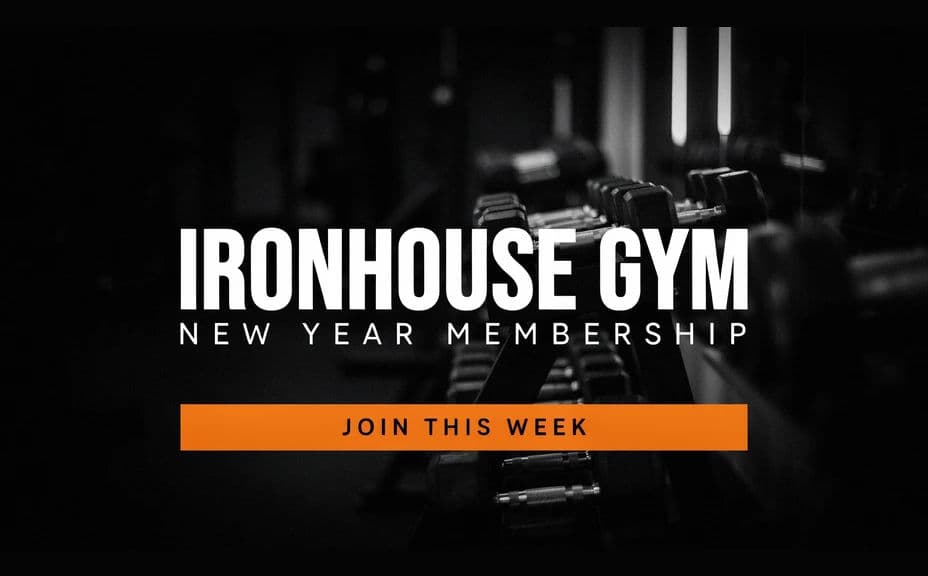
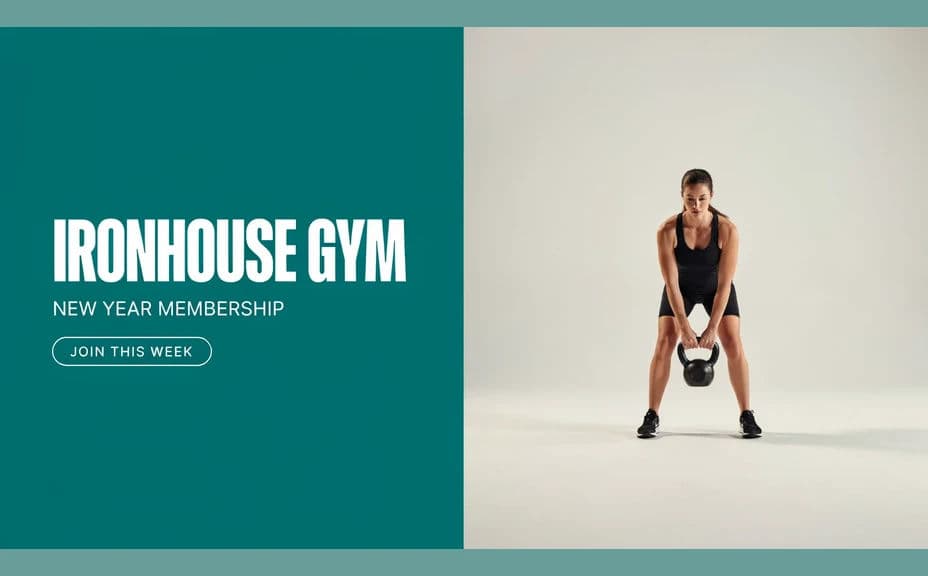
Open Morphic and describe the composition: a bold headline, the offer set apart, and gym imagery in the background. Ask for two distinct layouts so you can compare which hierarchy hits harder.
Set the brand look
Name your brand colors, an accent for the offer, and a type style with weight behind it. Keep strong contrast between the text and the photograph so nothing gets lost in a busy background.
Read every word back
Check the headline, the offer, and the gym name character by character. Regenerate any version where the type looks cramped, crowds the edge, or misspells a word.
Export and place it
Preview the graphic at the sizes you will use, social post, story, email header, and printed window poster. Download in HD and push it into the campaign.
Two different poster designs for the same gym and the same offer, each with its own layout and colour treatment.
What makes a good gym promotion graphic
| Quality | What it means | Why it matters |
|---|---|---|
| Single clear offer | One hook, stated plainly | People decide in the first second whether to act |
| High-contrast text | Type separates from the photo behind it | The offer stays readable in a crowded feed |
| On-brand colors | Palette matches the gym's identity | The poster looks official rather than generic |
| Energetic imagery | Training visuals that match the offer | The graphic sells the feeling, not just the price |
Morphic vs the traditional way
| Morphic | Design software or a designer | |
|---|---|---|
| Cost | Available on Morphic | Software subscription or design fee |
| Time | A finished poster in minutes | Hours of layout and revision rounds |
| Skill needed | Describe it in plain language | Layout and typography skills |
| Consistency | Regenerate variations that stay on brand | Manual rework for every new offer |
FAQs
Yes. Give the headline, offer line, and gym name in your prompt, then read the rendered text back and regenerate if any wording looks off.
Yes. Describe your brand colors, accent, and type style, and generate the poster to match. Keep contrast high so the text carries.
Yes. Ask for two or three distinct designs in one go, then compare them side by side and take the one with the strongest hierarchy.
Yes. Generate at the shape you will print and download in HD. Keep important text well inside the edges so nothing is lost when the sheet is trimmed.
Describe the new offer and regenerate. Nothing is redrawn by hand, so a refreshed poster takes moments.
Yes. Graphics you generate with Morphic are cleared for commercial use across your campaigns, print, and social channels.