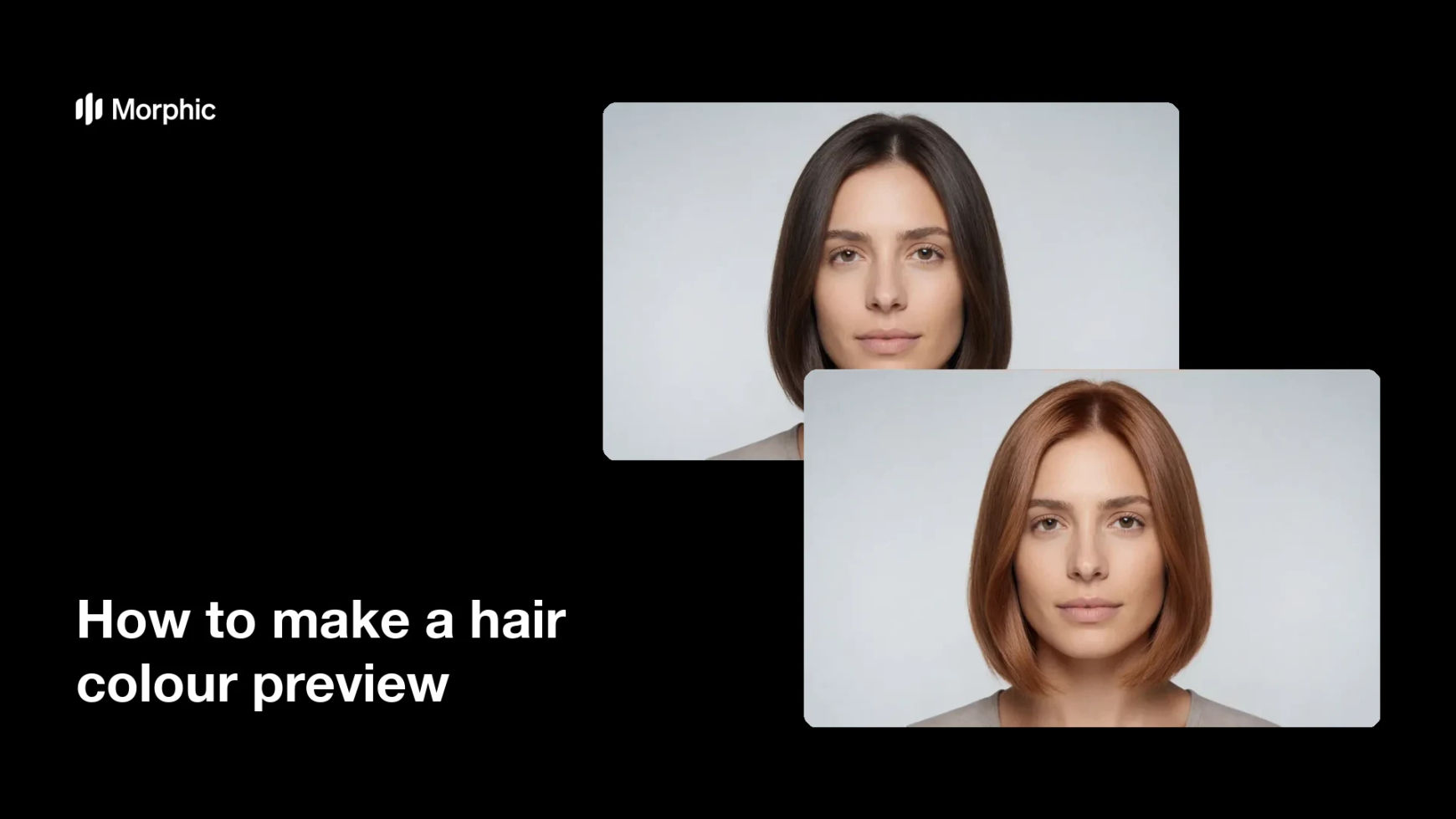
What is a hair colour preview?
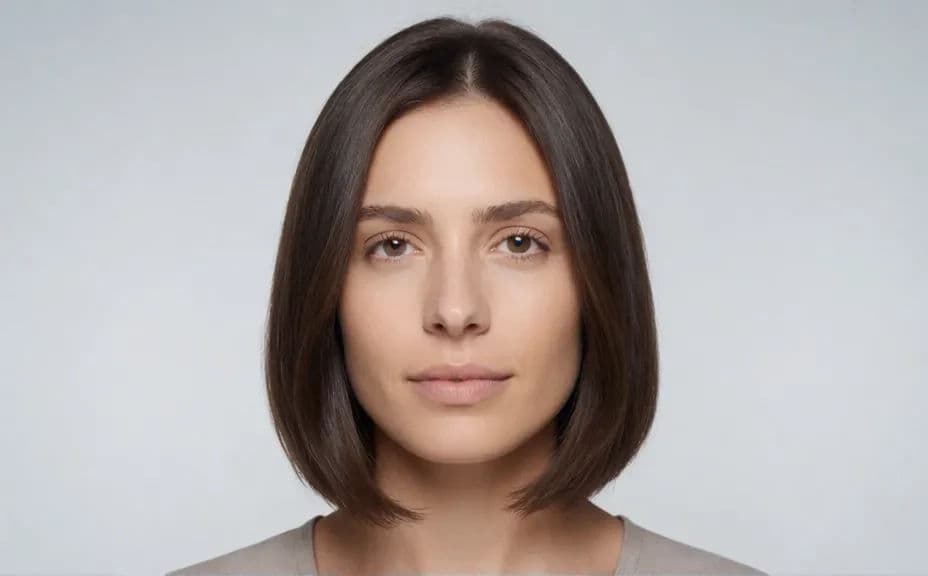
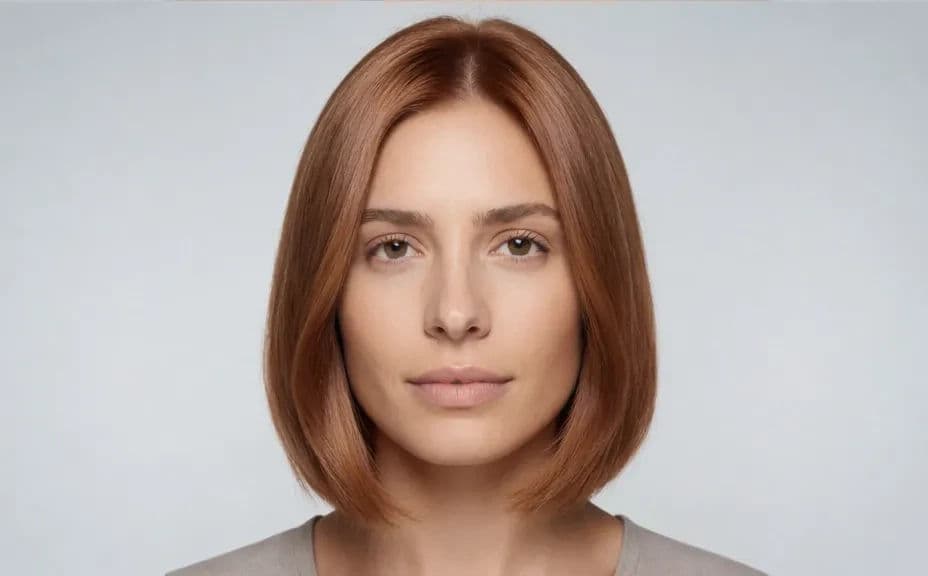
A hair colour preview shows one person with their current colour and then with a proposed new shade, so a client can see the result before anything is applied. Because the cut, the face, and the lighting stay the same, the preview isolates the single decision being made. Colourists and salons use it during consultations to set expectations and to cut down on regretted appointments.
With Morphic you make this preview from a text prompt in your browser. Describe the portrait once, then describe the new shade and tone you want on the second frame. Both images download in HD, ready to show on a tablet at the chair or to send before the booking.
Describe the starting portrait
Write out the person, the current hair colour and cut, the backdrop, and the lighting. This first frame is the reference the preview has to stay faithful to.
Hold the frame steady
Ask for the same crop, head angle, and light in the second image so only the hair colour changes. If the framing shifts, the client is comparing two photos rather than two colours.
Name the target shade
Describe the new colour precisely, including depth, tone, and whether it is solid, balayage, or rooted. Vague wording like lighter gives you a result nobody can approve.
Check it looks achievable
Compare the two frames and confirm the new shade sits believably against the skin tone and the existing cut. Regenerate anything that suggests a result the chair cannot deliver.
Show and export
Preview both frames side by side at the size the client will see them. Download in HD and keep the base description so the next shade takes seconds.
The same person in the same frame, shown with their current hair colour and then with the new shade applied.
What makes a good hair colour preview
| Quality | What it means | Why it matters |
|---|---|---|
| Same cut and face | Only the colour changes | The client judges the shade, not a new hairstyle |
| Matched lighting | Both frames share one light | Colour looks different under different light |
| Believable shade | The result suits the skin tone | Previews should promise what the chair can deliver |
| Natural texture | Strands and shine still read | Flat colour looks painted on and unconvincing |
Morphic vs the traditional way
| Morphic | Swatch books and test strands | |
|---|---|---|
| Cost | Available on Morphic | Product used on test strands and consultation time |
| Time | A preview in minutes | A separate appointment before the colour |
| Skill needed | Describe it in plain language | Experience reading swatches against skin tone |
| Consistency | Reuse one base frame for every shade | Each test strand looks different in the room |
FAQs
Describe the same crop, angle, backdrop, and lighting for both frames and change only the colour wording. Regenerate any pair where the cut or face has shifted.
Yes. Keep the base portrait description fixed and swap the shade each time, so every option sits against the same starting image.
Yes. Say whether the colour is solid, rooted, balayage, or highlighted, and describe where the lighter pieces should fall.
Yes, if you ask for it. Request visible strand detail and natural shine so the preview reads as coloured hair rather than a flat overlay.
Yes. Generate the preview in the browser and show both frames on a tablet or send them ahead of the appointment.
Yes. Images you generate with Morphic are cleared for commercial use across your portfolio, website, and social channels.