What is a jewellery product photo?
A jewellery product photo is a close, carefully lit image of a single piece, made so a buyer can read the metal, the stones, and the finish without holding it. It is the hardest category of product photography because polished surfaces mirror everything around them and small stones lose detail fast. Jewellers, boutiques, and online sellers depend on it, since the photo is doing the work a display case would do in person.
With Morphic you make this photo from a text prompt in your browser. Describe the piece, the metal, the surface it sits on, and the quality of light, compare a few setups, then download in HD. You get a clean, listing-ready image without a lightbox, a macro lens, or a retouching pass.
Describe the piece precisely
Name the item, the metal, the finish, the stone cut, and the setting in specific terms. Jewellery is judged on detail, so the more exact your description, the closer the result is to the real piece.
Choose the surface and background
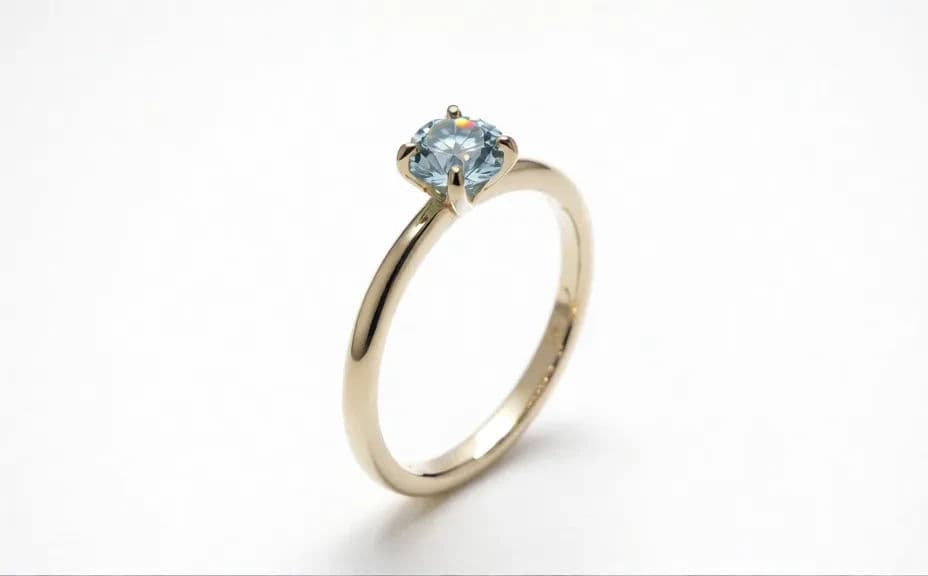
Open Morphic and describe what the piece rests on, whether that is seamless white, brushed stone, velvet, or a soft fabric fold. A calm background keeps attention on the metal and the stones.
Direct the light
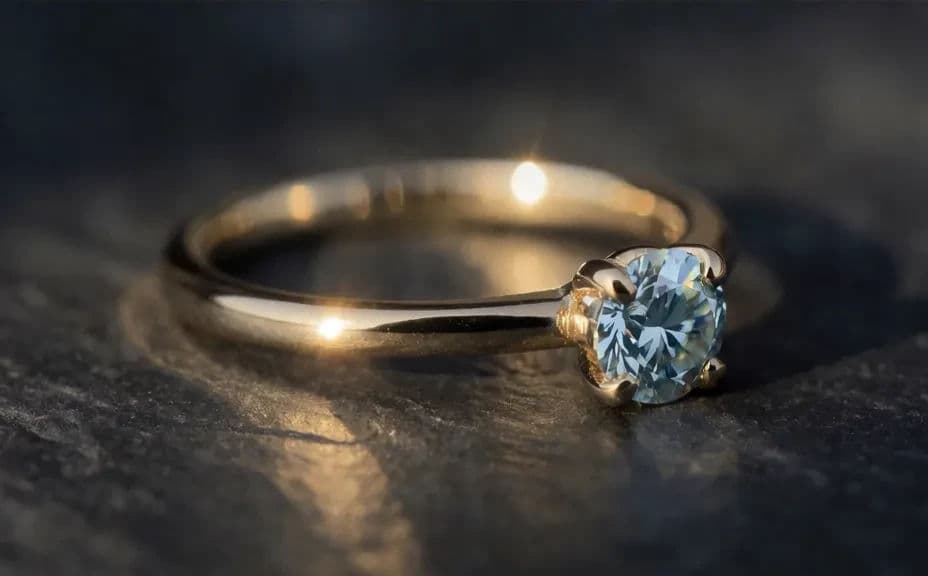
Ask for soft, wrapped light with a controlled highlight along the band or the stone. Specifying how light behaves is what stops polished metal from looking blown out or muddy.
Compare a few setups
Request several versions that vary the angle, the depth of field, and the background. Reviewing them together makes it obvious which setup shows the piece most honestly.
Export and list it
Check the highlights, the stone facets, and the edges at full size before you commit. Download in HD and use the image on your product page, catalogue, and social posts.
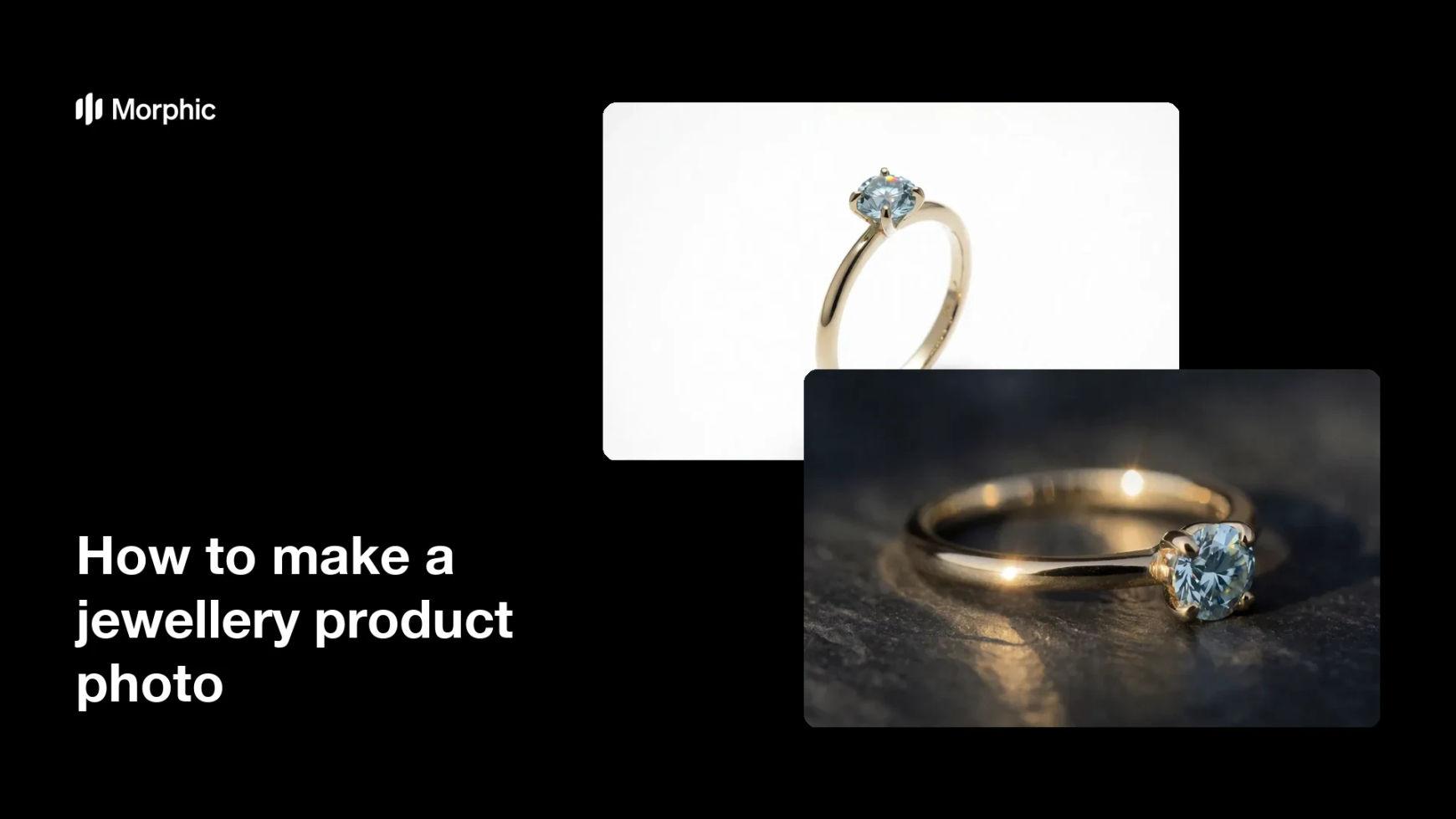
Two lighting and background setups for the same jewellery piece.
What makes a good jewellery product photo
| Quality | What it means | Why it matters |
|---|---|---|
| Controlled reflections | Highlights are shaped, not blown out | Polished metal reads as metal |
| Visible detail | Facets, prongs, and texture stay sharp | Buyers can judge the craftsmanship |
| Honest colour | The metal tone is true to the piece | Fewer returns and fewer questions |
| Clean background | Nothing competes with the product | The piece is the only thing on screen |
Morphic vs the traditional way
| Morphic | A macro studio shoot | |
|---|---|---|
| Cost | Available on Morphic | Lighting kit, macro lens, or studio fees |
| Time | A finished image in minutes | Hours of setup and retouching per piece |
| Skill needed | Describe it in plain language | Macro lighting and retouching skills |
| Consistency | Regenerate images that match | Careful re-rigging for every piece |
FAQs
Ask for soft, wrapped light with a single controlled highlight, then regenerate any version where the surface loses detail.
Yes. Name the metal and finish, such as brushed white gold or warm yellow gold, and check the result against the real piece.
Yes. Describe a hand, ear, or neckline in the frame and the photo will place the piece in context rather than on a surface.
Describe the same background, angle, and lighting for every piece so the catalogue reads as one set.
Yes. Ask for a seamless white background with a soft shadow, which suits most marketplace listing requirements.
Yes. Images you generate with Morphic are cleared for commercial use across your store and marketing.