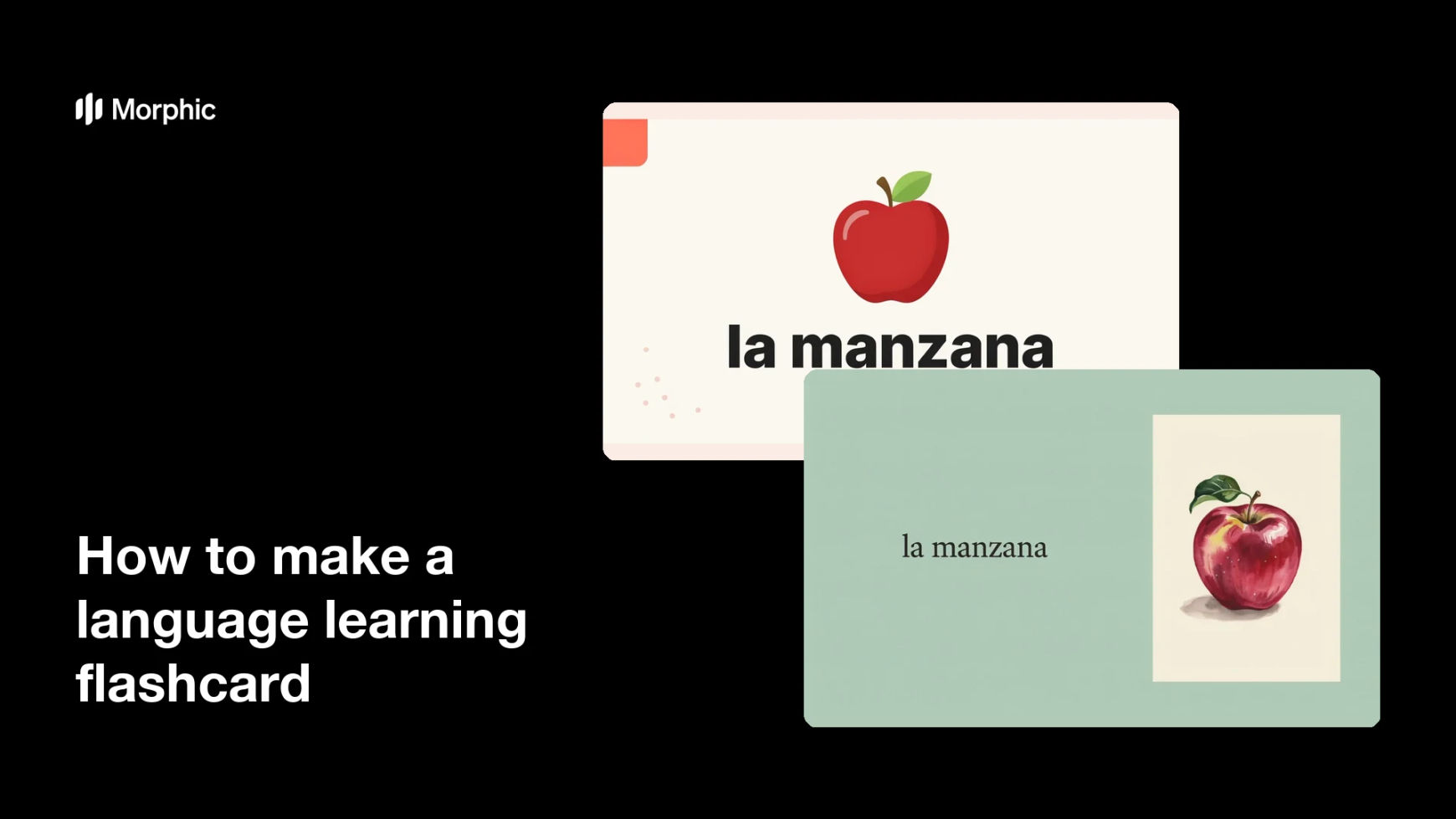
What is a language learning flashcard?
A language learning flashcard pairs a single word or phrase with a picture that makes its meaning obvious without translation. Teachers, tutors, and self-directed learners use sets of them for vocabulary drills, classroom games, and spaced repetition apps. The card works because the image carries the meaning, so the learner links the new word directly to the thing rather than to their first language.
With Morphic you make these cards from a text prompt in your browser. Describe the word, the illustration style, and the card layout, then generate matching cards across your whole vocabulary list and download in HD. You get a consistent set without drawing anything or trawling stock libraries.
Choose the word list and level
Pick the vocabulary set you are teaching and note the language, the spelling, and any article or gender marker the learner needs. Deciding the level first keeps the illustrations concrete enough to be unambiguous.
Describe the card
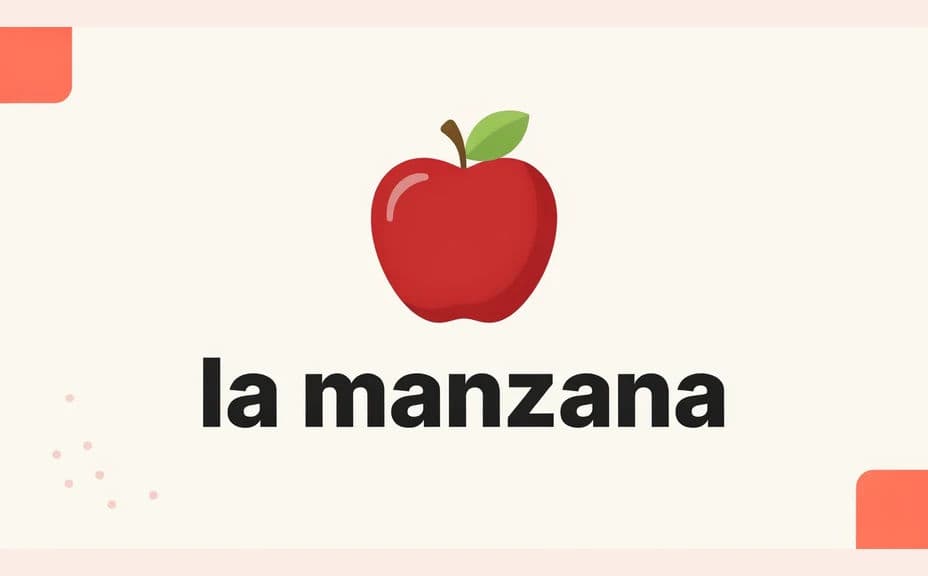
Open Morphic and describe a flashcard: a clear illustration filling most of the card, the target word in large type below it, and generous white space around the edge. Ask for two layout options so you can see which reads better at arm's length.
Lock the illustration style
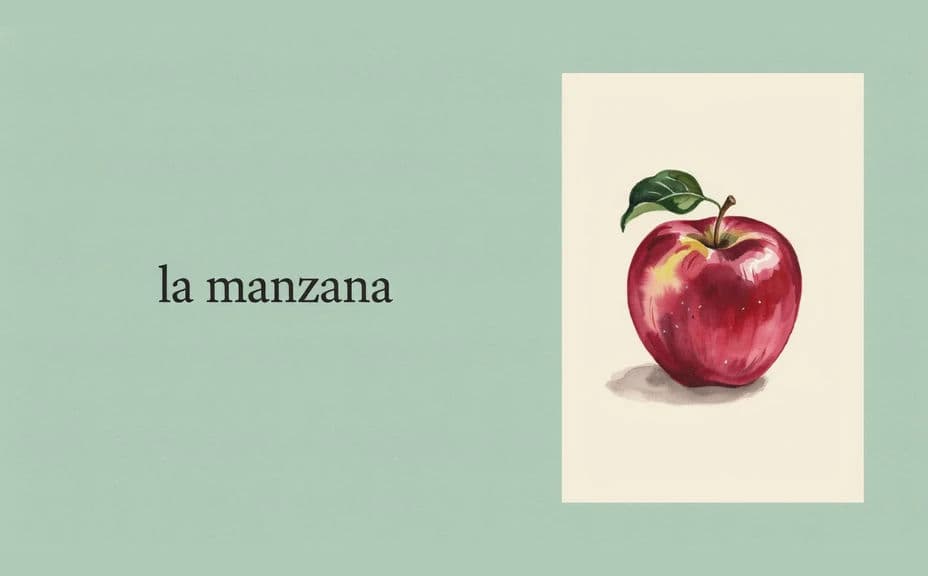
Name one style and stick to it across the set, flat vector, soft watercolour, or simple line art. A single consistent style keeps attention on the vocabulary rather than on the artwork.
Check the word and the image match
Read the printed word and confirm the picture shows exactly that thing, not a near neighbour. Regenerate any card where the illustration is ambiguous or the spelling has drifted.
Export the set
Preview the cards at the size you will use, printed card, screen slide, or app image. Download in HD, then print and cut them or import them into your deck.
Two card design options for the same vocabulary word, each pairing the word with an illustration.
What makes a good language learning flashcard
| Quality | What it means | Why it matters |
|---|---|---|
| Unambiguous image | The picture shows one clear thing | The learner guesses the meaning correctly |
| Large, clean type | The word reads at arm's length | Cards work in group drills and games |
| Consistent style | Every card looks like a set | Attention stays on the vocabulary |
| Uncluttered layout | One image, one word, clear margins | Nothing competes with the target word |
Morphic vs the traditional way
| Morphic | Stock images and manual layout | |
|---|---|---|
| Cost | Available on Morphic | Stock licences plus software |
| Time | A full set in minutes | Hours of searching and pasting |
| Skill needed | Describe it in plain language | Layout and image editing skills |
| Consistency | One style across every card | Mismatched art from many sources |
FAQs
Yes. Give the exact spelling in your prompt, then read the rendered text and regenerate if a character looks wrong before printing.
Yes. Name the illustration style once and reuse the same description for every word so the cards look like a matched set.
Yes. Generate a front with the image and word, then a back with the translation or example sentence, and print them back to back.
Yes, if you download in HD and preview at final card size. Check the word before running a full print batch.
Yes. Download the images and import them into your deck as the card illustration.
Yes. Images you generate with Morphic are cleared for commercial use, including paid teaching materials.