What is a media kit?
A media kit is the package you hand to press, partners, or sponsors: who you are, what you offer, and the visuals that make it credible. Creators use it to land brand deals, companies use it for press coverage, and events use it to attract sponsors. The visuals carry as much weight as the words, because a polished kit signals a serious operation.
Morphic lets you produce those visuals instead of scraping together whatever assets you have. Describe the header, the feature images, and any concept shots the kit needs, generate them in your browser, refine for a consistent look, and download in HD. The kit looks designed rather than assembled.
Decide what the kit must include
List the sections your audience expects: an intro, an offering or stats page, and the supporting visuals. Knowing the sections tells you exactly which images to generate. A focused kit reads better than one padded with filler.
Generate a cover and section visuals
Describe the cover image and a visual for each section to Morphic, matching your brand's tone. Generate options so you can pick the strongest for each slot. A distinctive cover sets the impression before anyone reads a line.
Keep the visuals on one system
A media kit reads as professional only when its images share a look. Reuse the same descriptive language for palette and mood across prompts, and refine any visual that drifts. Consistency across the kit is what makes it feel designed.
Size each visual for the layout
A cover, a full-width feature, and an inline image each want a different shape. Adapt each visual to the ratio its slot needs so nothing crops awkwardly, and export in HD so the kit stays crisp in print and on screen.
Assemble and review as a whole
Place the visuals with the copy and read the kit end to end. Check that the images support the message and that the look holds from cover to close. Refine any section that breaks the flow before you send it out.
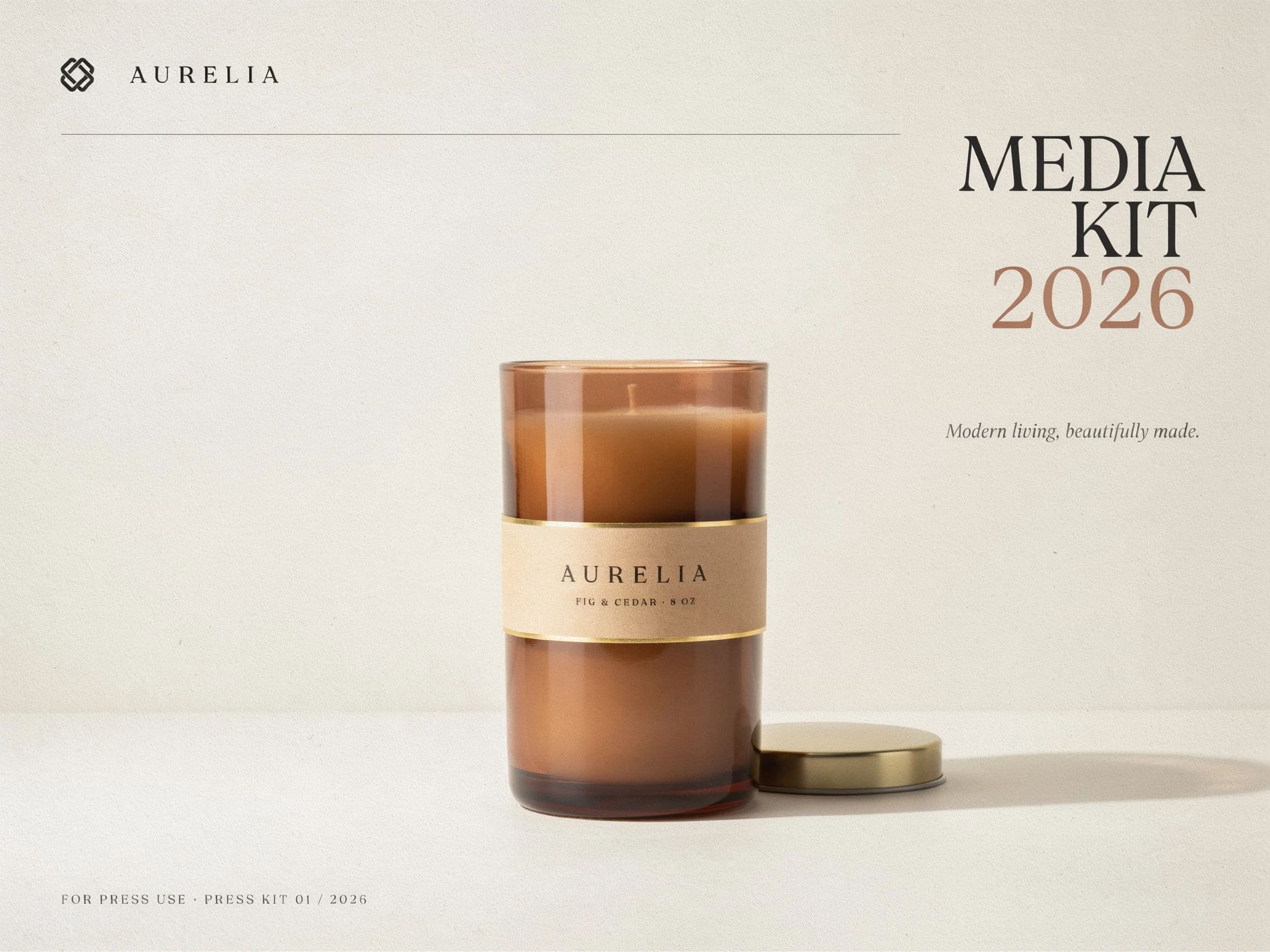
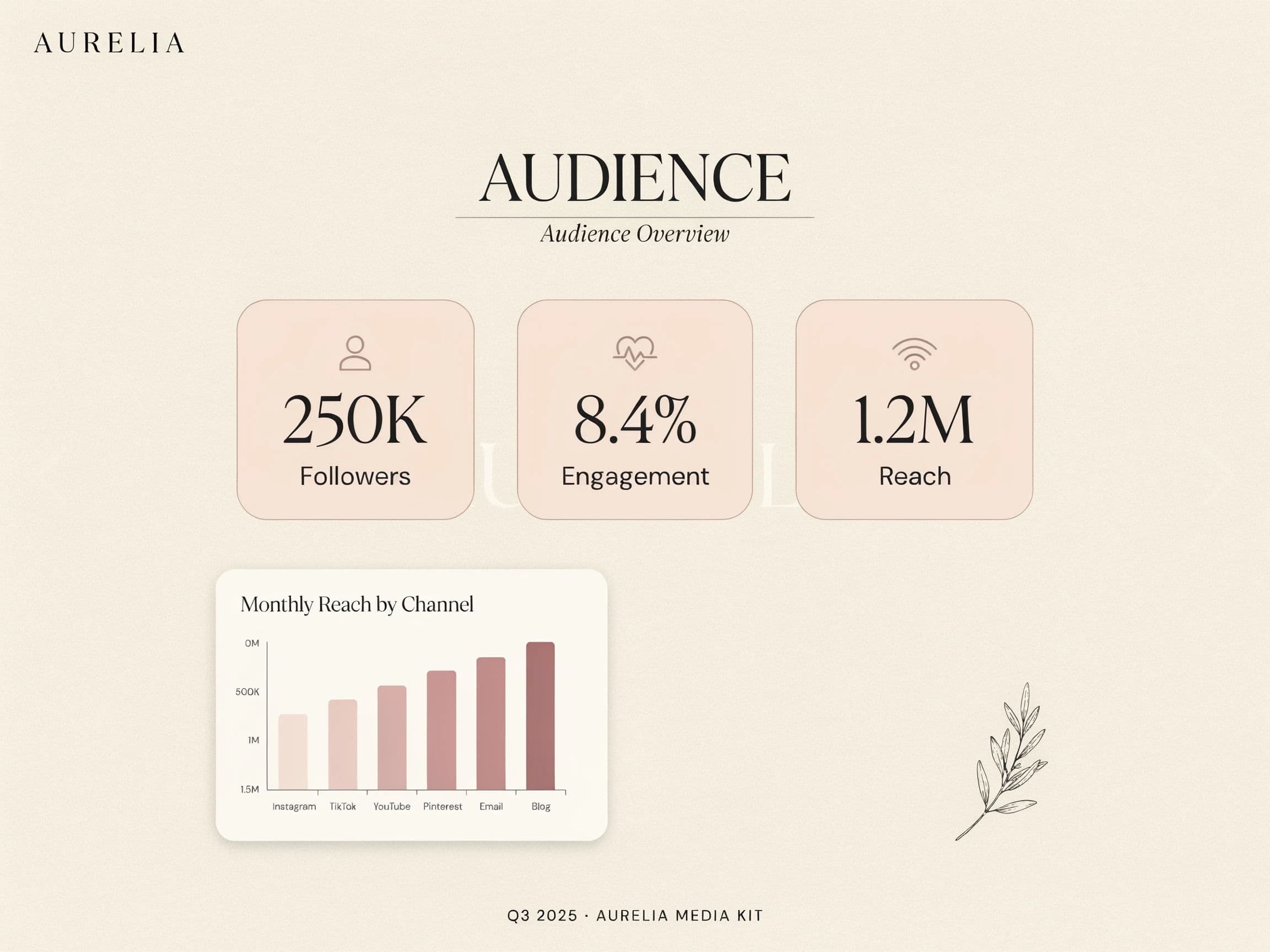
Two pages from the same media kit.
What makes a great media kit
| Quality | What it means | Why it matters |
|---|---|---|
| Clear structure | Expected sections, no filler | Readers find what they need fast |
| Strong cover | A distinctive opening visual | The first impression sets the tone |
| Visual consistency | Every image shares one look | The kit reads as designed, not assembled |
| Right sizing | Each visual fits its slot | Nothing crops or breaks the layout |
Morphic vs hiring a designer
| Morphic | Freelance designer | |
|---|---|---|
| Cost | One browser tool | Design fees for the full kit |
| Time | Visuals in a browser session | Days of briefing and revisions |
| Skill needed | Write a clear prompt | Design direction and layout skill |
| Updates | Regenerate a visual anytime | A new round for every change |
FAQs
The sections your audience expects, usually an intro, an offering or stats page, and supporting visuals. Keep it focused, since a tight kit reads better than one padded with filler.
Keep every visual on one system. Reuse the same descriptive language for palette and mood across prompts and refine any image that drifts, so the kit reads as designed rather than assembled.
Yes. Describe your brand's tone and palette in each prompt so the cover and section images feel like part of your identity rather than generic stock.
Adapt each visual to the ratio its slot needs, whether a cover, a full-width feature, or an inline image, so nothing crops, then export each in HD.
Because you generate from a description, you can regenerate any visual when your offering or stats change, without commissioning a fresh design round.
Yes. Visuals you create with Morphic are yours to include in a media kit you send to press, partners, and sponsors.