What is a medical infographic?
A medical infographic is a visual panel that presents health or clinic information in a form people can scan in seconds. It pairs a short headline with simple icons, section labels, and a clear reading order so one sheet carries one message. Clinics, hospitals, and health communication teams use them for waiting-room boards, printed handouts, and social posts.
With Morphic you make an infographic from a text prompt in your browser. Describe the headline, the sections, the icon style, and your clinic colors, then adjust and download in HD. You get a clean, on-brand panel without opening design software, and you can send it for review before it is published.
Settle on one message
Decide the single idea the panel should carry and who it is for, such as patients in a waiting room or staff on a noticeboard. One clear message per graphic reads far better than a sheet trying to cover everything.
Write the exact wording
Write the headline and the short section labels you want rendered, and keep each line to a few plain words. Have the wording drafted and checked before you generate so the layout is built around final copy.
Describe the layout and icons
Open Morphic and describe the panel: a headline at the top, three or four labelled sections with simple flat icons, and space for your clinic logo. Specify the aspect ratio you need, such as a portrait for print or a square for feeds.
Apply your clinic look
Ask for your brand colors and a calm, uncluttered style with high contrast between the type and the background. Generate two layouts so you can compare which one guides the eye through the sections better.
Have it reviewed, then export
Ask a qualified healthcare professional to check every word for accuracy before the graphic goes anywhere near patients. Once the wording is signed off, preview at final size, confirm the labels stay sharp, and download in HD.
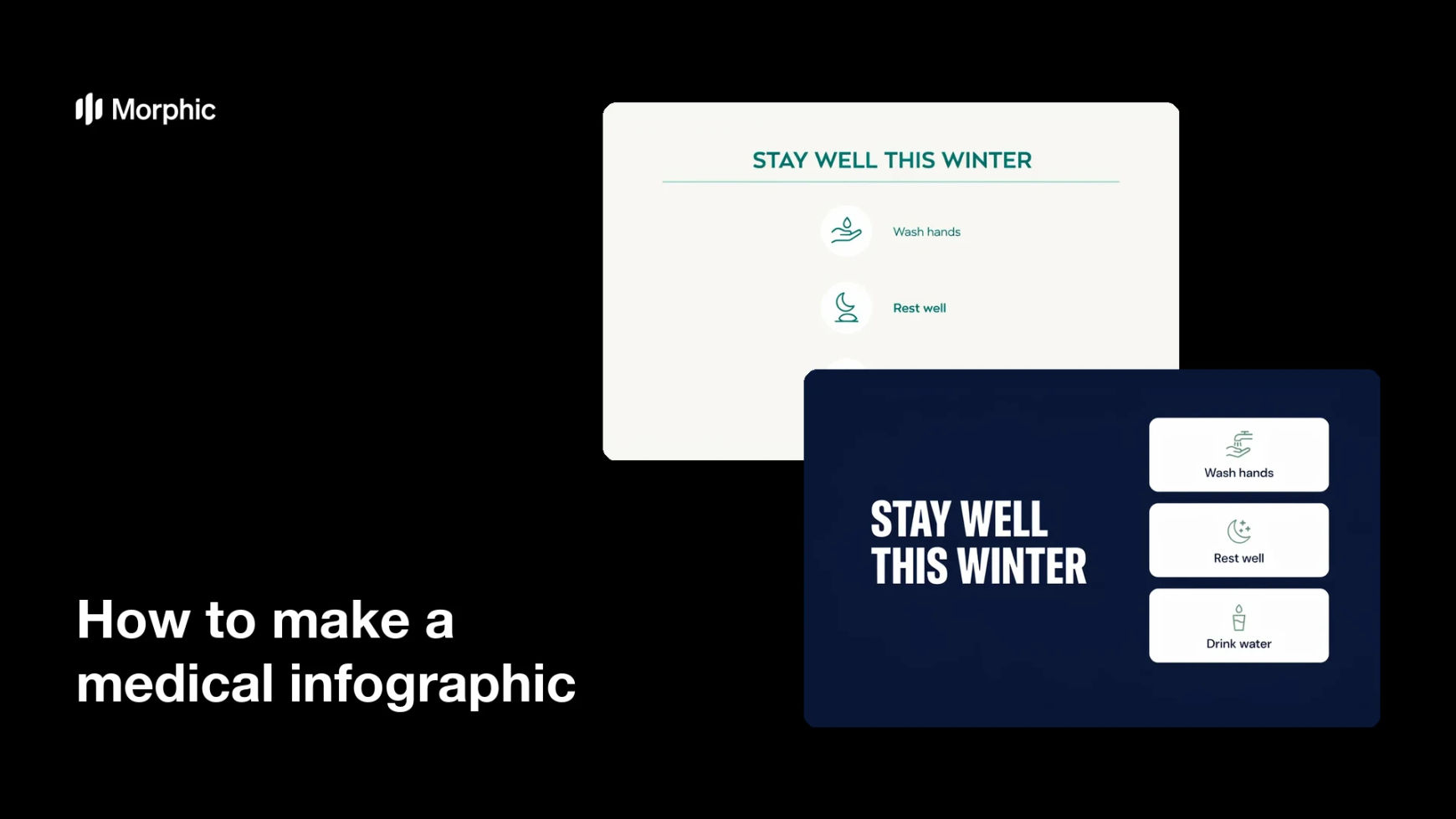
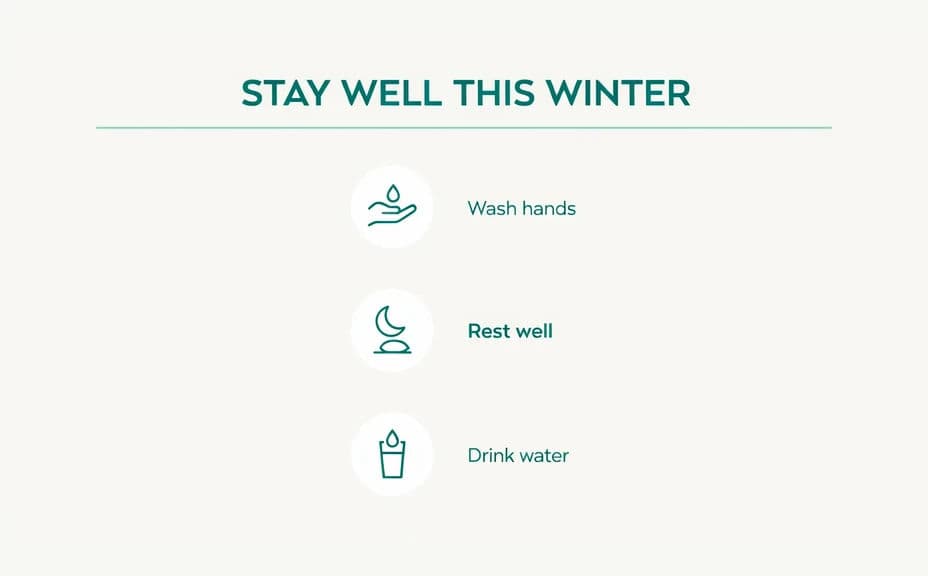
Two layout options for the same infographic, each carrying the same headline and section labels.

What makes a good medical infographic
| Quality | What it means | Why it matters |
|---|---|---|
| One clear message | The panel covers a single idea | Readers take away the point in seconds |
| Plain language | Short everyday words, no jargon | More people understand it without help |
| Legible type | Strong contrast and generous size | It still reads from across a room |
| Reviewed wording | A qualified professional has checked it | Published information stays accurate |
Morphic vs the traditional way
| Morphic | A designer or medical illustrator | |
|---|---|---|
| Cost | Available on Morphic | Per-project design fee |
| Time | A finished panel in minutes | Days of briefing and revision |
| Skill needed | Describe it in plain language | Layout, icon, and typography skills |
| Consistency | Regenerate panels on brand | Manual rework for every new topic |
FAQs
Yes. Write the exact headline and section labels in your prompt and the panel renders around them. You can regenerate with new wording any time.
No. Morphic renders the wording you supply, so a qualified healthcare professional should review the content for accuracy before you publish it.
Yes. Describe your brand colors, icon style, and font feel, and the panel renders to match. Keep contrast high so every label stays readable.
Any placement you need. Specify the aspect ratio, such as a portrait for a printed handout or a square for social feeds, and the layout adapts.
Yes. Generate two or more layouts with different arrangements so you can pick the one that guides the eye through the sections best.
Yes. Graphics you generate with Morphic are cleared for commercial use across your clinic communications.