What is a model portfolio composite?
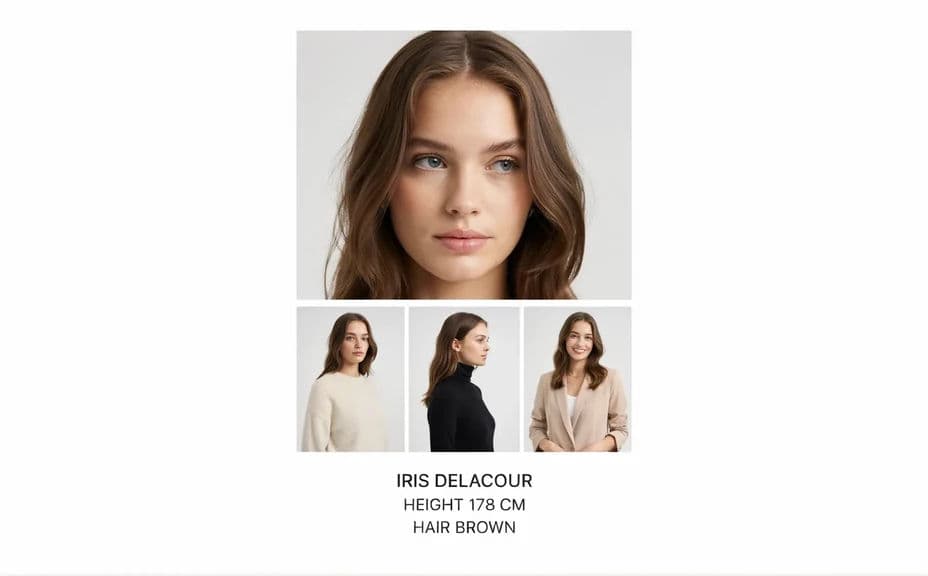
A model portfolio composite, often called a comp card, is a single card that carries a lead headshot, a few supporting looks, and the model's name and stats. It is what a casting director scans in seconds to decide whether someone fits a brief. Agencies, freelance models, and casting teams use them because a portfolio is too slow to read at a casting table.
With Morphic you lay out the composite from a text prompt in your browser. Describe the grid, which look goes where, and the type treatment for the name and stats, then adjust until the card reads cleanly. Download in HD for print or digital submission, cleared for commercial use.
Choose the lead image
Open Morphic and set the headshot that leads the card, usually a clean, direct portrait with even light. This is the image a casting director looks at first, so give it the most space.
Pick the supporting looks
Ask for three or four supporting frames that show range, such as a full-length, a profile, and an editorial look. Variety matters more than volume on a comp card.
Set the layout
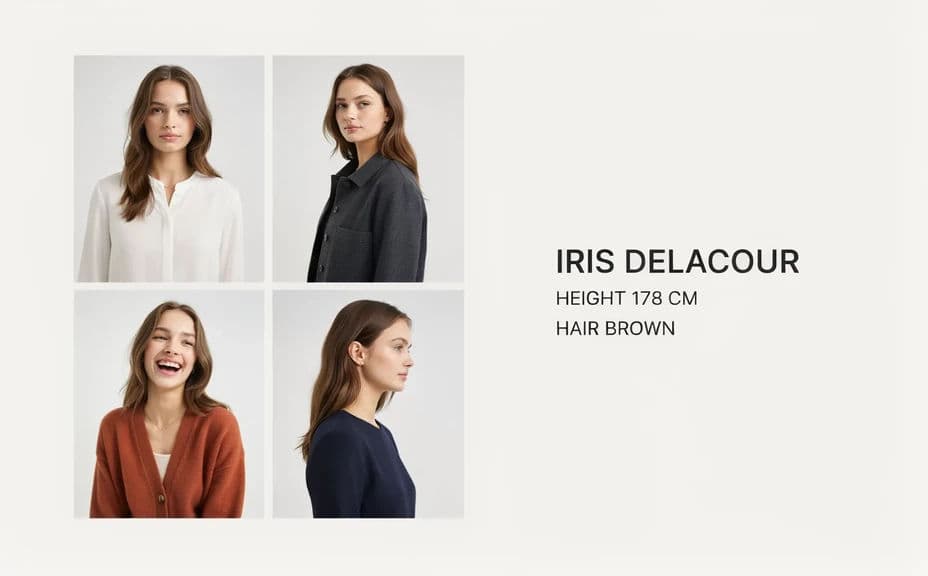
Describe the grid you want, whether that is a large lead image with a strip beneath or an even four-panel arrangement. Ask for consistent gutters so the card looks deliberate.
Add the name and stats
Ask for the model's name and a short stats line, such as height, bust, waist, hips, and shoe. Keep the type small and clean so it supports the images rather than crowding them.
Export and submit
Check the name and stats are correct and every image is sharp at full size. Download in HD, then send the card for castings or print it at standard comp card size.
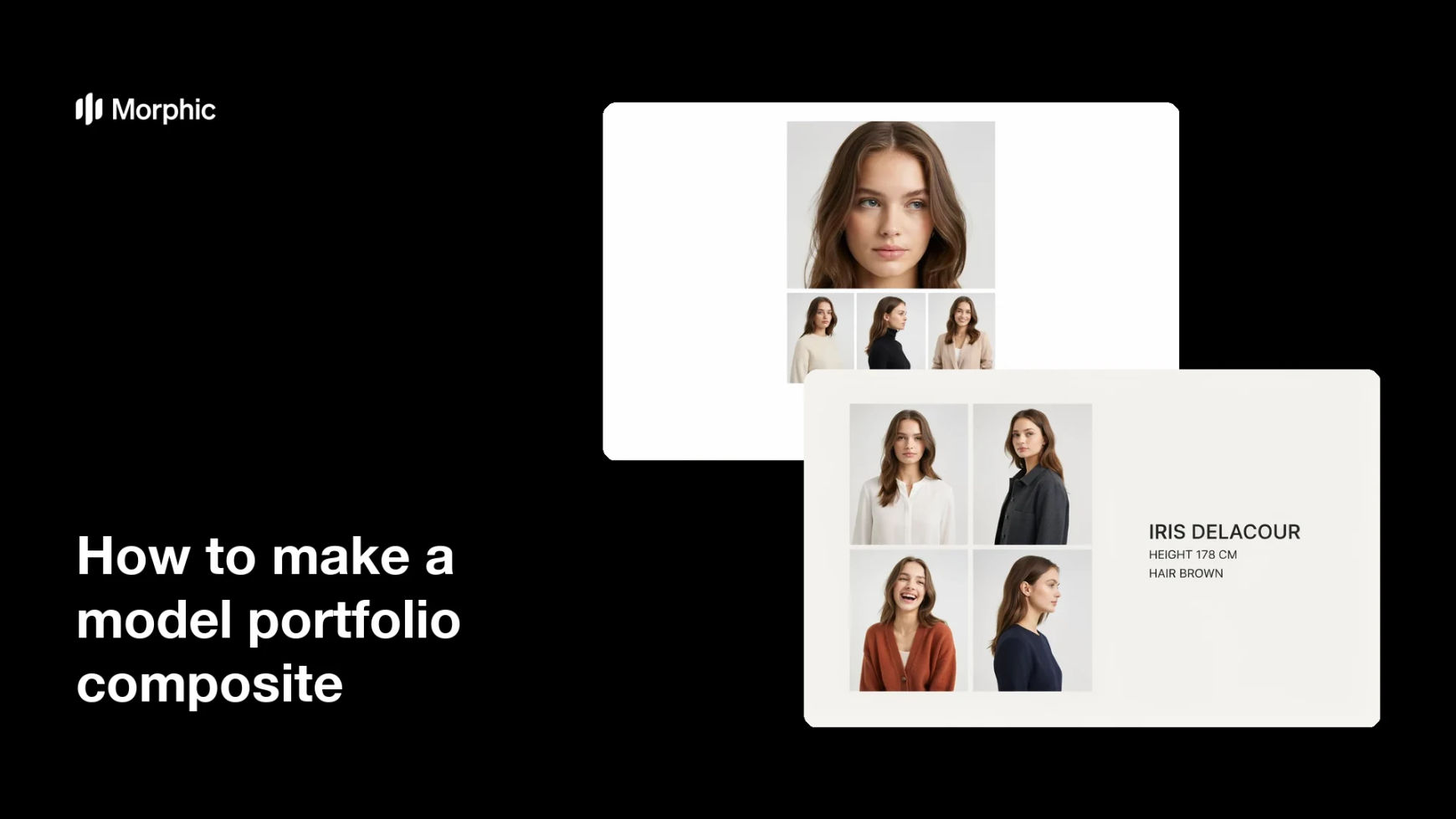
Two layout options for the same comp card, so you can choose the one that presents the range best.
What makes a good model portfolio composite
| Quality | What it means | Why it matters |
|---|---|---|
| Strong lead image | One clean portrait carries the card | Casting decisions start with the headshot |
| Visible range | Supporting looks differ in mood and framing | Shows what the model can be cast as |
| Readable stats | Name and measurements are small but clear | Casting teams check fit immediately |
| Even grid | Consistent gutters and aligned panels | The card looks professionally put together |
Morphic vs the traditional way
| Morphic | A designer and a print studio | |
|---|---|---|
| Cost | Available on Morphic | Design fees plus print setup |
| Time | A finished comp card in minutes | Days of layout rounds and proofs |
| Skill needed | Describe it in plain language | Layout and typesetting skills |
| Consistency | Reuse the same layout for every model | Rebuild the file for each card |
FAQs
A lead headshot plus three or four supporting looks is standard. More than that shrinks each frame until nothing reads at card size.
Name, height, bust, waist, hips, shoe, and hair and eye colour cover most briefs. Keep it to one tight line or a short stacked block.
Yes. Ask for a front with the lead headshot and name, and a back with the supporting looks and full stats, using the same type treatment on both.
Ask for the standard comp card proportions and download in HD. Leave margin around the name and stats so nothing sits too close to the trim.
Yes. Reuse the same layout wording for every model, so the whole board looks like one consistent set of cards.
Yes. Cards you create with Morphic are cleared for commercial use for castings, agency boards, and print submissions.