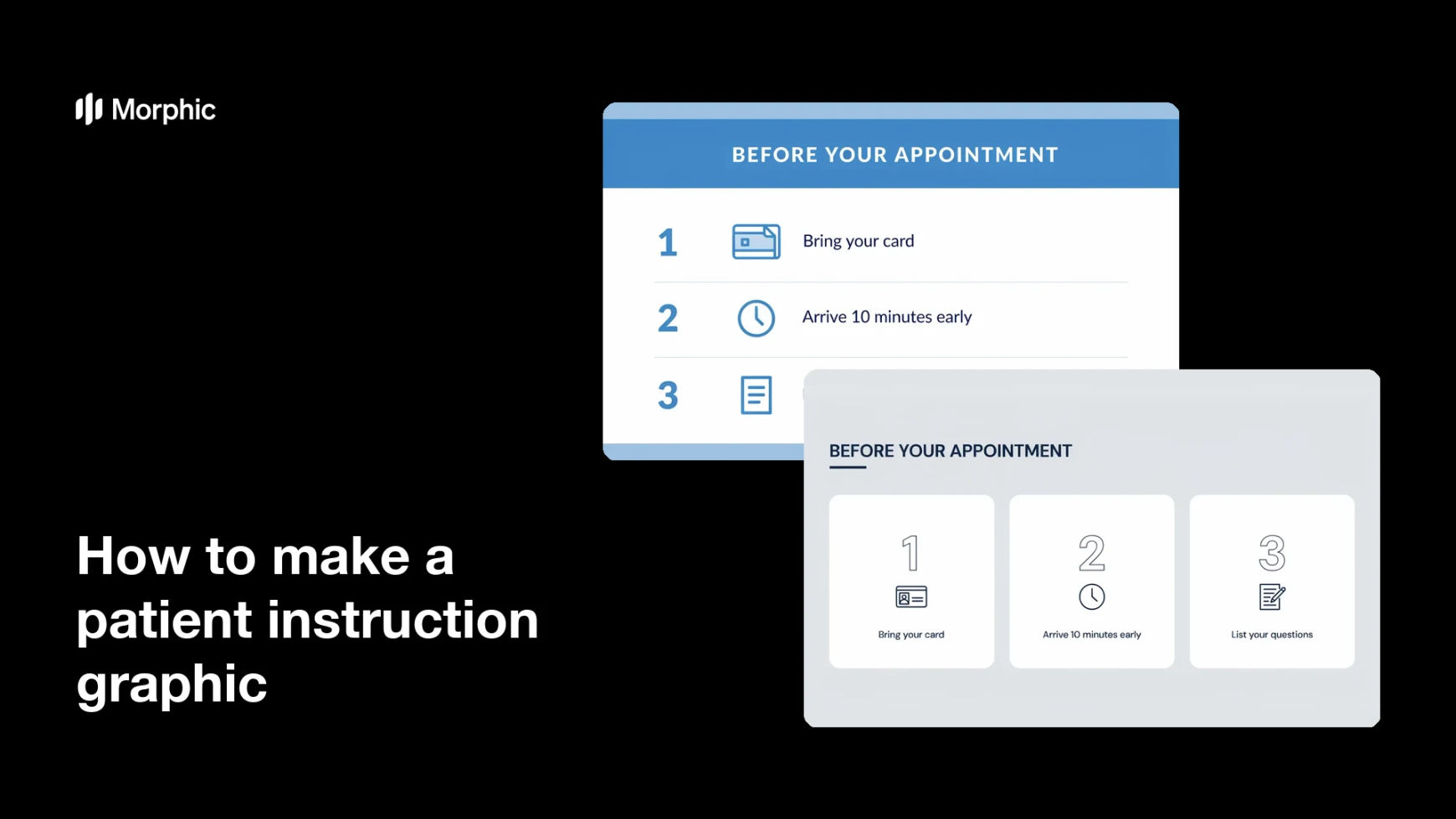
What is a patient instruction graphic?
A patient instruction graphic is a single sheet that sets out what someone should do, laid out as short numbered steps with simple icons. It is written in plain language so it can be followed at home without a clinician standing beside the reader. Clinics and hospitals hand them out at reception, pin them in treatment rooms, and attach them to appointment emails.
With Morphic you make that sheet from a text prompt in your browser. Describe the heading, the numbered steps, the icon style, and your clinic colors, then adjust and download in HD. You get a clean, on-brand sheet without opening design software, and you can send it for review before it reaches a patient.
Write the steps first
Draft the heading and the numbered steps in short, plain sentences before you open the tool. Wording written by your clinical team is the part that matters most, and the layout should be built around it.
Have a professional check the wording
Ask a qualified healthcare professional to review every line for accuracy and completeness before anything is designed. This review is what makes the sheet safe to hand to a patient.
Describe the layout
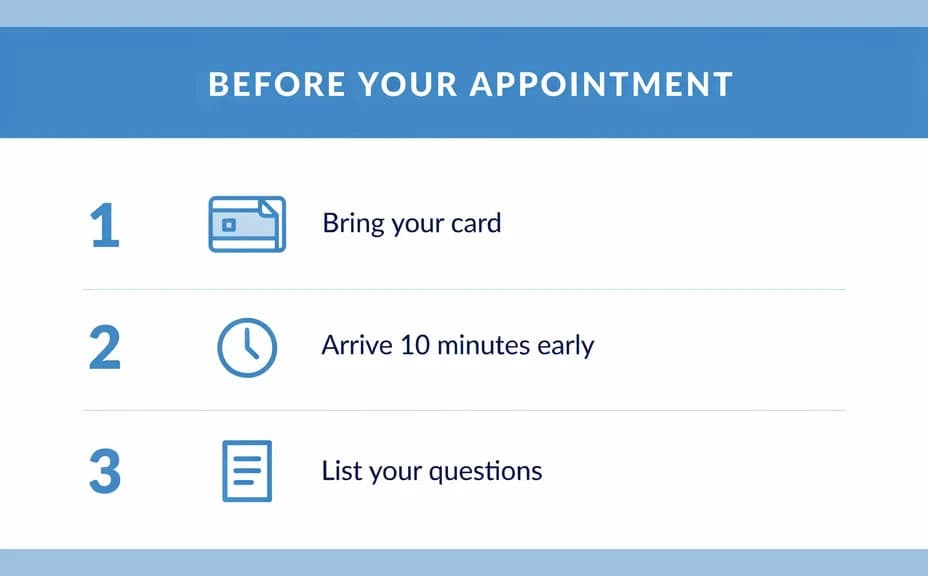
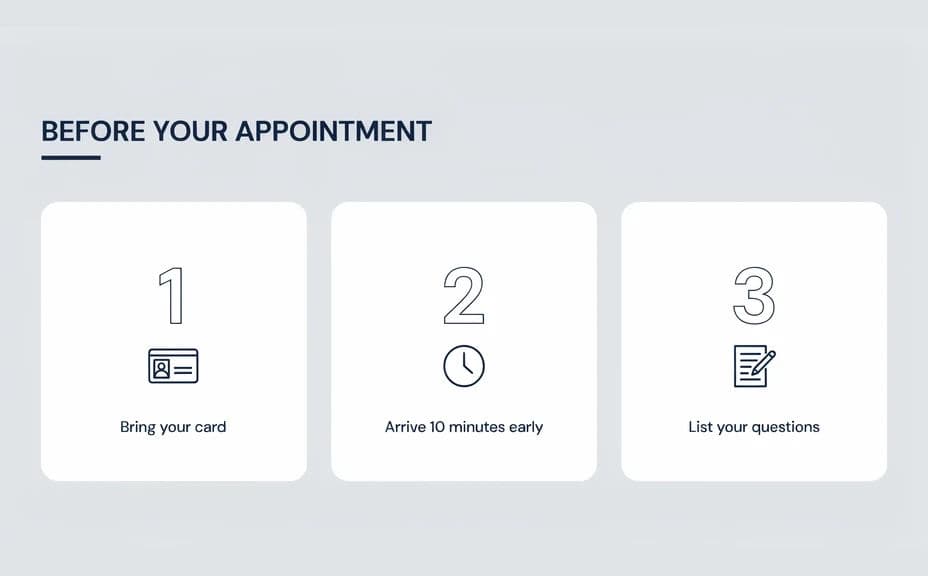
Open Morphic and describe the sheet: a heading at the top, four or five numbered steps down the page with a simple flat icon beside each, and space for your clinic logo. Specify the aspect ratio you need, such as a portrait for print or a square for a message attachment.
Style it for legibility
Ask for your brand colors, large type, and strong contrast so the steps read easily for every age group. Generate two layouts so you can compare which one leads the reader through the sequence more clearly.
Proof it and export
Read the rendered text against your approved wording line by line, since the sheet reflects only the copy you supplied. Confirm the numbers run in order, then download in HD and print or send it.
Two layout options for the same instruction sheet, each carrying the same heading and numbered steps.
What makes a good patient instruction graphic
| Quality | What it means | Why it matters |
|---|---|---|
| Plain language | Short everyday words, no jargon | More people can follow it unaided |
| Obvious order | Steps numbered and read top to bottom | Nothing gets done out of sequence |
| Large legible type | Generous size and strong contrast | It works for every age and eyesight |
| Reviewed wording | A qualified professional has checked it | Patients receive accurate guidance |
Morphic vs the traditional way
| Morphic | Design software or a designer | |
|---|---|---|
| Cost | Available on Morphic | Software subscription or design fee |
| Time | A finished sheet in minutes | Days of briefing and revision |
| Skill needed | Describe it in plain language | Layout and icon design skills |
| Consistency | Regenerate every sheet on brand | Manual rework for each new sheet |
FAQs
Yes. Supply the exact heading and step text in your prompt and the sheet renders around it. Regenerate whenever your approved wording changes.
No. Morphic lays out the wording you provide, so a qualified healthcare professional should write and review the content before it is given to any patient.
Yes. Describe your brand colors, icon style, and font feel, and the sheet renders to match. Keep type large and contrast high so every step stays readable.
Any placement you need. Specify the aspect ratio, such as a portrait for a printed handout or a square for an email attachment, and the layout adapts.
Yes. Supply the translated wording, checked by a qualified professional, and generate a matching sheet so both versions share the same look.
Yes. Graphics you generate with Morphic are cleared for commercial use across your clinic communications.