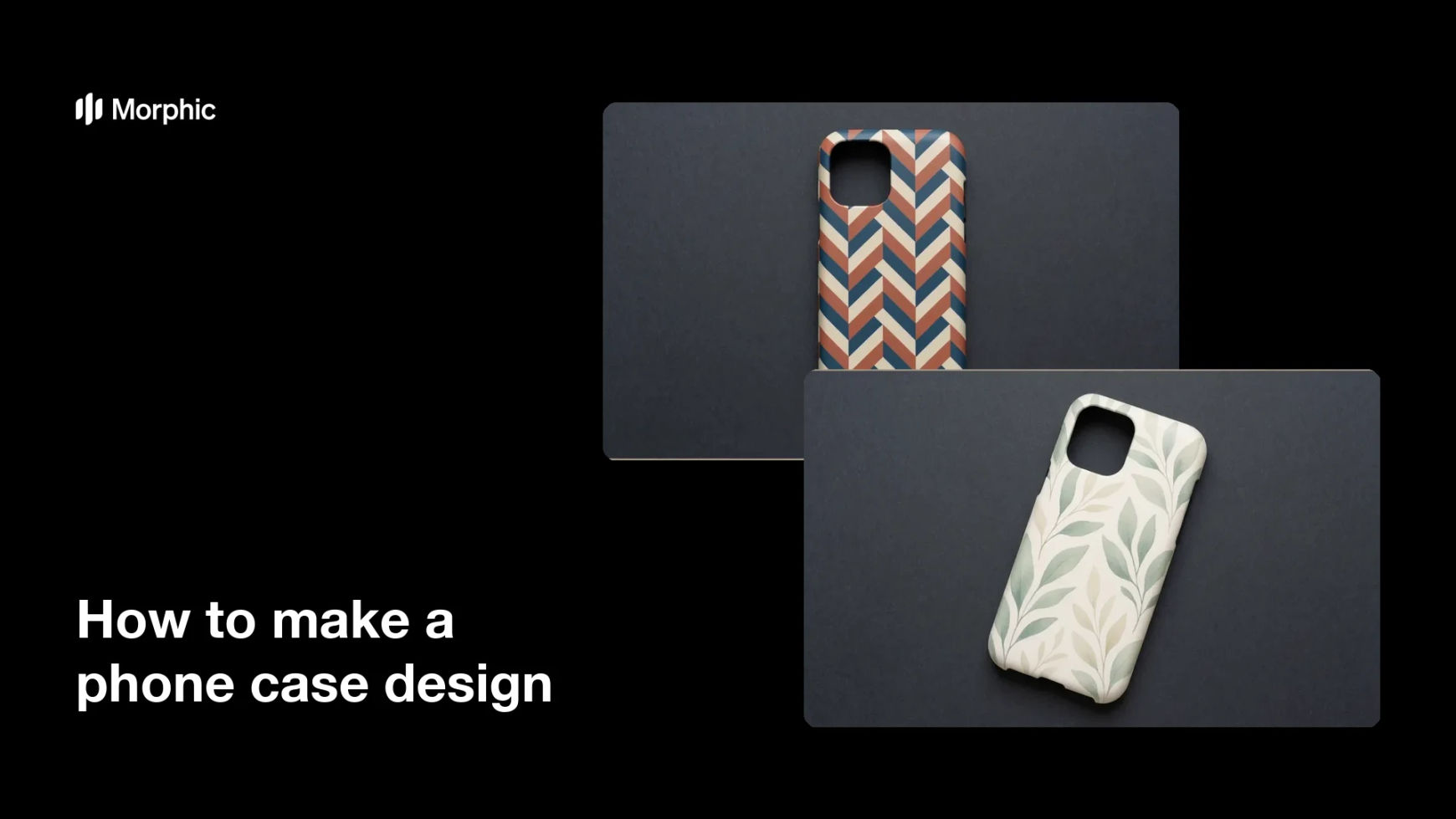
What is a phone case design?
A phone case design is the printed artwork that wraps the back of a phone case, built around the case shape and the camera cutout. Print-on-demand sellers, small accessory brands, and creators use it to turn one pattern into a product they can list and ship. It matters because the case back is a small canvas with hard constraints, so artwork that ignores the cutout or the edges prints badly.
With Morphic you make this artwork from a text prompt in your browser. Describe the pattern, the colour palette, and the space you need to keep clear around the camera, then adjust and download in HD. You get an original design you can drop into a print template without opening illustration software.
Set the case and print specs
Note the case model, the artwork dimensions your printer asks for, and where the camera cutout sits. Add a few millimetres of bleed to the edges so the print wraps cleanly without a white line.
Describe the artwork
Open Morphic and describe the design you want, such as a repeating botanical pattern, a bold geometric block, or a soft gradient with grain. Say which corner or area must stay simple so the camera cutout does not sit on a busy detail.
Set the palette and mood
Ask for a specific colour palette and finish, such as matte pastels, high-contrast monochrome, or warm sunset tones. Keep the number of colours small so the pattern still reads at the real size of a case back.
Generate design options
Produce a few different treatments so you can compare a busy pattern against a calmer one. Seeing them side by side quickly shows which design survives being shrunk to case size.
Check the edges and export
Preview the artwork at actual size and confirm nothing important falls under the cutout or gets trimmed at the edges. Download in HD, then place it into your print template and order a sample.
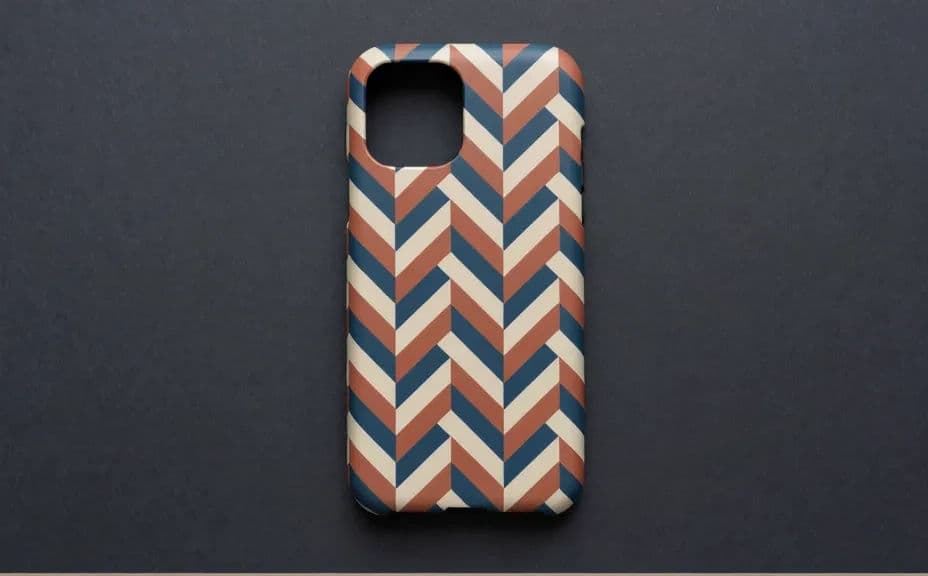
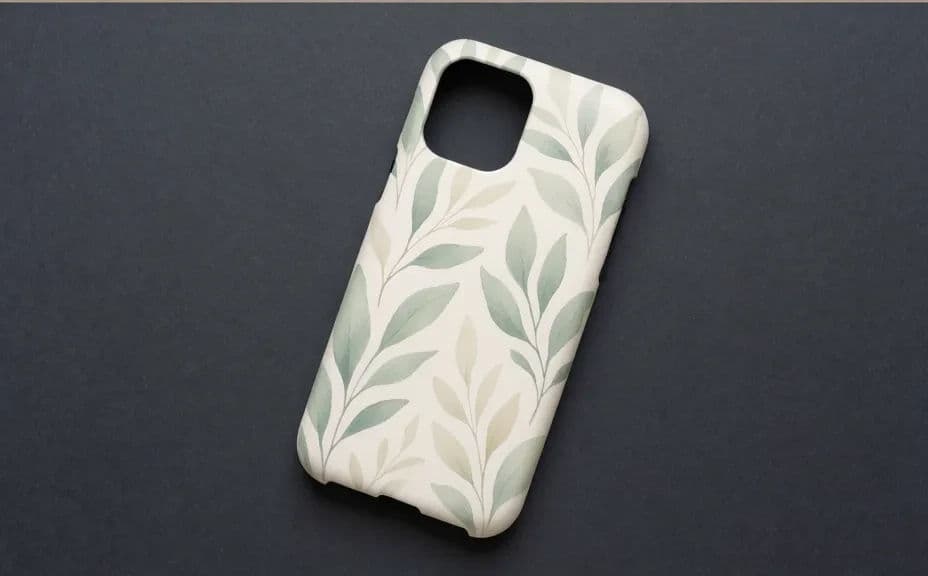
Two design options for the same phone case, each with its own pattern treatment.
What makes a good phone case design
| Quality | What it means | Why it matters |
|---|---|---|
| Cutout-aware layout | Detail avoids the camera area | The design is not cut in half by the lens hole |
| Edge bleed | Artwork extends past the trim line | The print wraps the case with no white edge |
| Readable at small size | The pattern works on a small back panel | It still looks intentional in the hand |
| High resolution | Enough detail for a sharp print | Lines and texture stay clean, not soft |
Morphic vs the traditional way
| Morphic | Illustration software or a designer | |
|---|---|---|
| Cost | Available on Morphic | Software subscription or design fee |
| Time | Finished artwork in minutes | Hours of drawing and revision |
| Skill needed | Describe it in plain language | Vector and pattern-making skills |
| Consistency | Regenerate variants in the same style | Manual rework for every colourway |
FAQs
Yes. Say in your prompt which area should stay plain, and the design keeps that region simple. Preview at actual size and regenerate if a detail still lands under the cutout.
Yes. Download in HD and place the artwork in your printer's template at the size they specify. Check the file against their minimum resolution before you submit an order.
Yes. Describe the same pattern with a different palette and generate each version, so a single design becomes a small product range.
Yes. Ask for a repeating or all-over pattern and specify the motif and spacing. Keep the motif scale generous so it does not turn to noise on a small case.
Add bleed by generating artwork slightly larger than the trim size, then position it in the template so the pattern runs past every edge.
Yes. Designs you generate with Morphic are original and cleared for commercial use, so you can list and sell the cases you print.